Banner sections
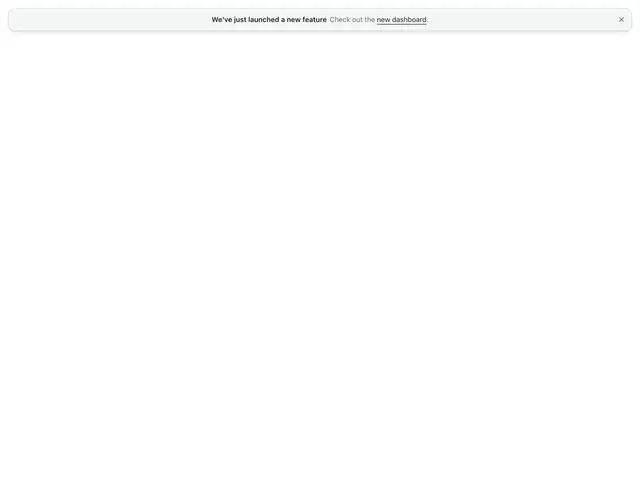
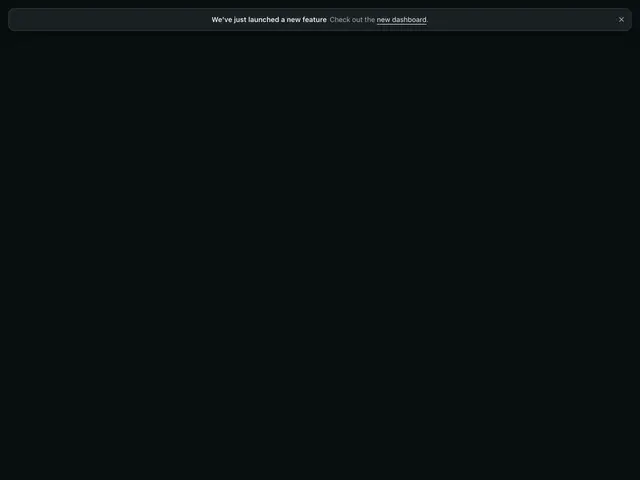
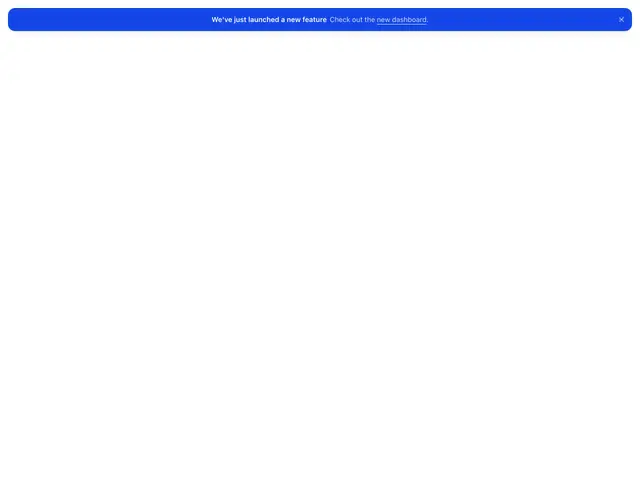
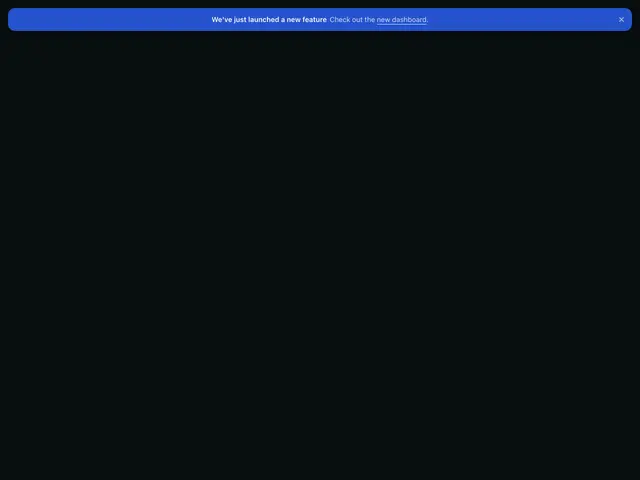
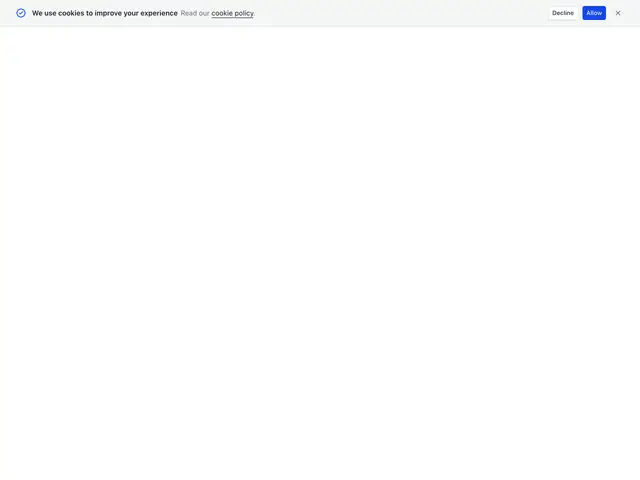
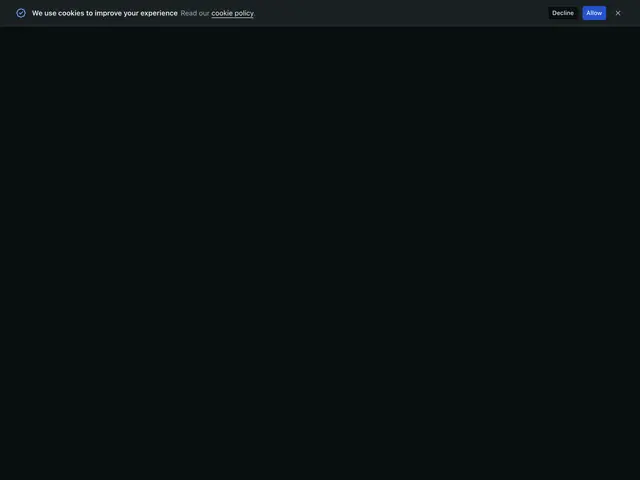
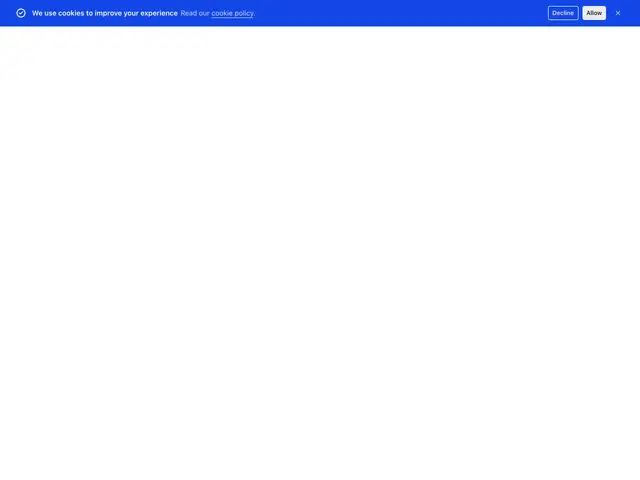
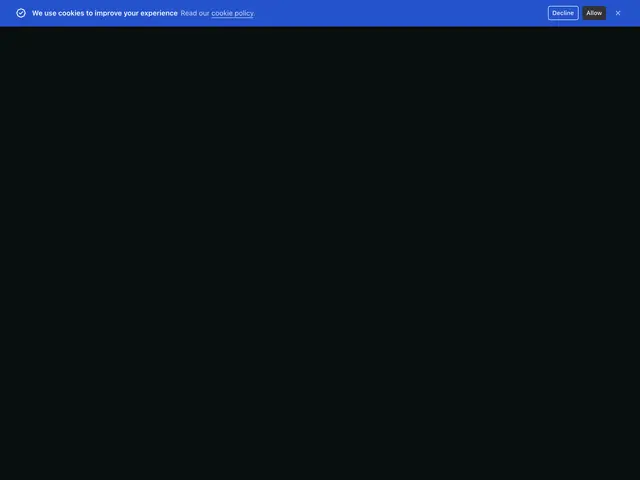
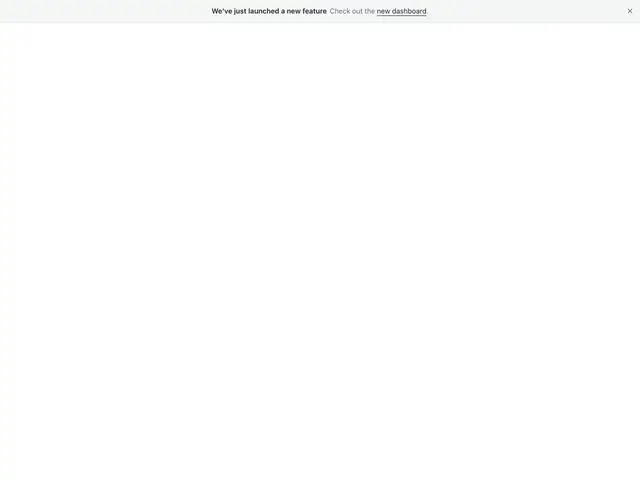
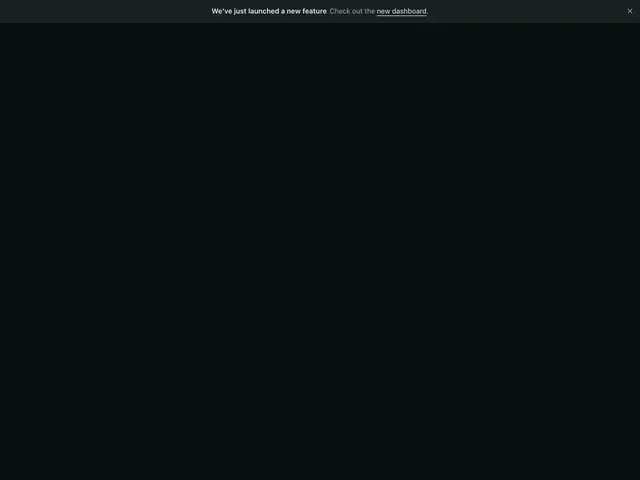
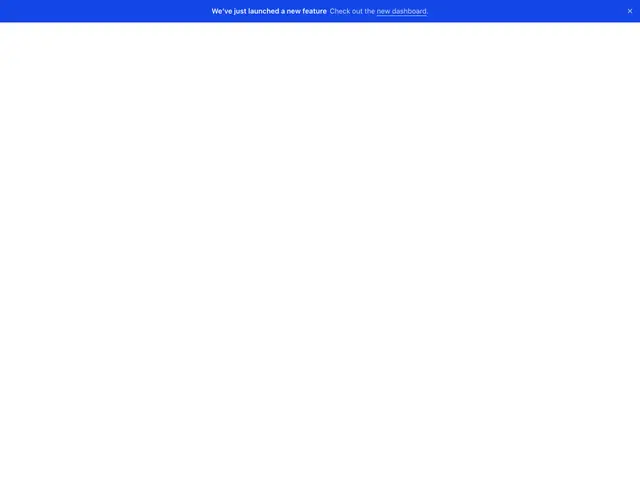
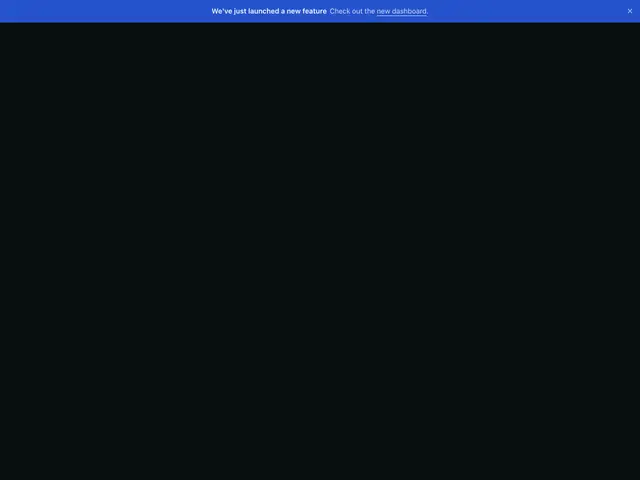
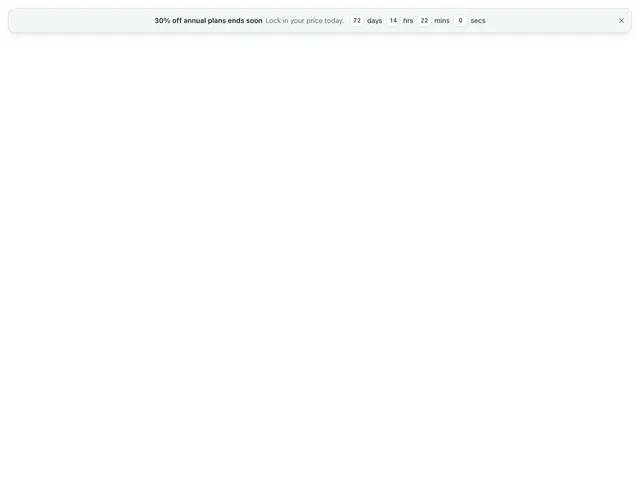
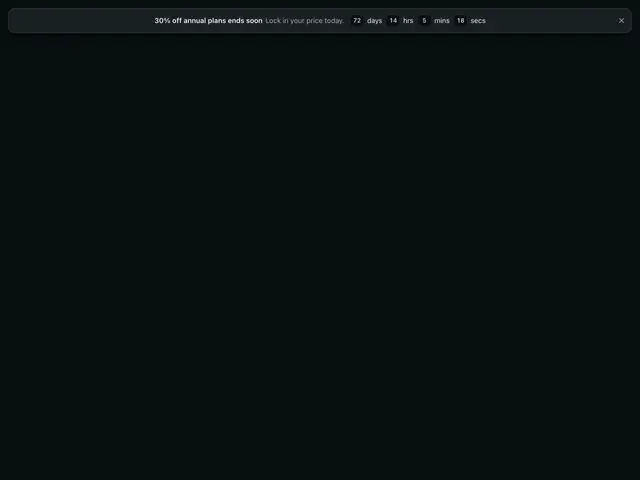
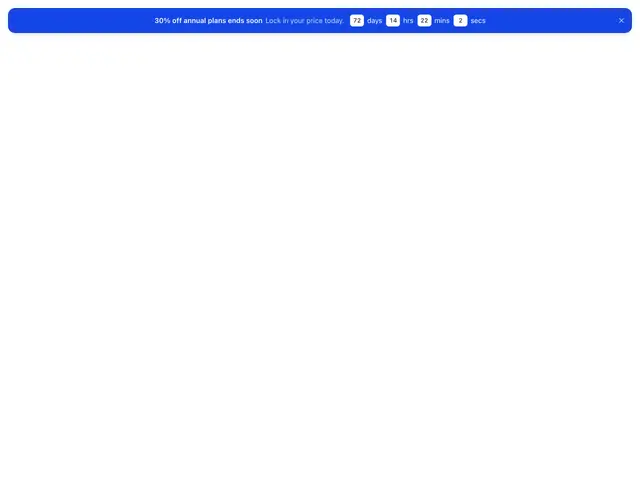
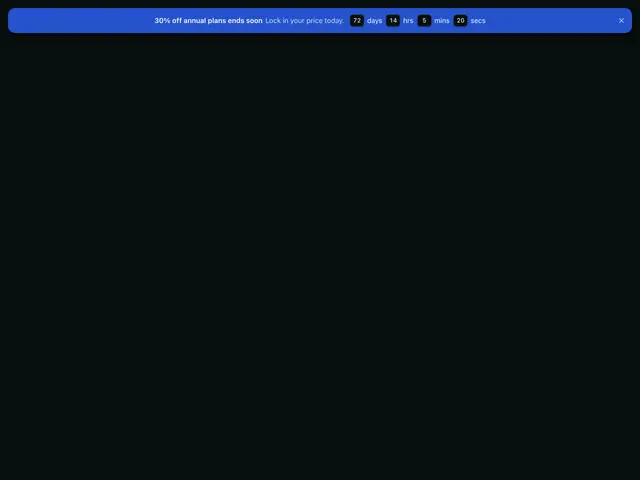
One-line announcements above or below the page, from a slim notice to an email signup, a cookie prompt and a countdown.
Last updated
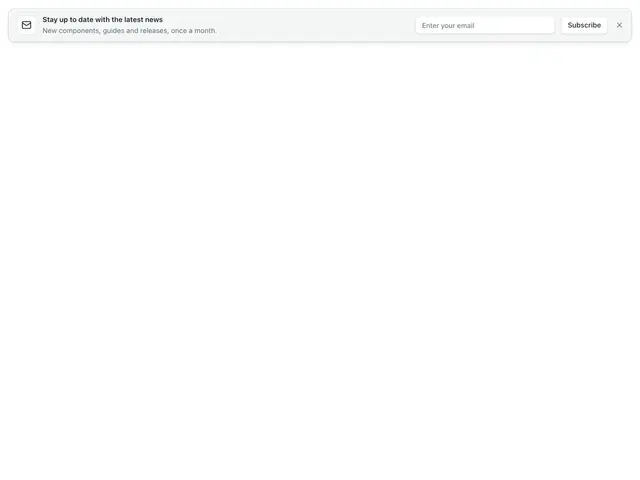
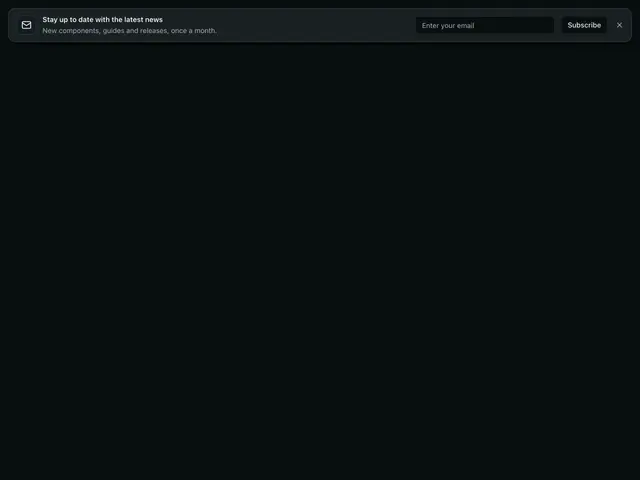
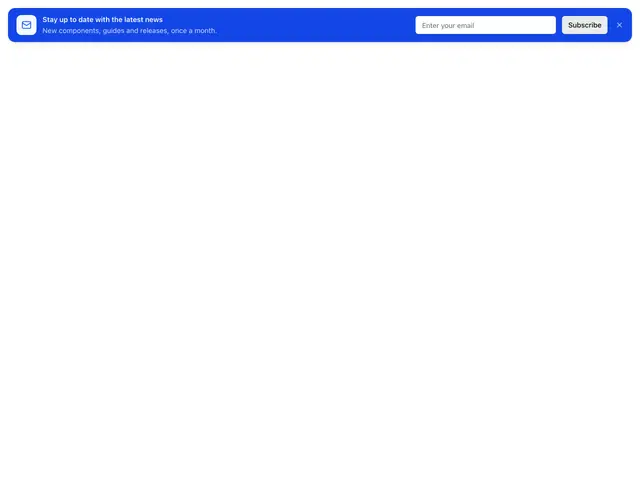
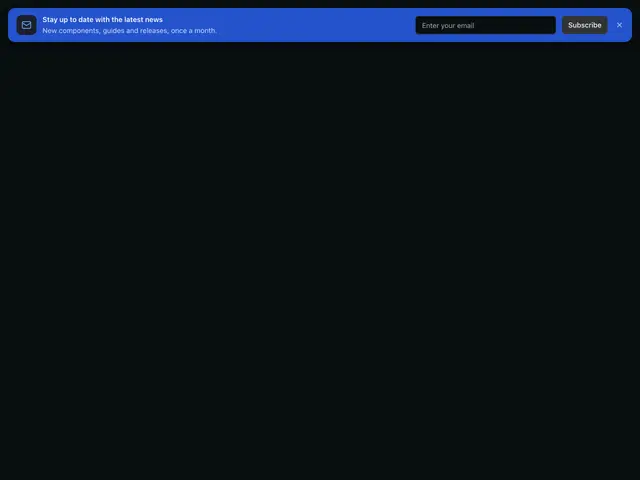
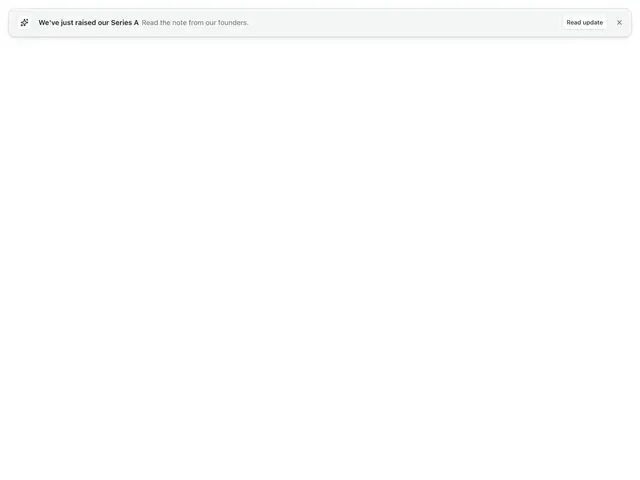
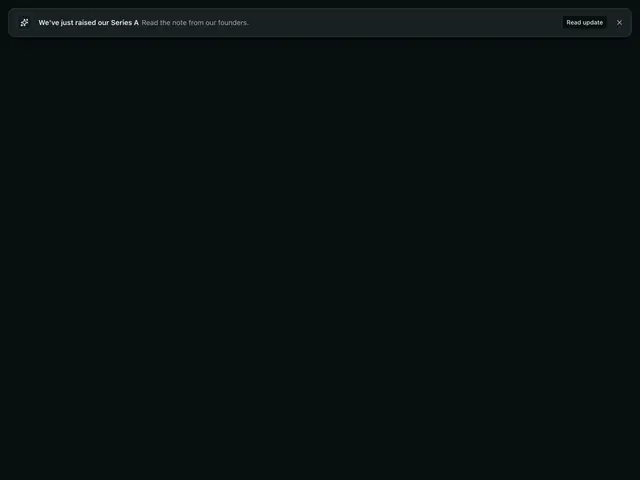
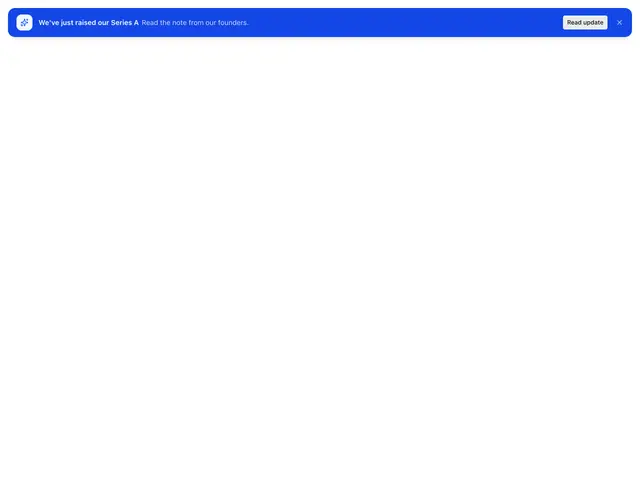
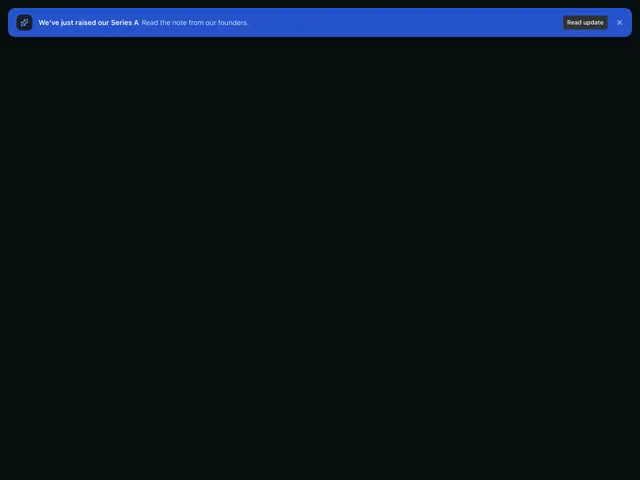
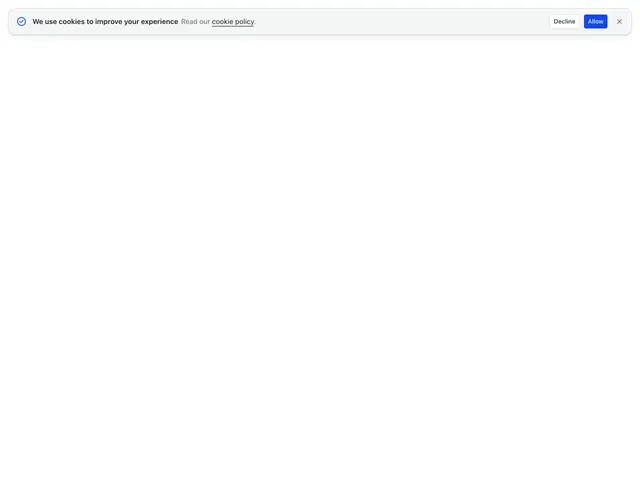
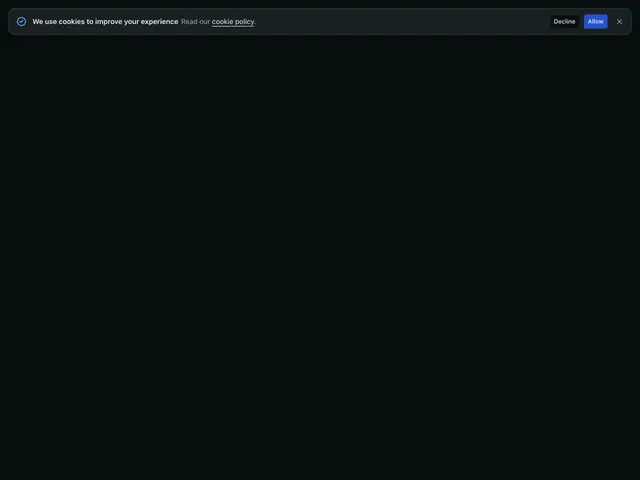
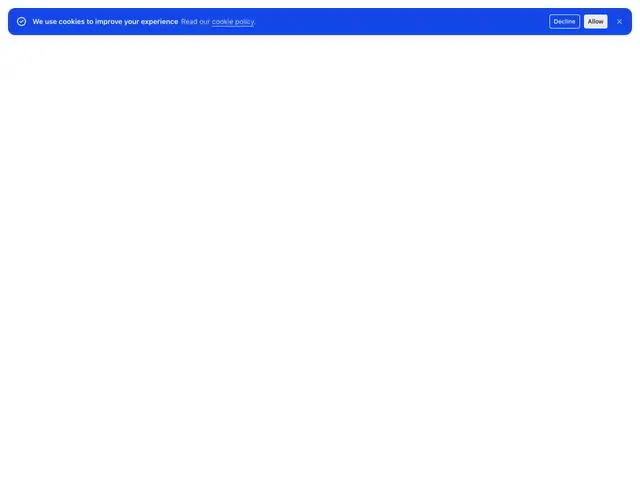
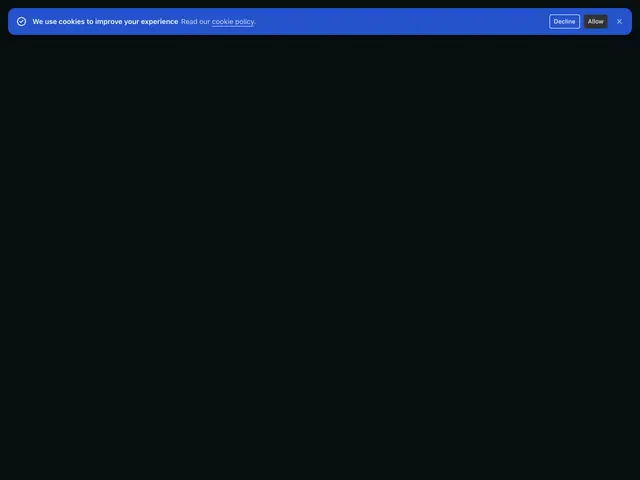
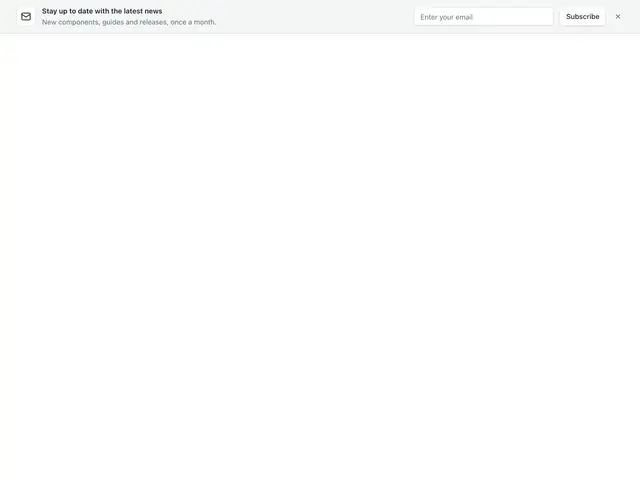
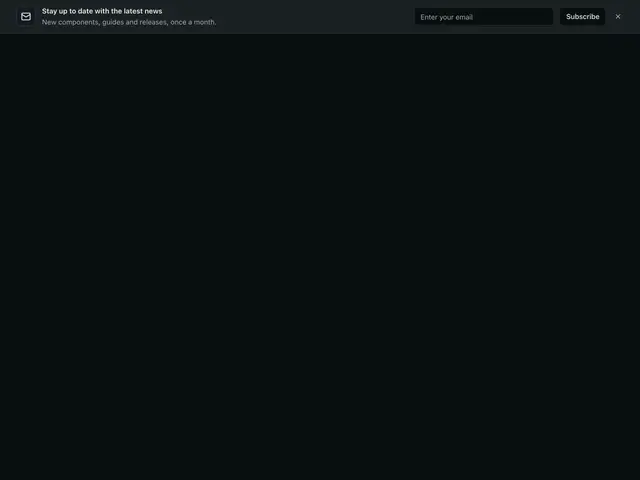
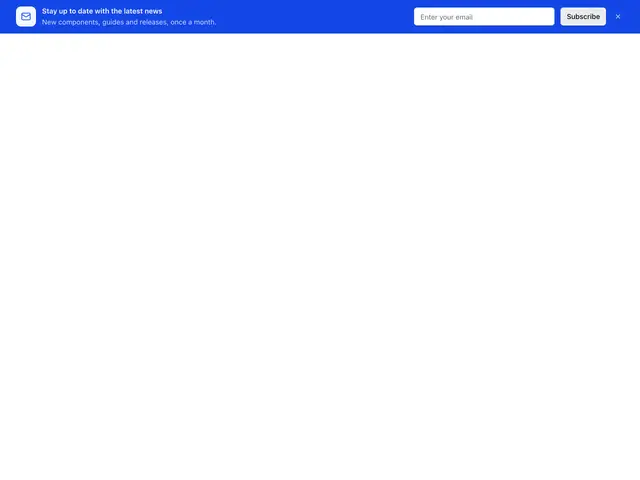
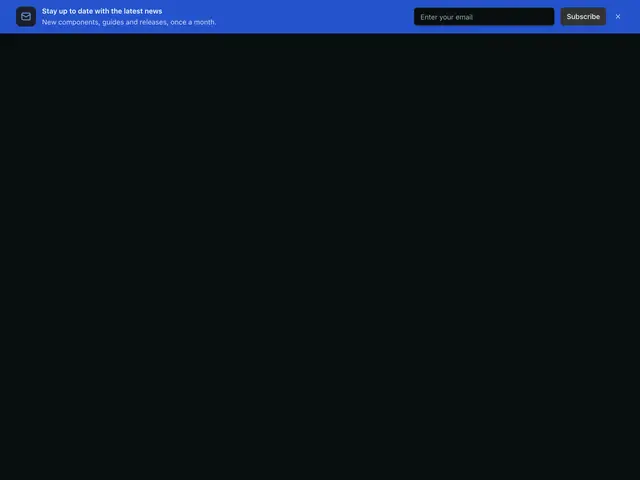
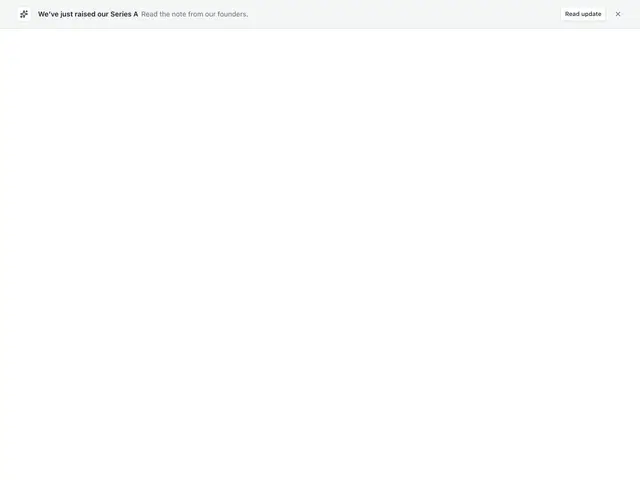
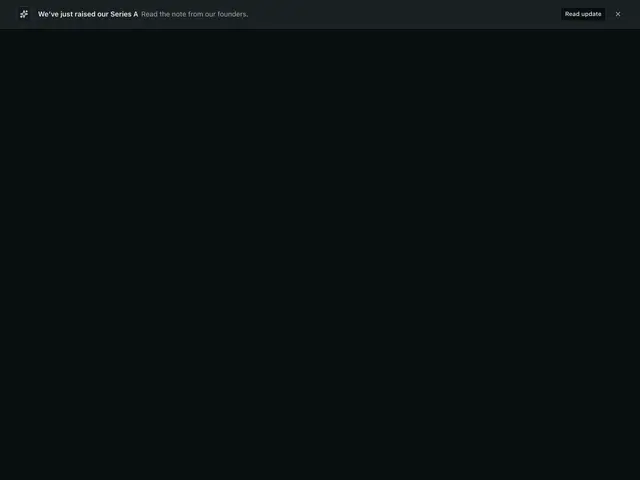
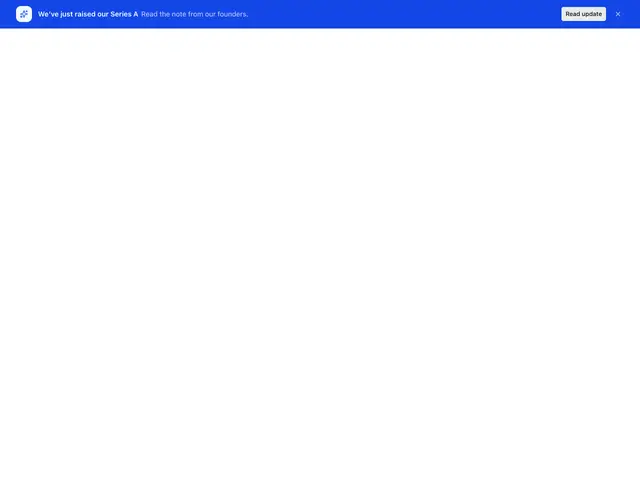
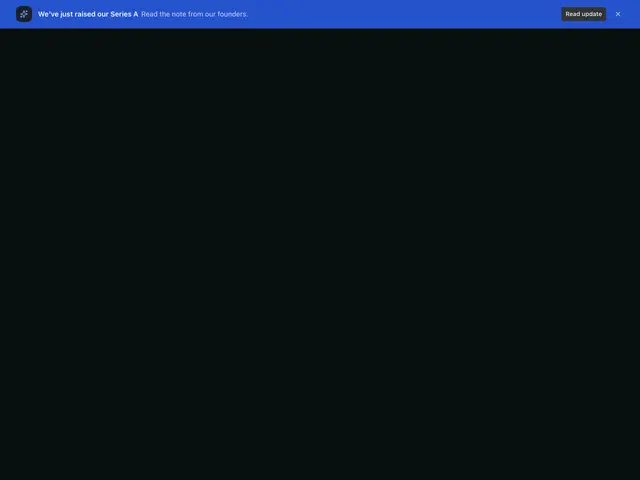
Each example is a block built on the Banner section: a floating card or a full-width bar, on a neutral fill or the brand colour, with an icon, actions or a Countdown. The close button removes the banner.
npx @ava-ui/apogee add banner/slim---
import Slim from '../components/apogee/blocks/banner/Slim.astro'
---
<Slim />Copy is props
Every block in this family takes the same content props (BannerContent in
sections/_shared/banner.ts), with its sample copy as the defaults. A block
ignores the props it has no place for, so you can swap one block for another and
keep the copy. The Banner section takes the same names for the props they share.
-
heading: The one-line message. Asterisks are dropped; banner blocks have no accent style. -
description: The quieter line. In blocks with a link, asterisks mark the linked words; other blocks drop them. -
linkHref: Where the starred words indescriptionlink to;nullleaves them as plain text. -
primaryAction: The one link button. -
submitLabel: The email form’s button. -
closeLabel: The close button’s accessible name. -
Pass
nullto hide an optional part, such asdescription={null}. -
Some blocks add props of their own; the top of each block’s file lists them.