Content sections
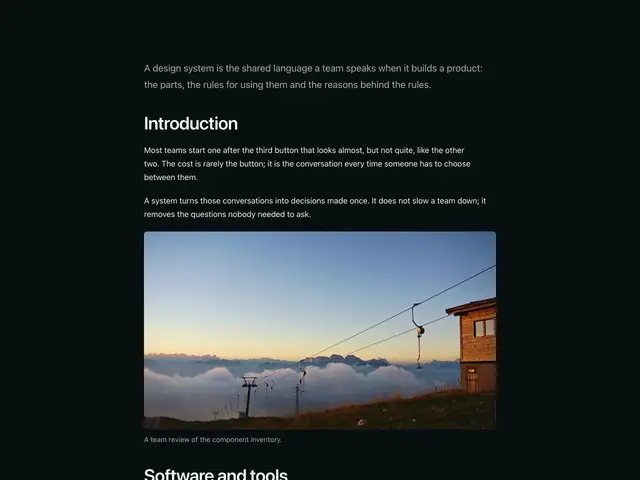
Article pages with headers, photos, contents and share links, and content sections with text, images and quotes.
Last updated
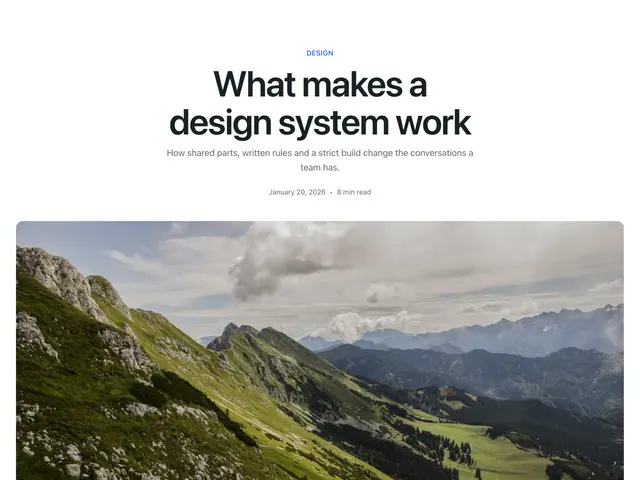
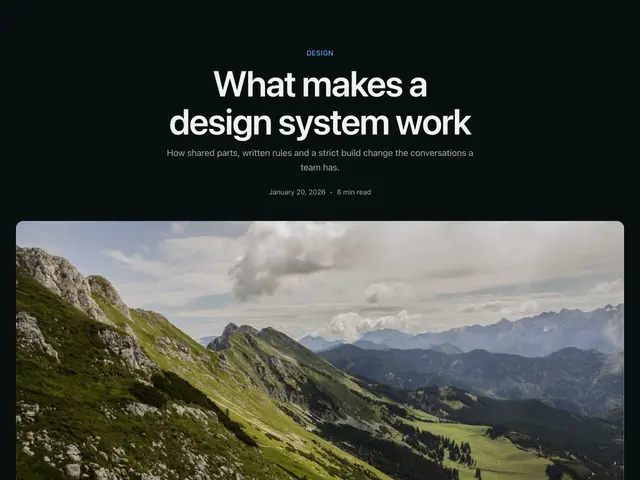
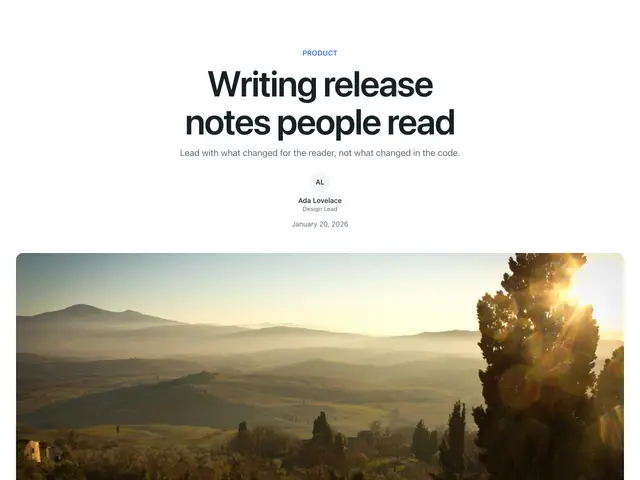
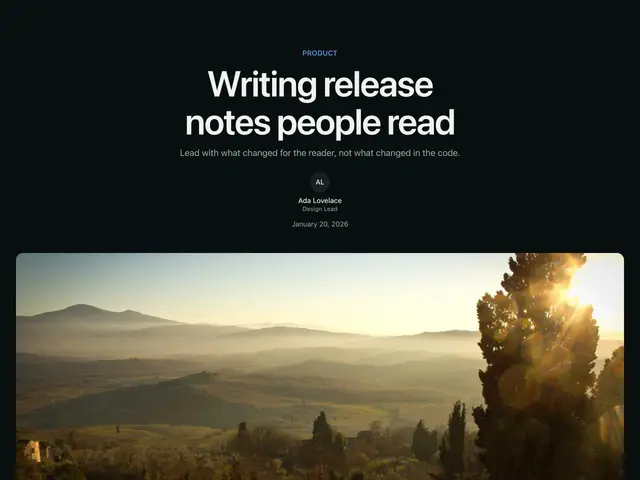
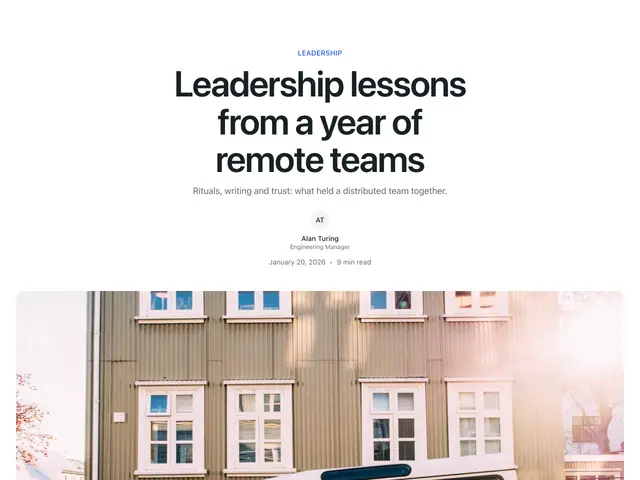
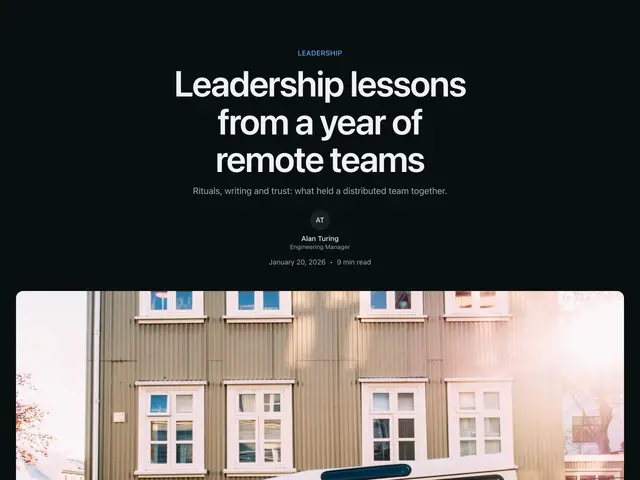
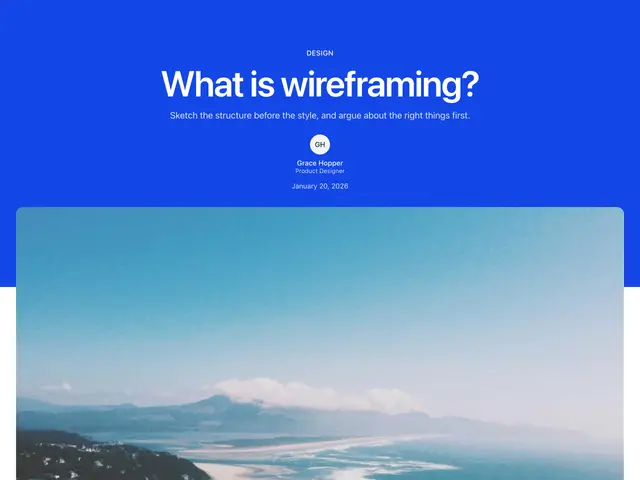
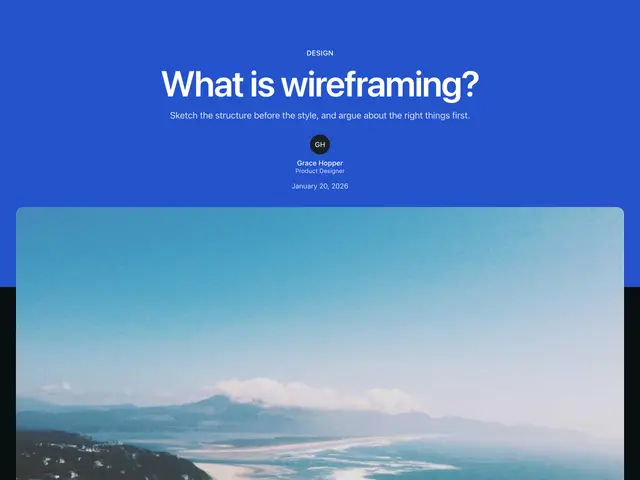
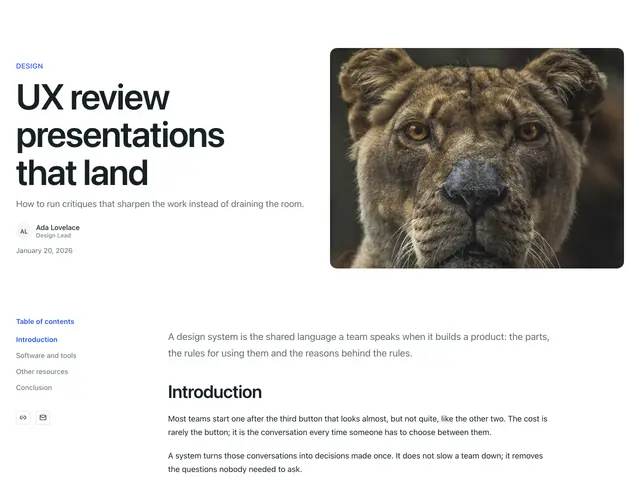
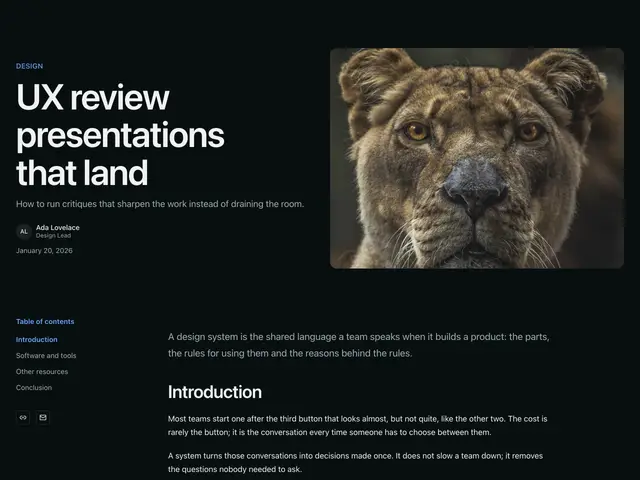
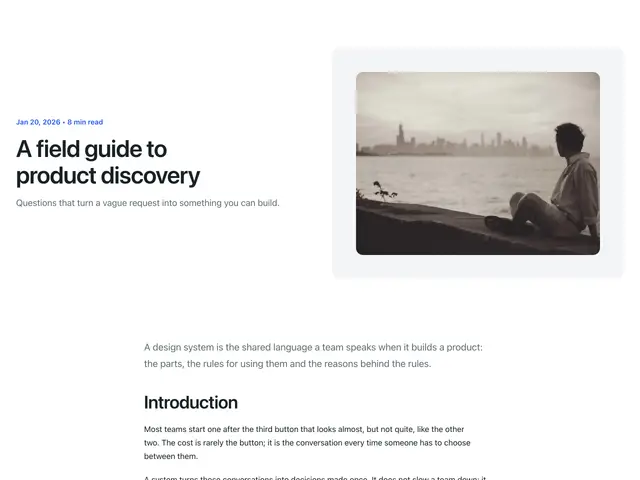
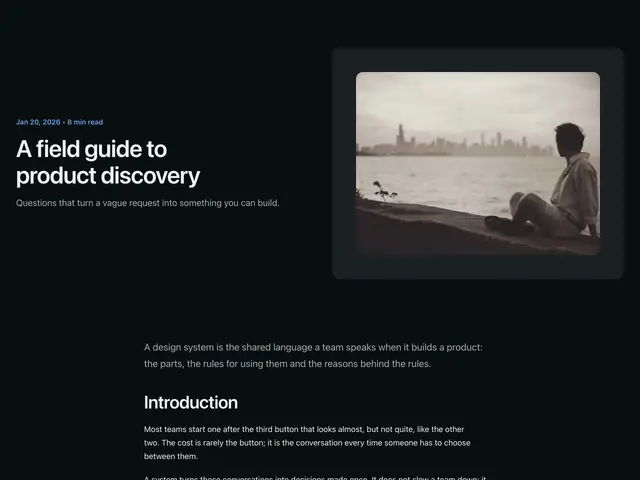
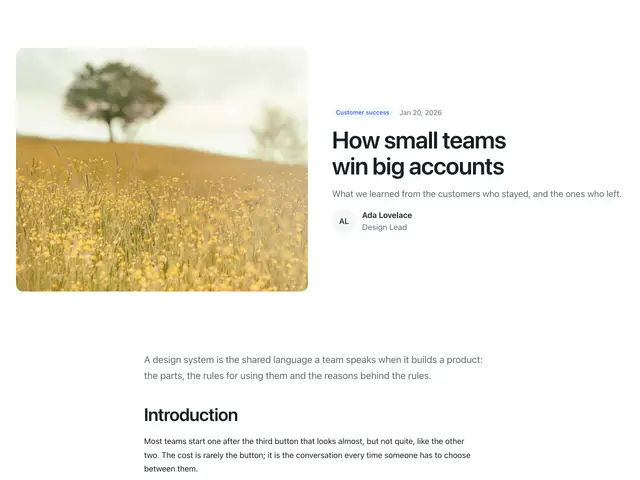
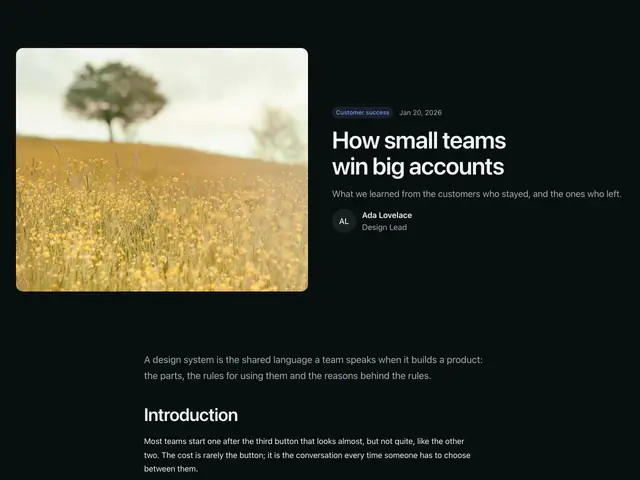
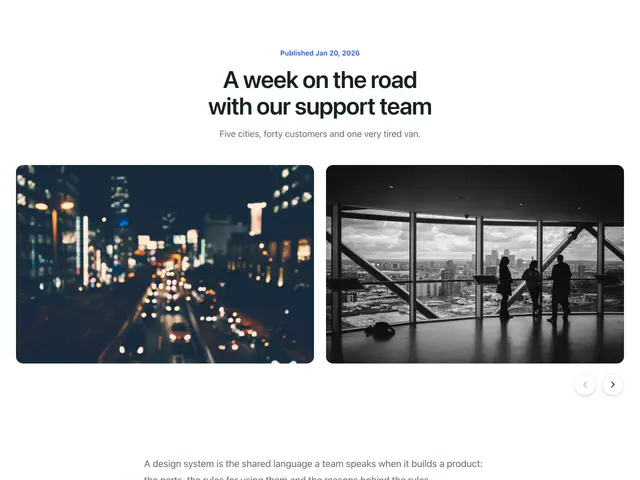
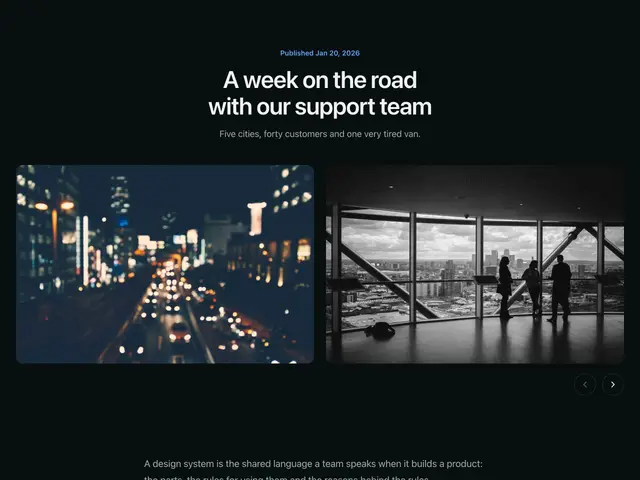
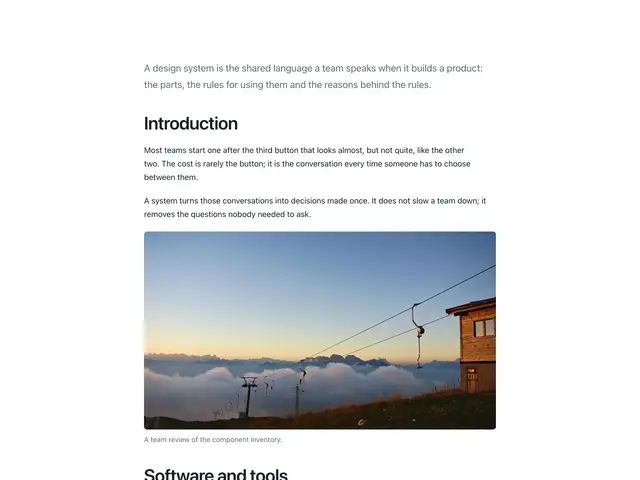
The first twelve are whole article pages: a header (centred, split or on the brand colour) with a photo, the article in Prose, and a footer with the author, topics and ShareLinks, some with a TableOfContents and a newsletter card beside the body. The rest are content sections: text in columns, text beside an image, a quote, and long-form policy text.
npx @ava-ui/apogee add content/large-image-01Put your article in place of the sample body; render Markdown into Prose
with <Prose><Content /></Prose>.
Copy is props
Every block in this family takes the same content props (ContentContent in
sections/_shared/content.ts), with its sample copy as the defaults. A block
ignores the props it has no place for, so you can swap one block for another and
keep the copy. The Content section takes the same names for the props they share.
-
eyebrow: The small label or category above the heading. -
heading: The heading. -
description: The line under the heading. -
label: Landmark name when the block shows no heading. -
primaryAction: The solid button (the first of two equal buttons). -
secondaryAction: The outline button. -
media: The main photo beside or under the heading. -
author: Who wrote it (or who is quoted). -
date: ISO date, e.g.2026-01-20. -
readingTime: e.g. “8 min read”. -
topics: Topic badges under the article. -
Pass
nullto hide an optional part, such asdescription={null}. -
Some blocks add props of their own; the top of each block’s file lists them.