Sign up pages
Whole sign up pages built on the AuthShell section, from a centred form to multi-step flows with a progress sidebar.
Last updated
Each example is a complete page. The frame comes from the AuthShell section; the form inside is plain composition, because it posts to your own backend. New passwords use PasswordChecklist, and multi-step flows show their place with Steps or ProgressIndicator.
npx @ava-ui/apogee add sign-up/simplenpx @ava-ui/apogee list shows every page.
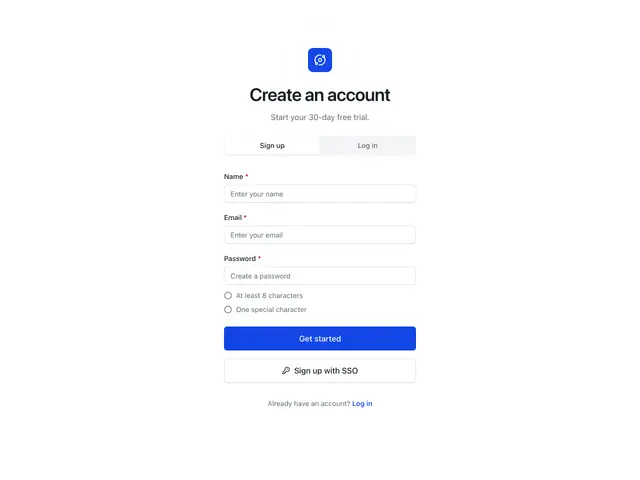
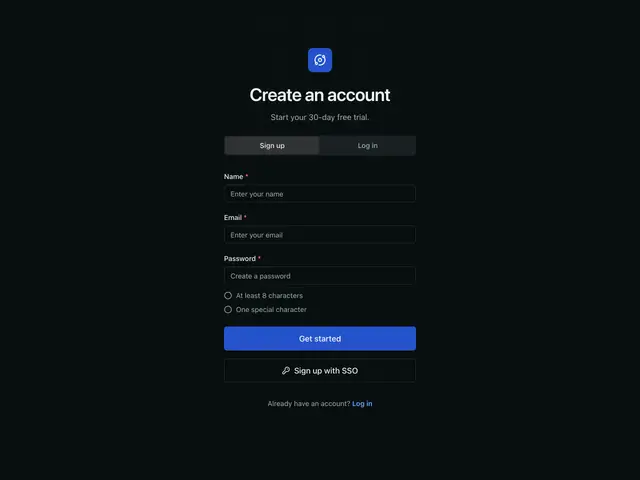
SimpleA centred form with a sign up / log in switch and live password checks.
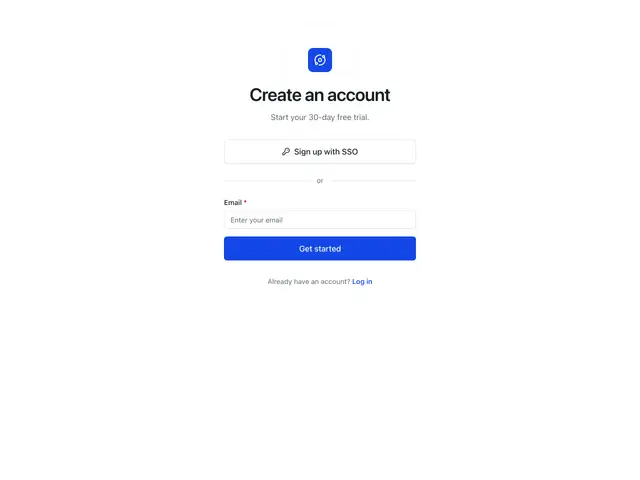
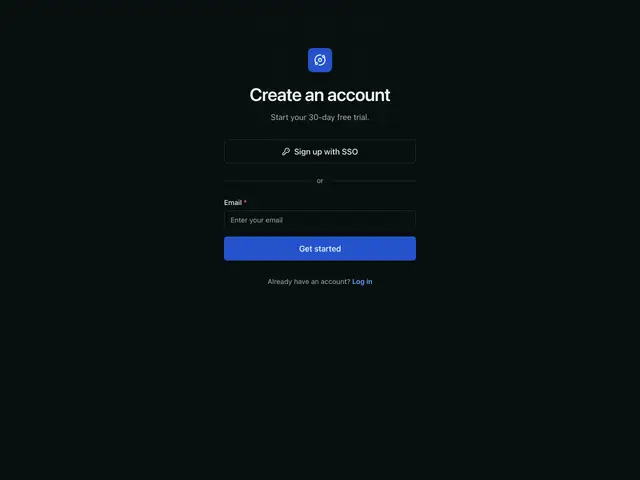
SSO firstSingle sign-on leads; email is the fallback under an "or" divider.
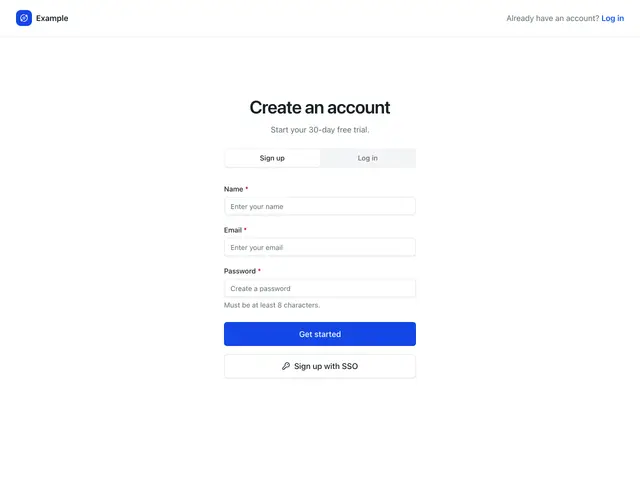
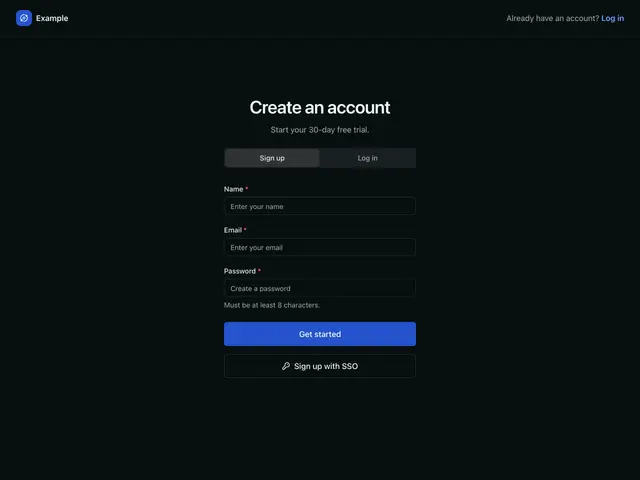
Header navigationA top bar carries the logo and the log in link; the form sits below it.
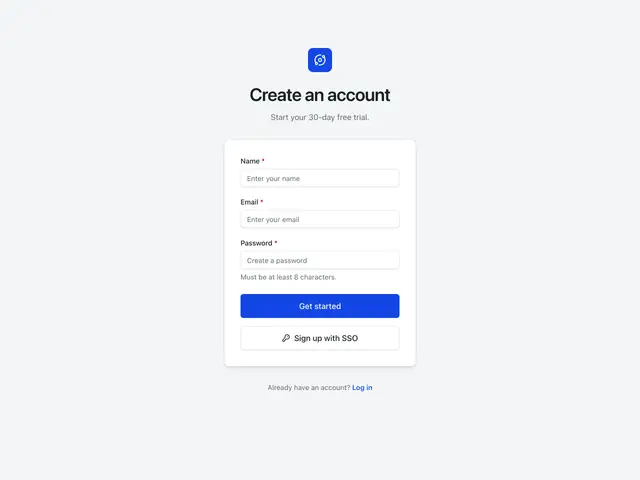
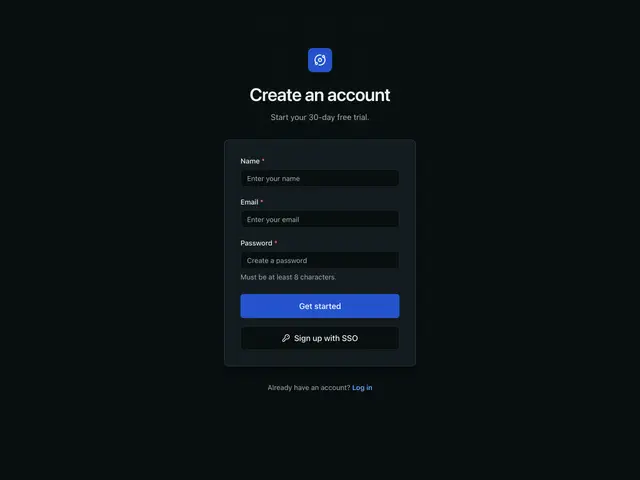
Card separatedThe heading sits on a grey page and the form in its own raised card.
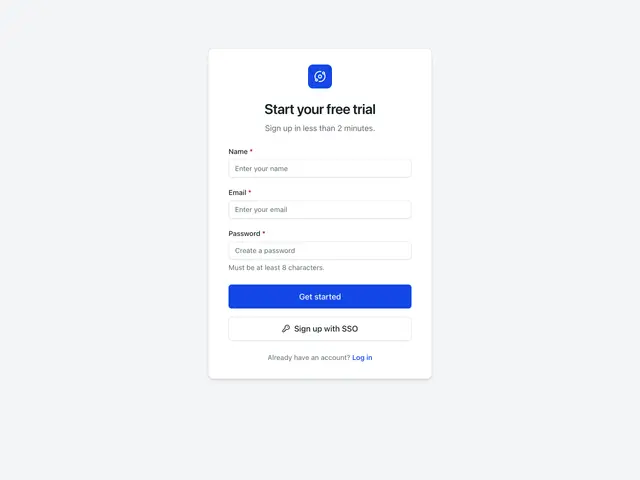
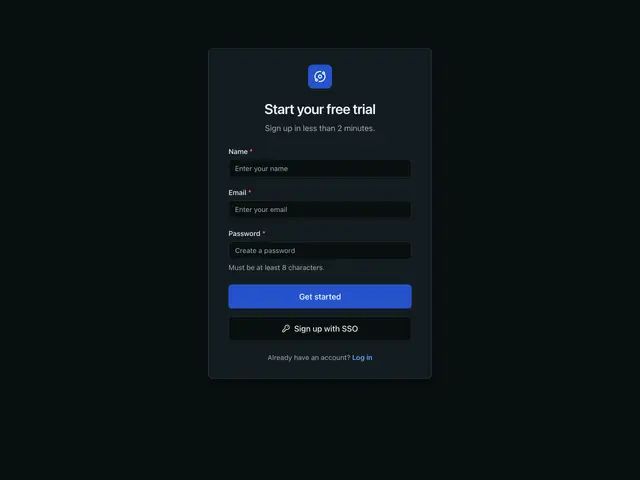
Card combinedOne card holds the logo, the heading and the form.
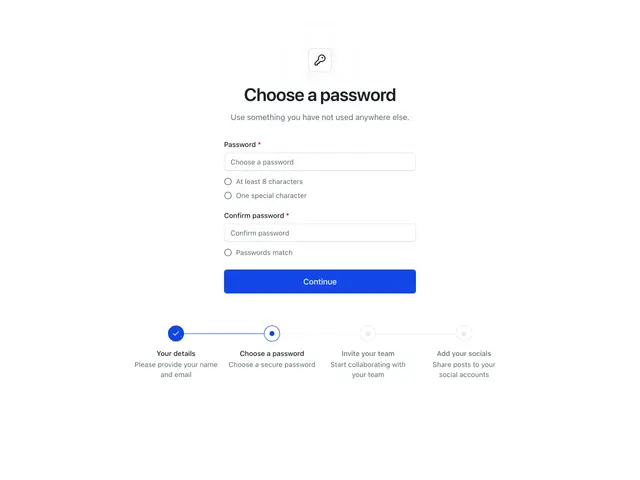
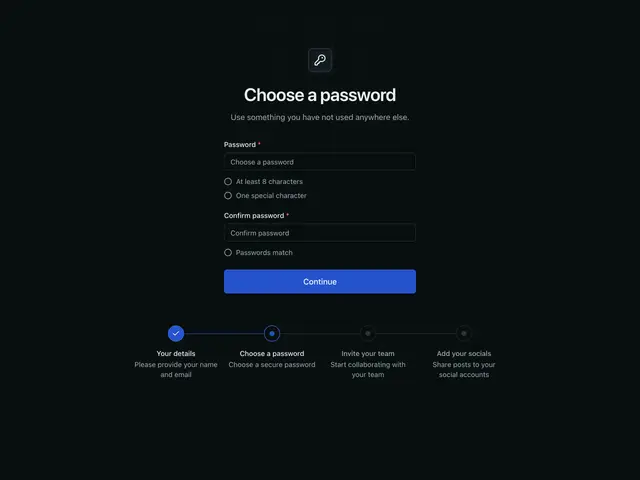
ProgressThe password step of a sign up flow, with the steps below: down the page on phones, across from md.
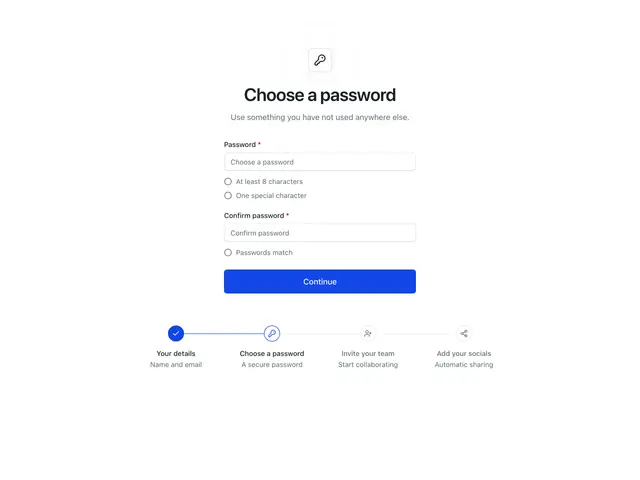
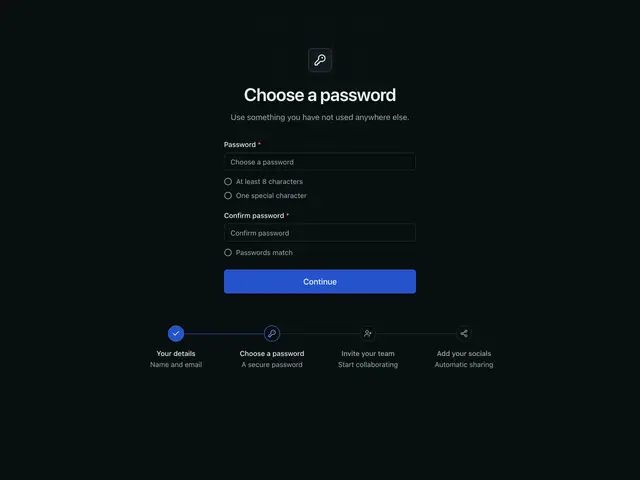
Progress with iconsThe password step, with an icon and a short line for each step below.
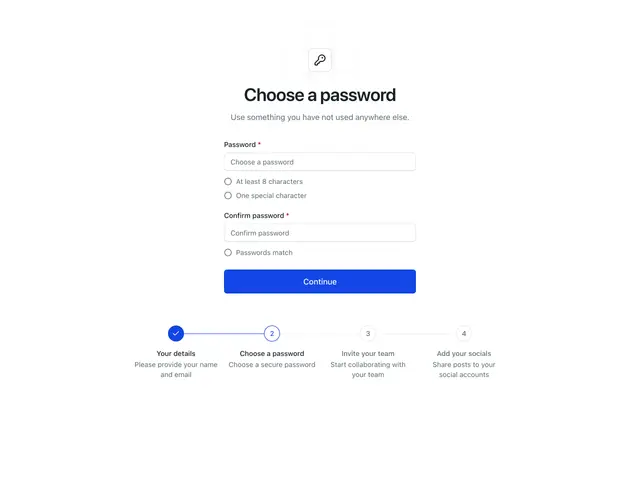
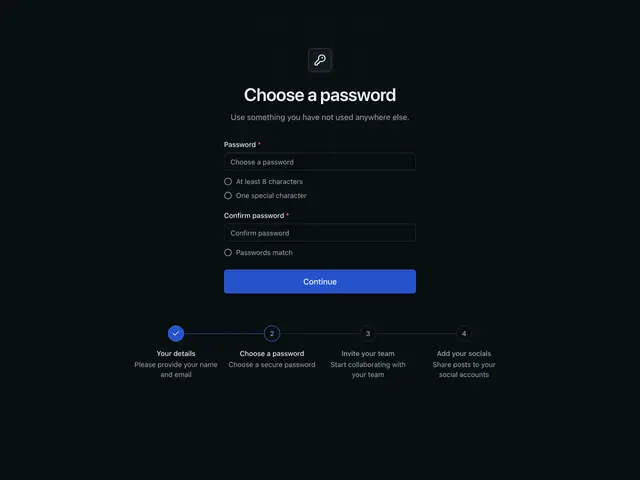
Progress with numbersThe password step, with numbered steps joined by a line below.
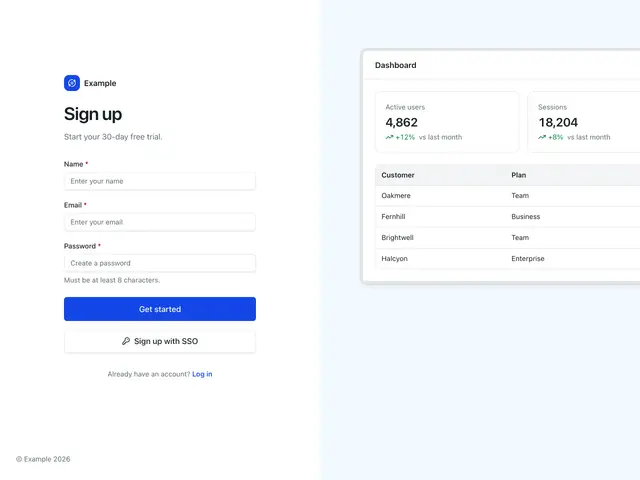
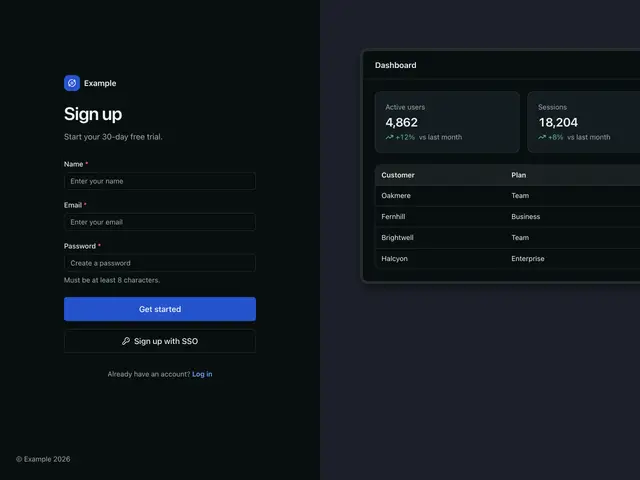
Split with mockupThe form beside a product screen built from the components.
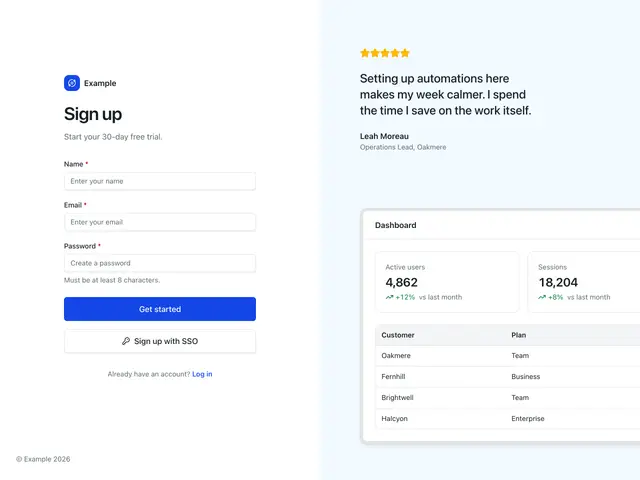
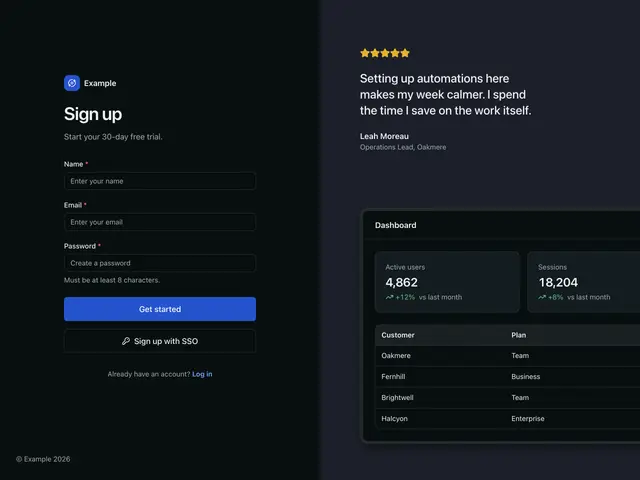
Split with mockup and quoteA customer quote above the product screen.
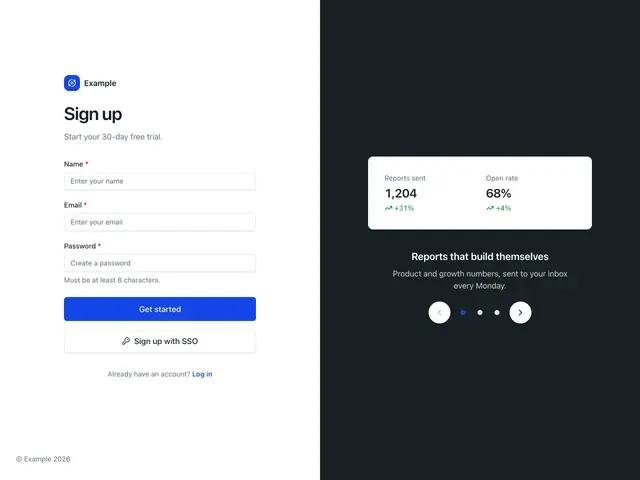
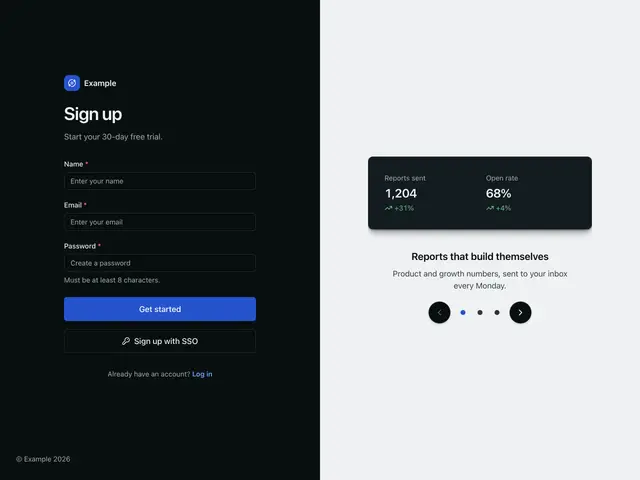
Split with carouselThe form beside a dark panel that walks through what you get.
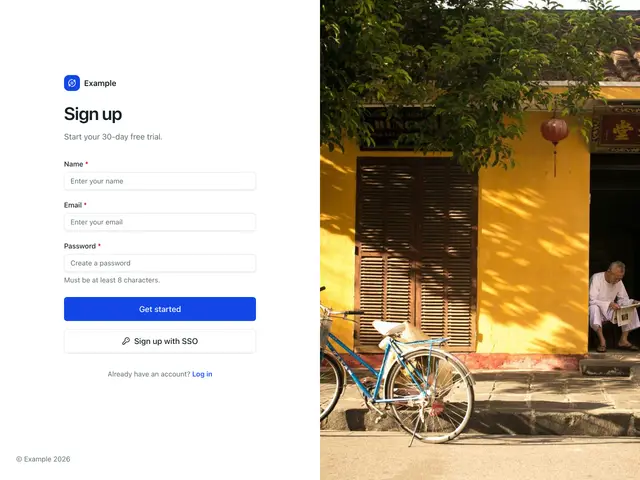
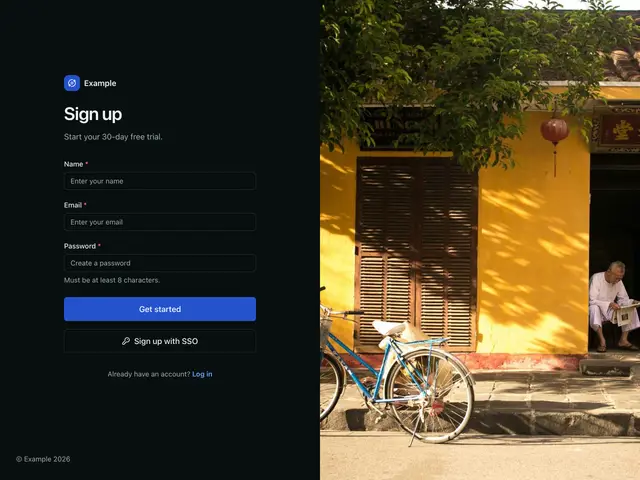
Split with imageThe form beside a full-height photo.
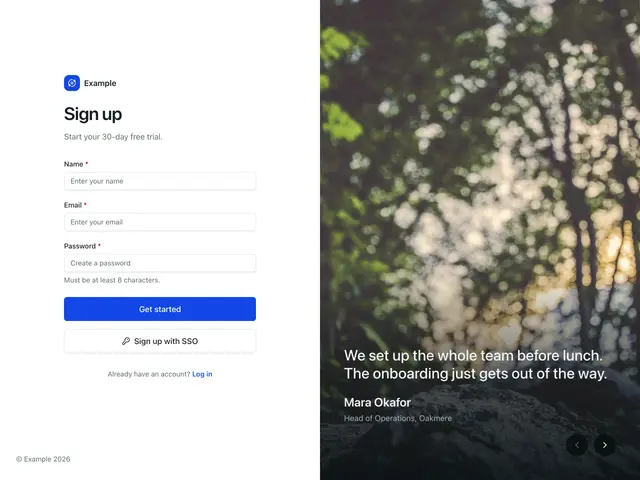
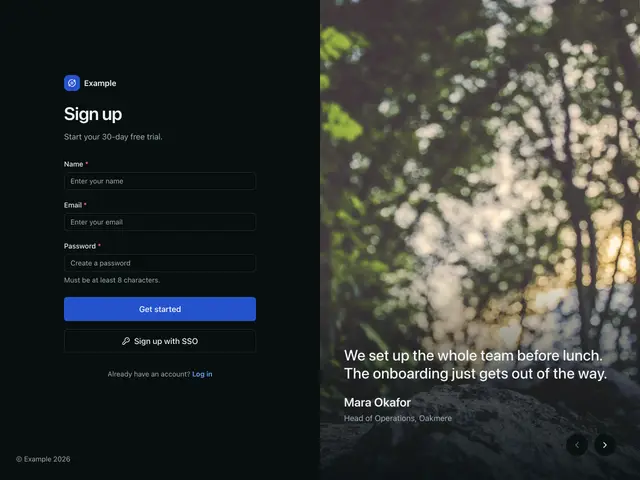
Split with photo and quoteReviews rotate over a photo, on a dark scrim.
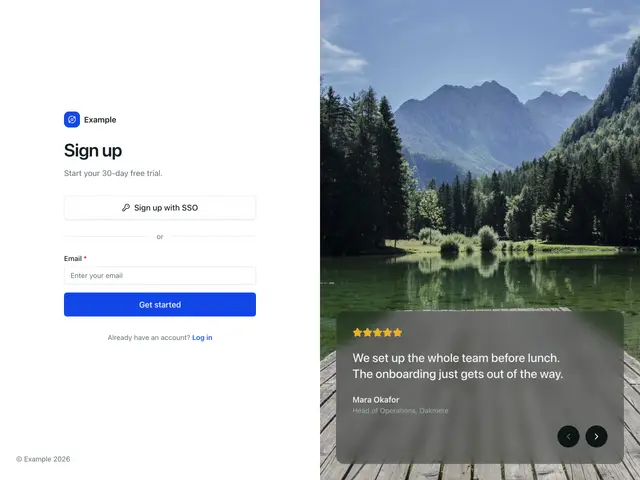
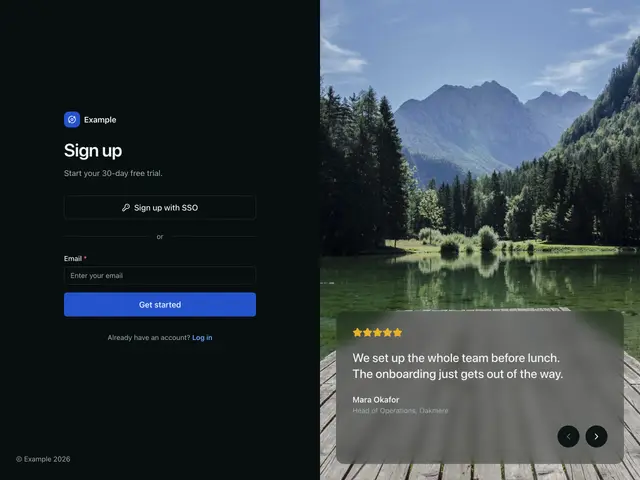
Split with photo and glass cardSSO first, beside reviews that rotate in a frosted card over a photo.
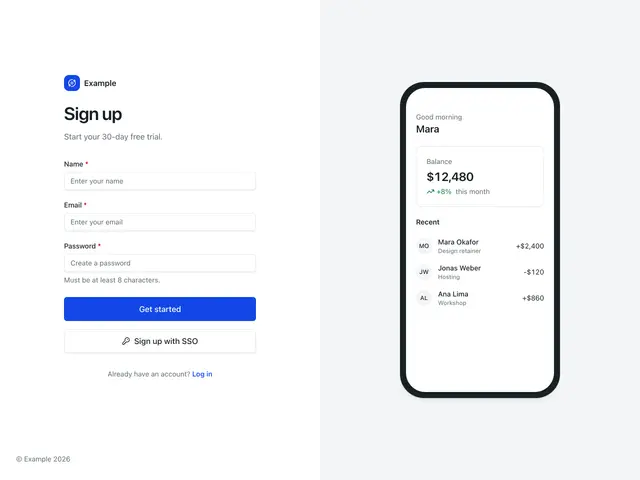
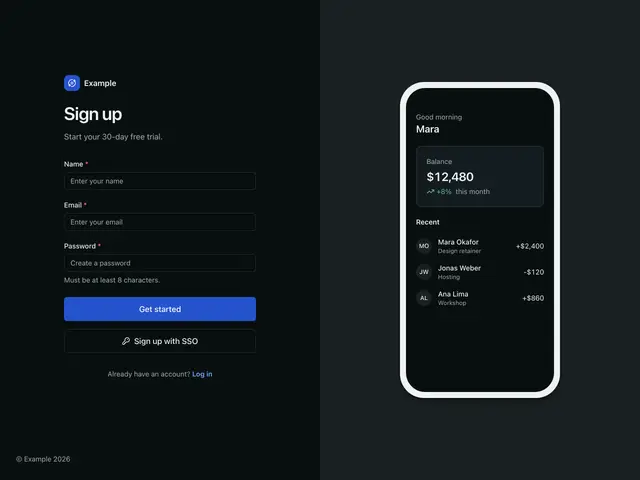
Split with app mockupThe form beside a phone screen built from the components.
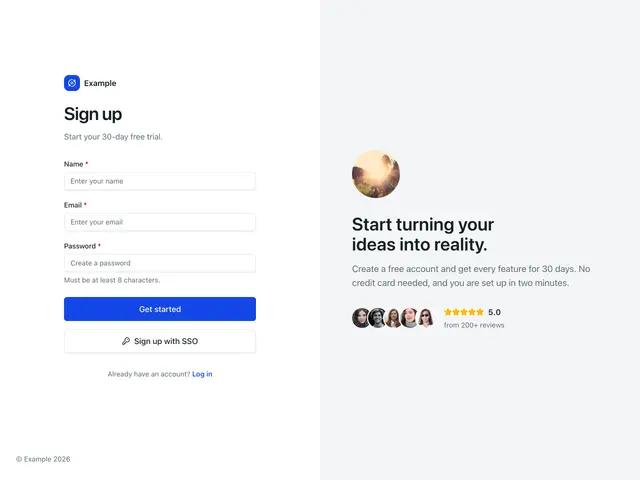
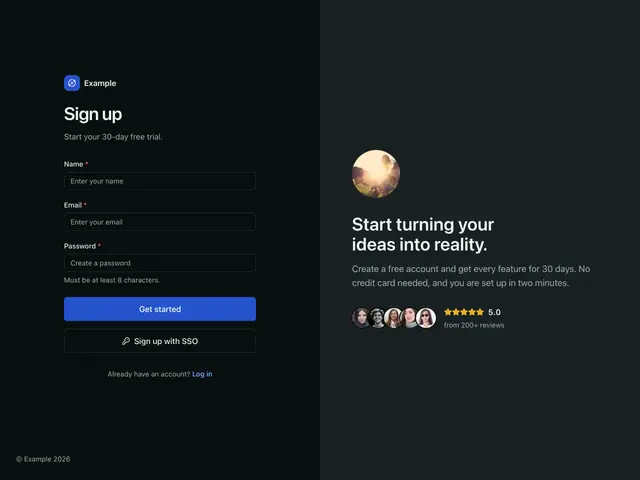
Split with pitchThe form beside a portrait, a short pitch and social proof.
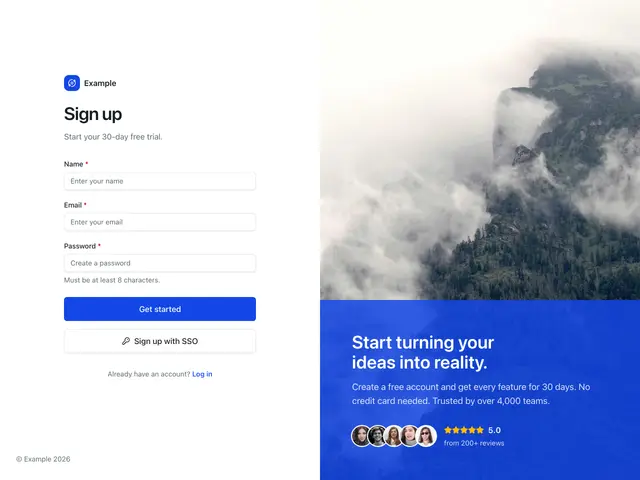
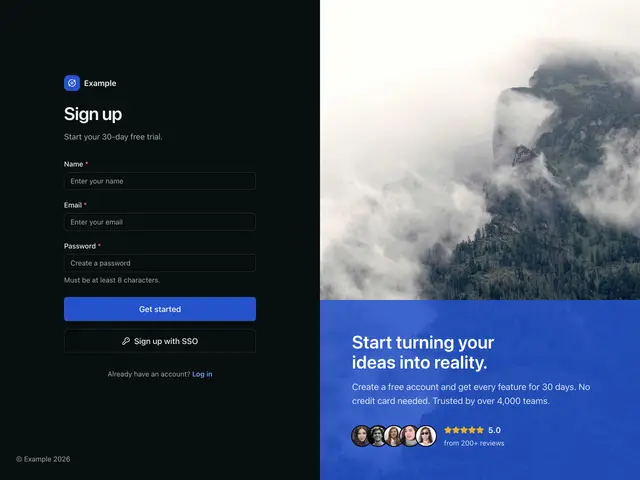
Split with image backgroundThe form beside a photo under a brand tint, with a pitch and social proof.
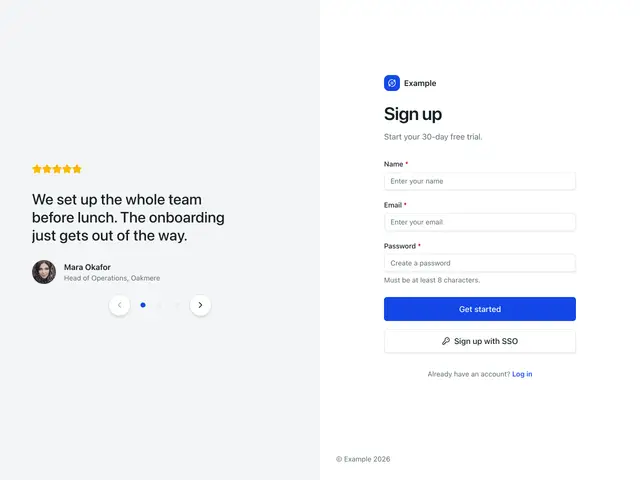
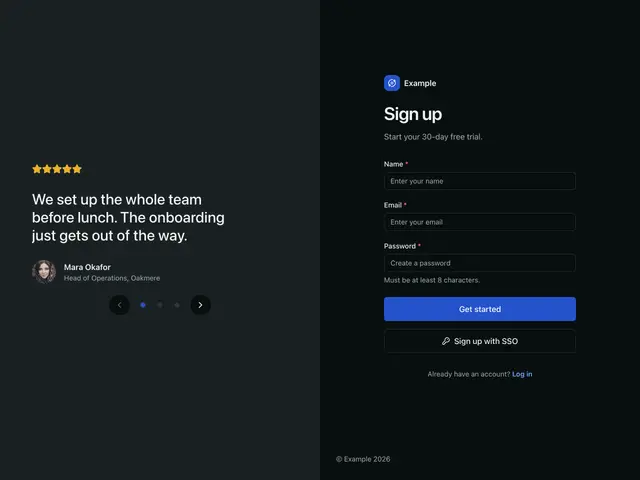
Split with quote carouselCustomer quotes rotate in the panel, with dots and arrows underneath.
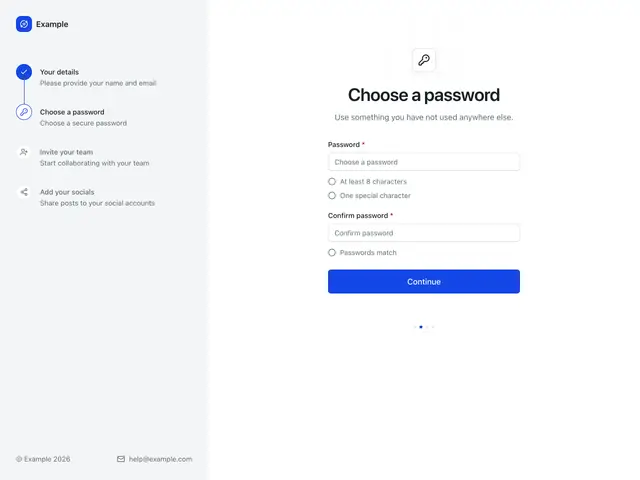
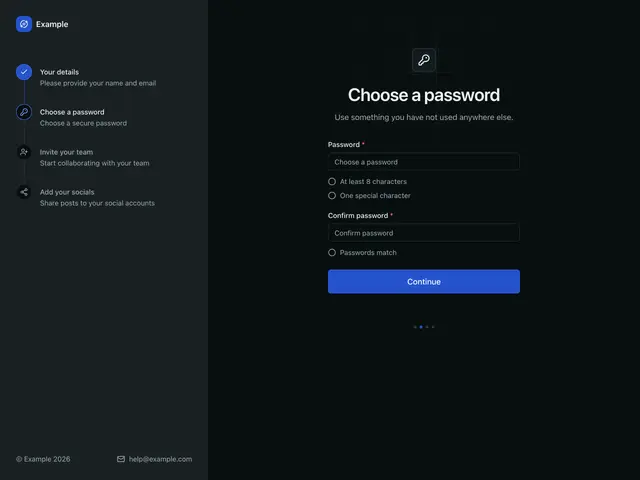
Sidebar progressA side column holds the logo and the steps with icons; the password step fills the rest.
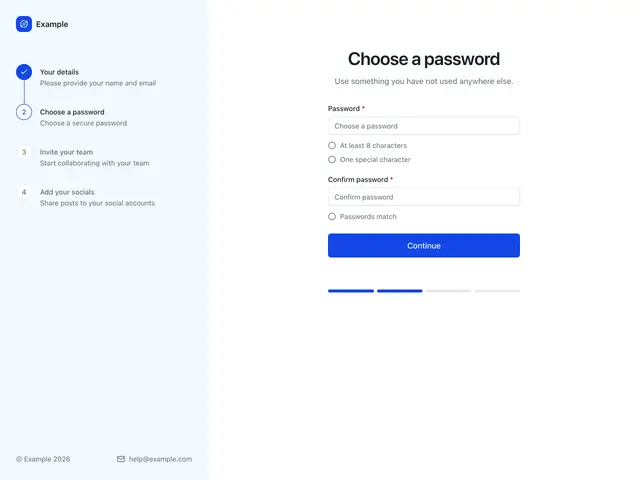
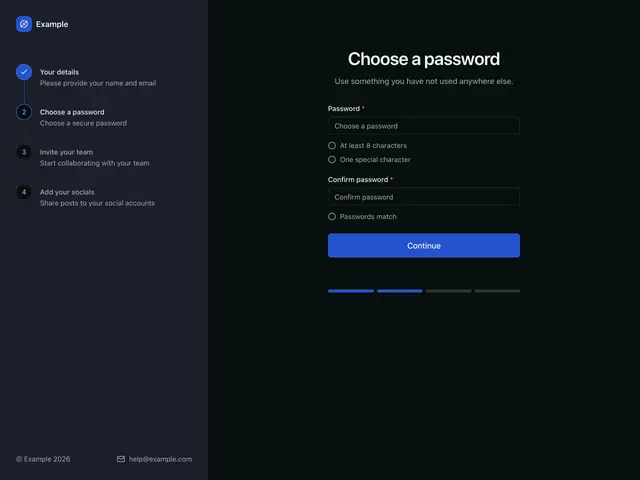
Sidebar progress with numbersA tinted side column with numbered steps; a segmented bar under the form.
Related
Auth shellThe frame of a log in, sign up or recovery page; brand mark, heading and your form, centred, in a card, beside a panel, or beside a step sidebar.
PasswordChecklistThe rules a new password must meet, ticked off as the user types.
StepsA vertical progress list for onboarding, checkout, and wizard flows.