Hero sections
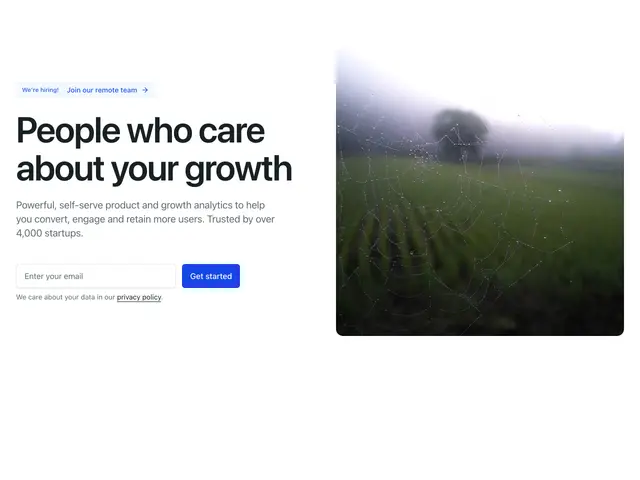
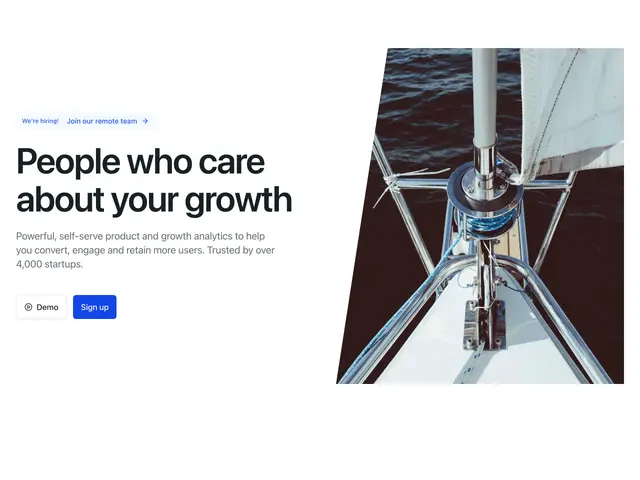
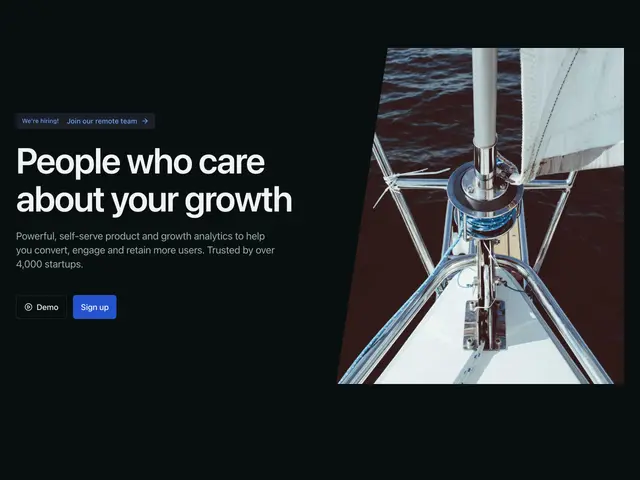
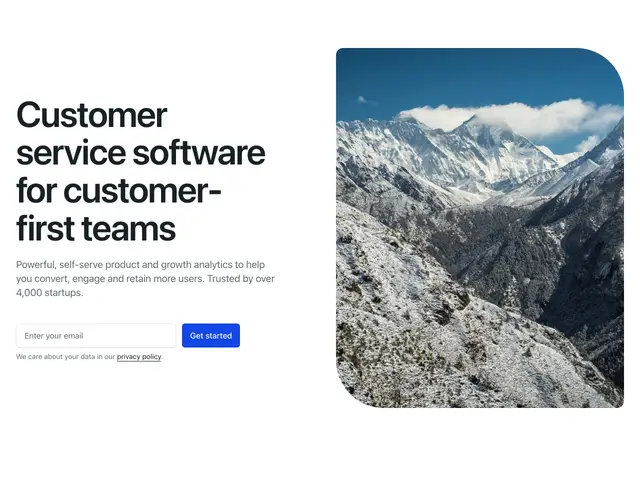
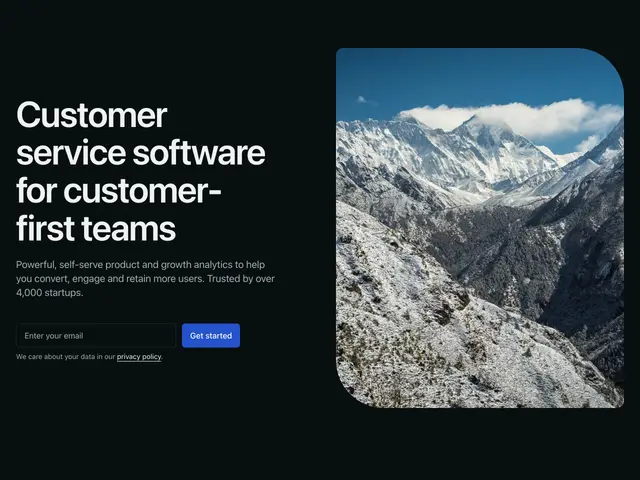
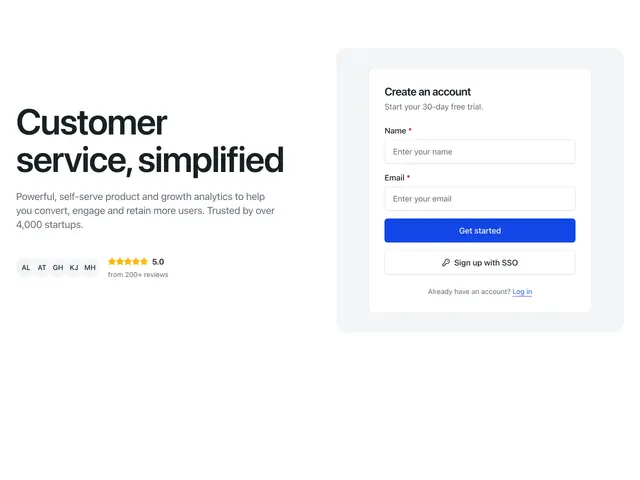
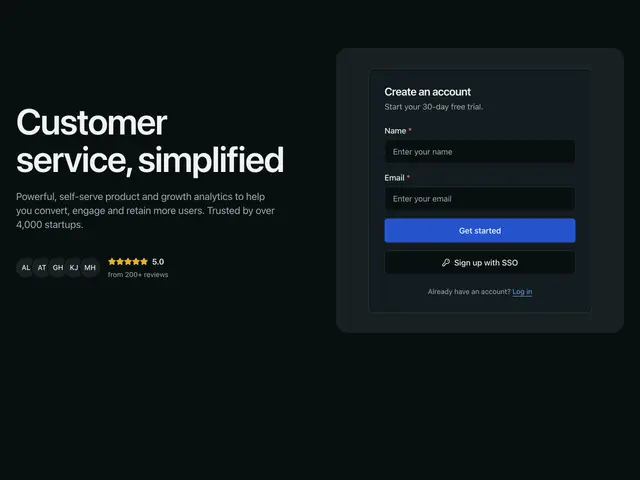
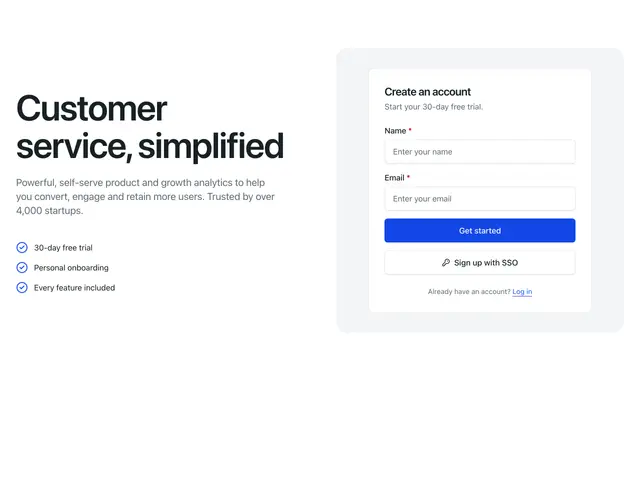
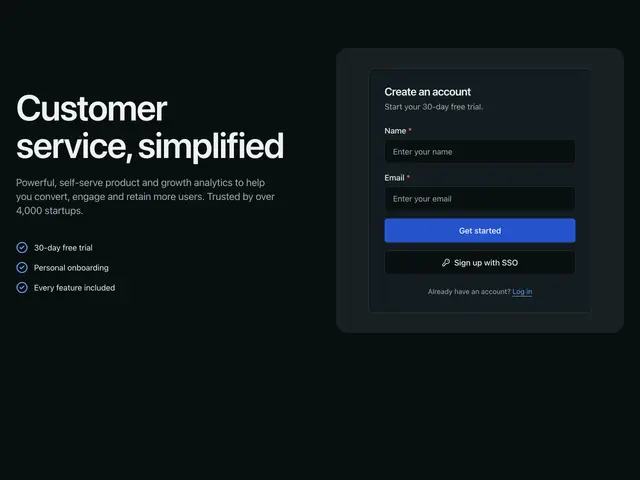
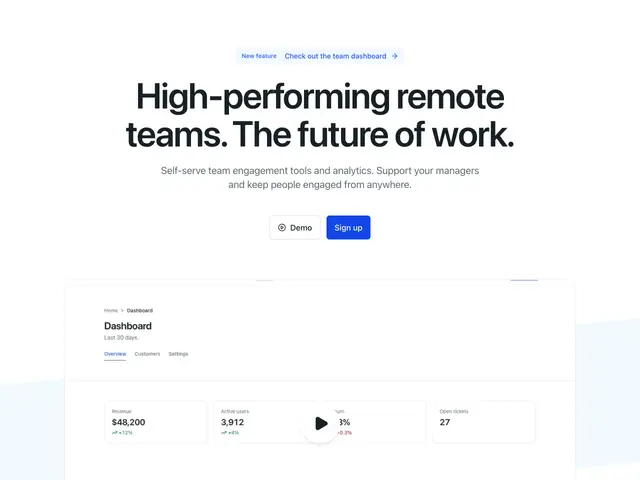
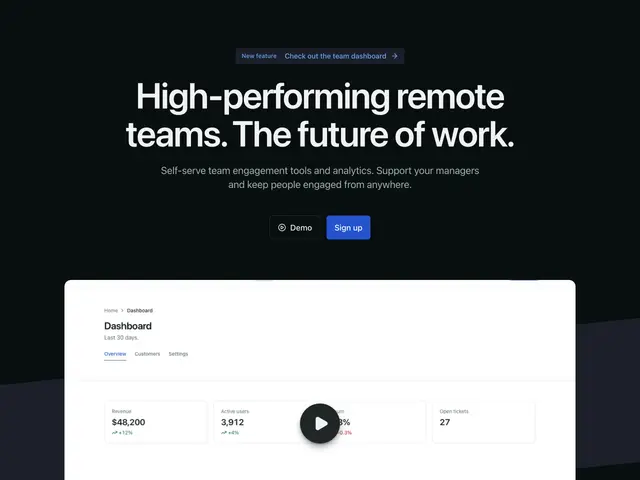
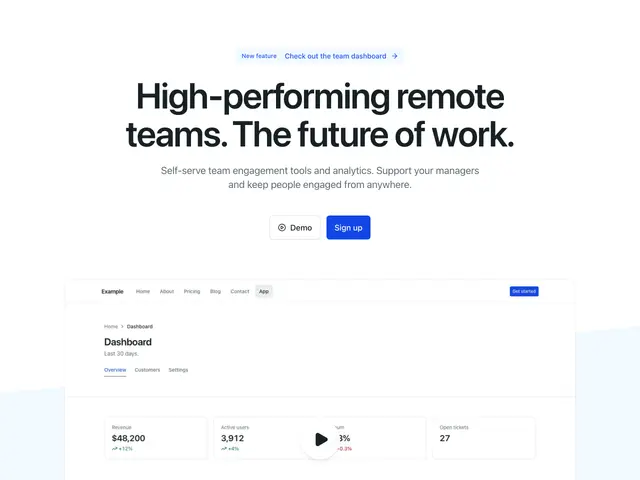
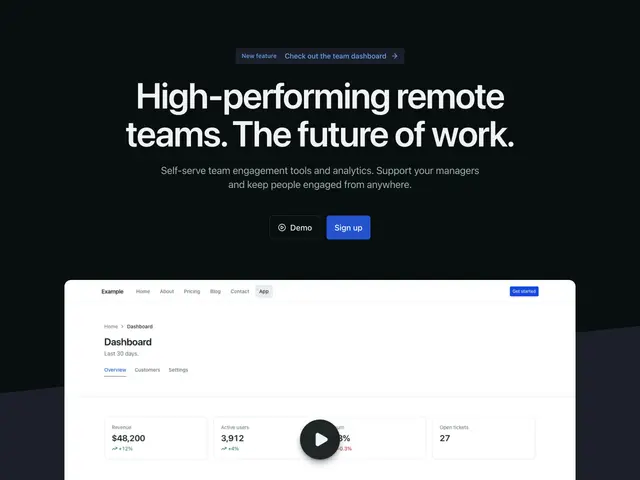
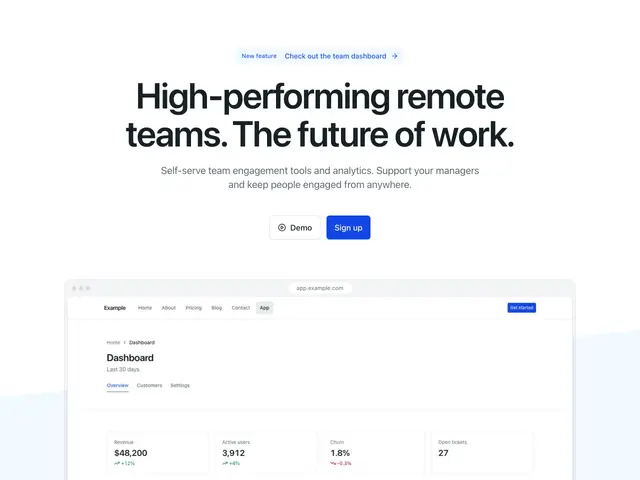
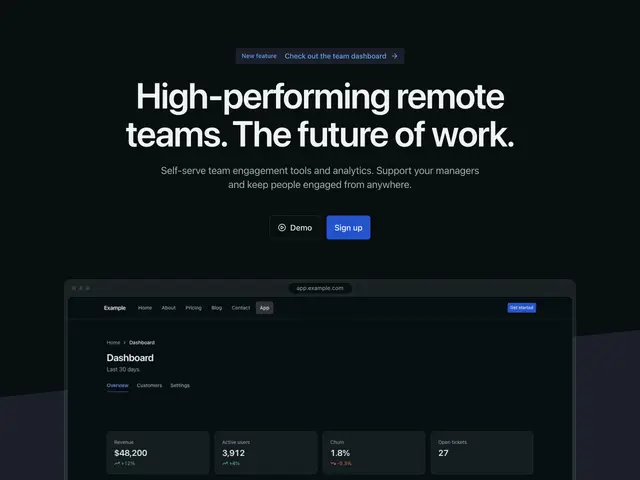
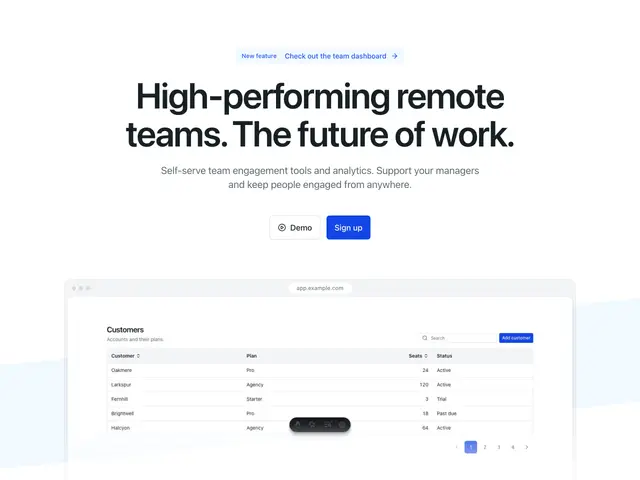
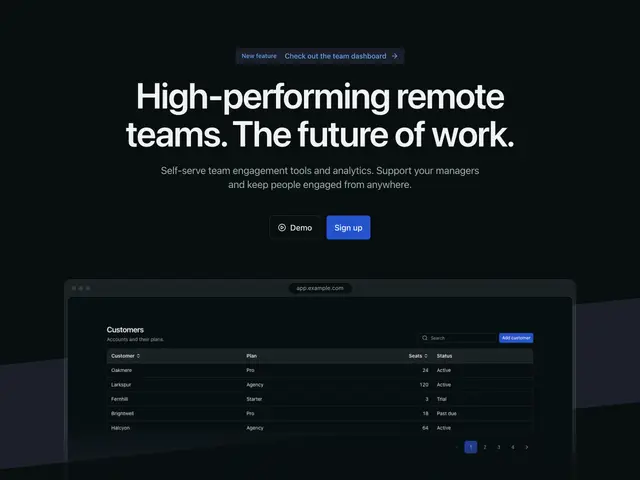
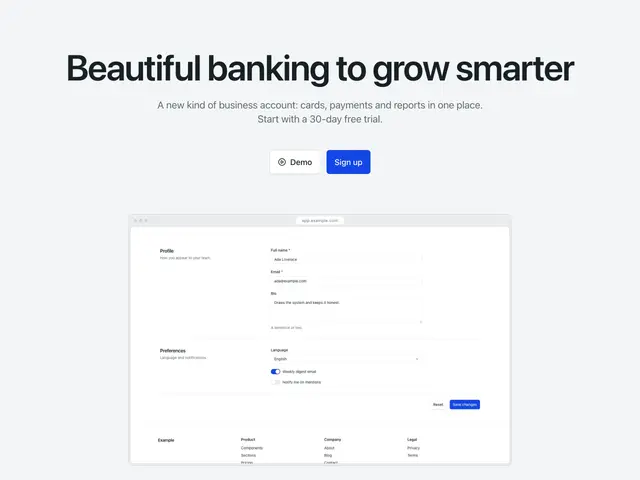
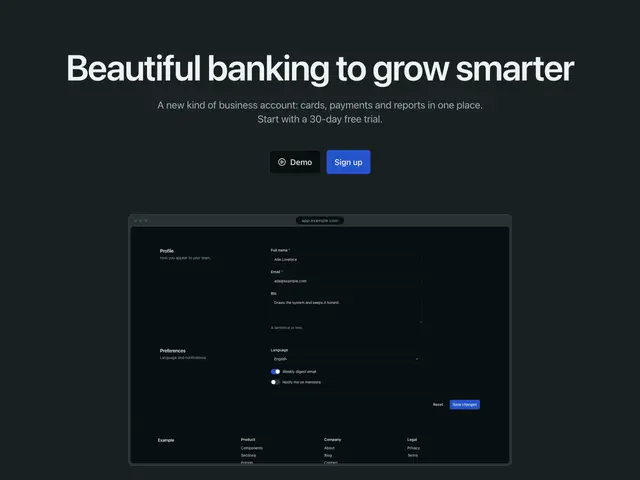
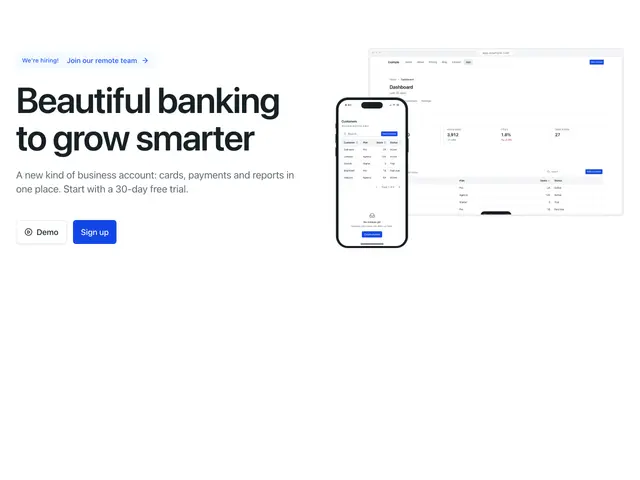
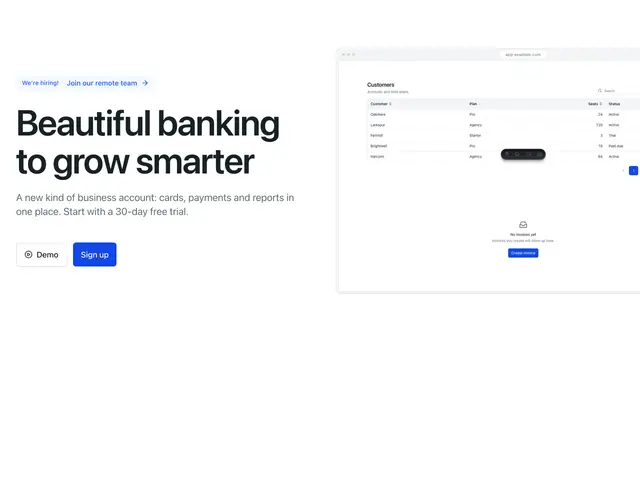
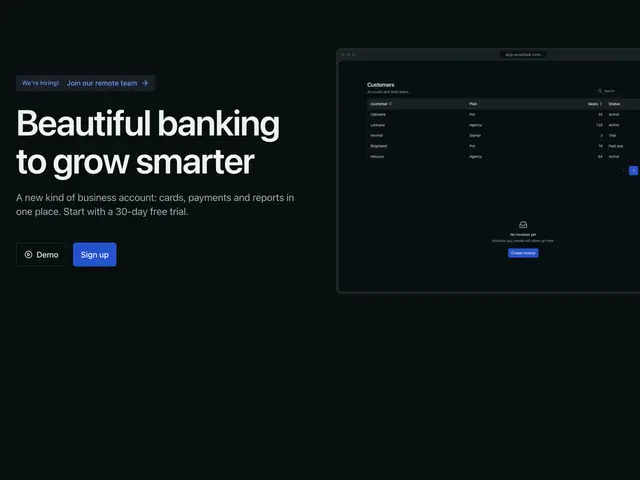
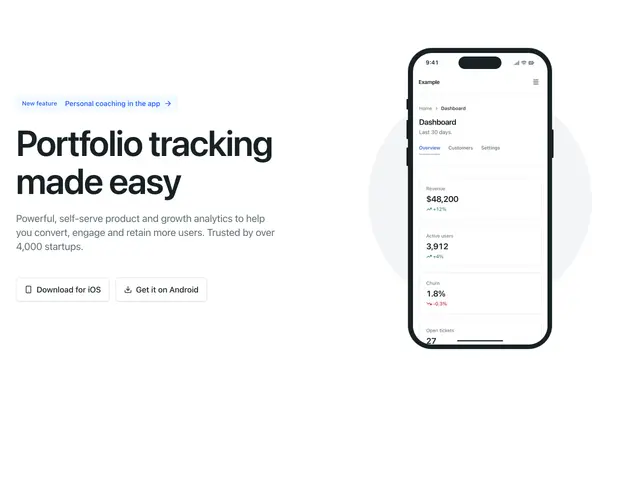
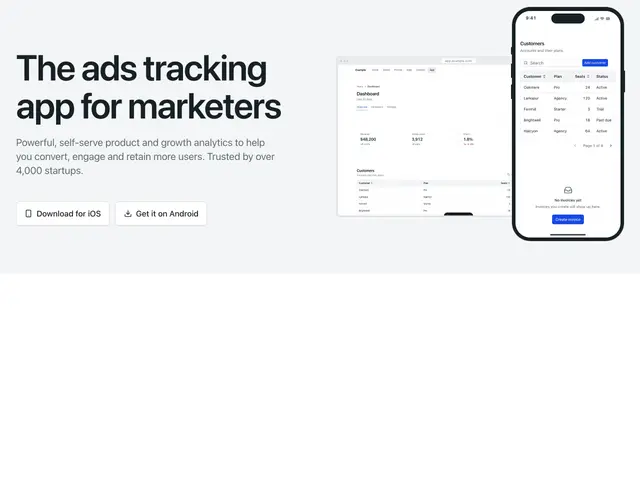
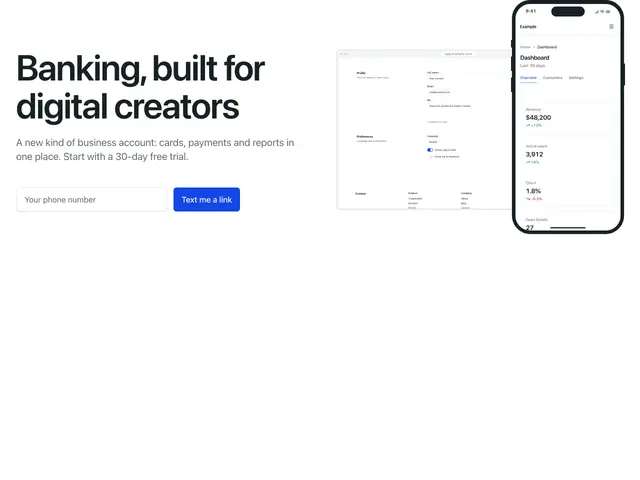
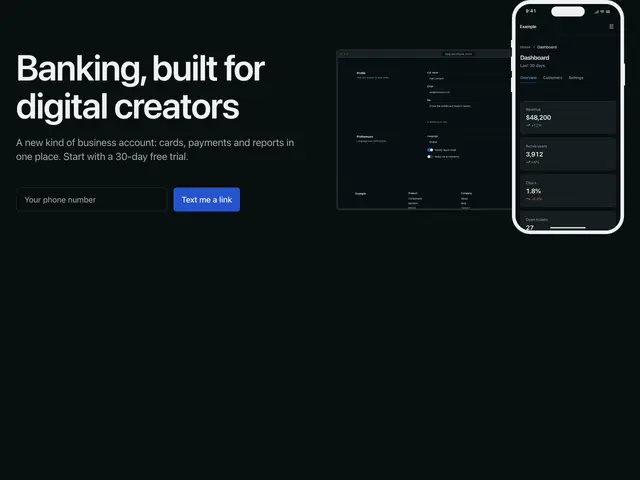
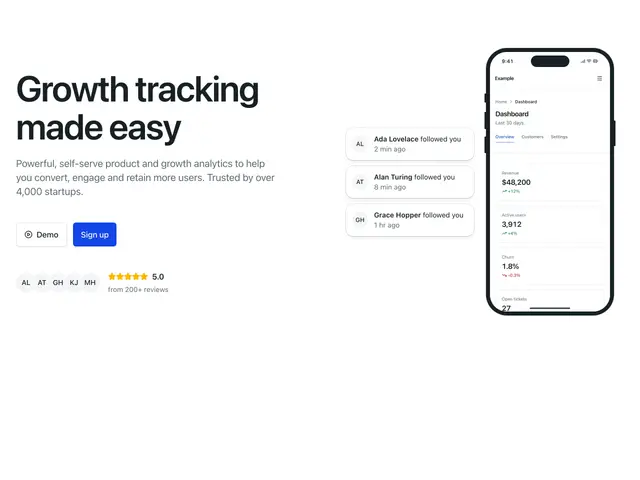
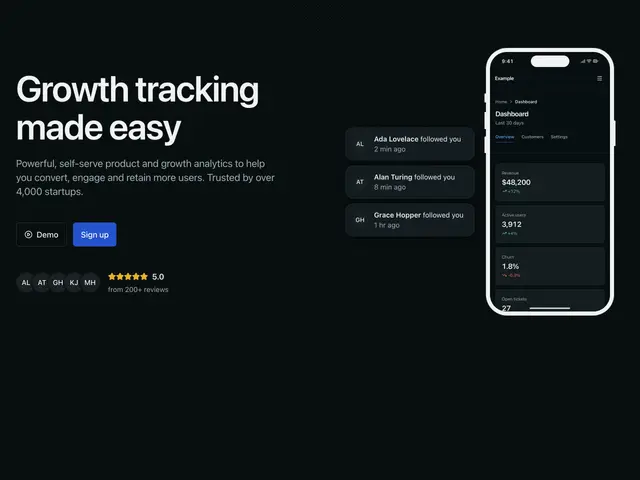
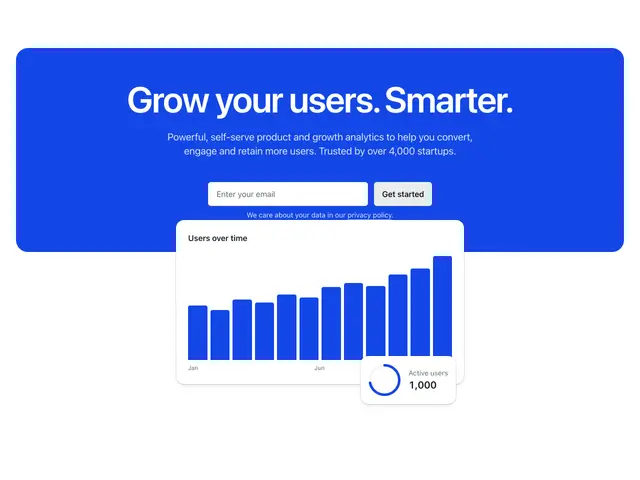
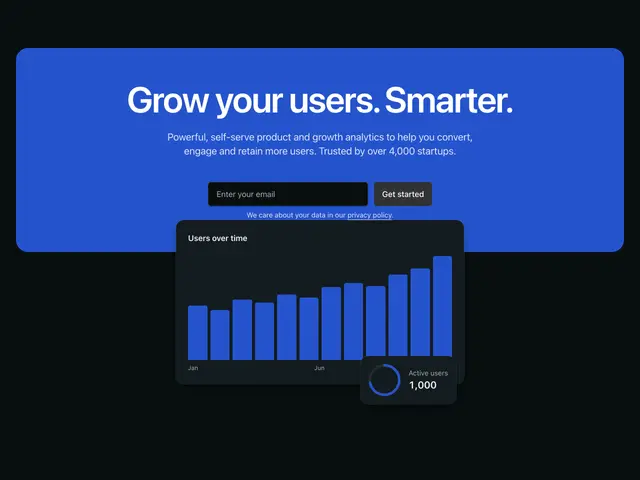
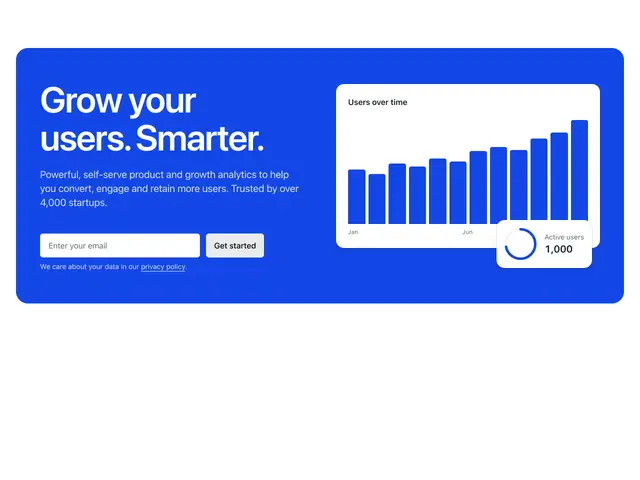
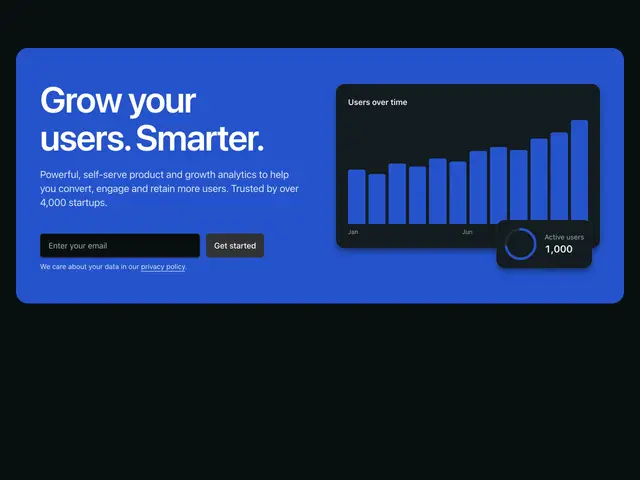
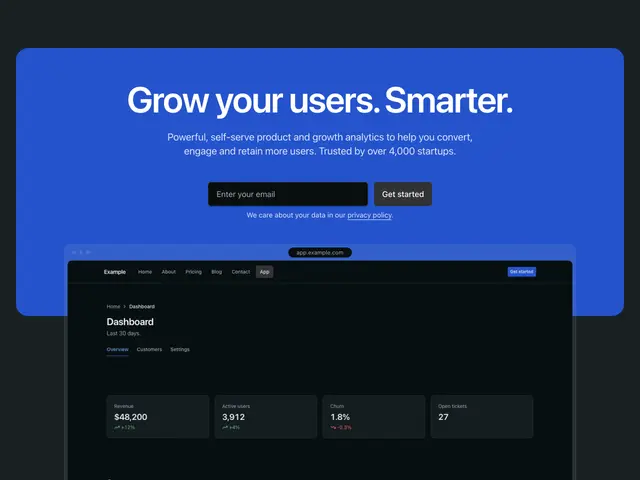
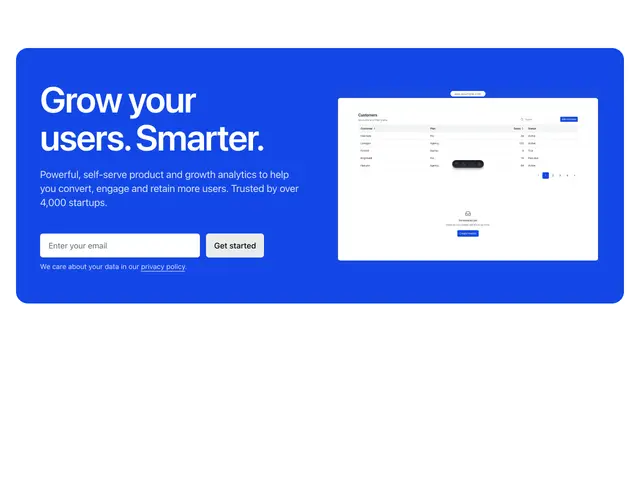
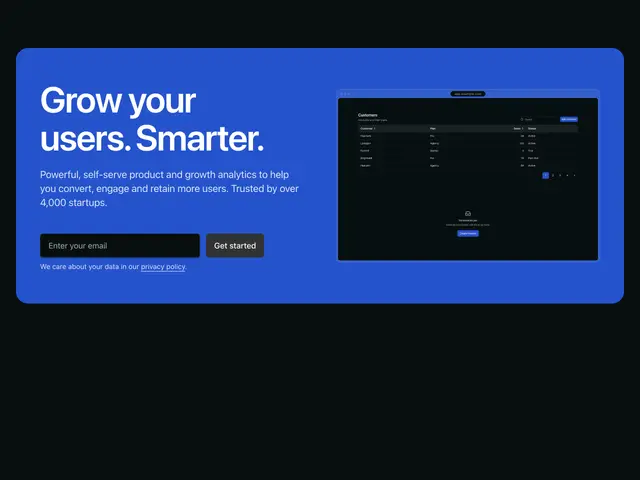
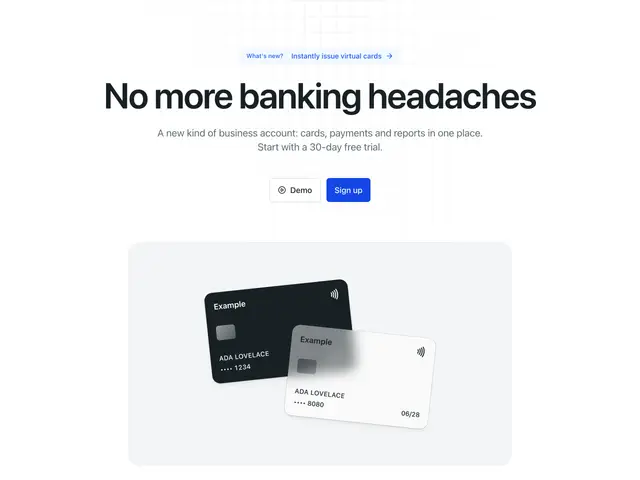
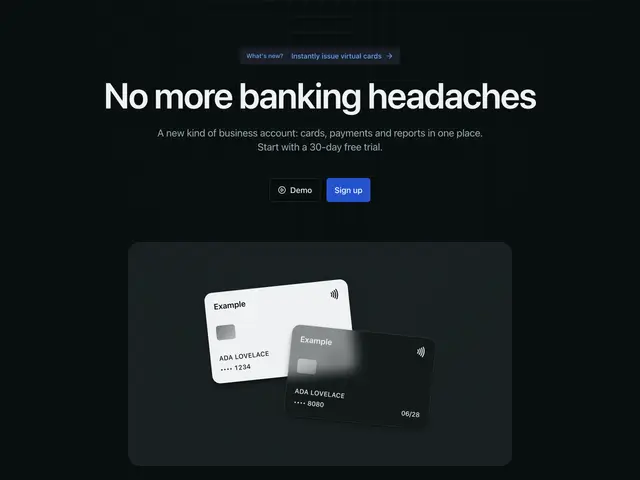
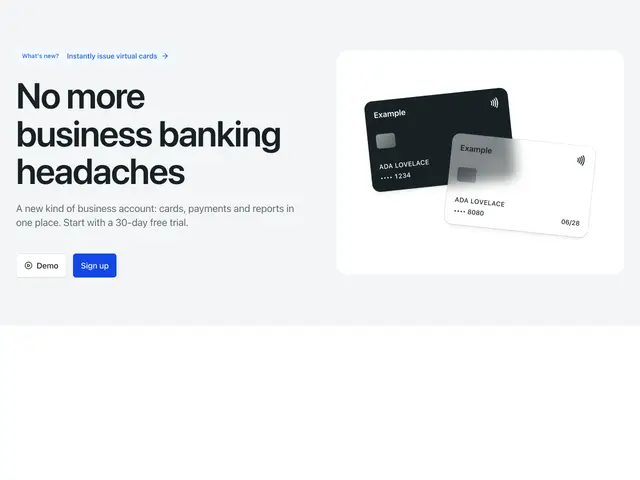
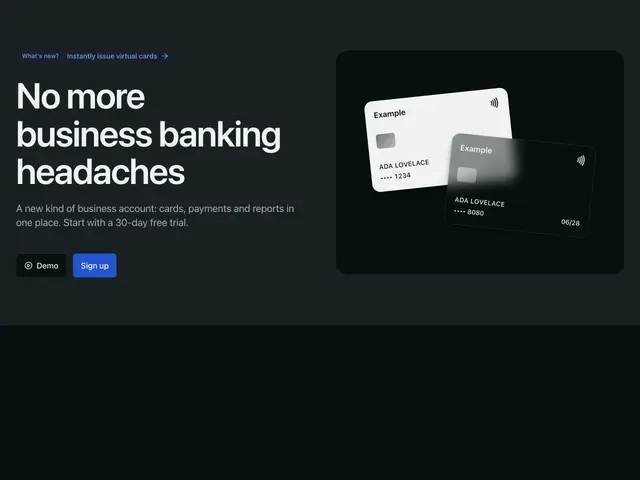
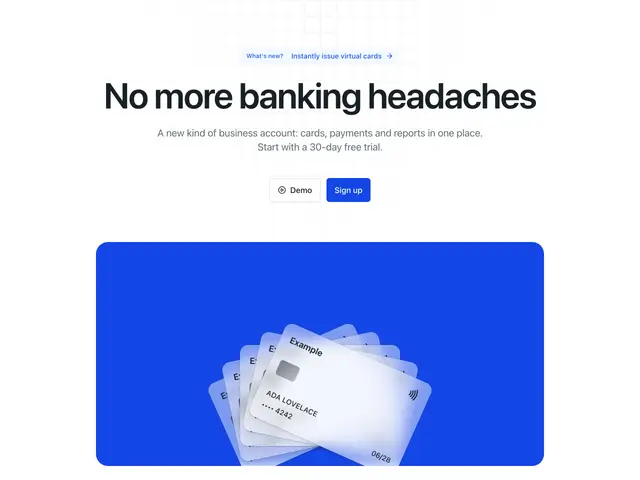
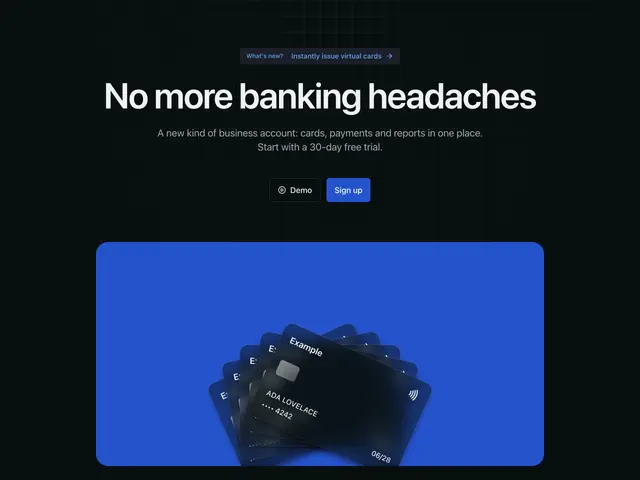
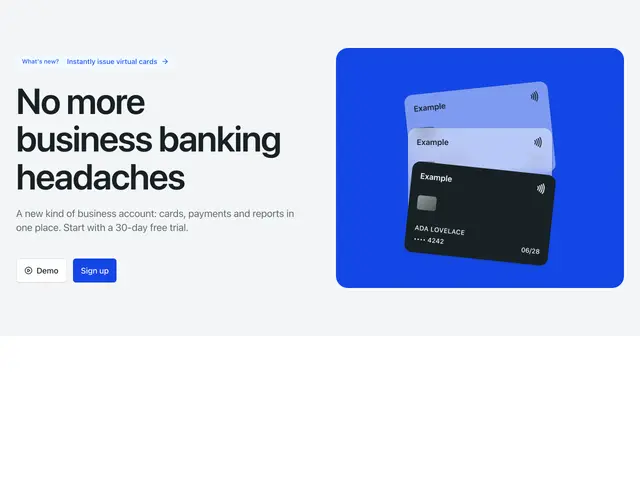
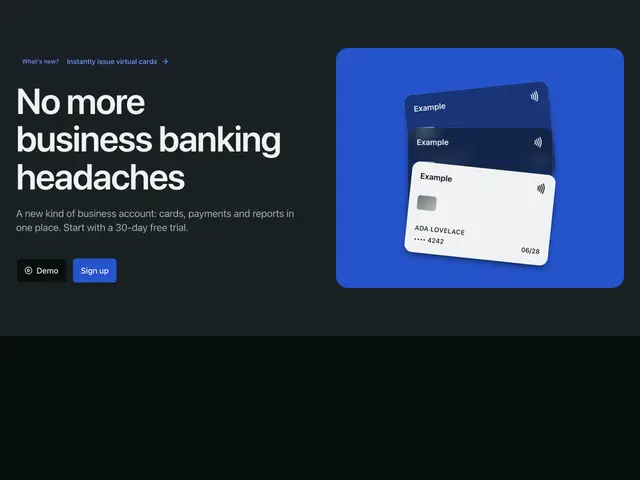
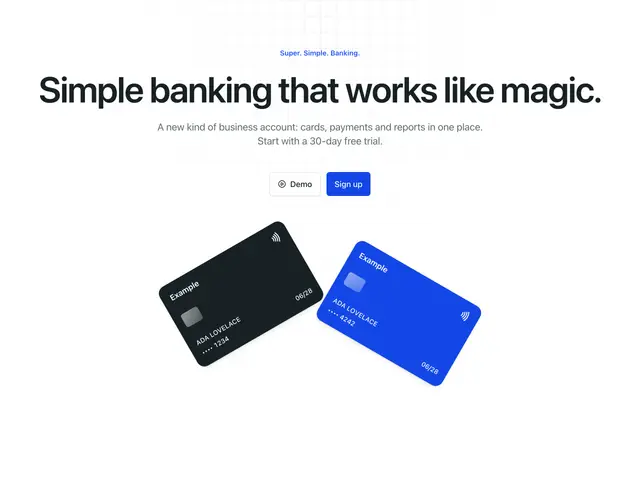
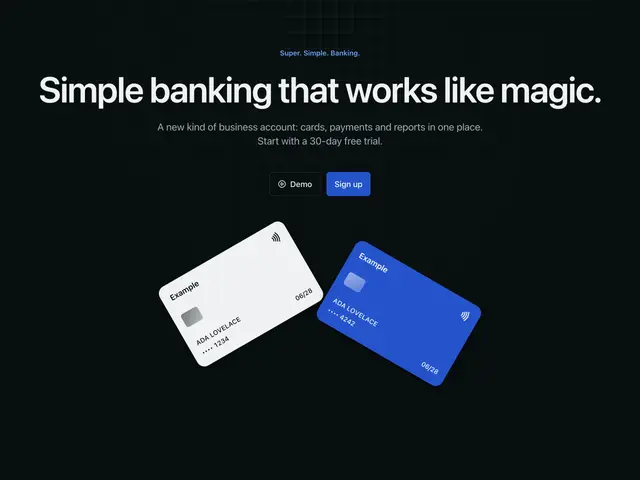
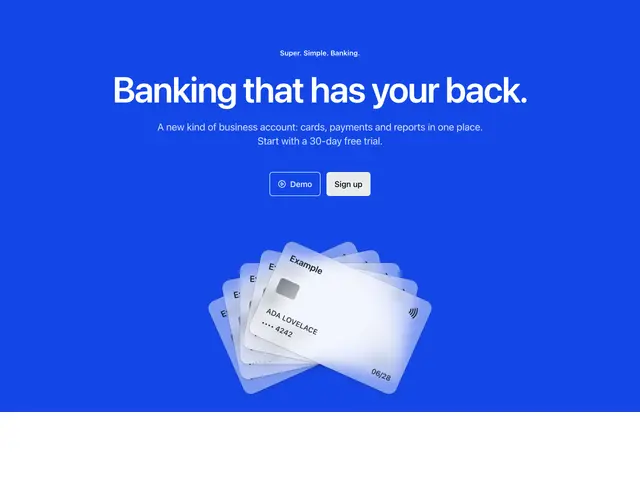
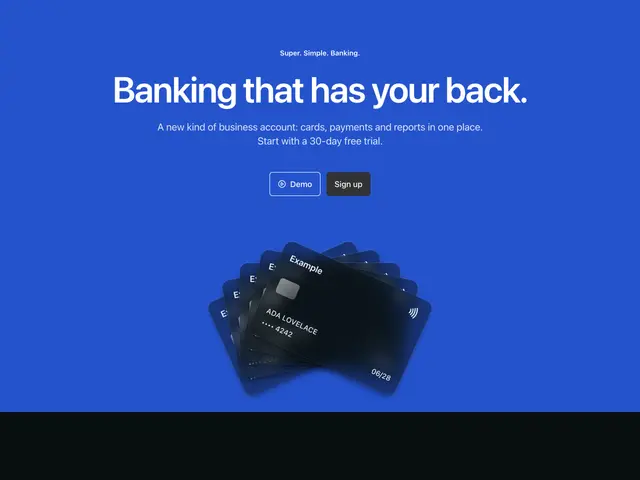
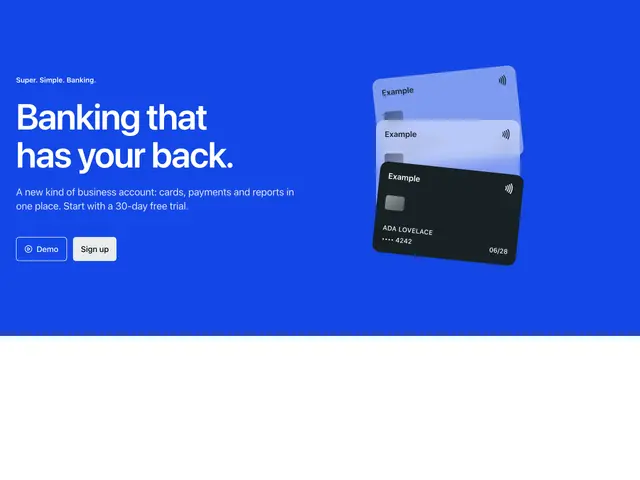
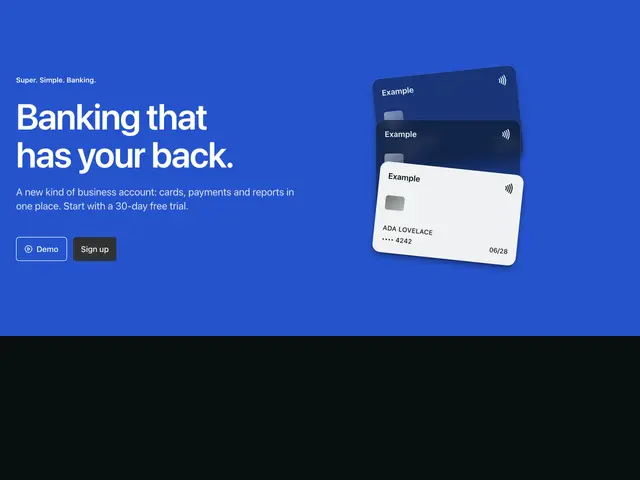
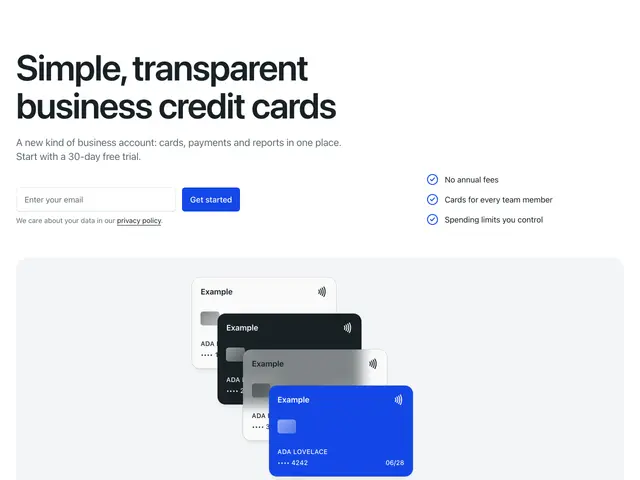
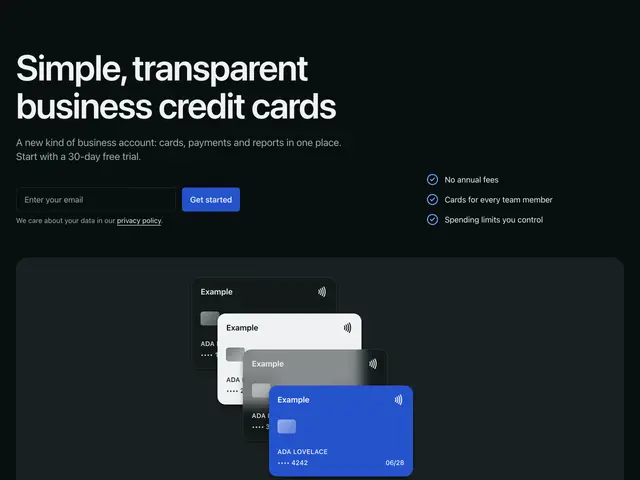
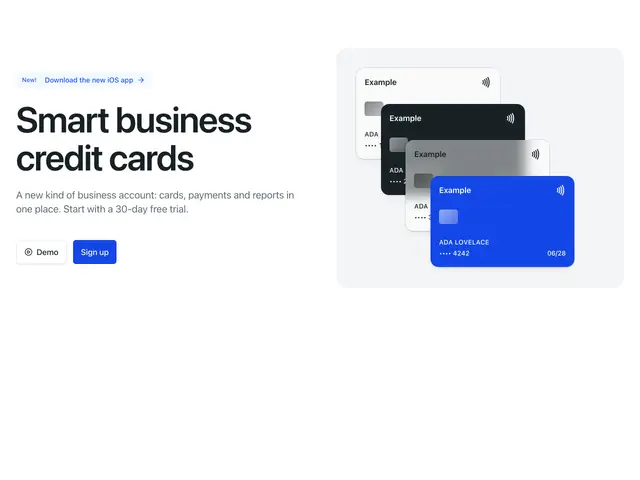
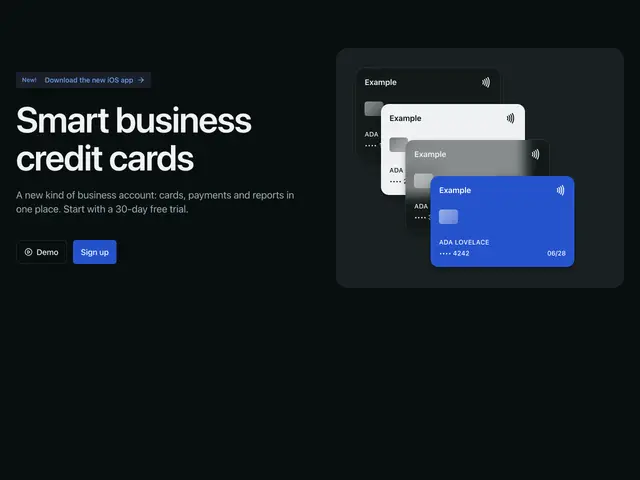
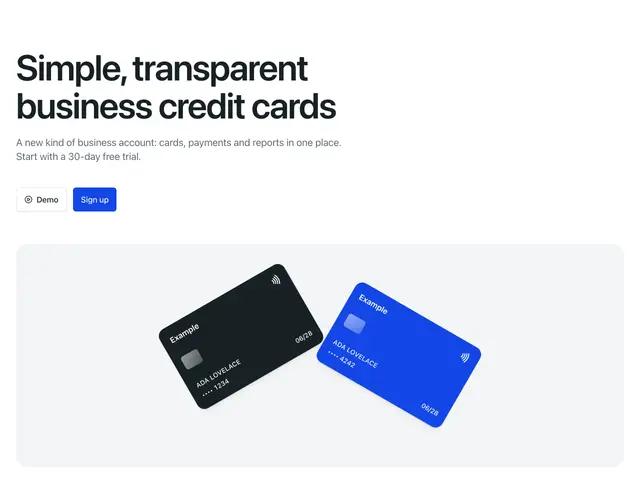
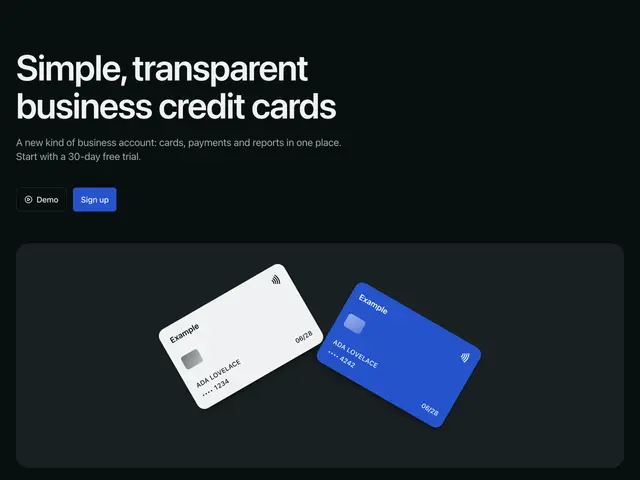
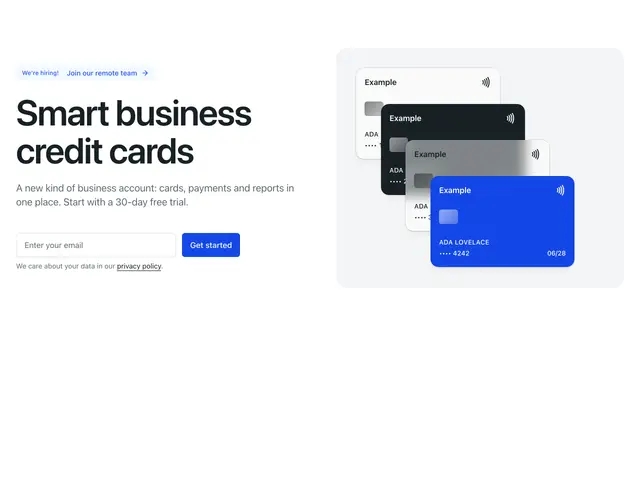
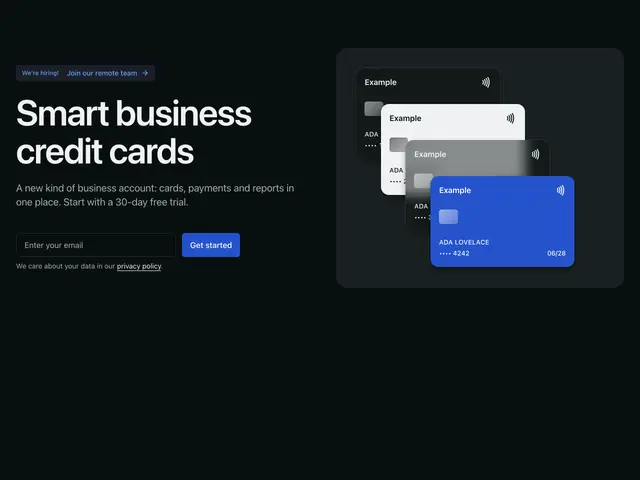
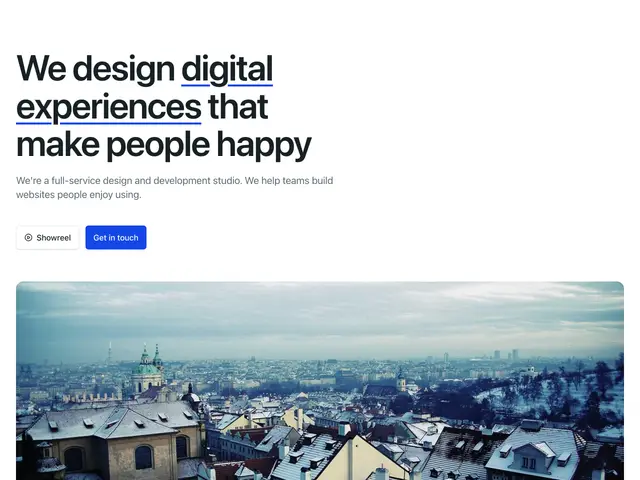
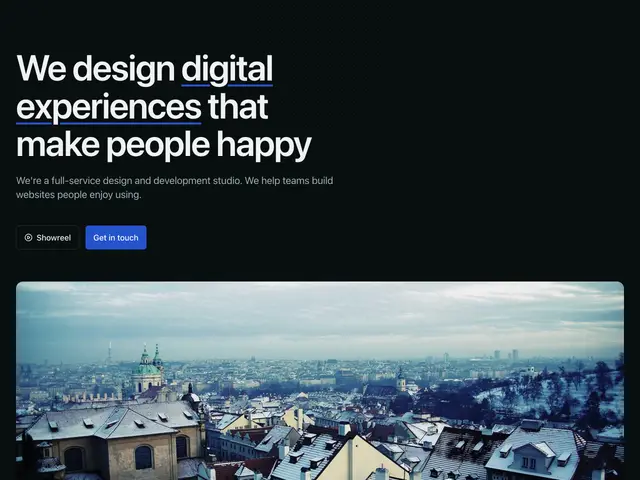
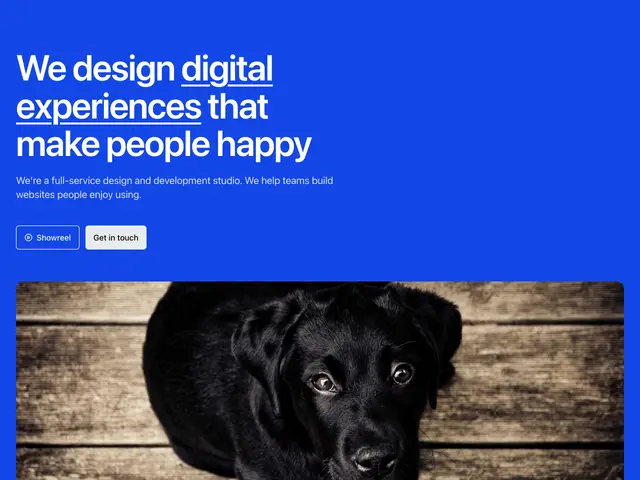
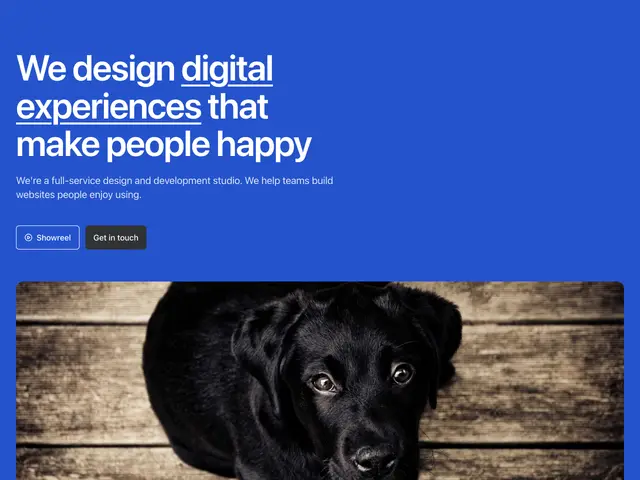
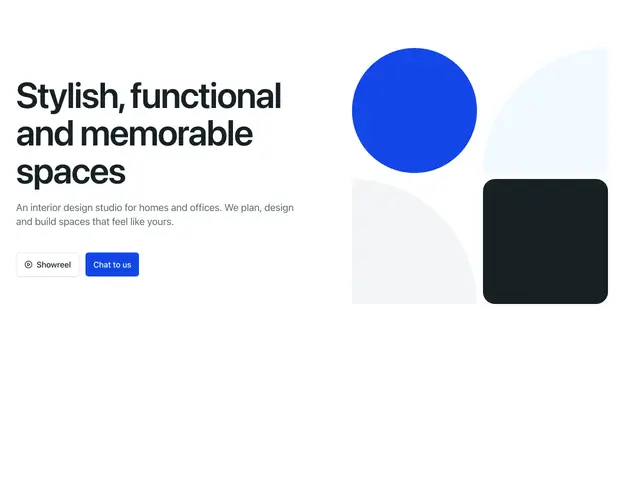
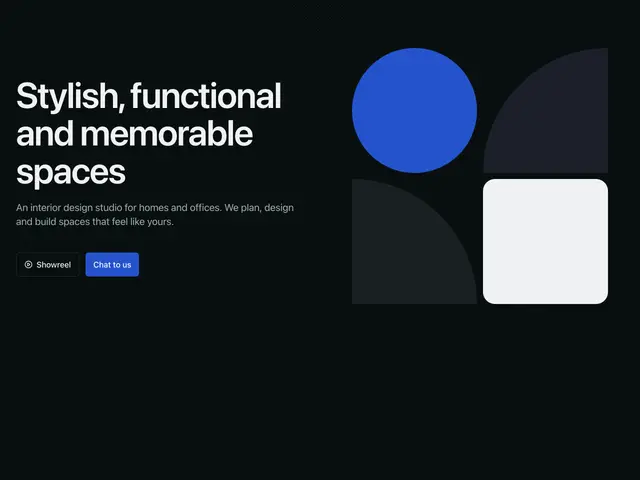
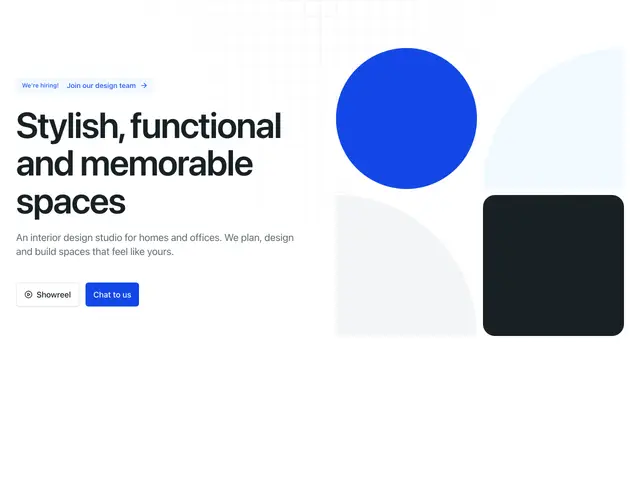
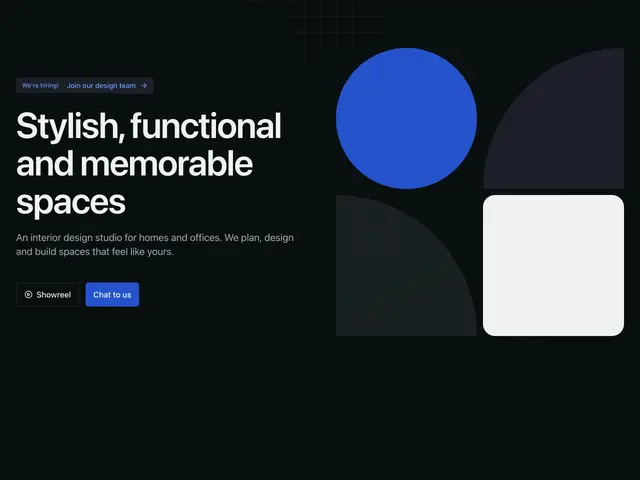
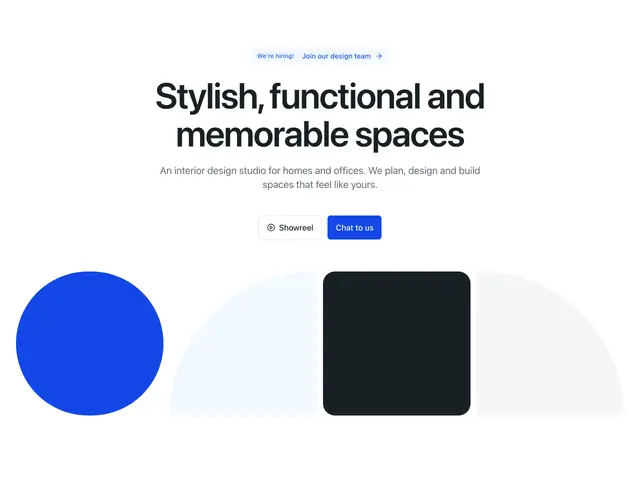
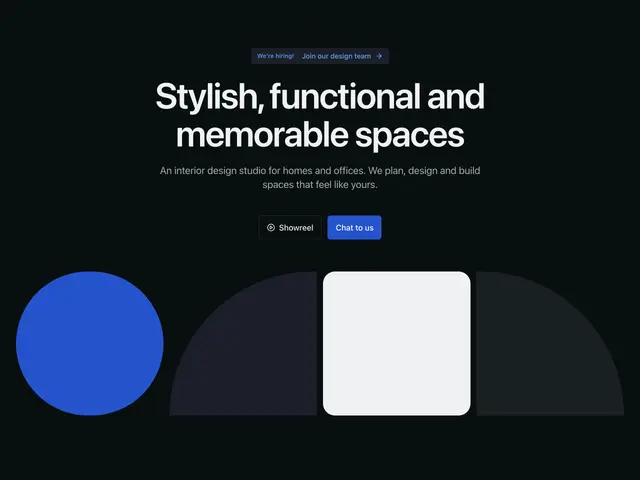
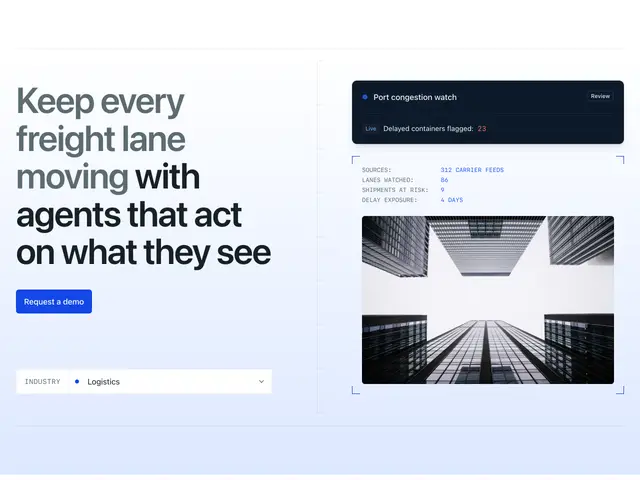
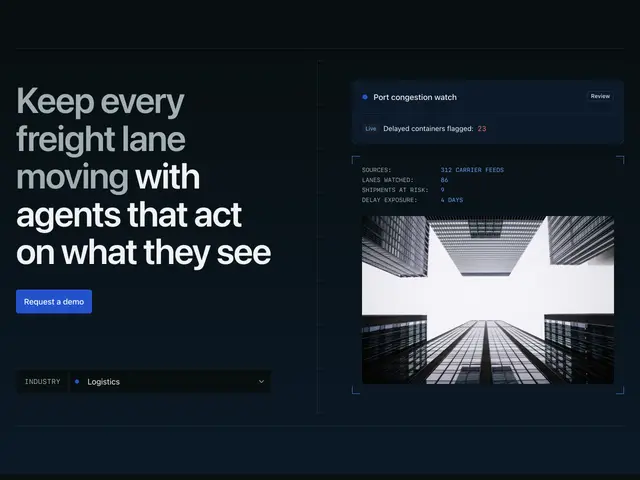
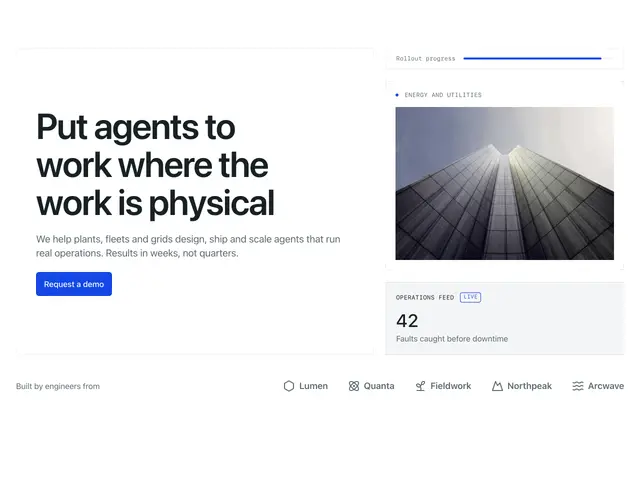
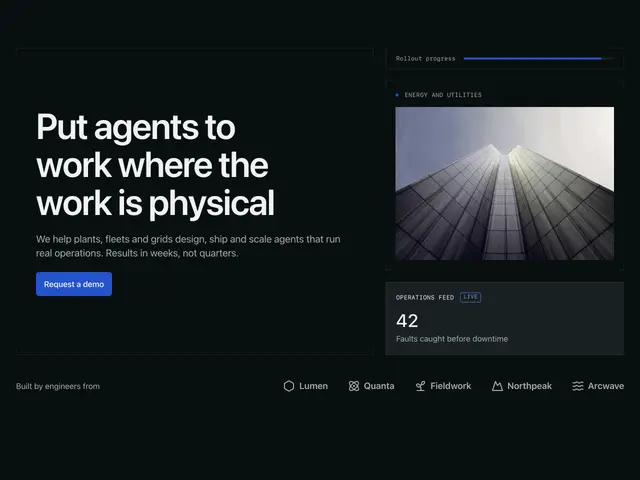
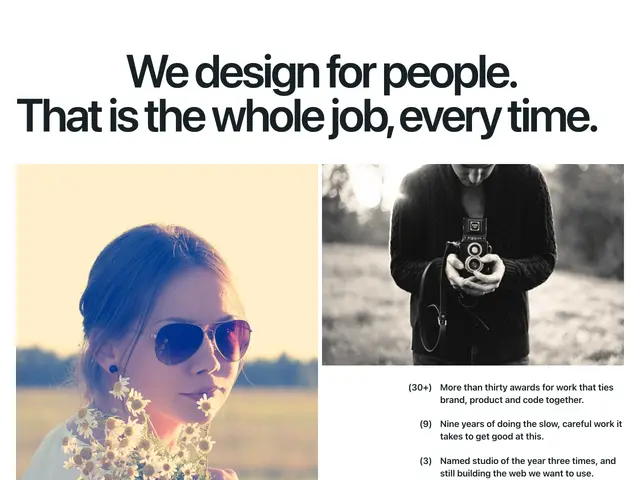
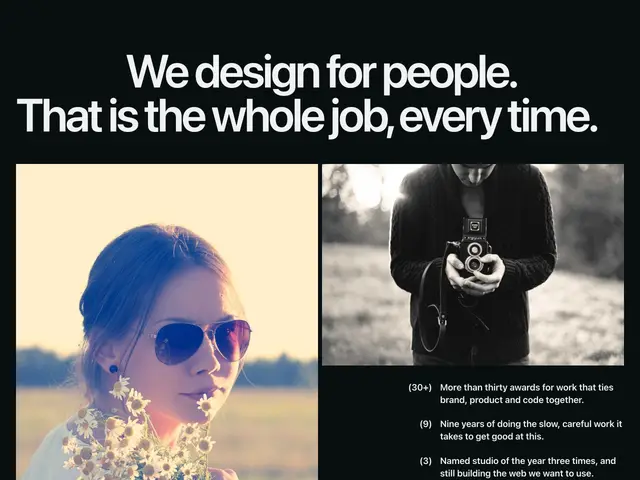
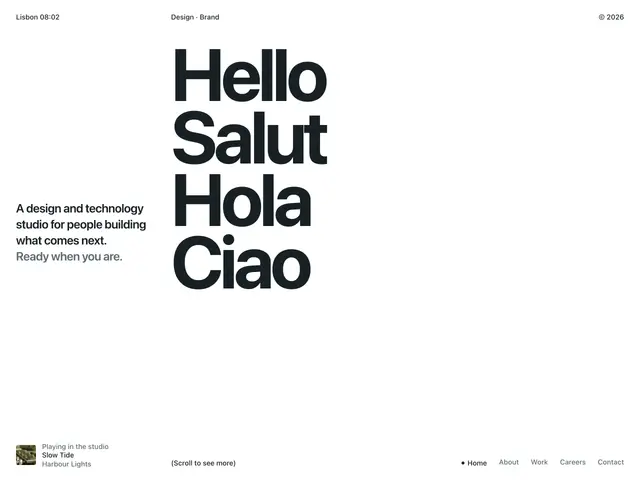
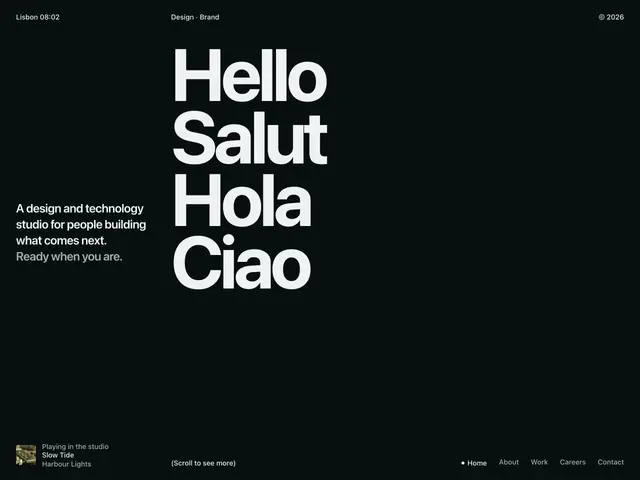
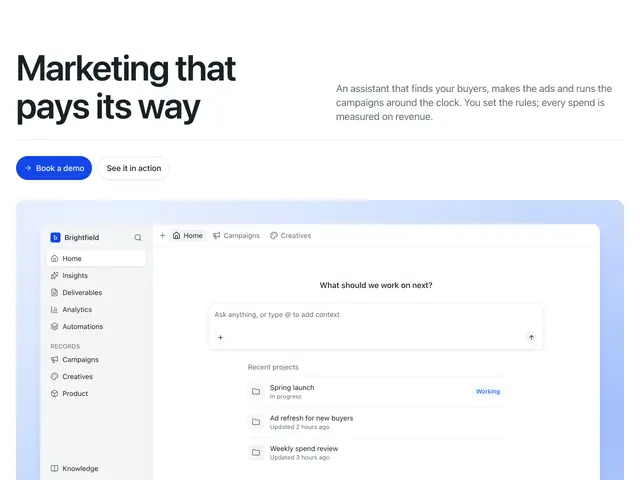
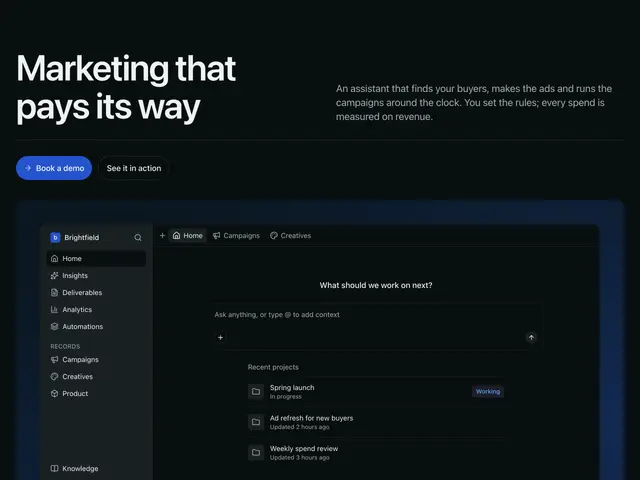
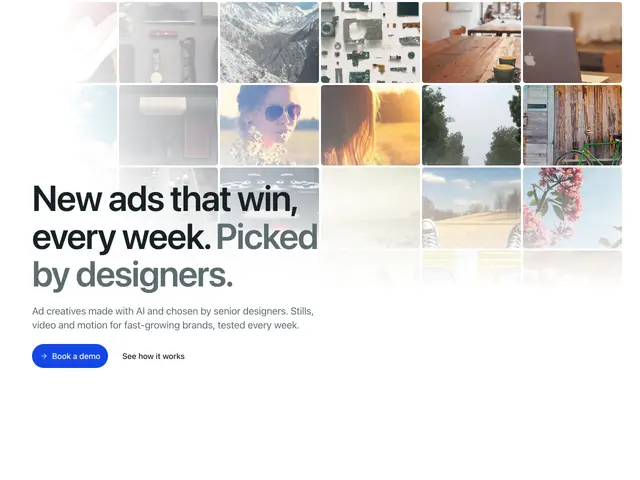
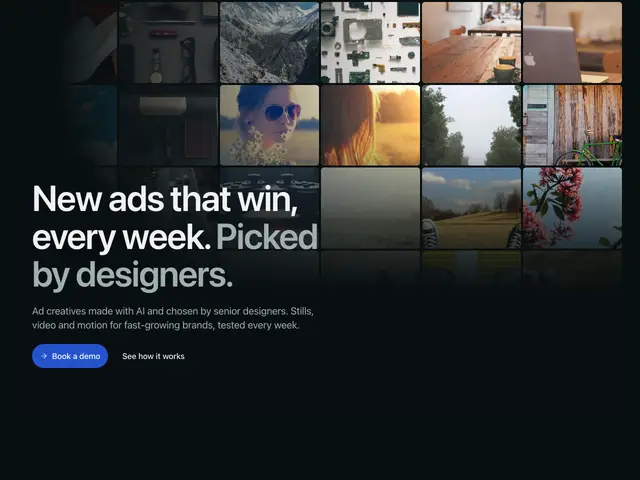
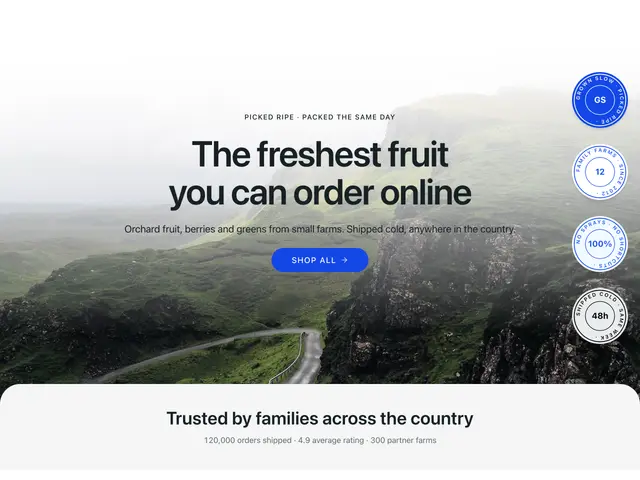
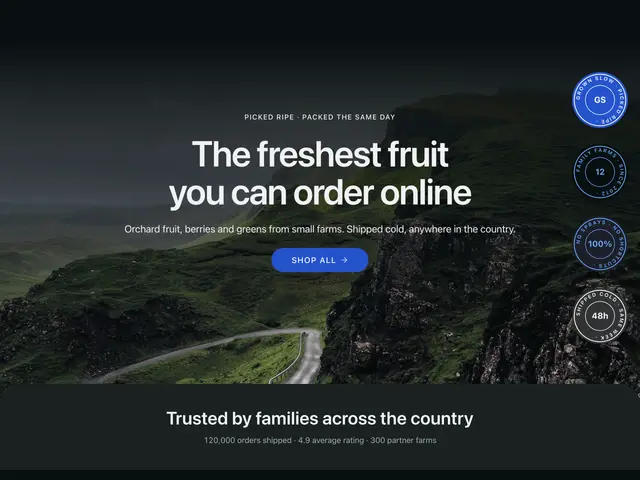
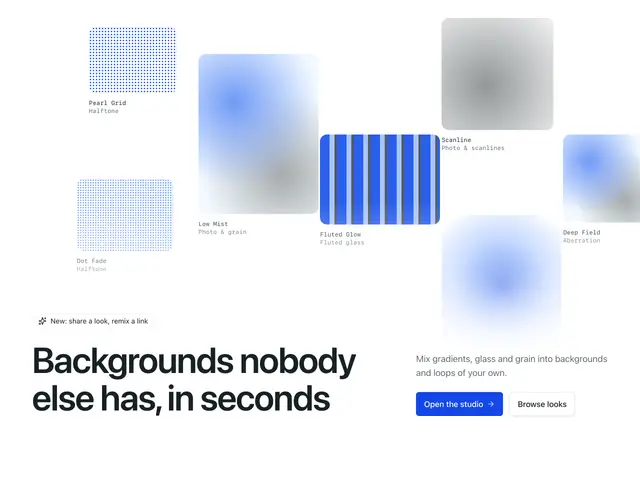
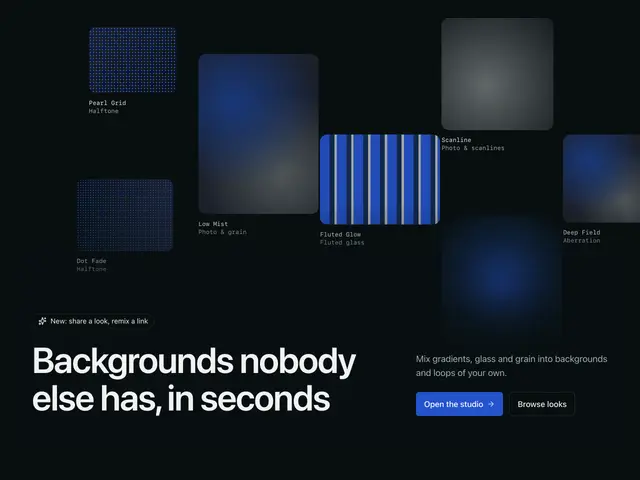
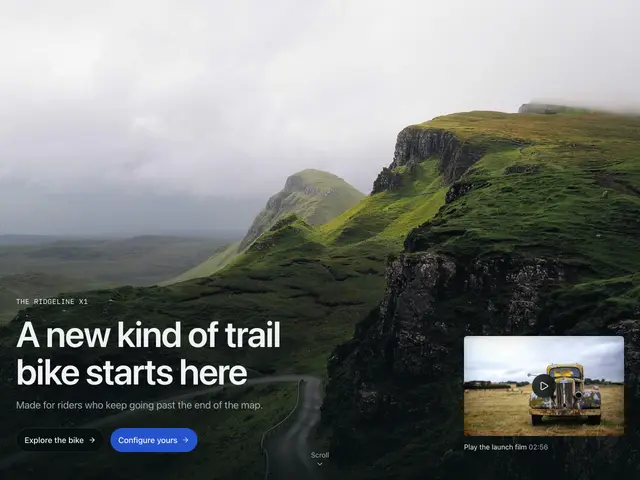
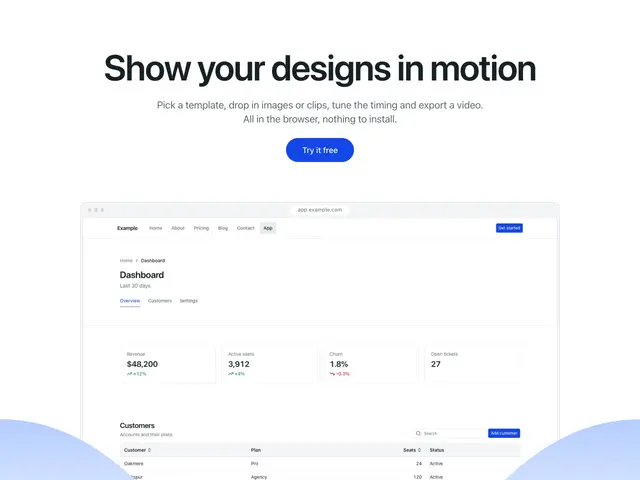
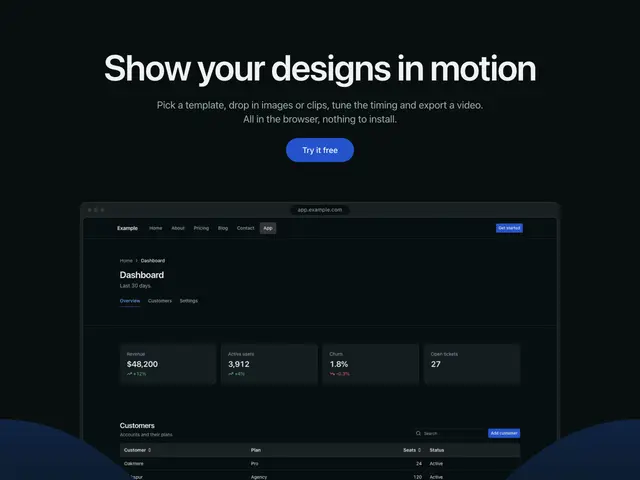
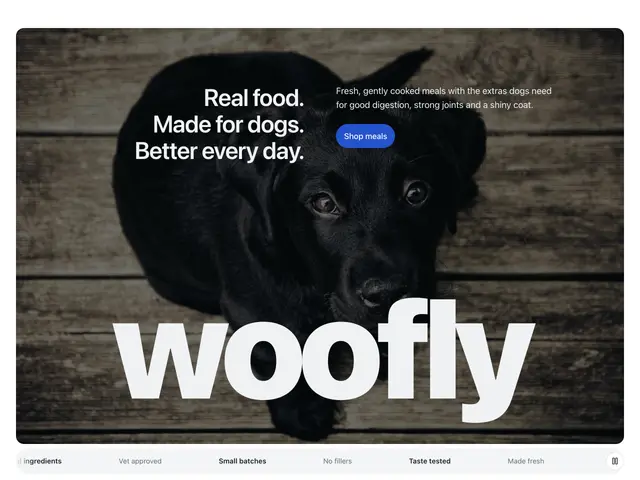
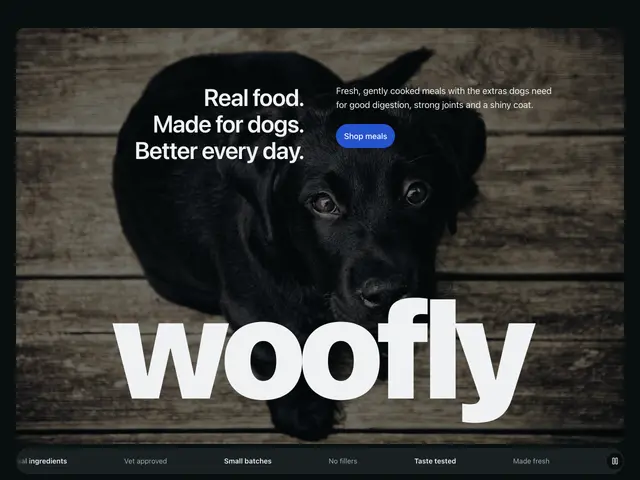
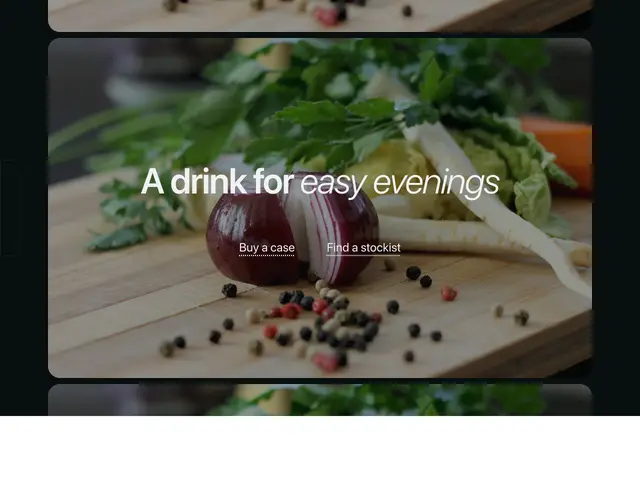
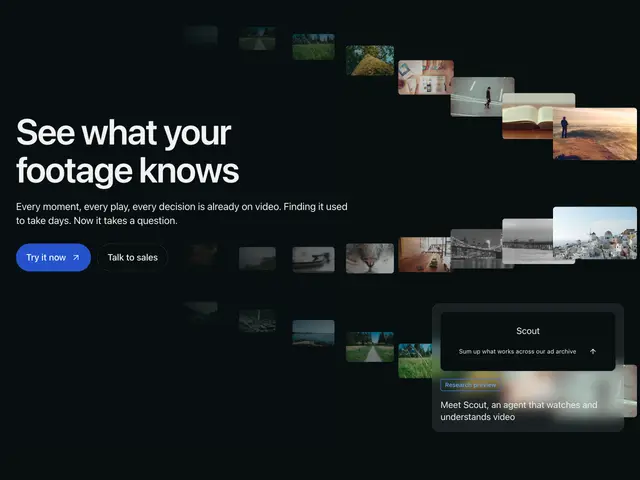
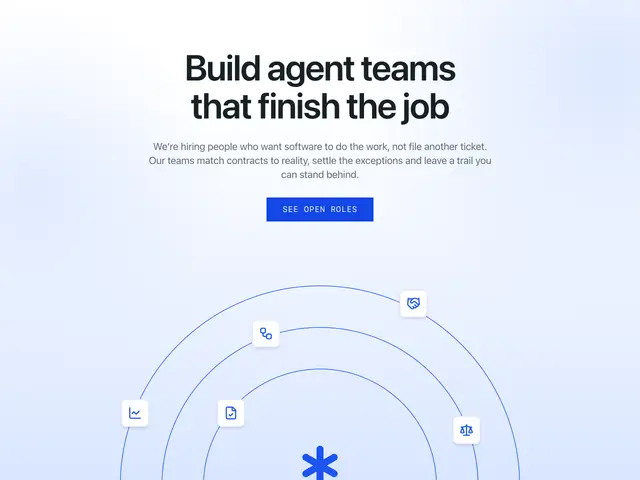
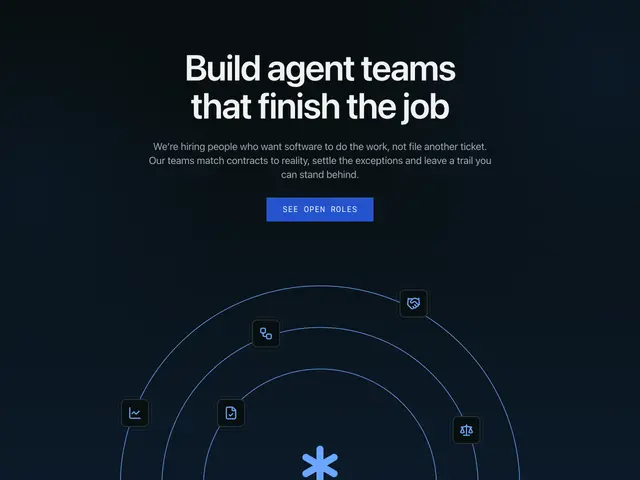
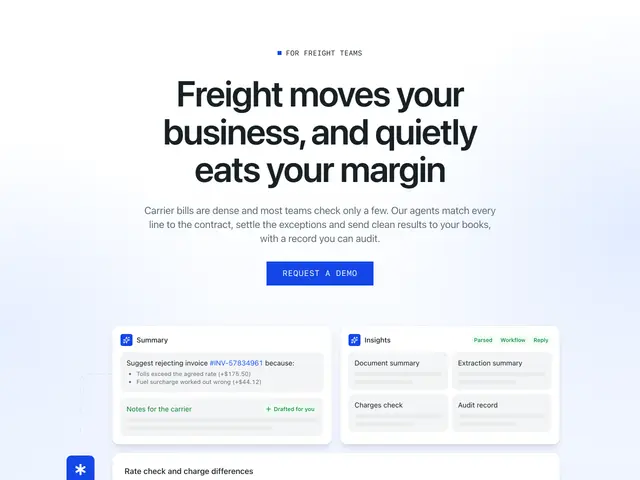
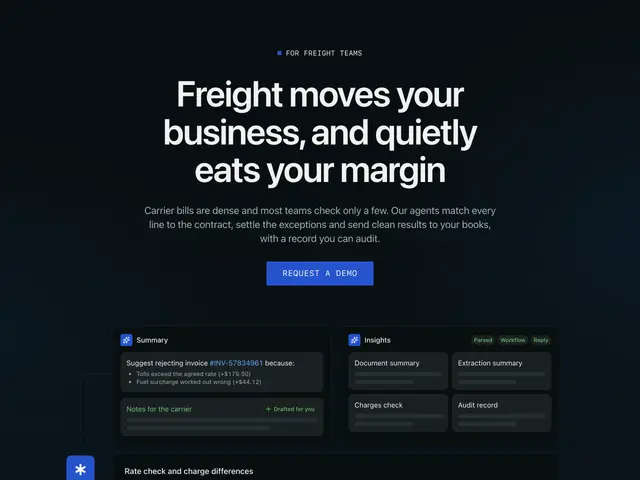
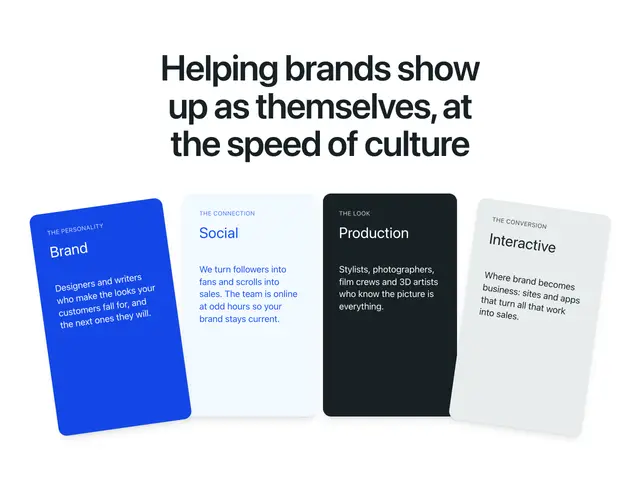
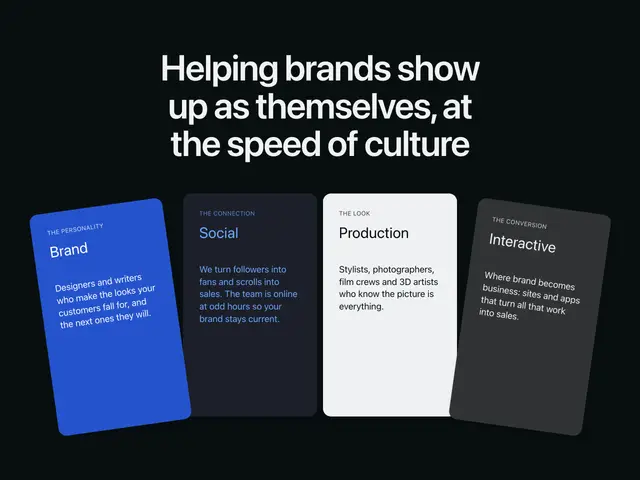
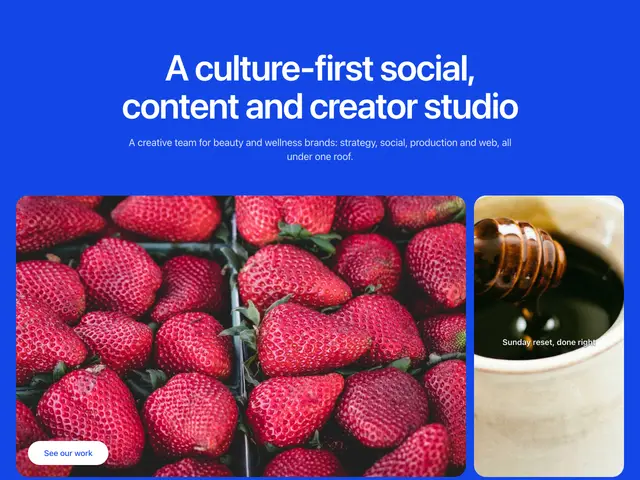
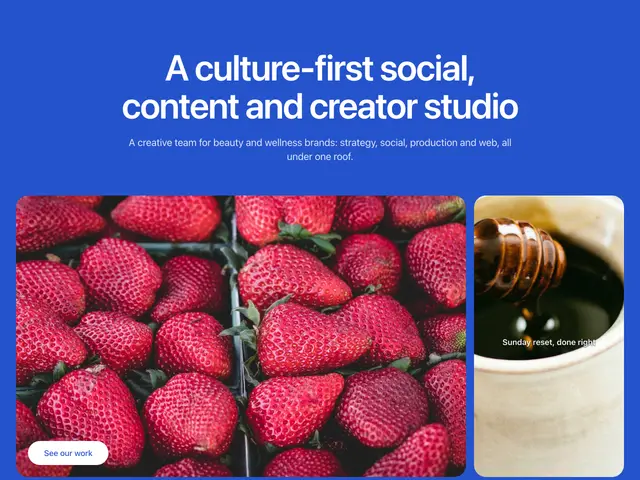
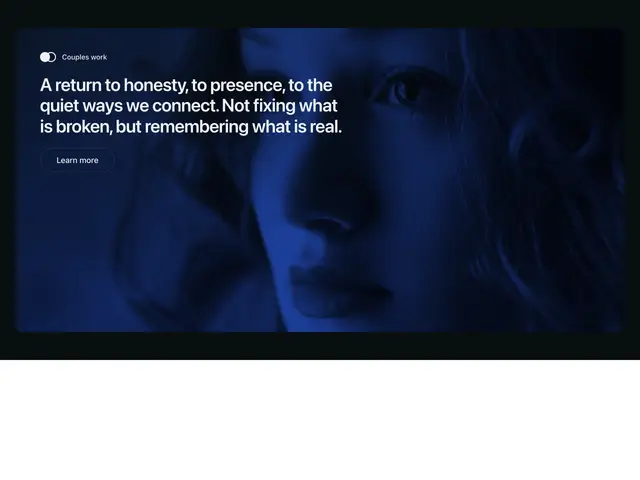
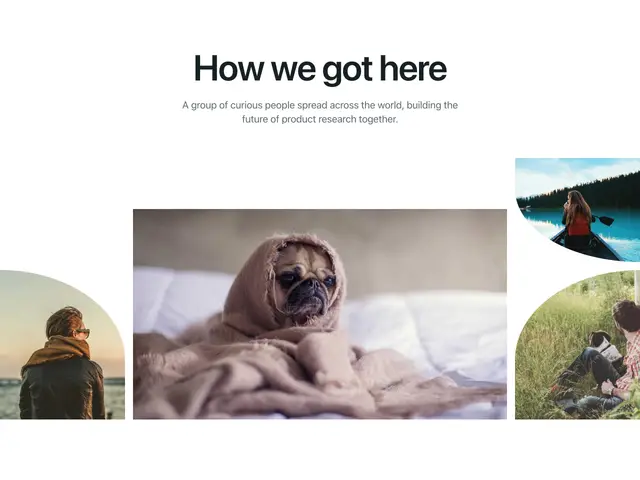
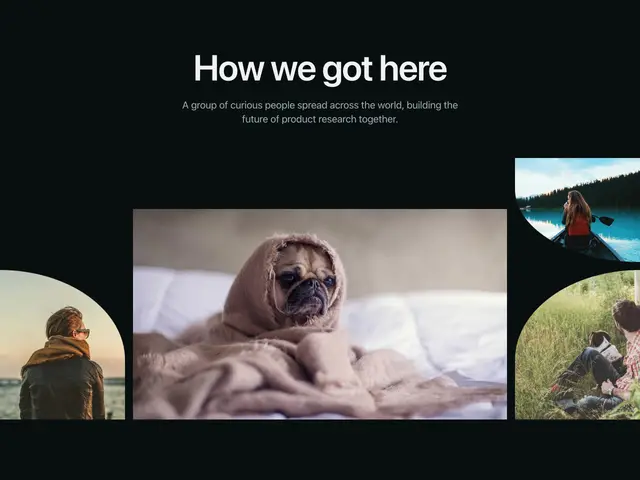
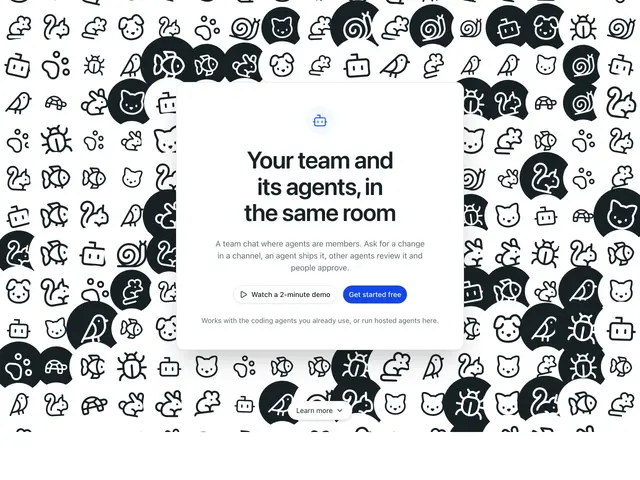
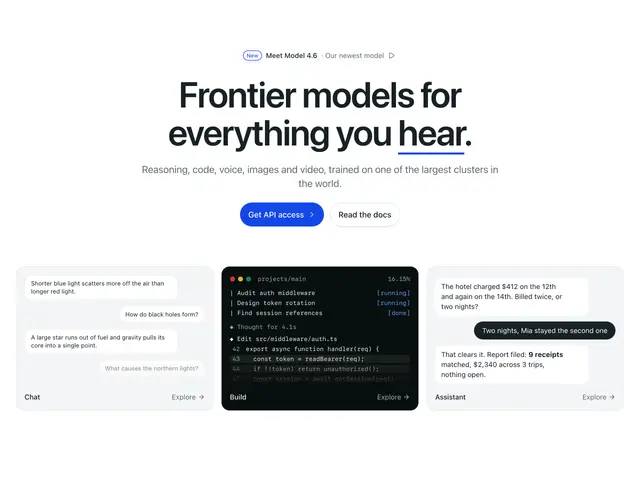
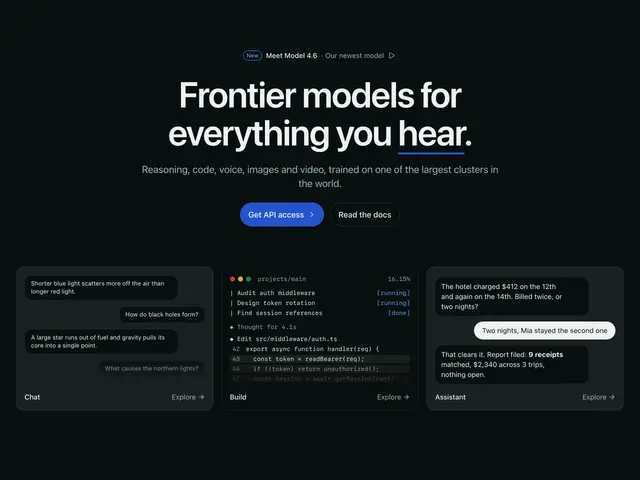
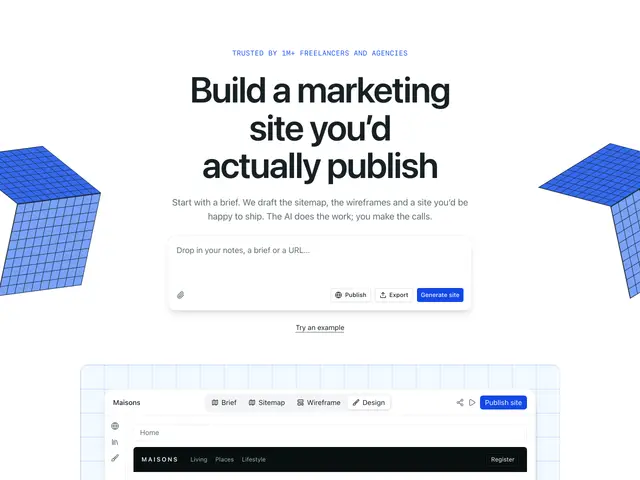
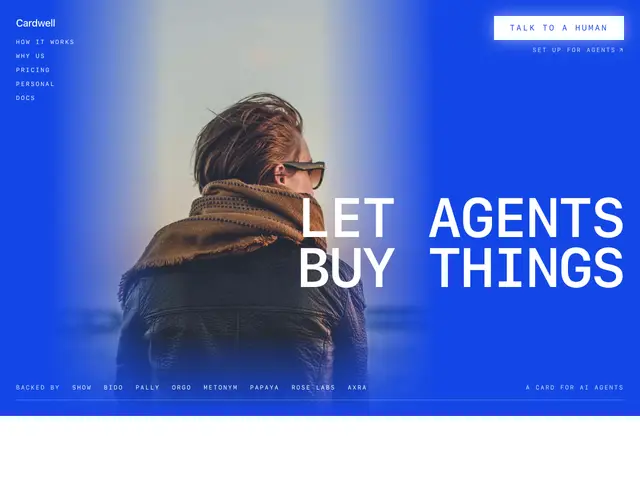
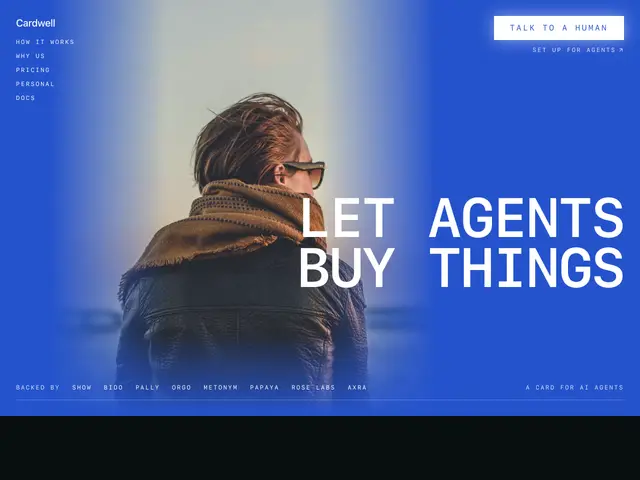
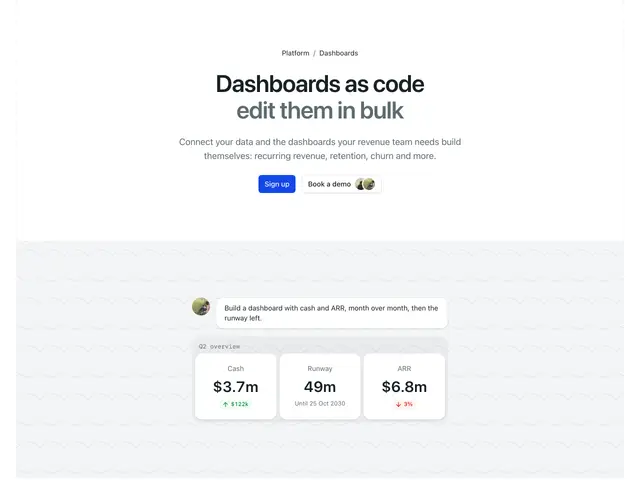
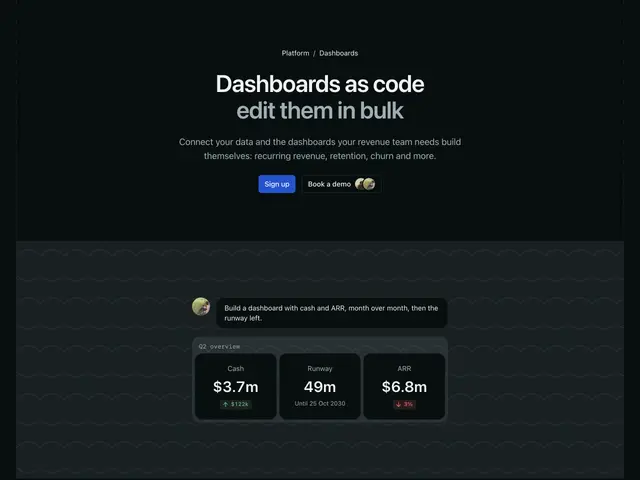
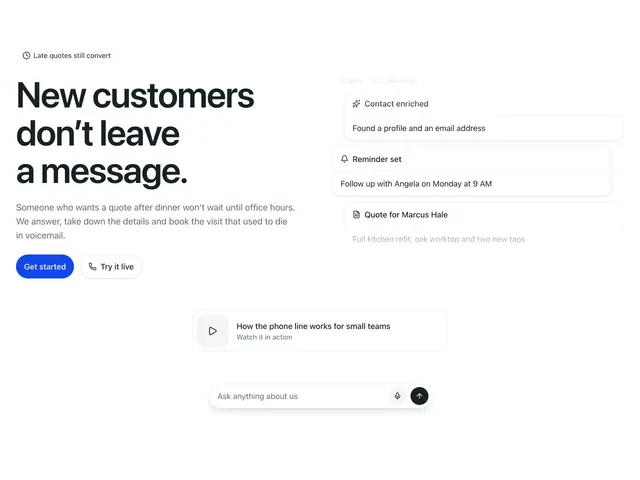
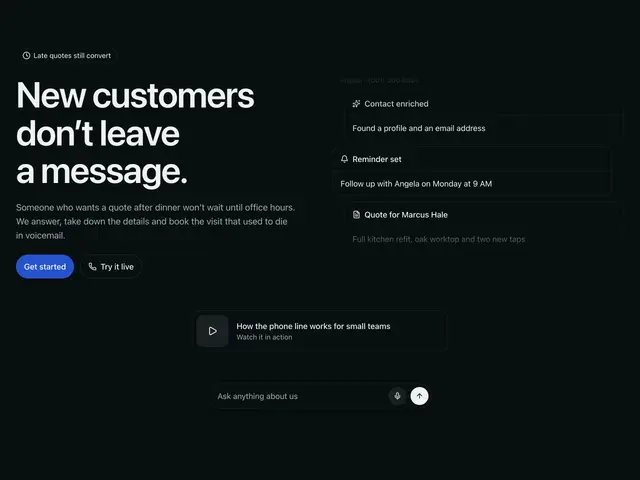
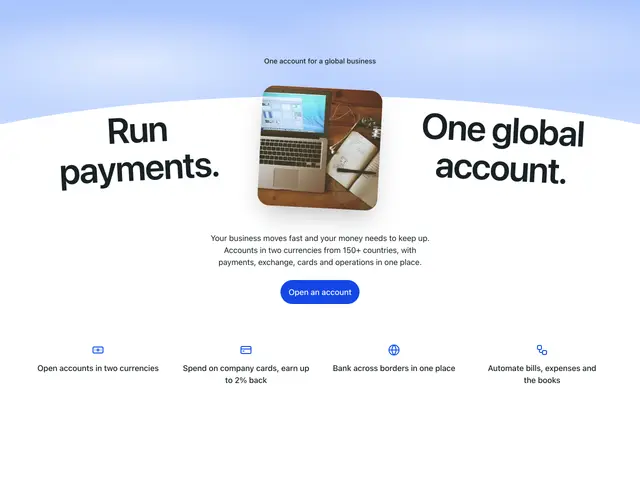
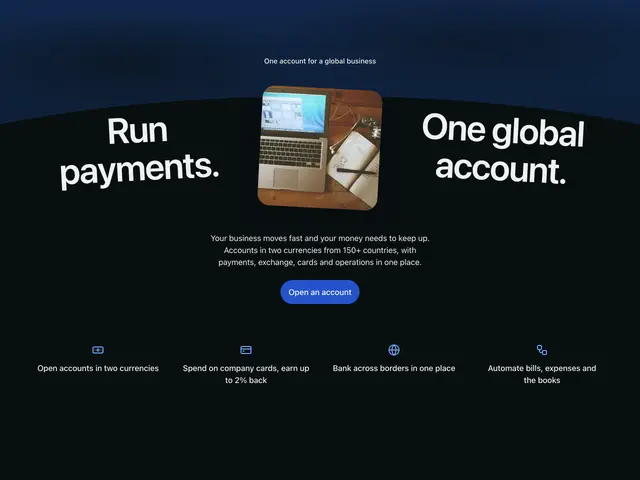
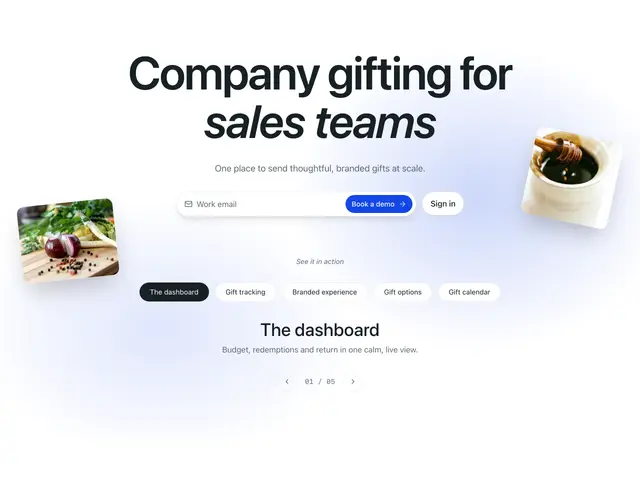
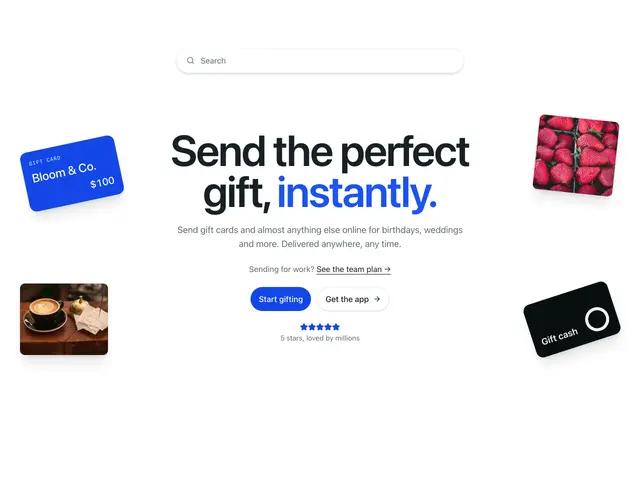
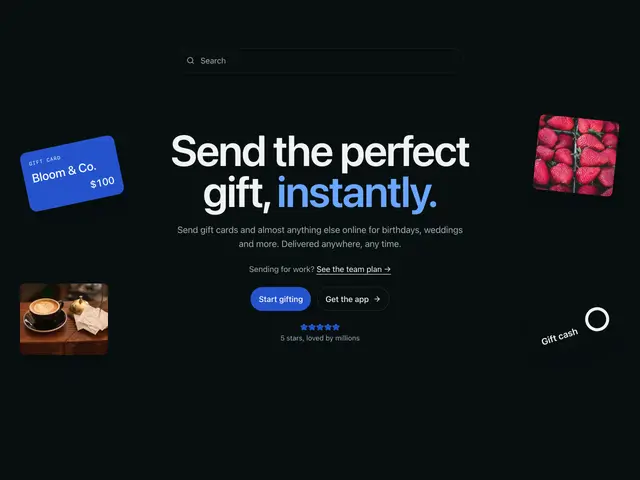
The first section of a page, with the page's h1 beside an image, a sign-up form, a screen or phone mockup, a card or a pattern.
Last updated
Each example is a block: a Section with the page’s h1,
supporting text and actions, next to an image, a sign-up form, a
DeviceFrame mockup, a card or a background pattern.
npx @ava-ui/apogee add hero/split-image-01Copy is props
Every hero block takes the same content props, with its sample copy as the
defaults: announcement ({ badge?, label, href }), eyebrow, heading,
description, primaryAction and secondaryAction ({ label, href }) and
media ({ src, srcDark?, alt, width?, height? }). A block ignores the ones it
has no place for, so you can swap one hero block for another and keep the copy.
Some blocks add their own, such as submitLabel or images.
- Wrap words of the heading in
*asterisks*to accent them. Each block styles the accent its own way (underlined, faded, italic); a block without an accent style drops the asterisks. - Pass
nullto hide a part:announcement={null},secondaryAction={null}.
The same props in two blocks:
Ship pages your team can edit
Blocks that take their copy as props, so an editor changes words, not code.
Show codeHide code
<SimpleText01
heading="Ship pages *your team* can edit"
description="Blocks that take their copy as props, so an editor changes words, not code."
primaryAction={{ label: 'Start free', href: '#' }}
secondaryAction={null}
/>
Ship pages your team can edit
Blocks that take their copy as props, so an editor changes words, not code.
Show codeHide code
<CardMockup01
heading="Ship pages *your team* can edit"
description="Blocks that take their copy as props, so an editor changes words, not code."
primaryAction={{ label: 'Start free', href: '#' }}
secondaryAction={null}
announcement={null}
/>