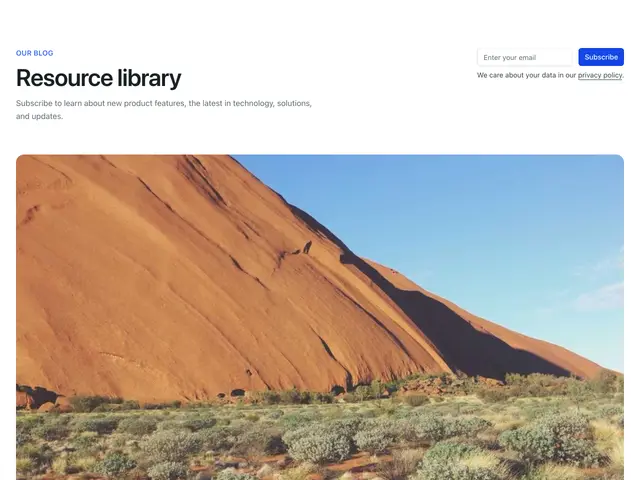
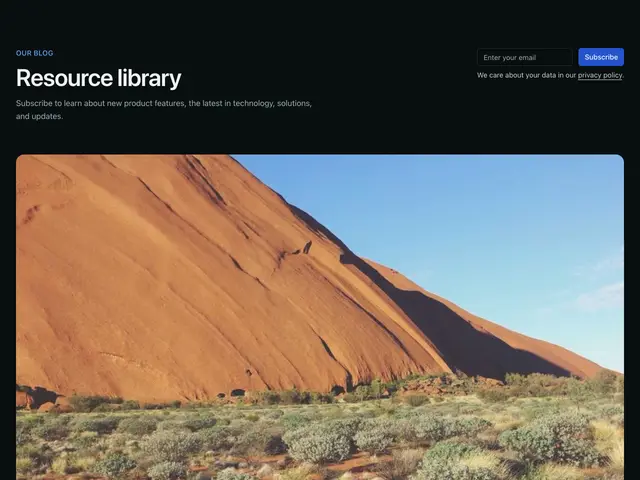
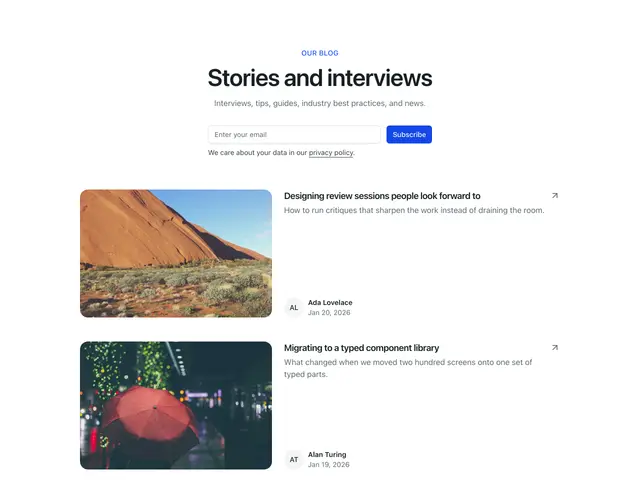
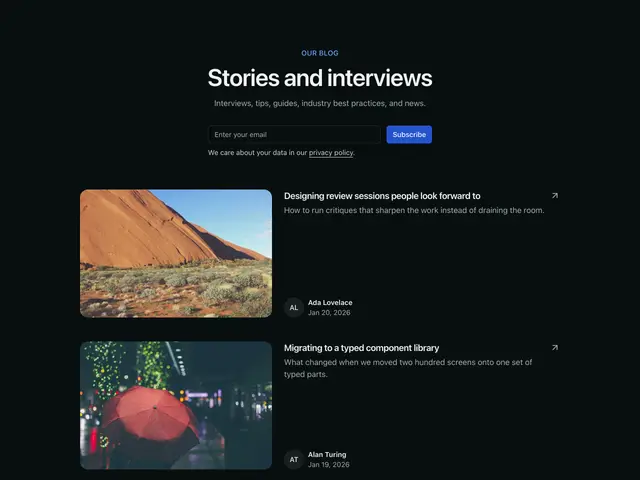
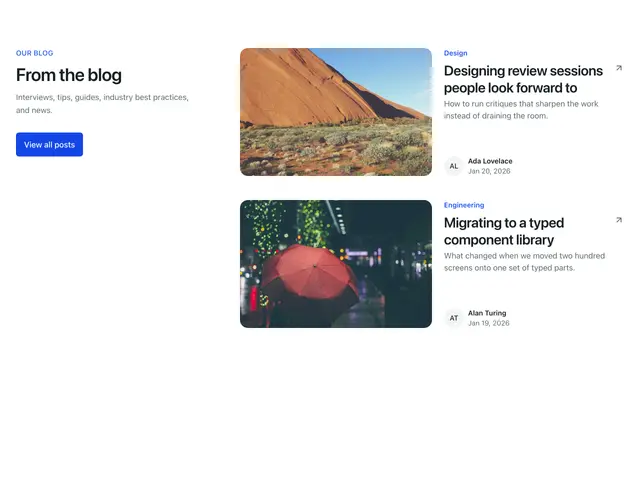
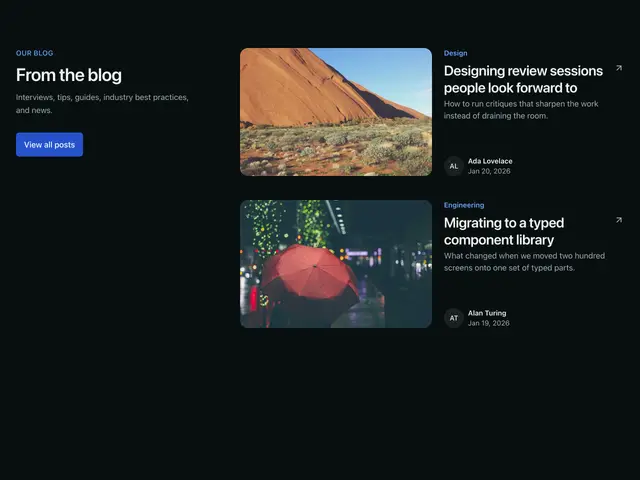
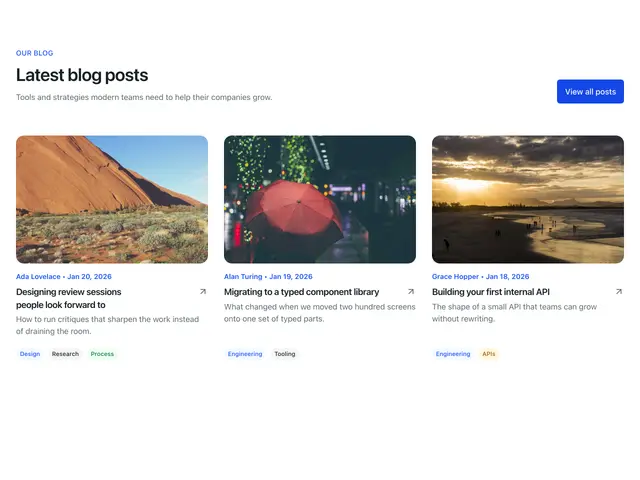
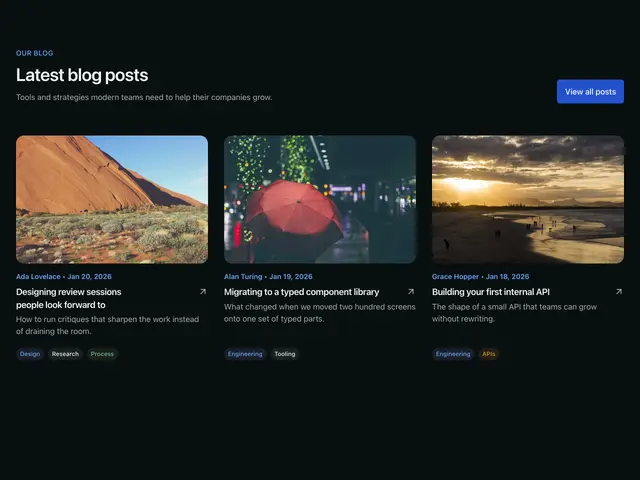
Blog sections
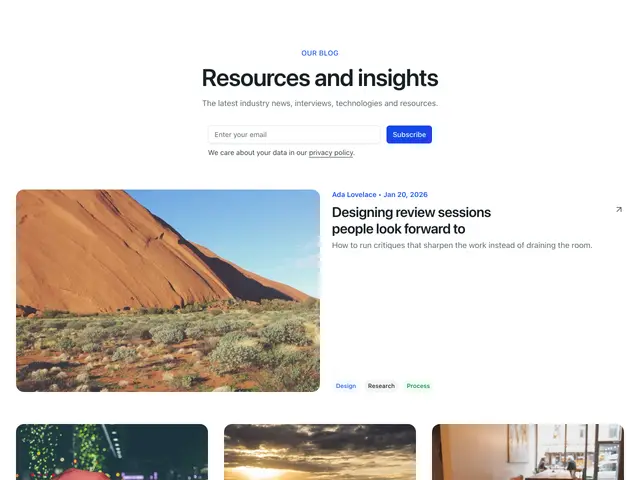
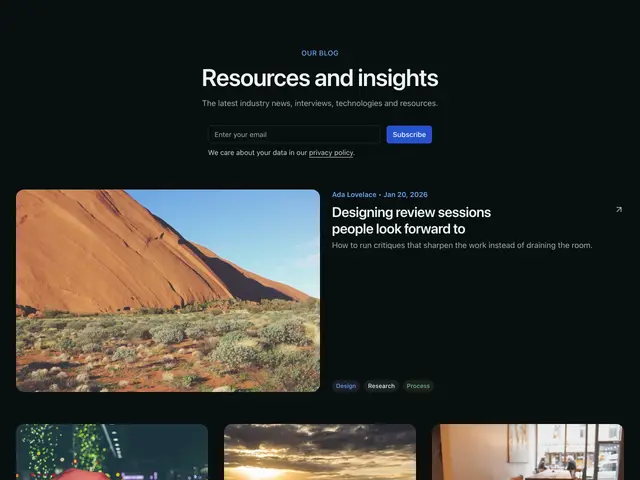
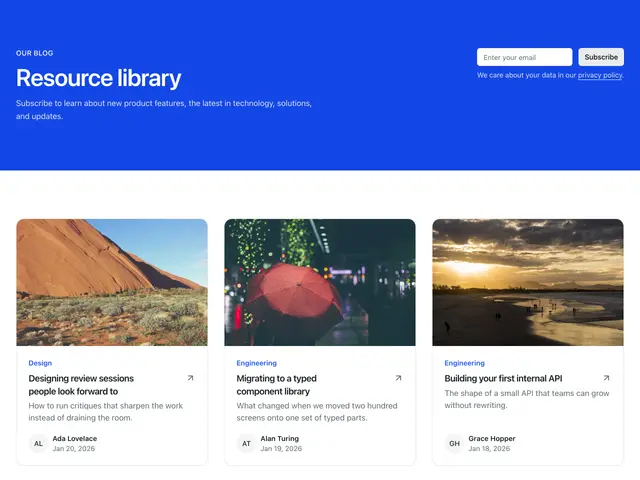
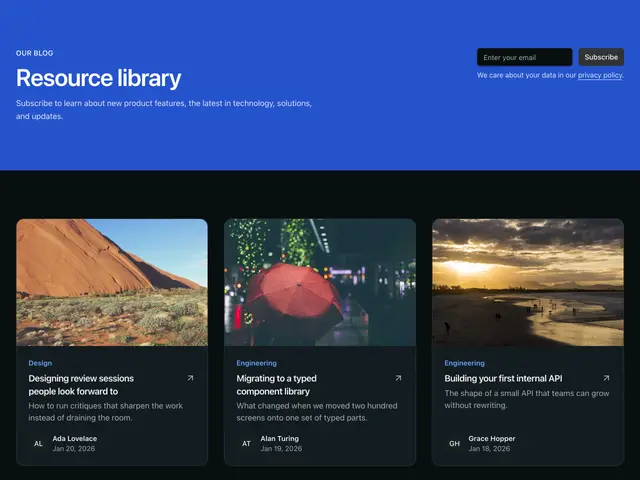
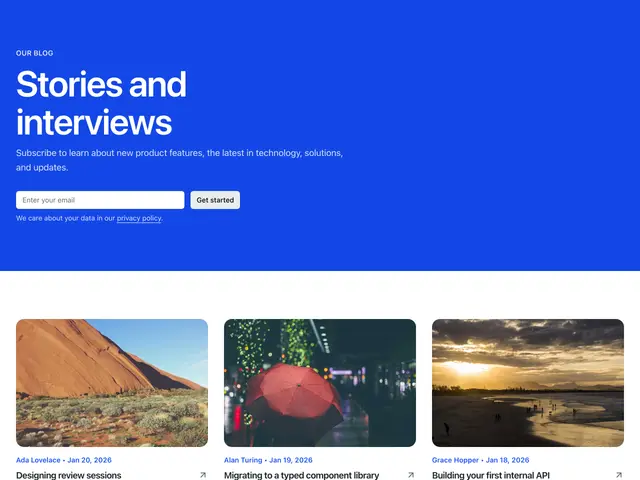
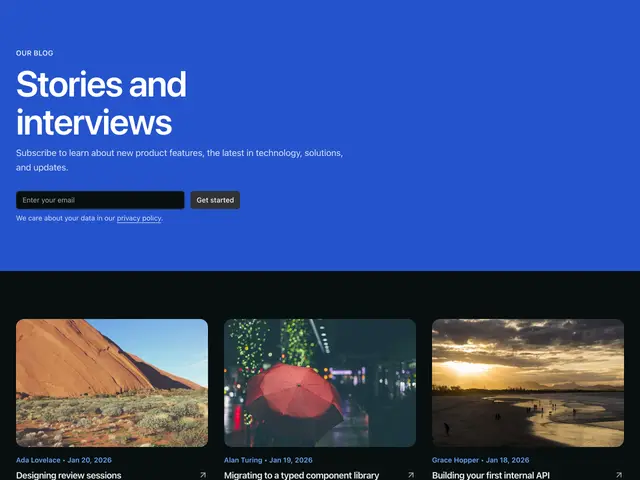
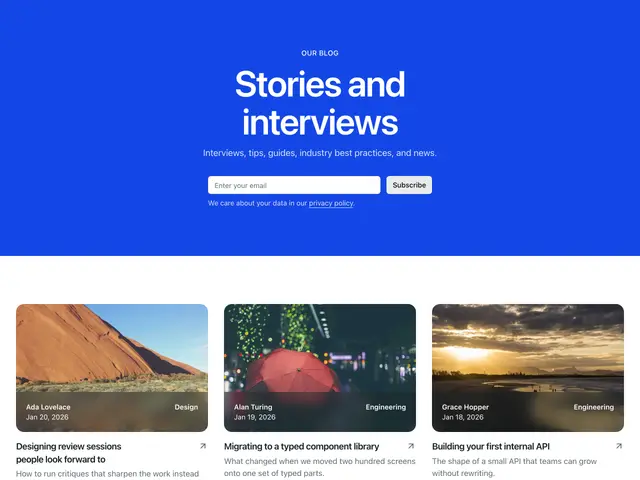
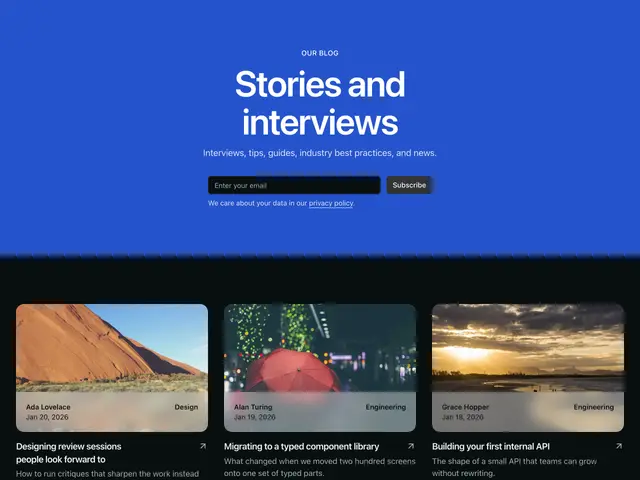
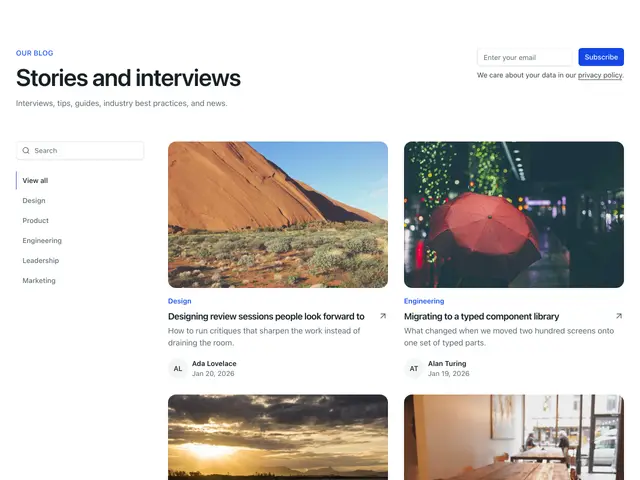
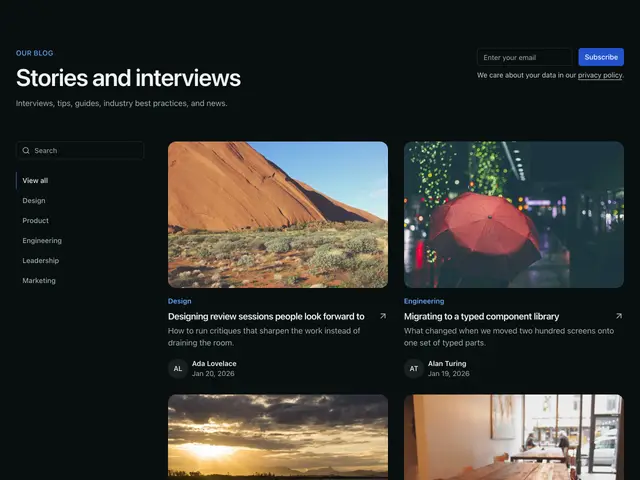
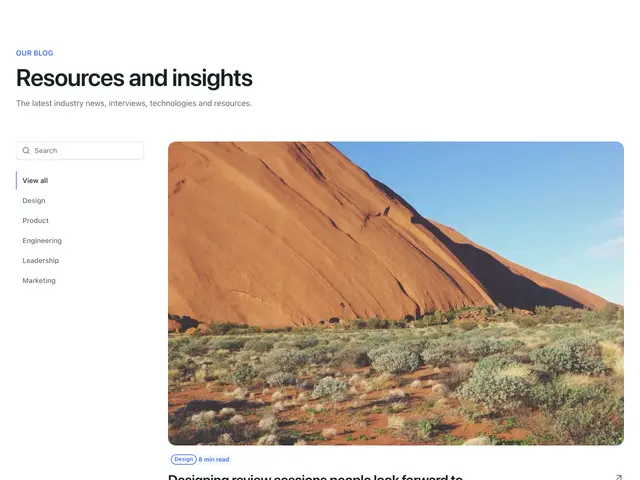
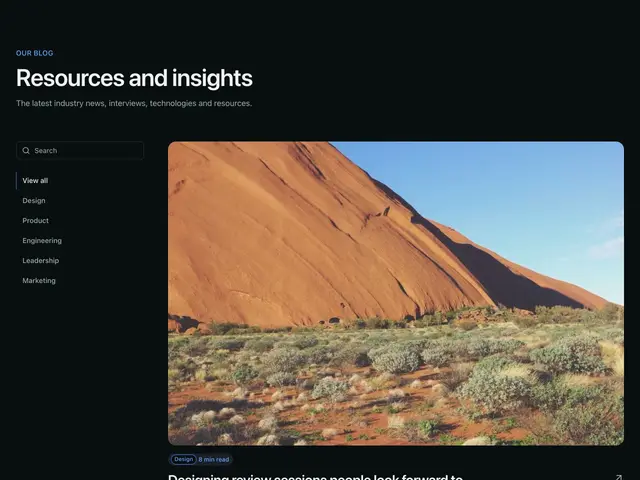
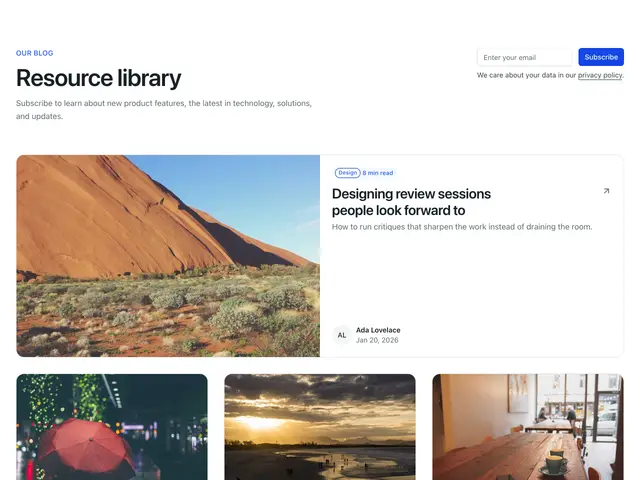
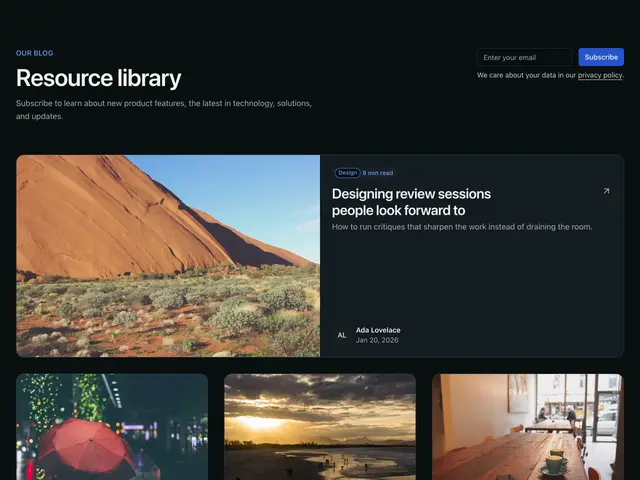
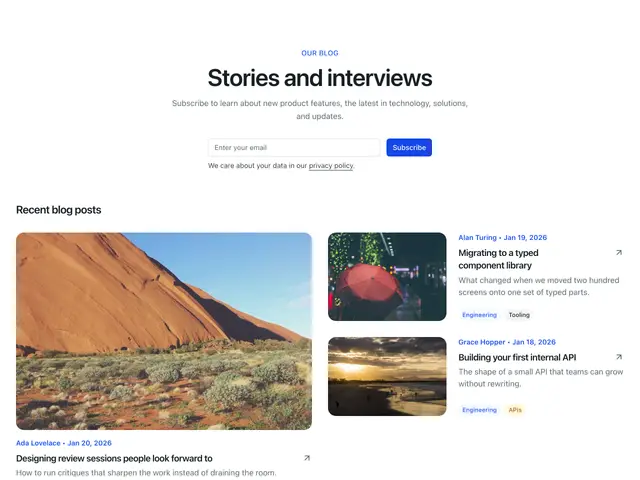
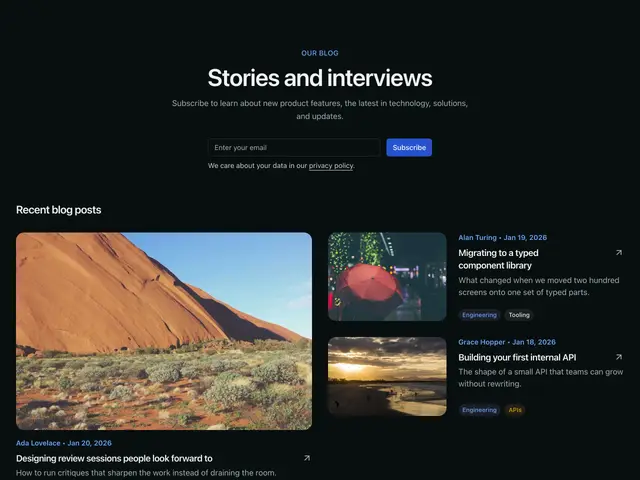
Blog index headers with a featured post, filters and pagination, and latest-posts sections for any page.
Last updated
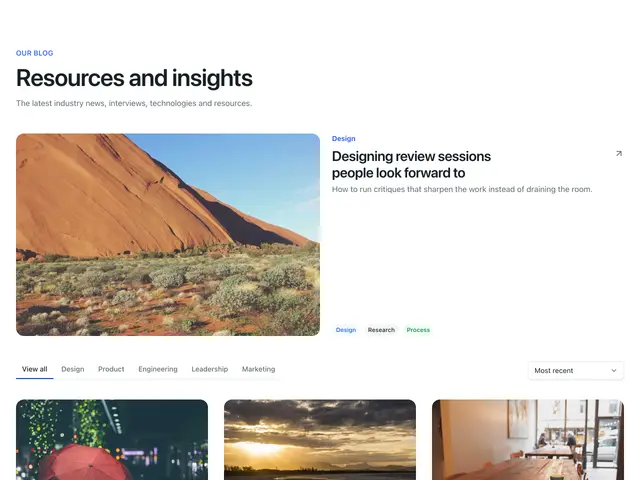
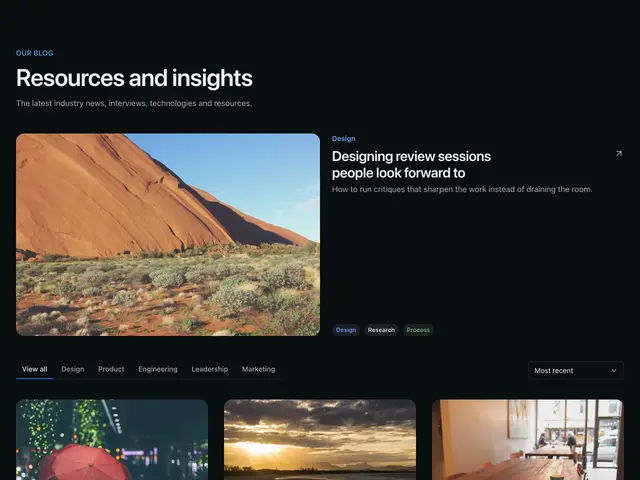
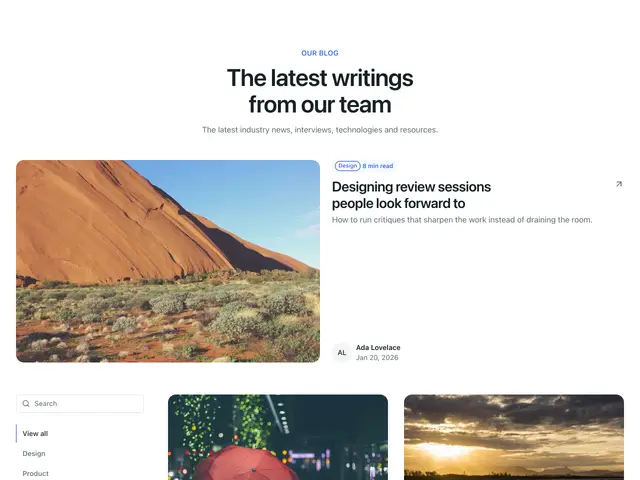
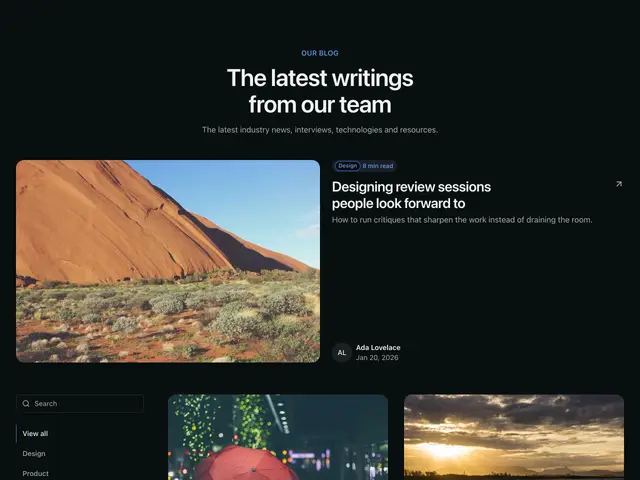
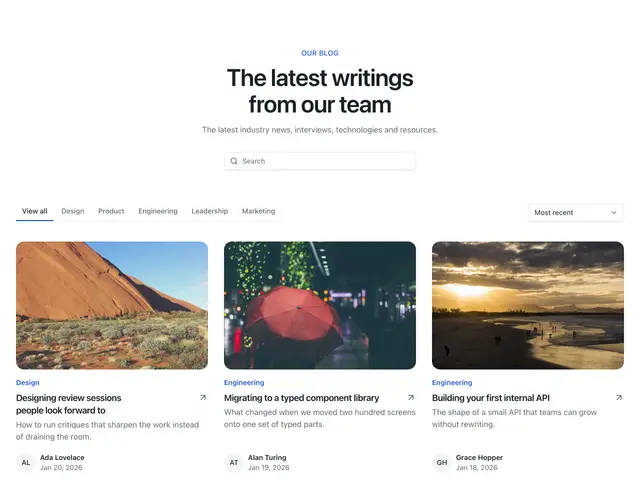
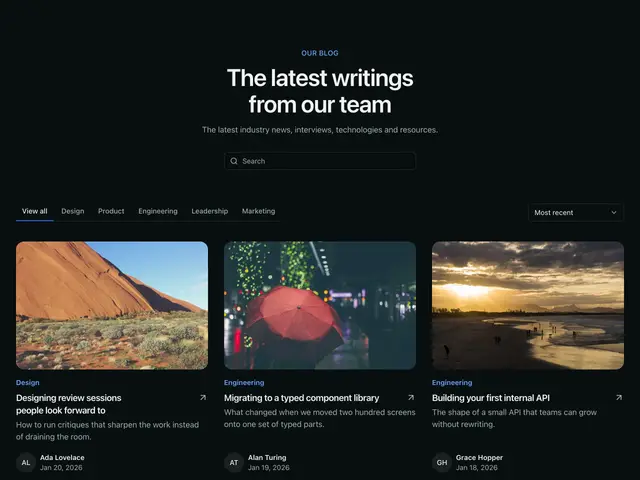
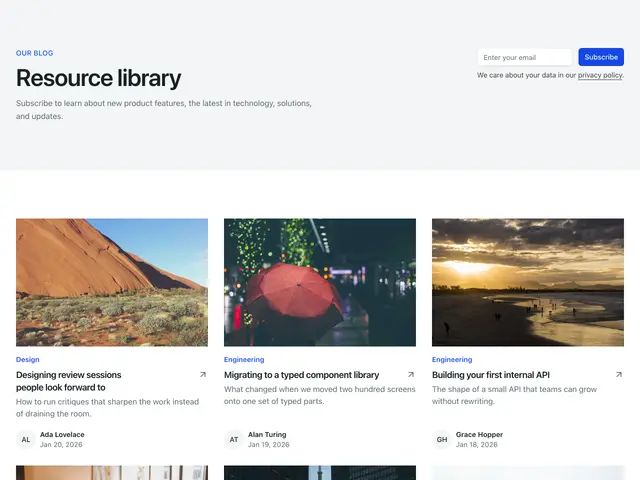
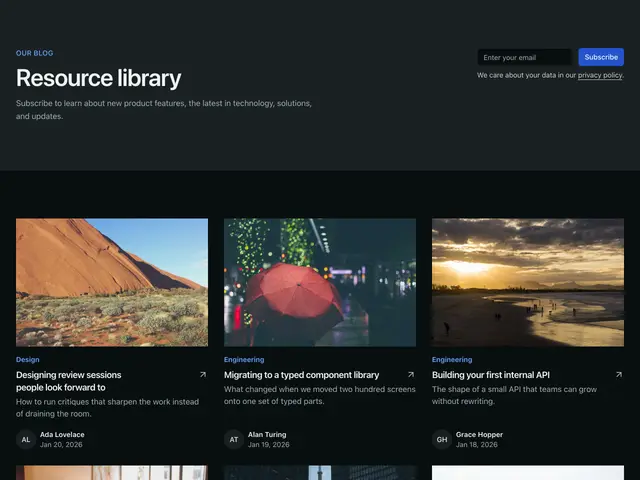
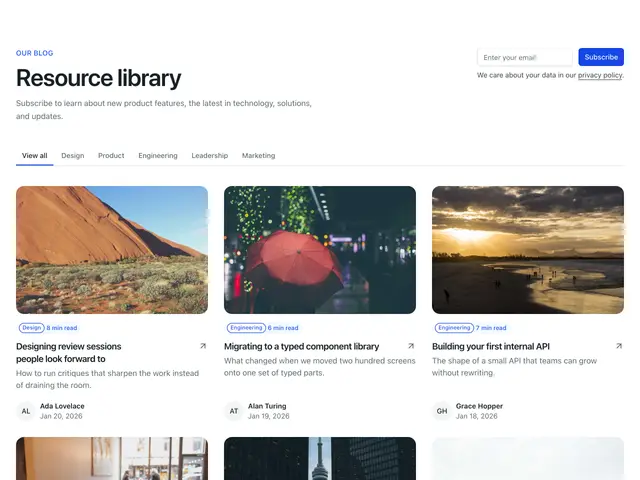
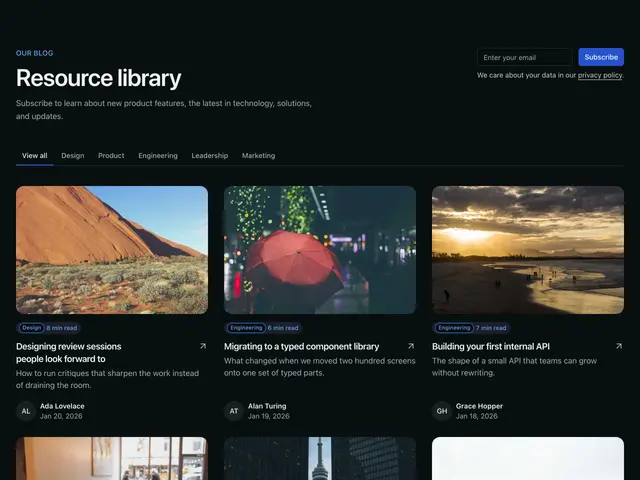
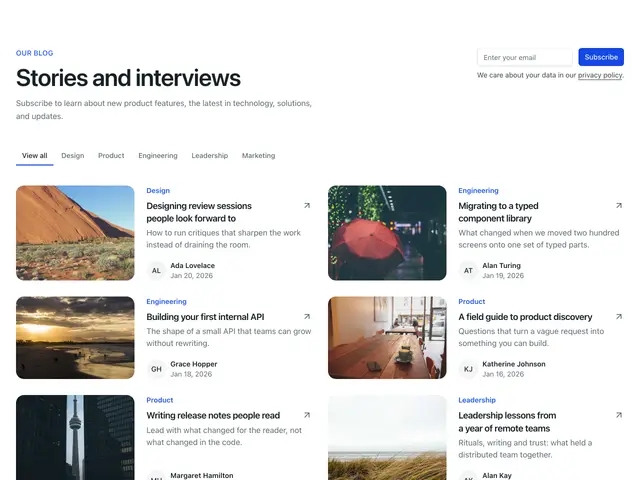
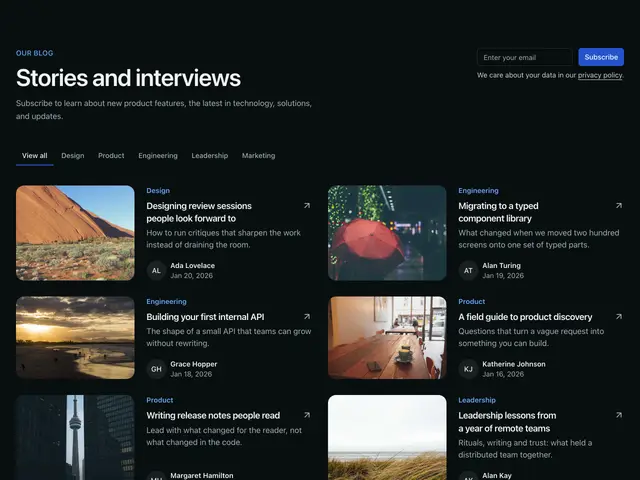
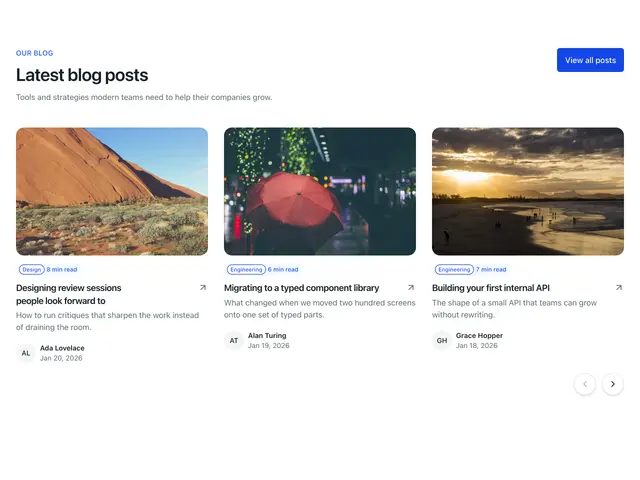
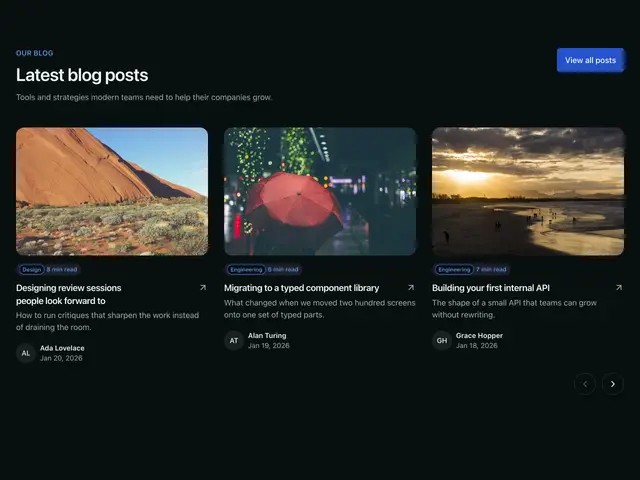
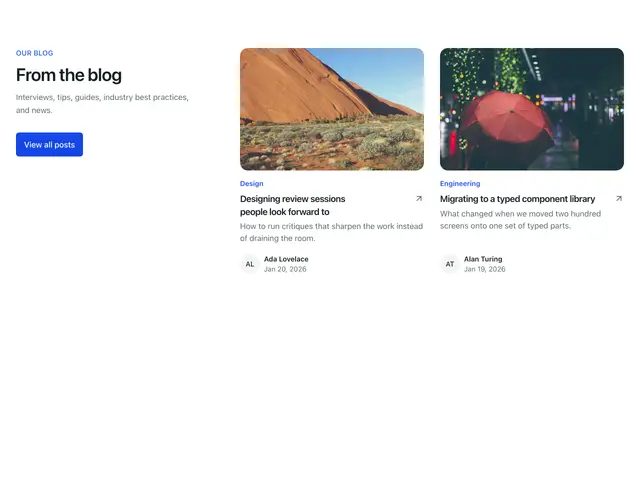
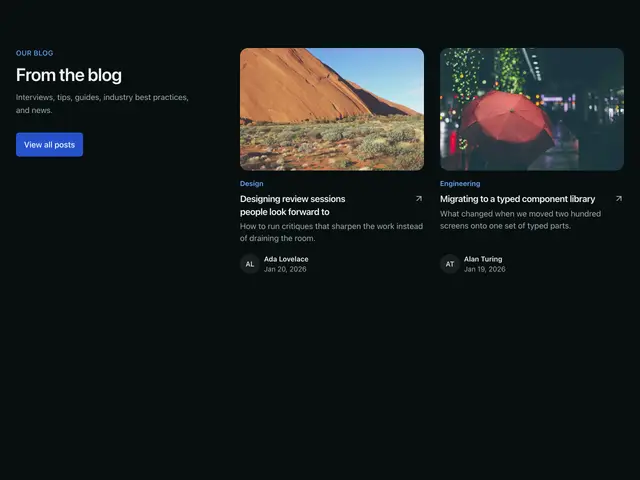
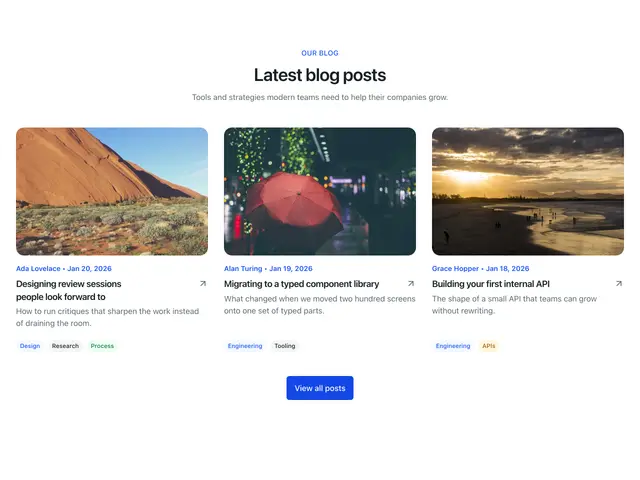
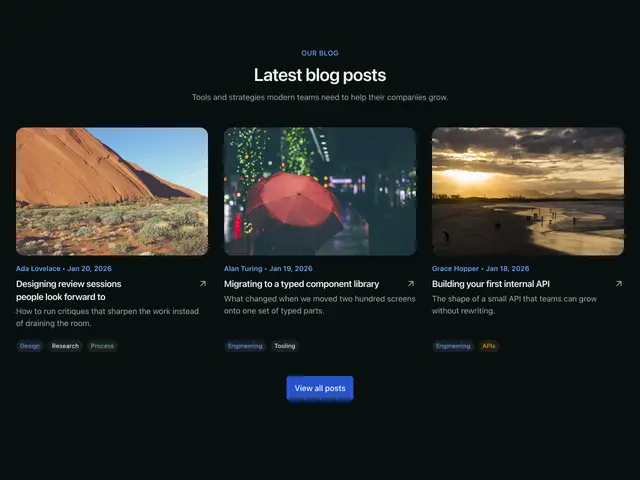
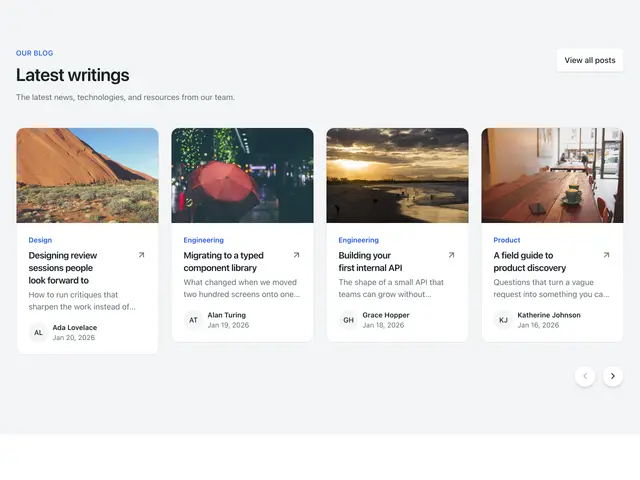
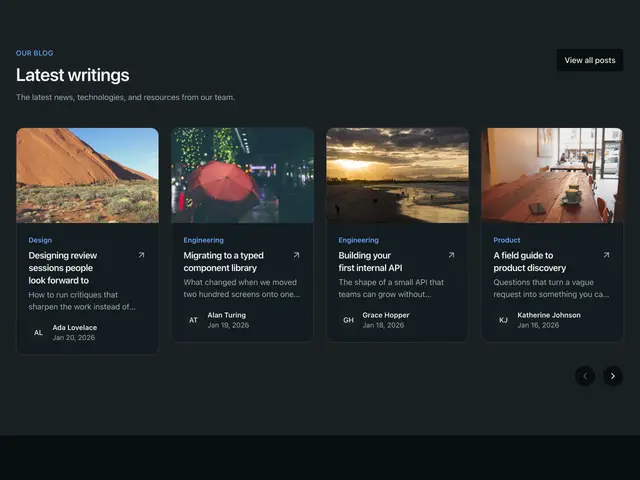
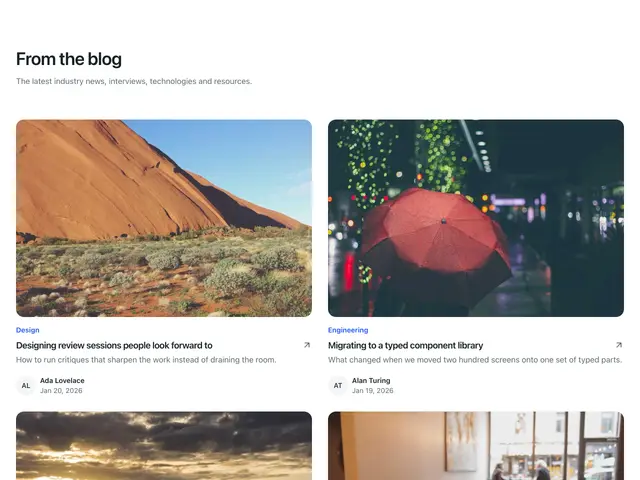
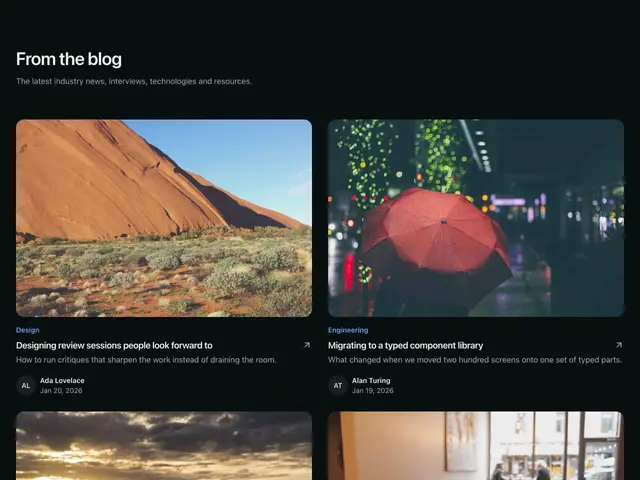
Each example is a block built on PostCard and the layout primitives. The first sixteen open a blog index page: a heading, often an email sign-up, a featured post, category links or a search, a grid of posts and pagination. The last five show the latest posts on any page.
npx @ava-ui/apogee add blog/featured-post-01Each block holds a sample posts array; replace it with your content collection:
---
import { getCollection } from 'astro:content'
const posts = (await getCollection('blog')).map((p) => ({
  title: p.data.title,
  href: `/blog/${p.id}`,
  summary: p.data.description,
  date: p.data.date.toISOString(),
  image: p.data.cover,
}))
---
Copy is props
Every block in this family takes the same content props (BlogContent in
sections/_shared/blog.ts), with its sample copy as the defaults. A block
ignores the props it has no place for, so you can swap one block for another and
keep the copy. The BlogList section takes the same names for the props they share.
-
eyebrow: The small label above the heading. -
heading: The heading. -
description: The line under the heading. -
items: Posts.dateis an ISO date string. -
locale: Date locale; defaults to the page locale. -
categories: The category filter. -
primaryAction: The solid button, e.g. View all posts. -
secondaryAction: The outline button, e.g. Load more. -
Pass
nullto hide an optional part, such asdescription={null}. -
Some blocks add props of their own; the top of each block’s file lists them.