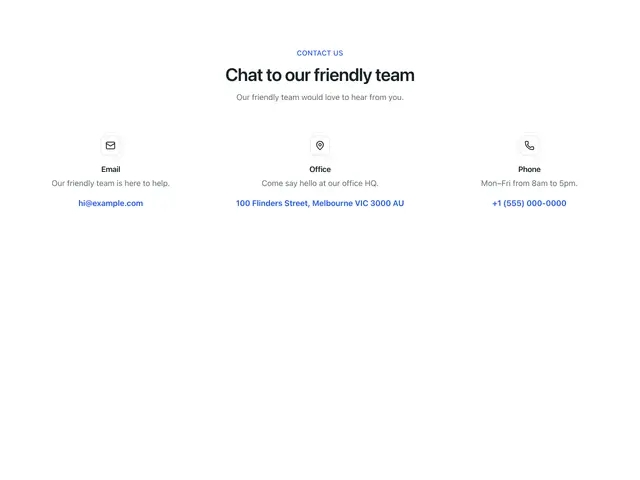
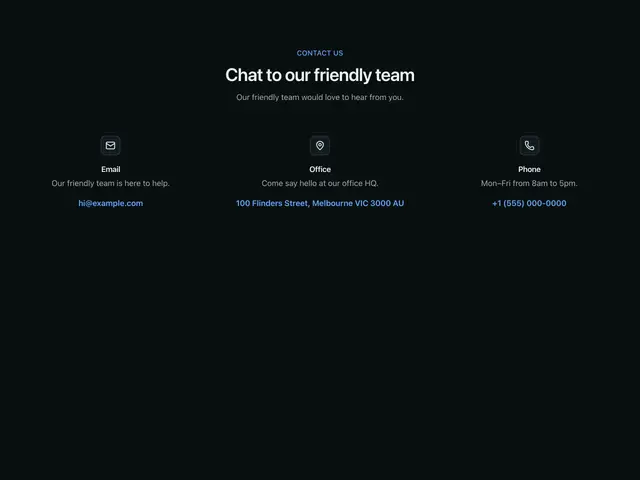
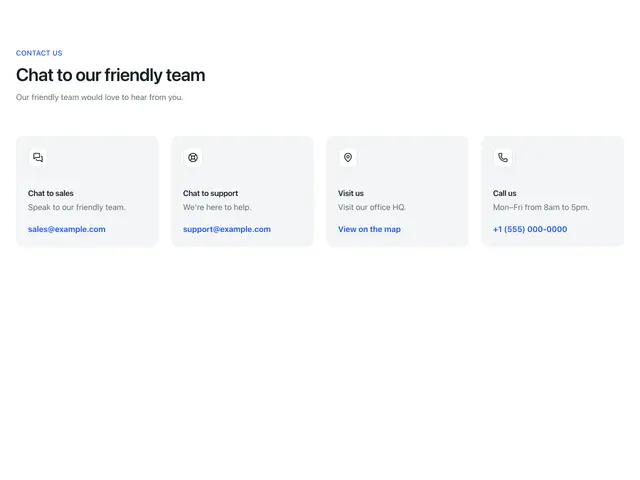
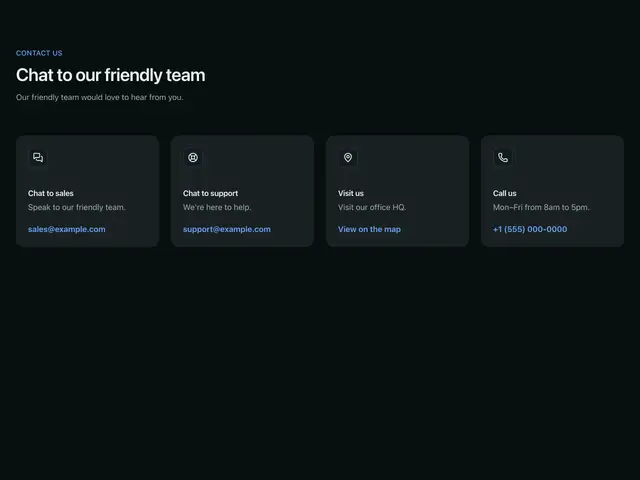
Contact sections
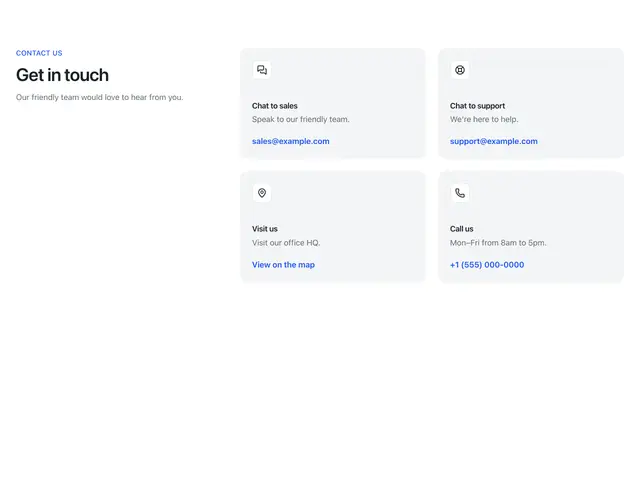
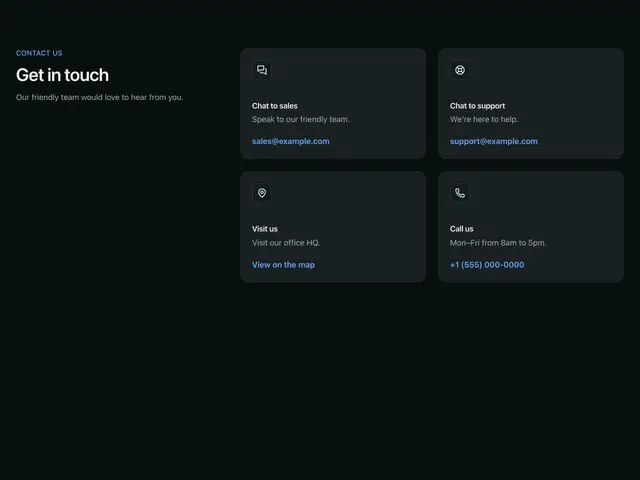
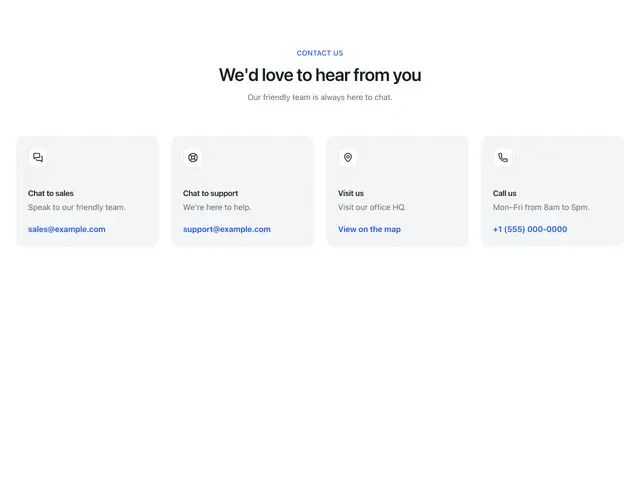
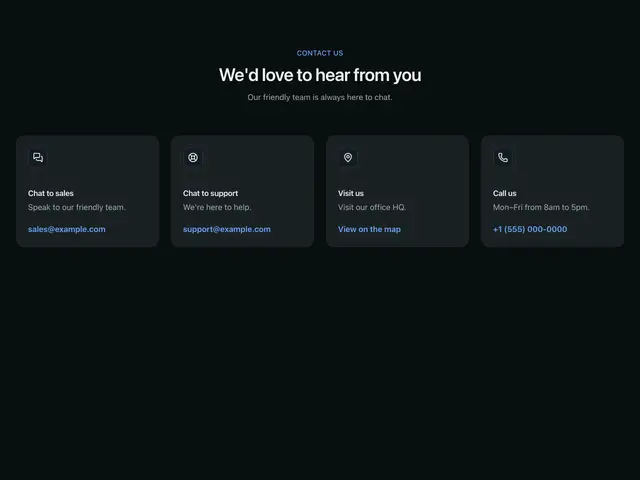
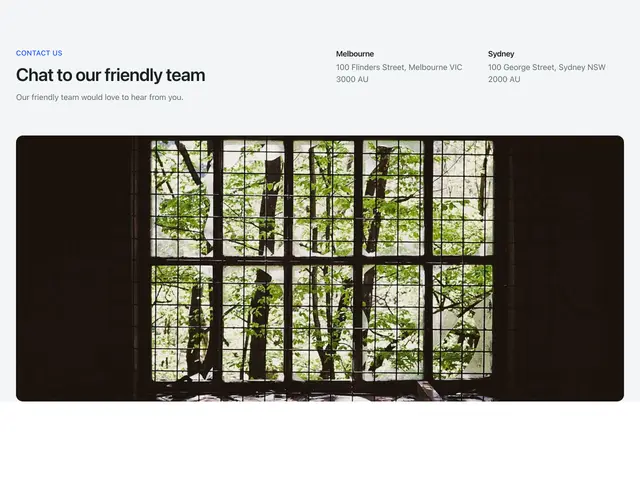
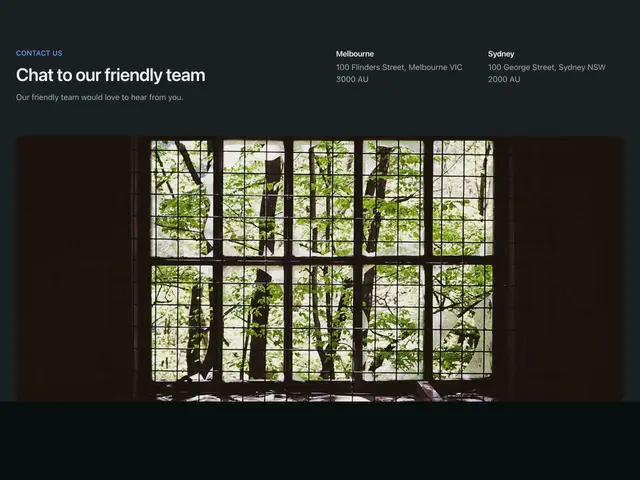
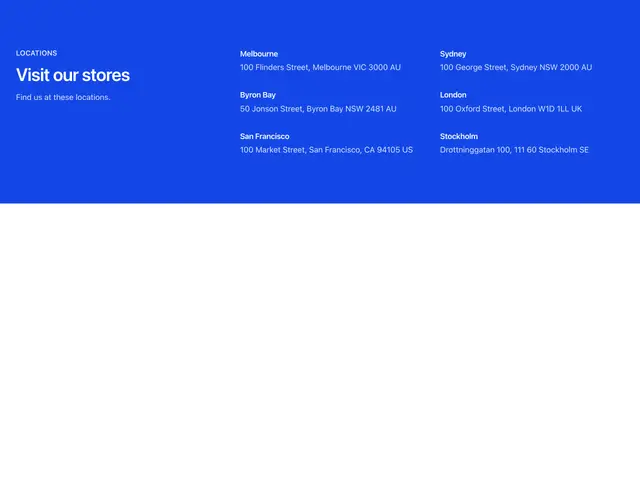
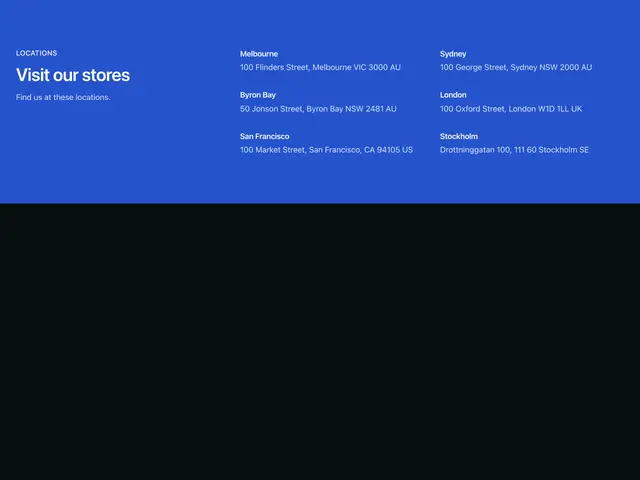
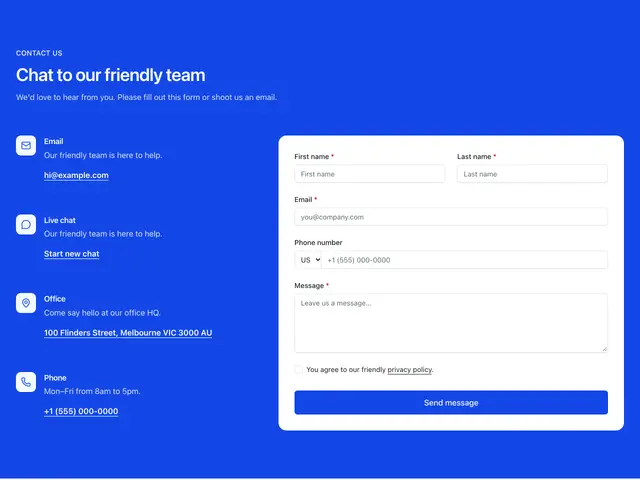
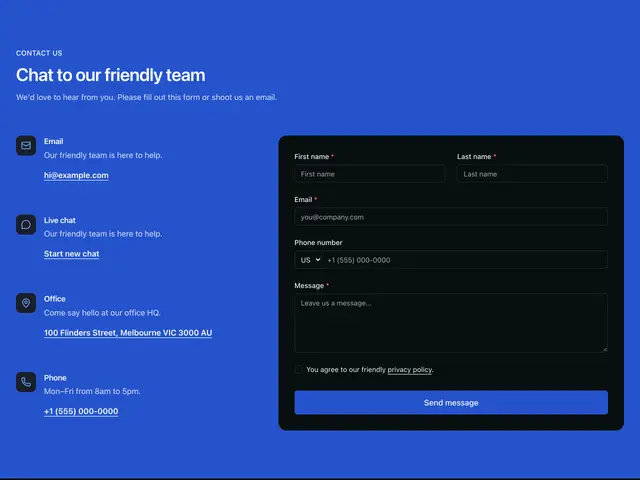
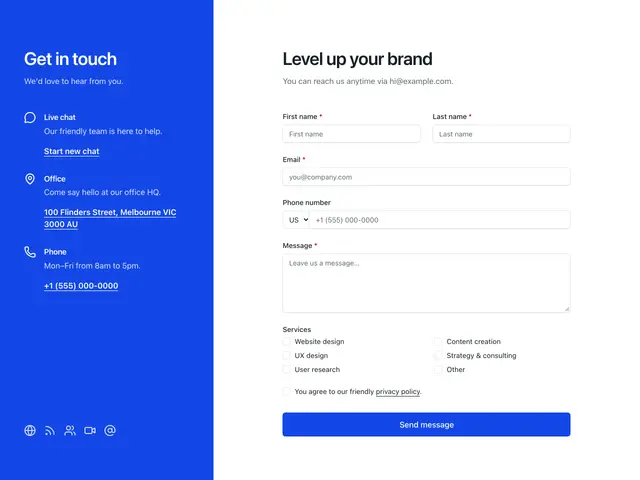
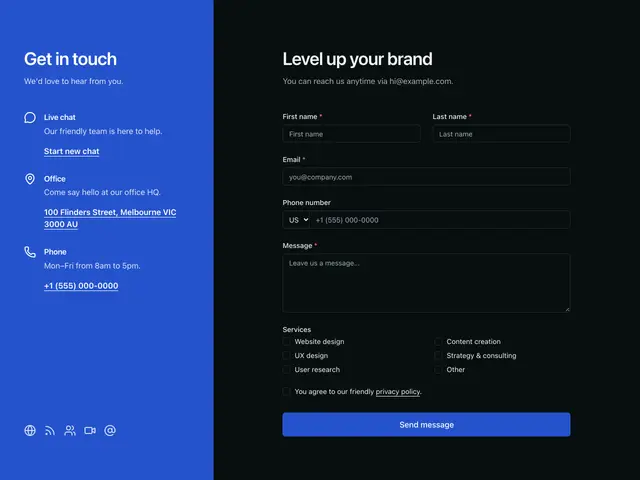
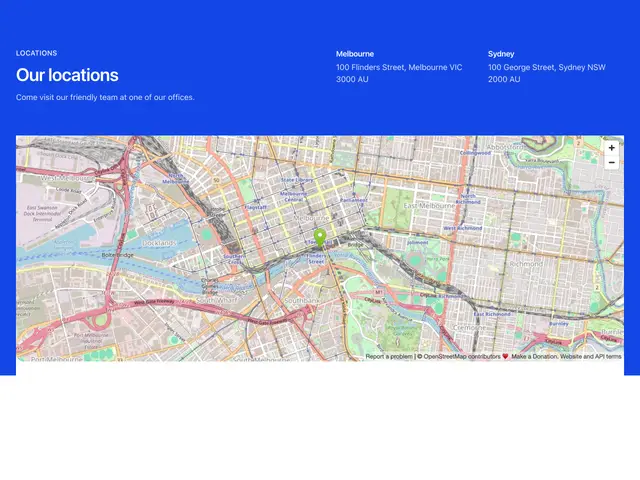
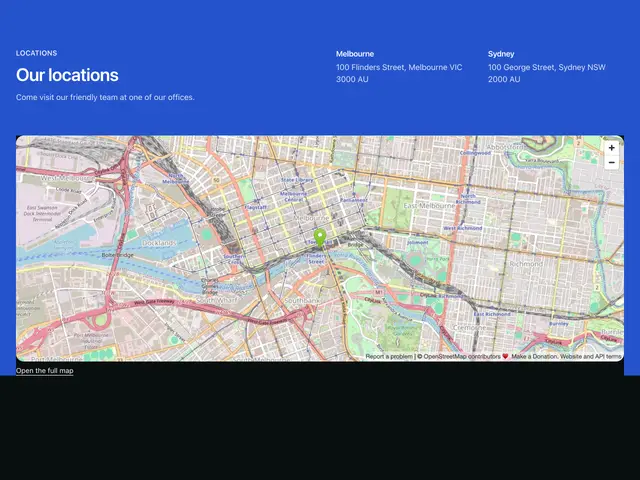
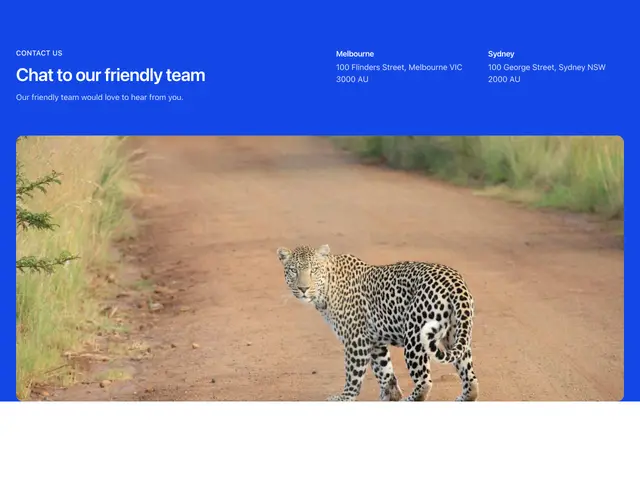
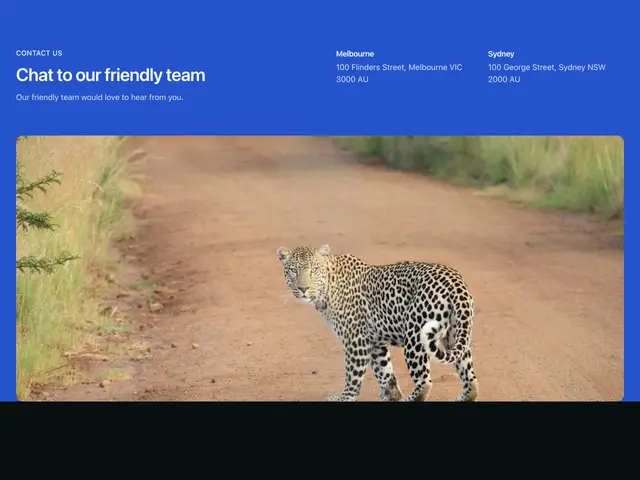
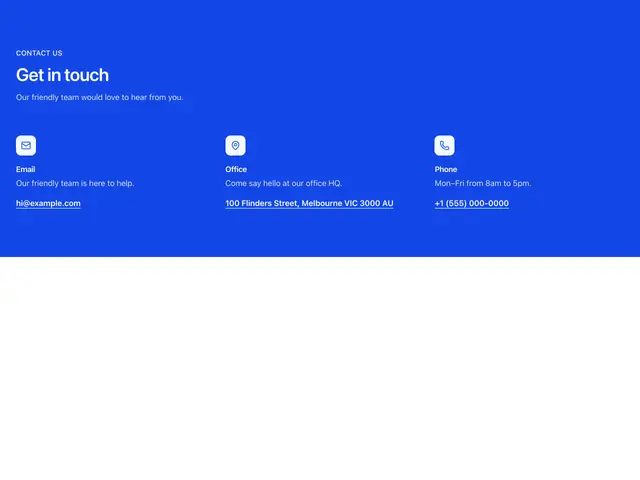
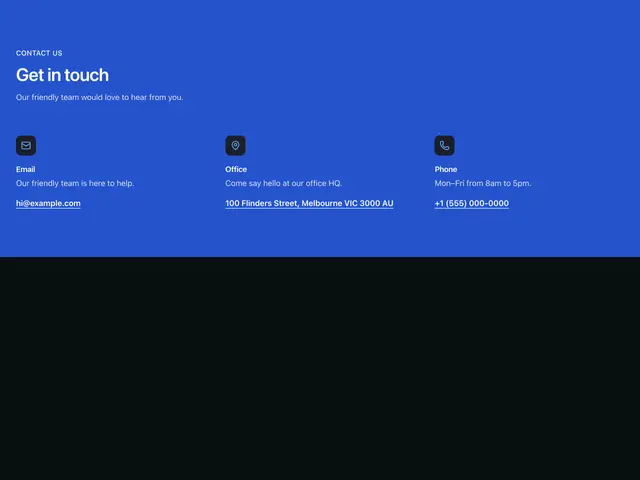
Contact forms, ways to reach you, store lists and maps, on the page or the brand colour.
Last updated
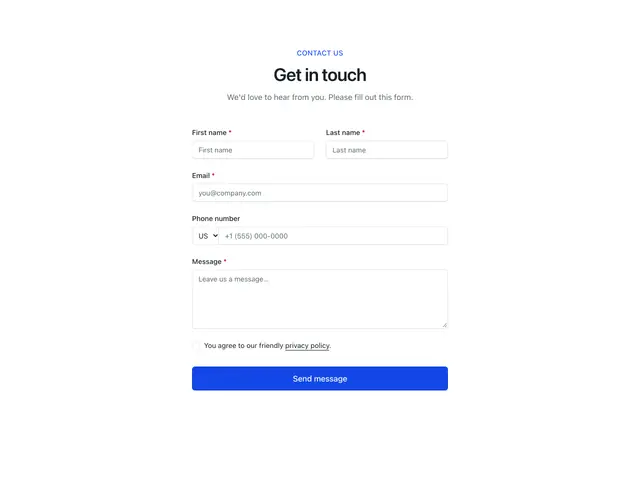
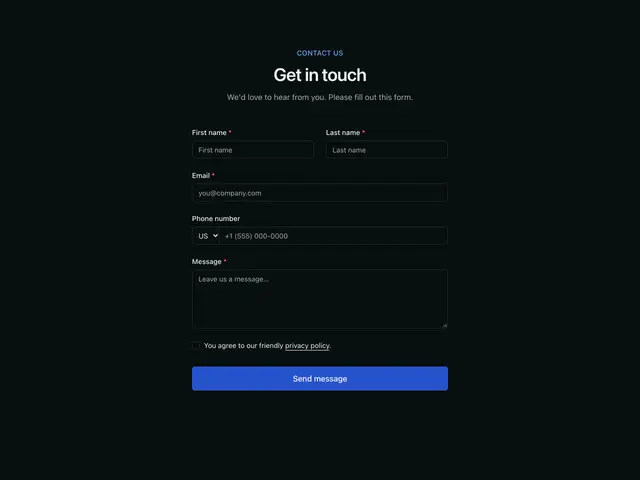
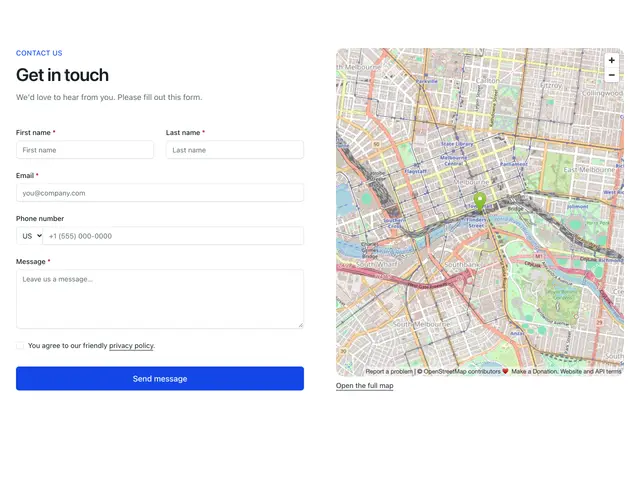
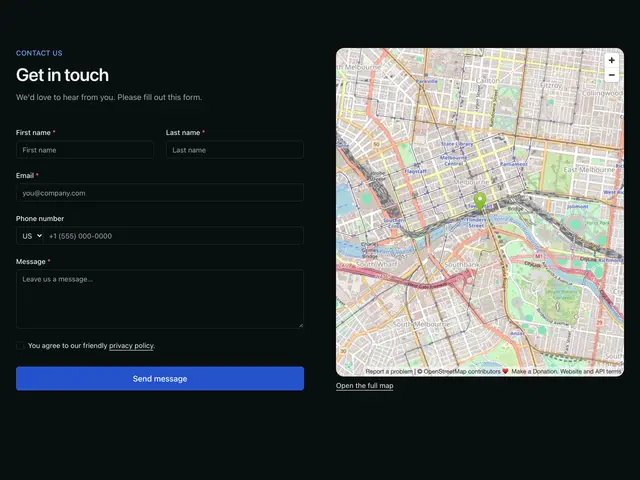
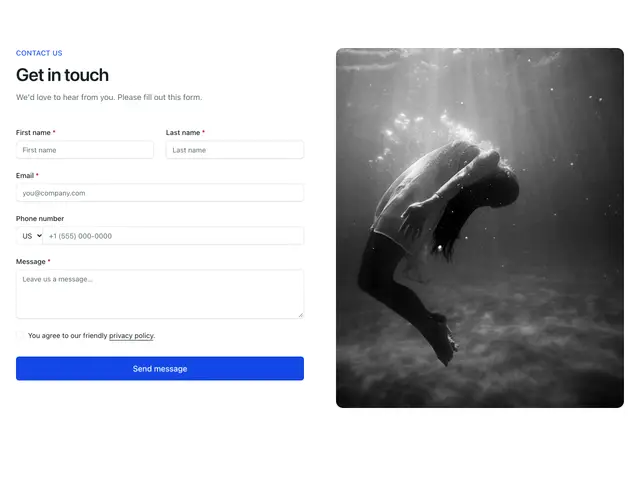
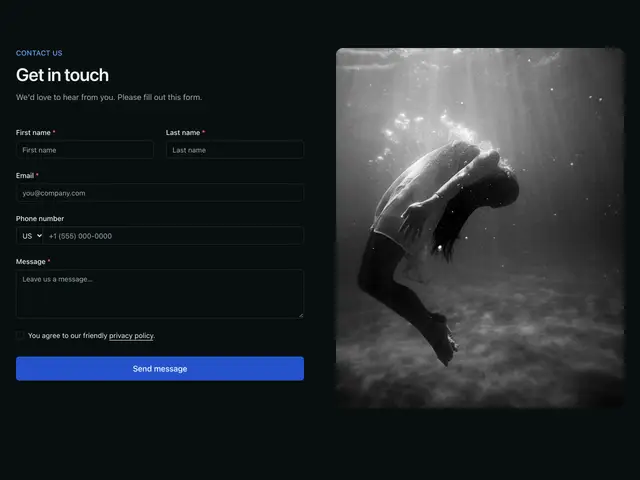
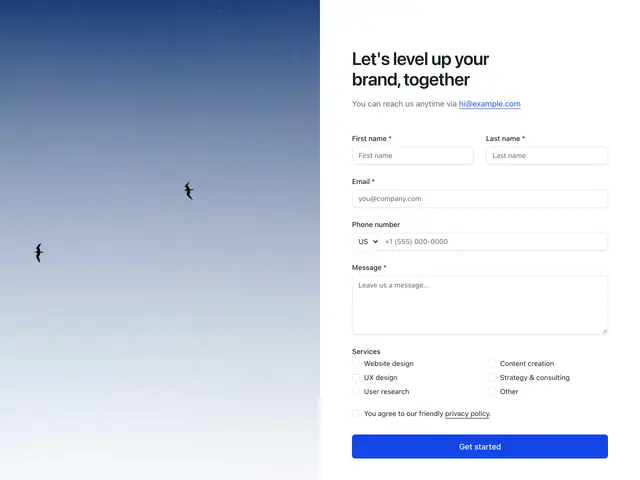
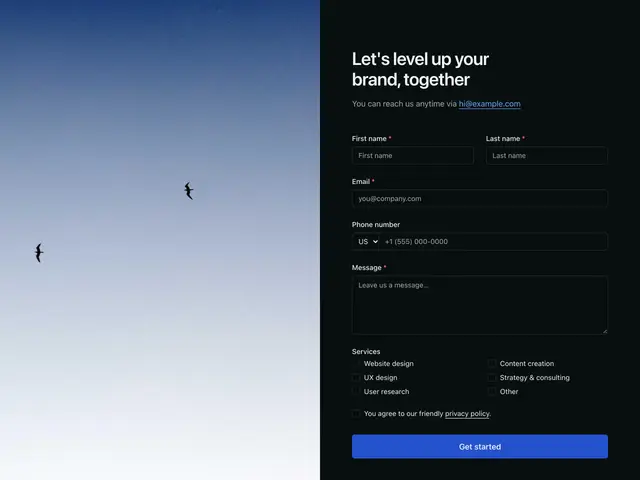
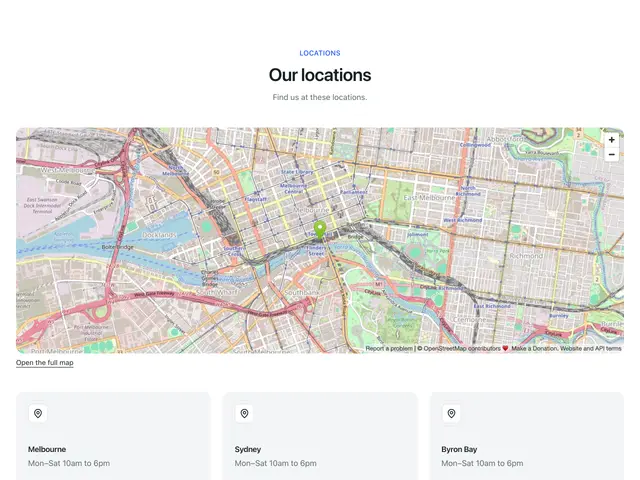
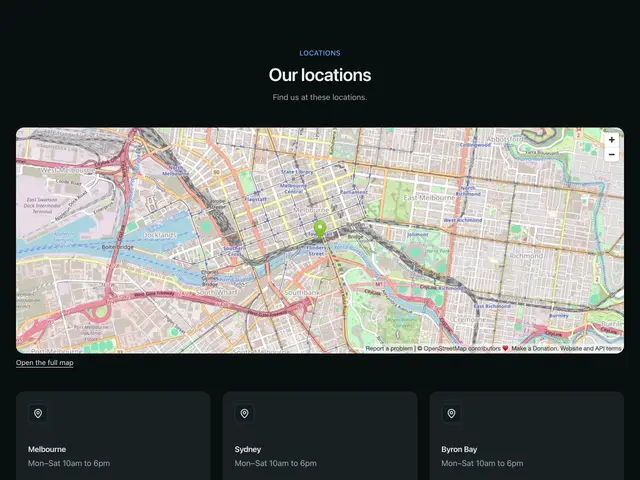
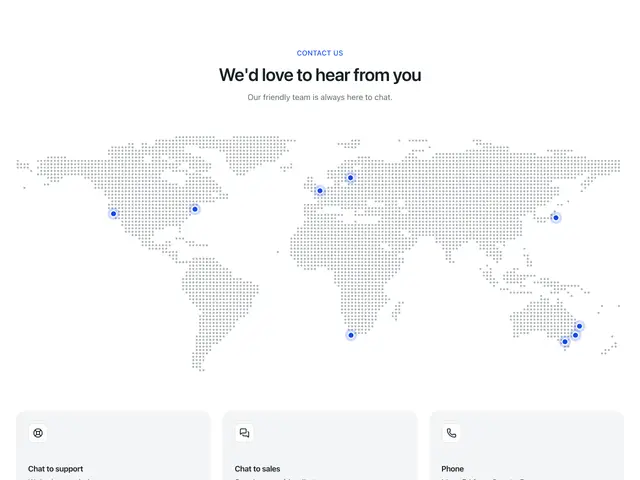
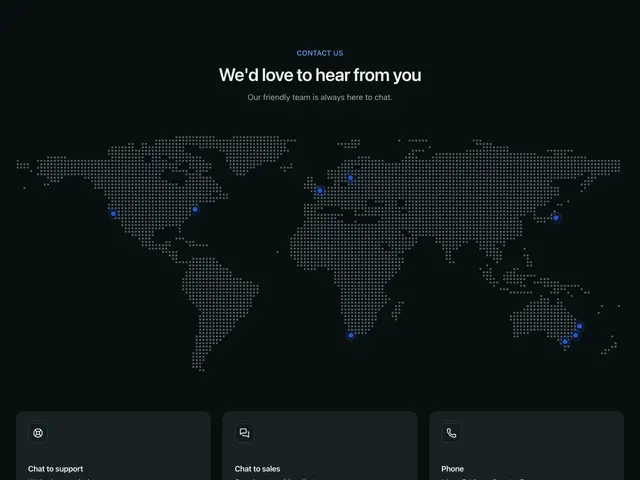
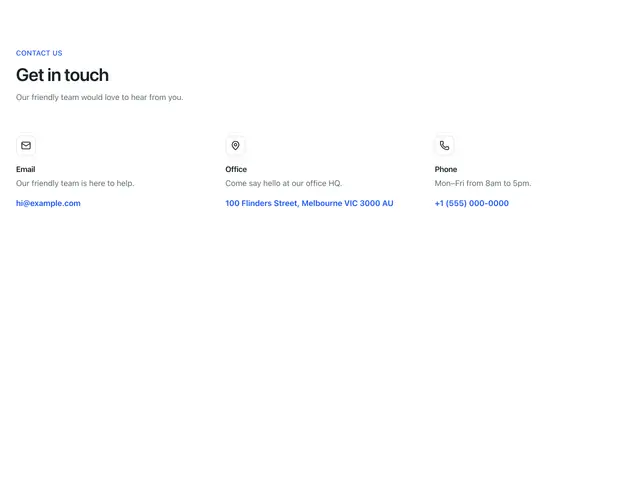
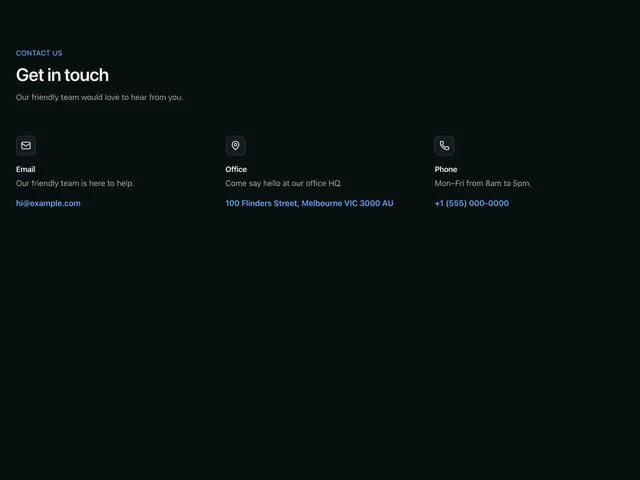
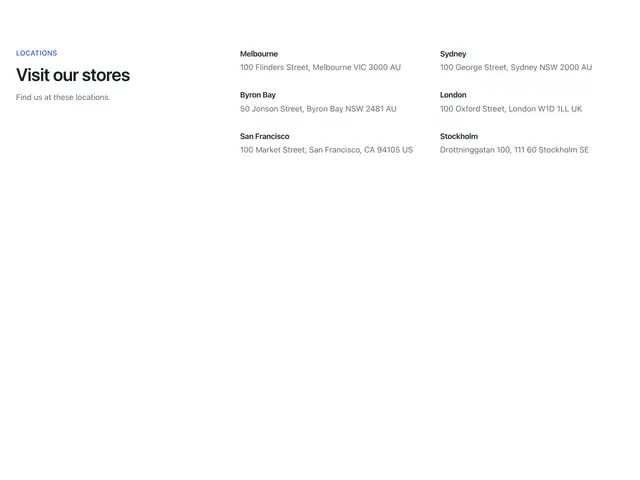
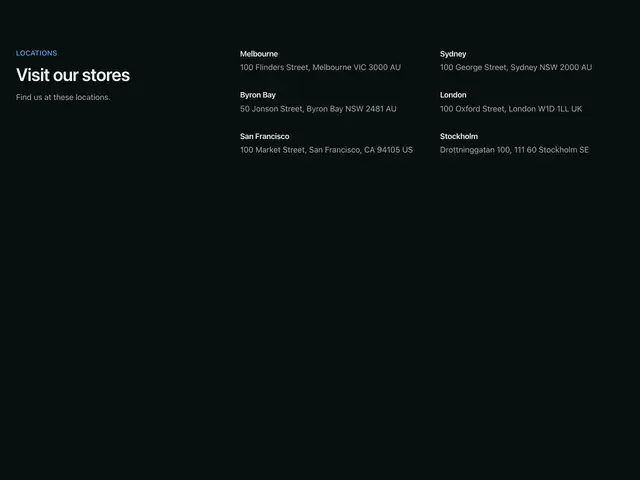
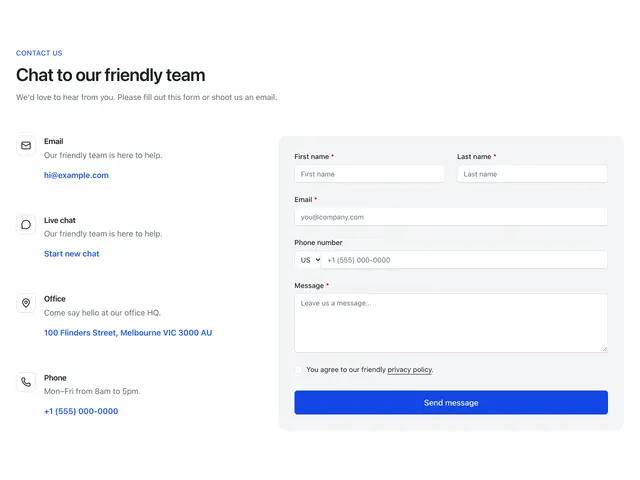
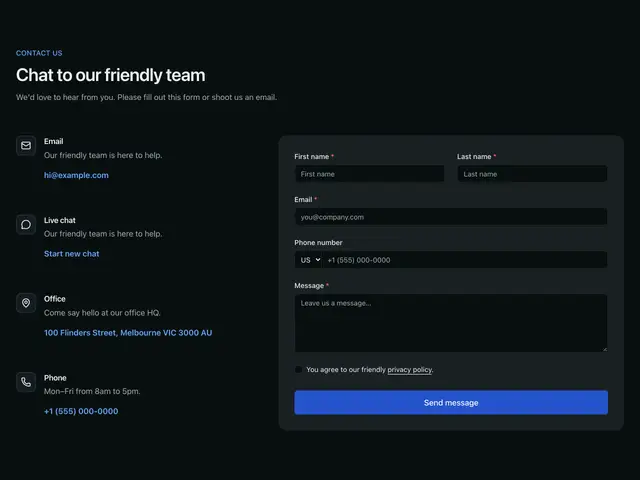
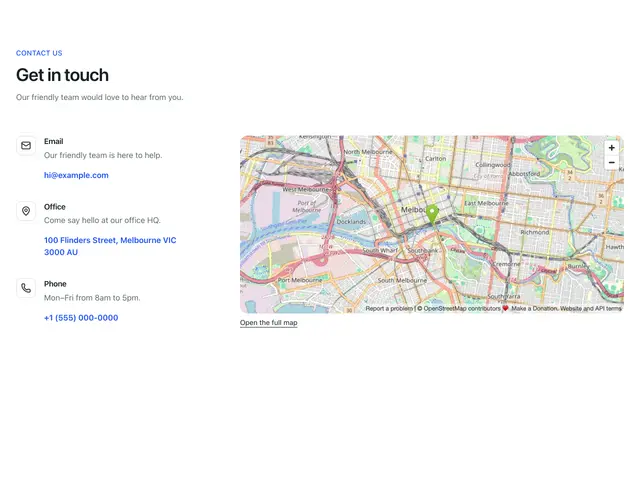
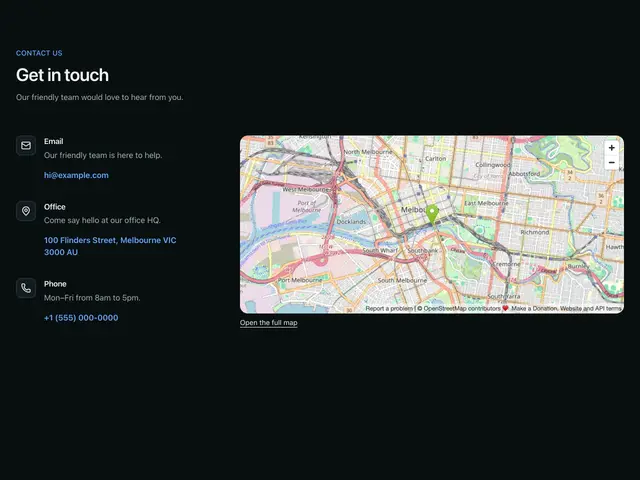
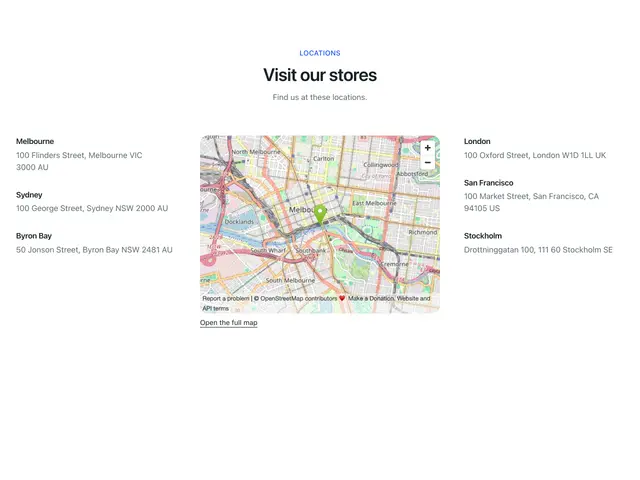
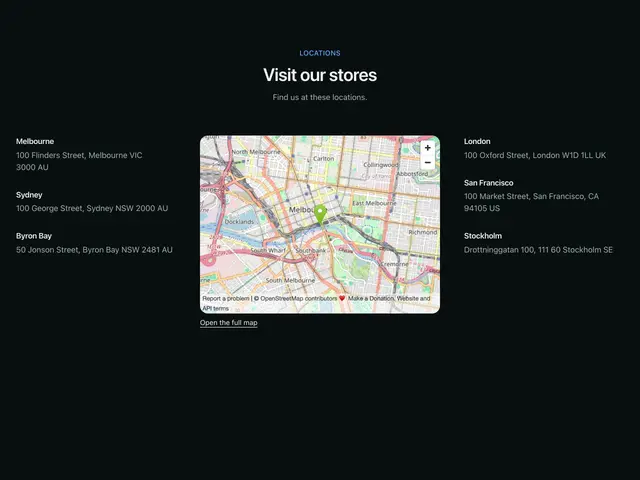
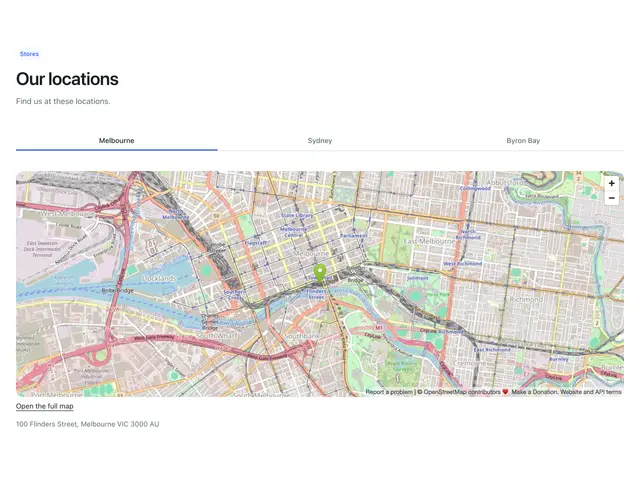
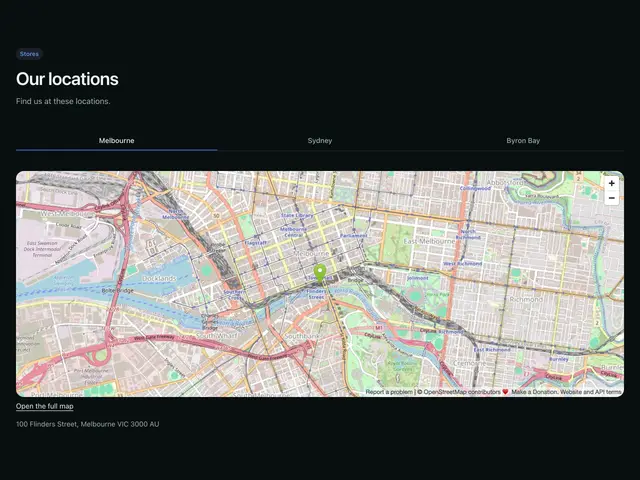
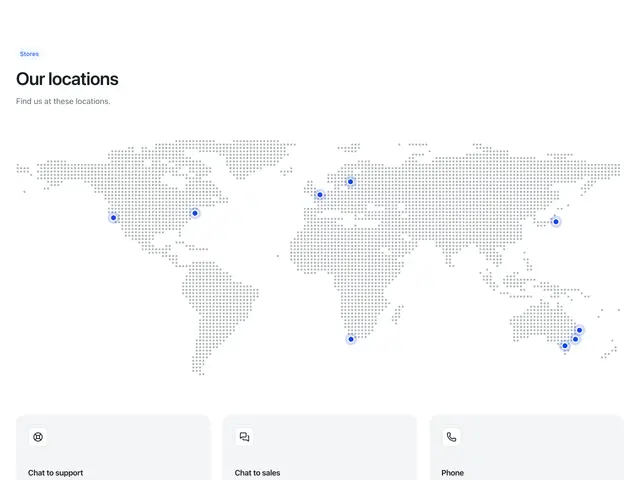
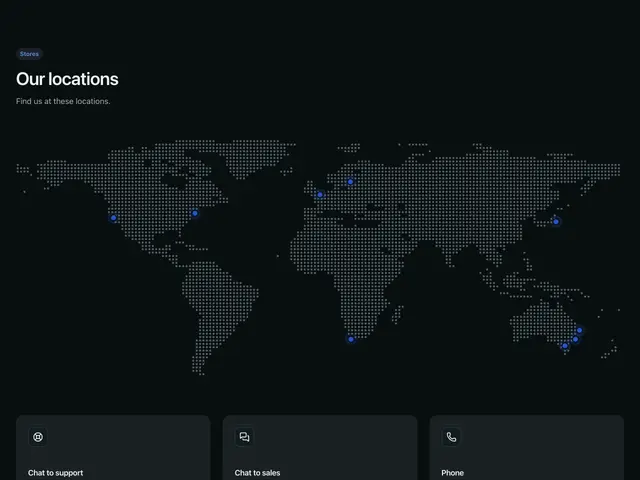
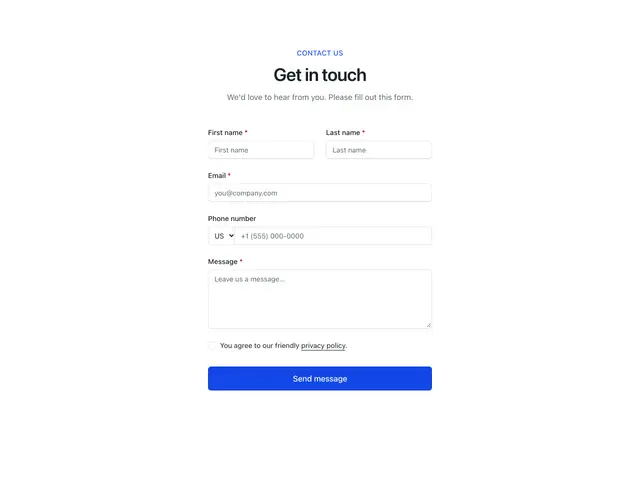
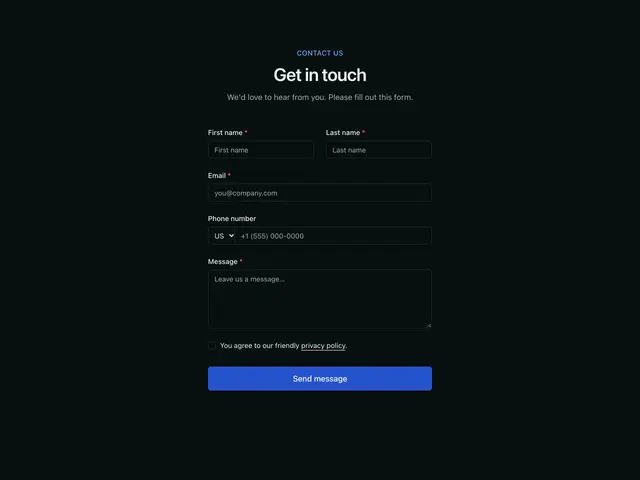
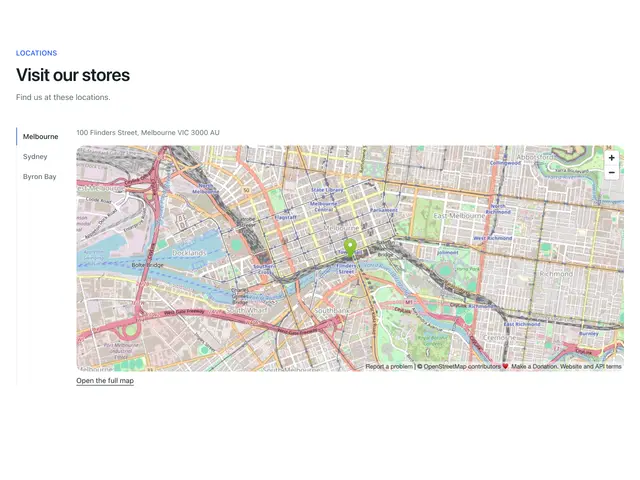
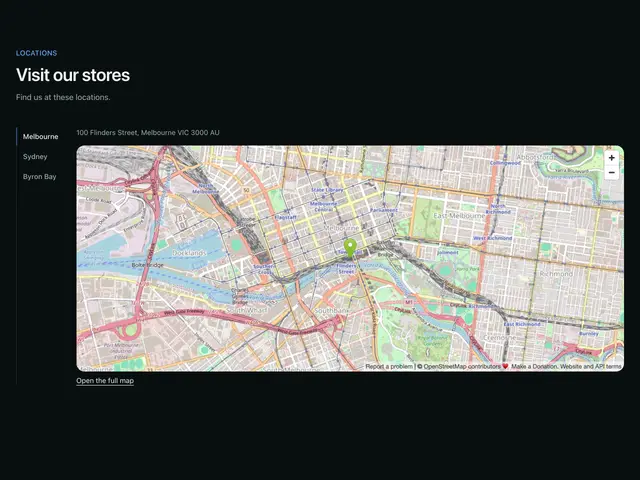
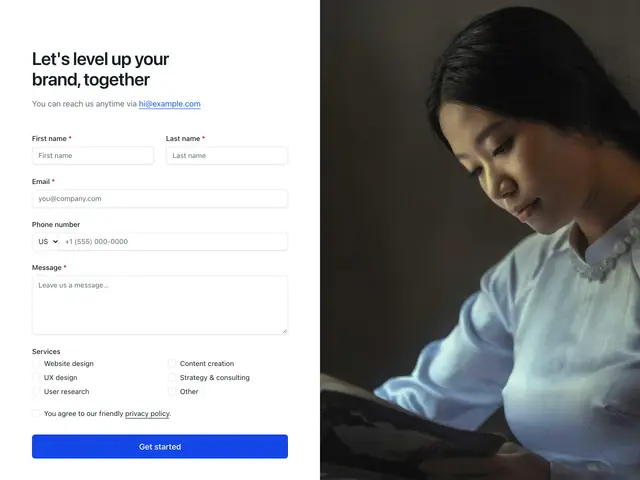
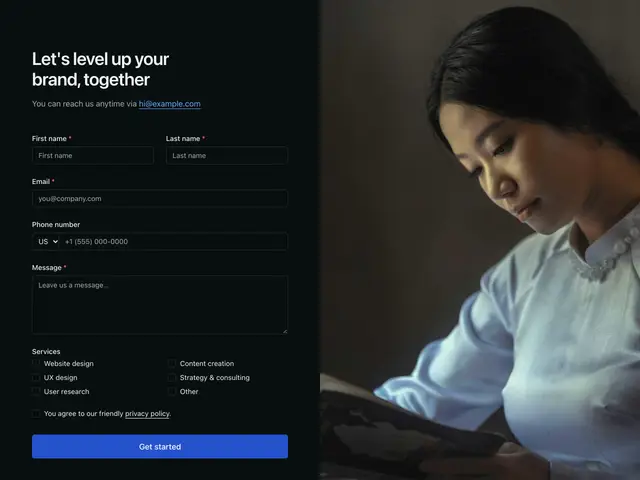
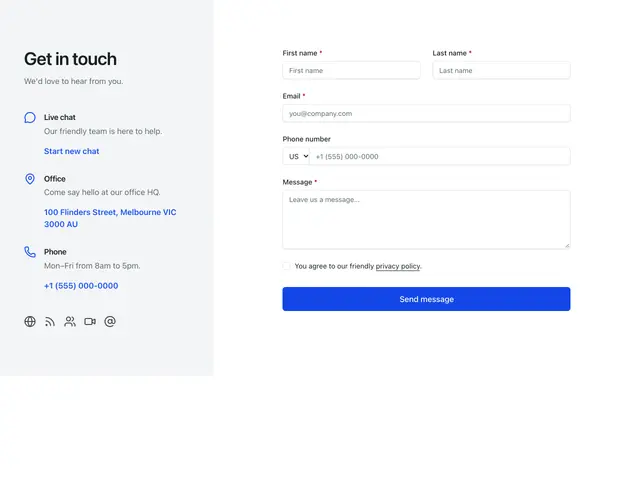
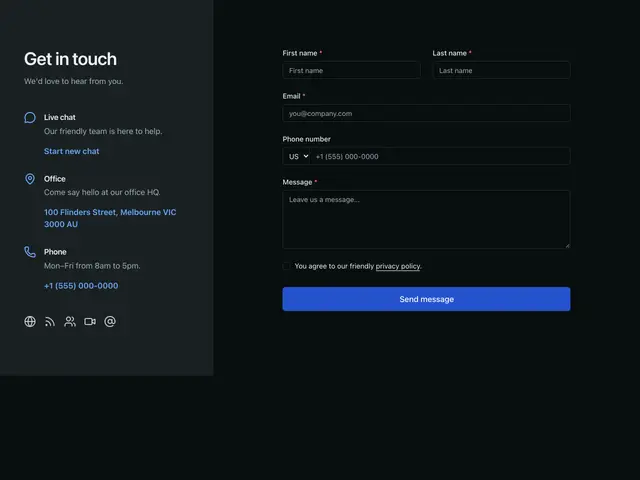
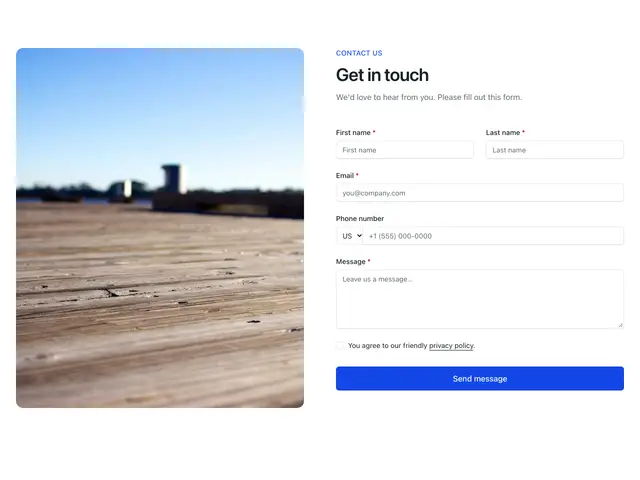
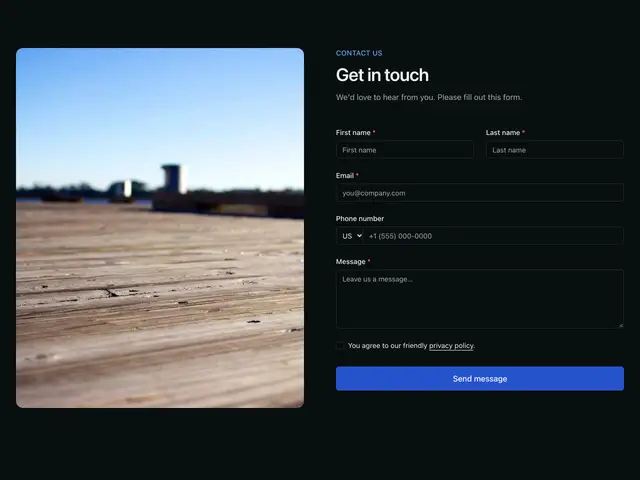
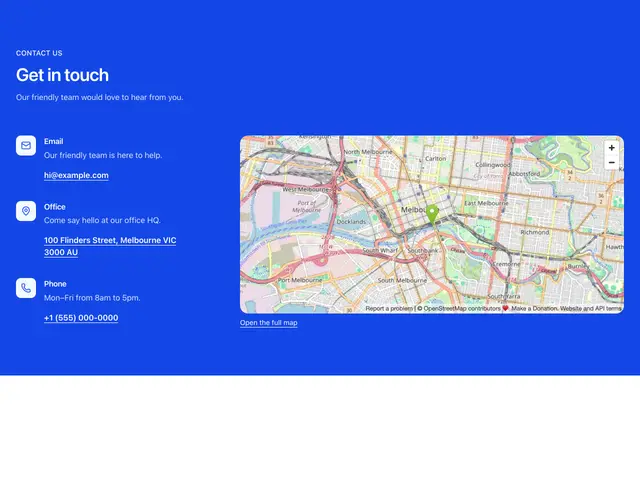
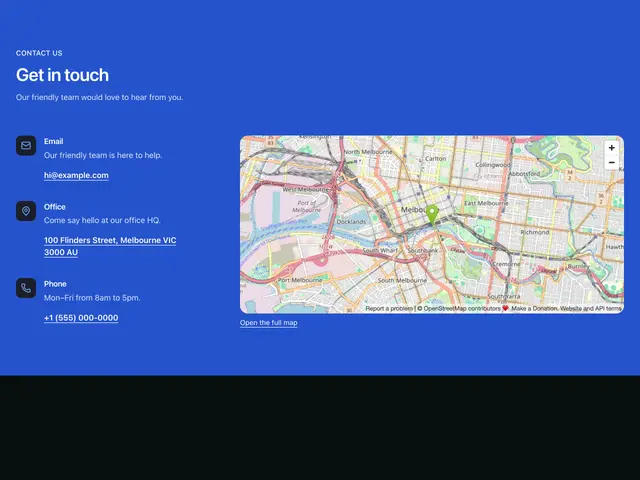
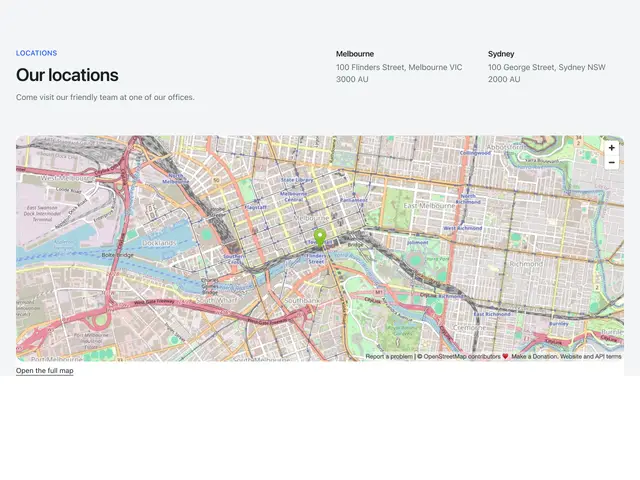
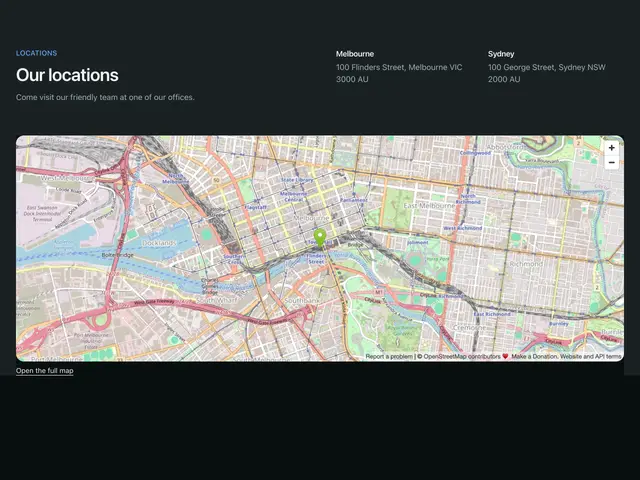
Each example is a block built on ContactForm, ContactMethod, MapEmbed and WorldMap: a form beside a map or a photo, ways to reach you as plain items or cards, store lists, a world map of offices, and brand-colour versions.
npx @ava-ui/apogee add contact/simple-formEach block holds its sample data at the top (methods, stores, pins);
replace it with yours, and point the form’s action at your endpoint.
Copy is props
Every block in this family takes the same content props (ContactContent in
sections/_shared/contact.ts), with its sample copy as the defaults. A block
ignores the props it has no place for, so you can swap one block for another and
keep the copy. The Contact section takes the same names for the props they share.
-
eyebrow: The small label above the heading. -
heading: The heading. -
description: The line under the heading. -
details: Ways to reach you: email, phone, chat, office. -
locations: Offices or stores, shown as addresses, tabs or map pins. -
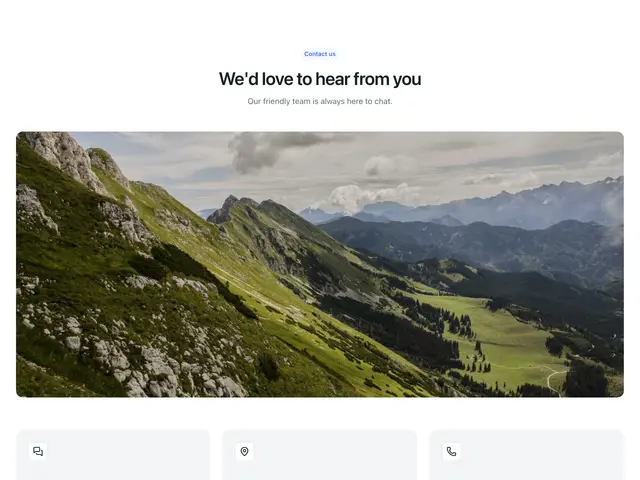
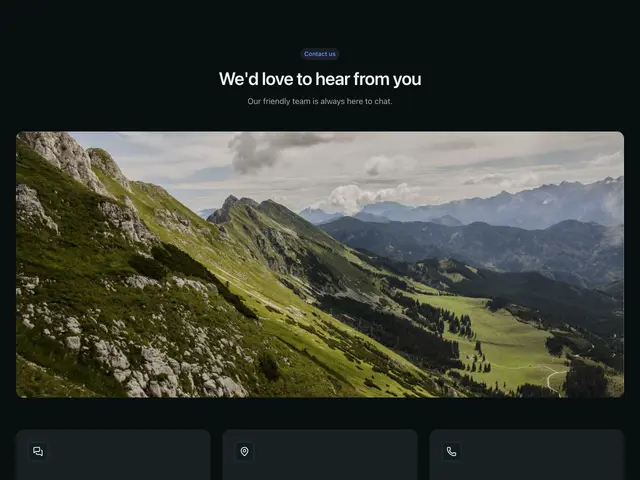
media: The photo beside or above the content. -
action: Form target. -
method -
submitLabel -
Pass
nullto hide an optional part, such asdescription={null}. -
Some blocks add props of their own; the top of each block’s file lists them.