Basic sections
Page-level compositions built from the components, for marketing sites and application screens.
Last updated
A section is a whole band of a page: a hero, a pricing table, a settings
form. Each takes a layout, background, spacing and headingLevel, and
apogee add <section> copies it in with the components it uses.
npx @ava-ui/apogee add hero pricing # copies the sections and their components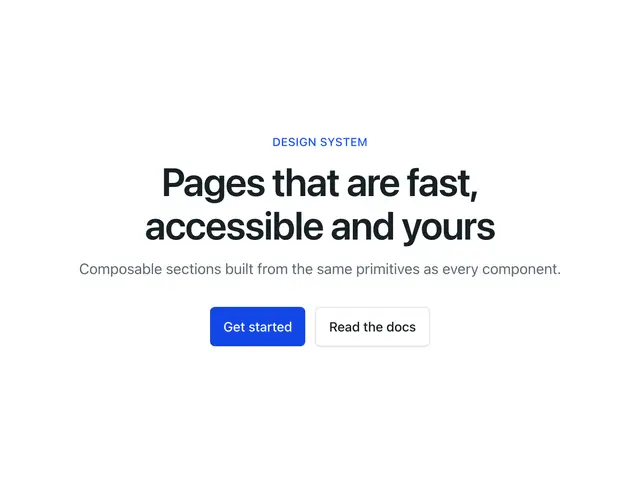
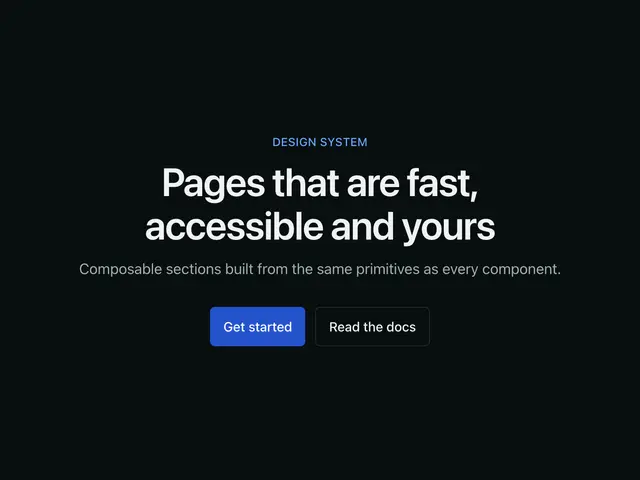
HeroThe opening section — eyebrow, heading, description, actions and optional media, in three layouts.
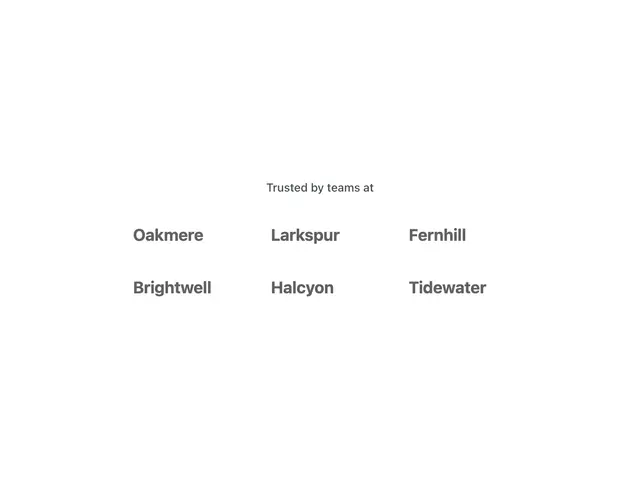
LogoCloudA row or grid of customer and partner logos.
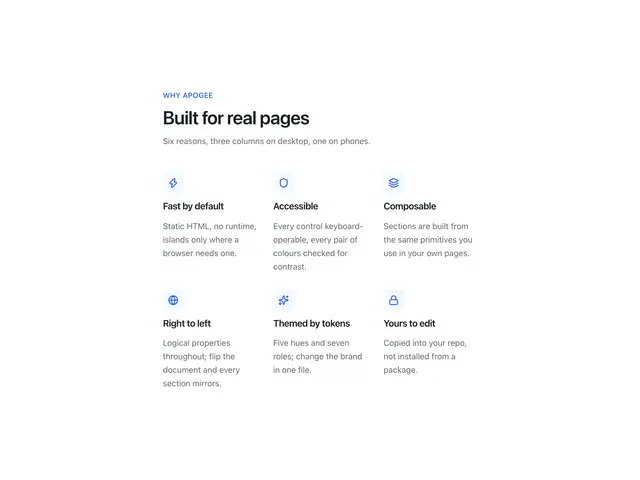
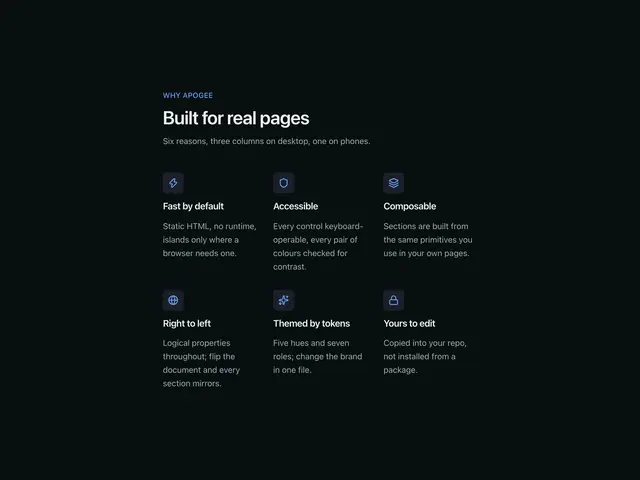
FeaturesBenefits as a 3-up icon grid, alternating rows with media, or a list.
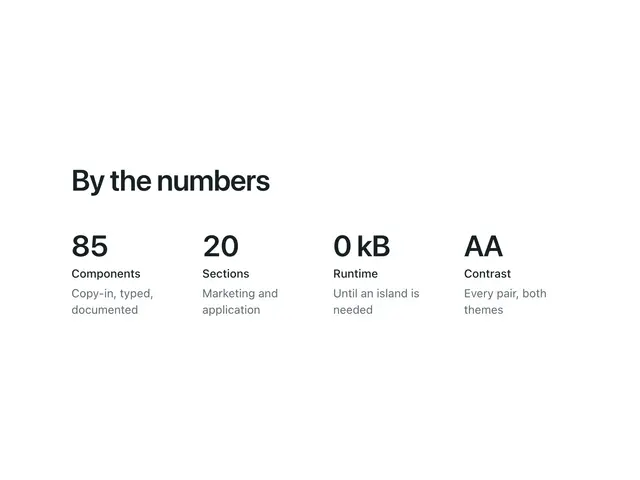
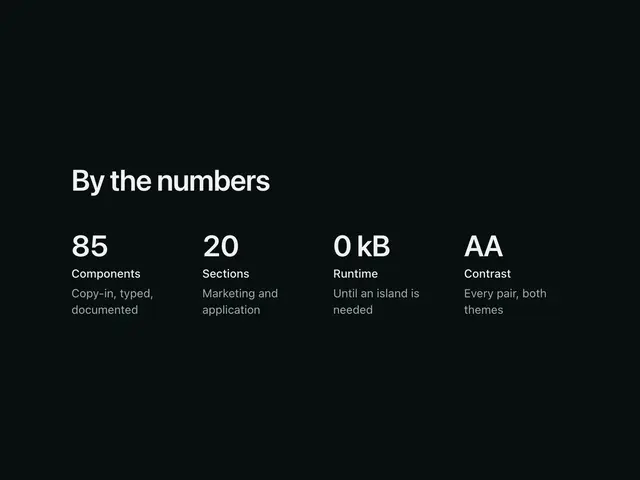
StatsHeadline numbers in a row or as cards.


TestimonialsOne featured quote, or a grid of quote cards.
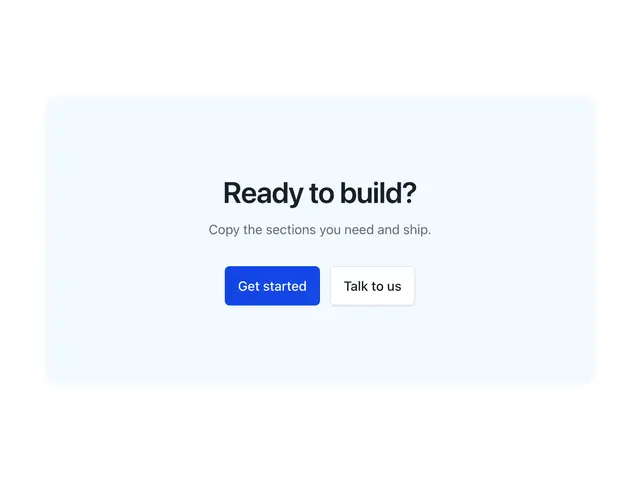
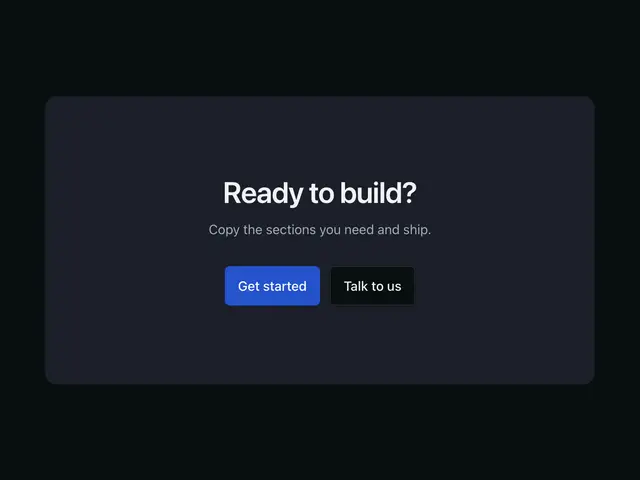
CTAA closing call to action, centred or split with the actions on the end side.
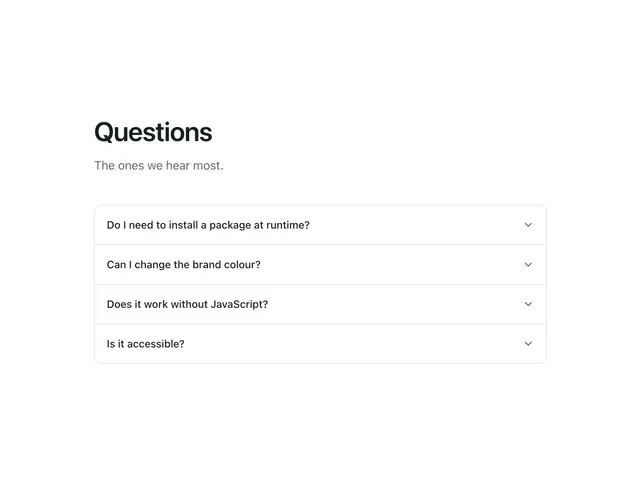
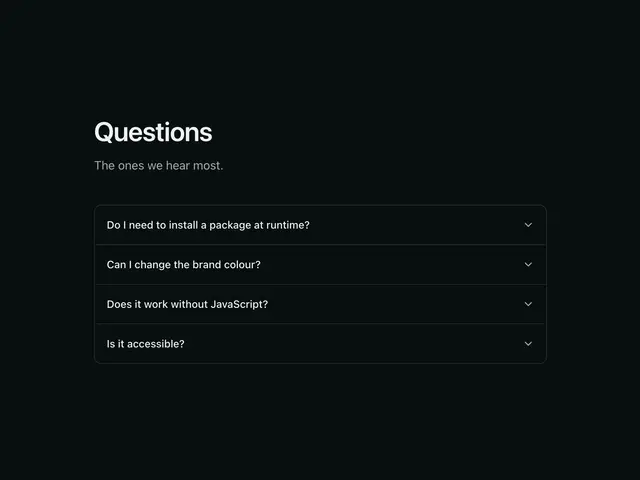
FAQQuestions and answers as an accordion or a two-column list. Zero JS.
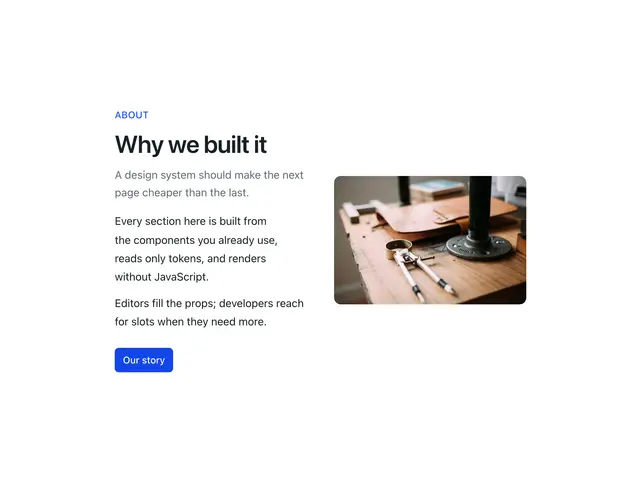
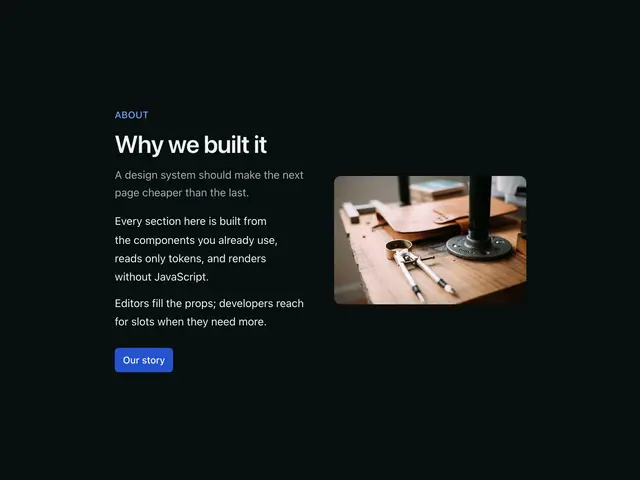
ContentA text block beside media, or long-form prose.
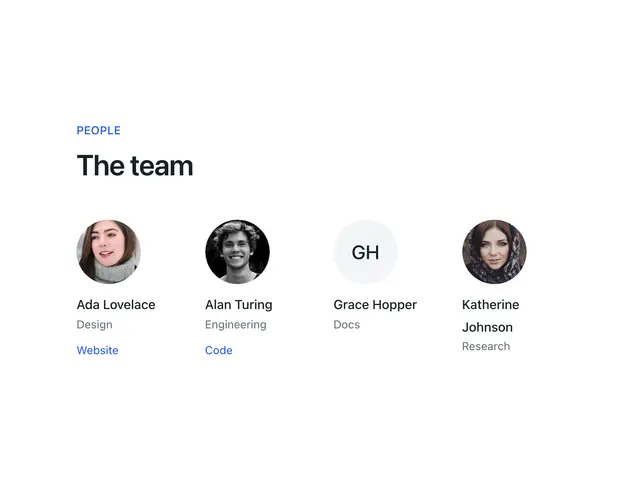
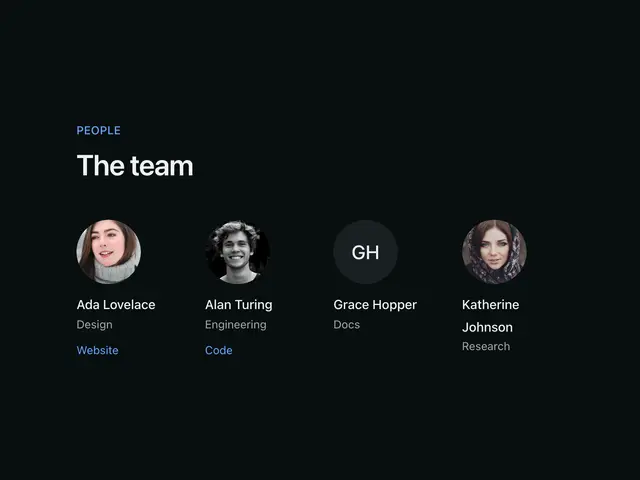
TeamPeople as a grid of cards or a list with bios.
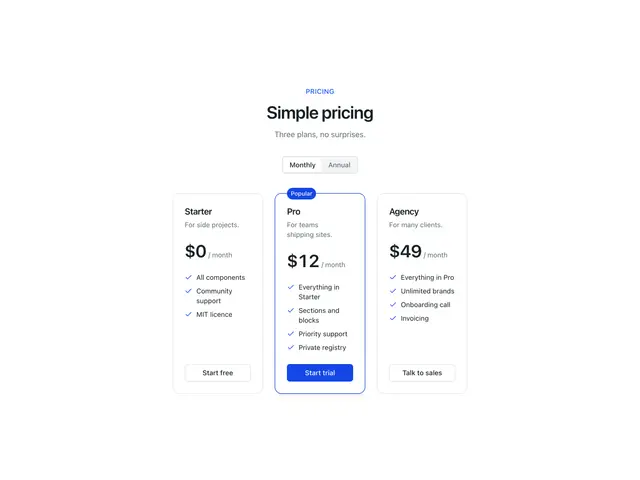
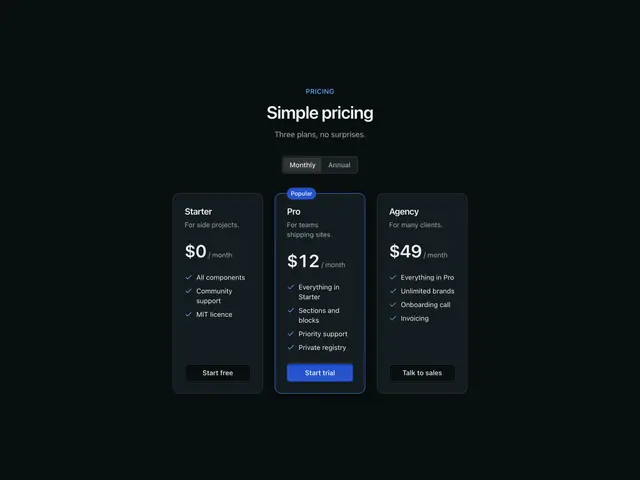
PricingPlan tiers side by side, with an optional monthly / annual switch.
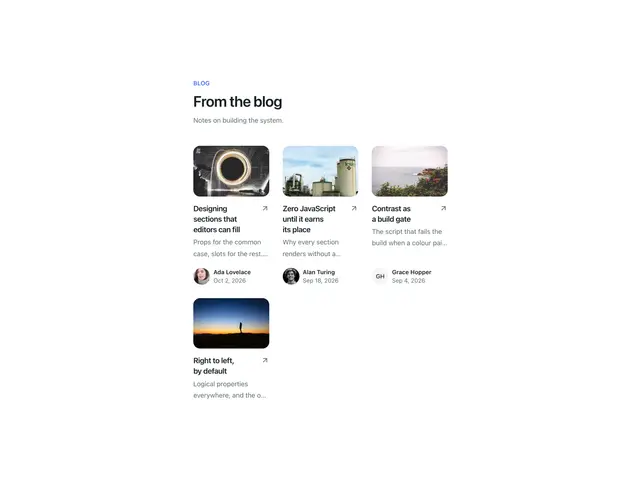
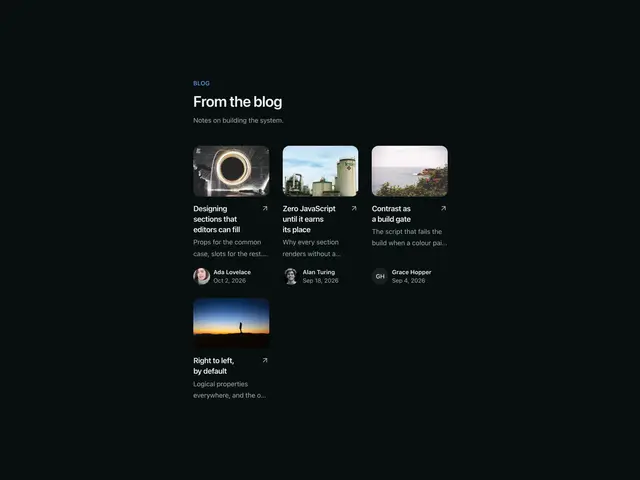
Blog listPost cards in a grid, or one featured post above the grid.
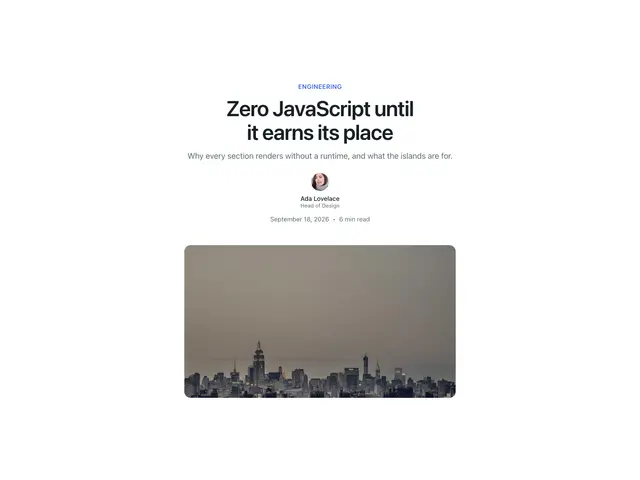
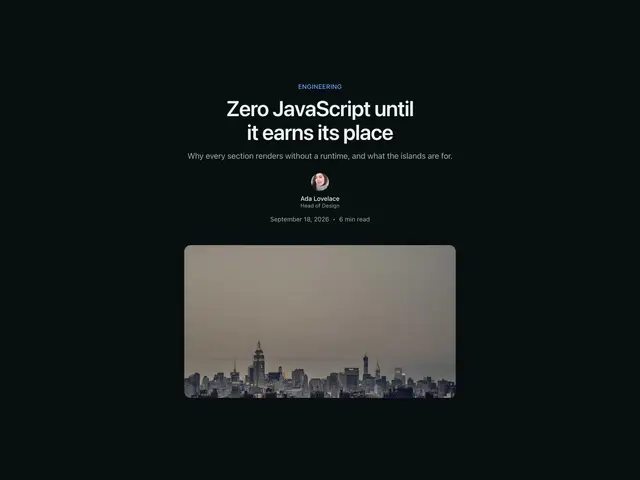
Post headerThe top of an article; category, title, byline, date, reading time, cover image.
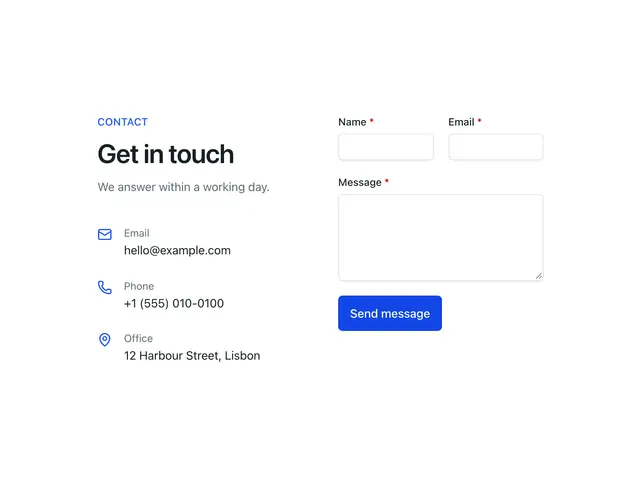
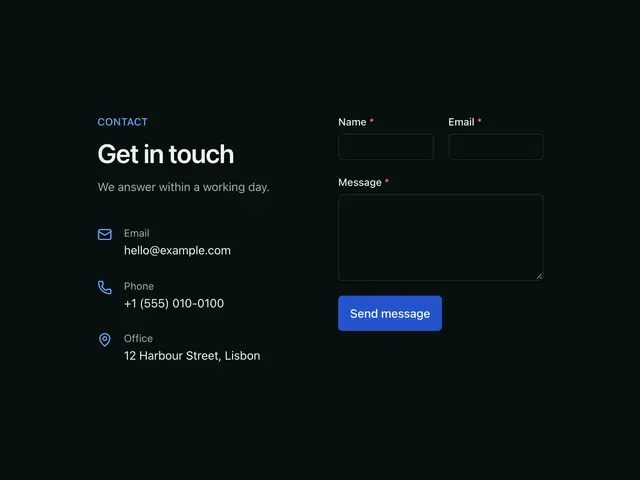
ContactA message form, with or without a column of contact details.
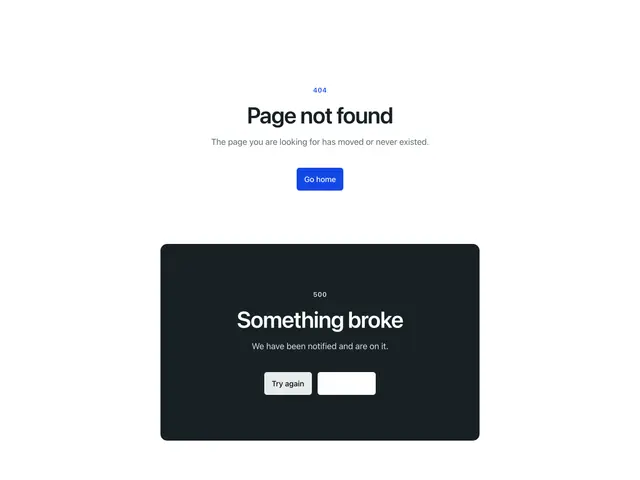
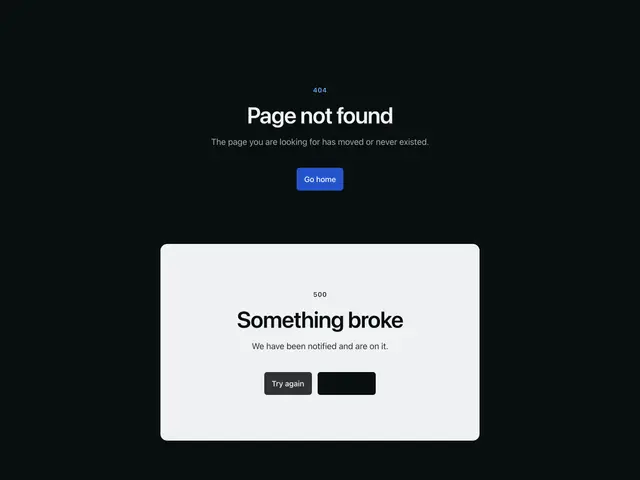
Not foundThe 404 page body; a status line, heading, description and a way back, centred, left-aligned or beside media.
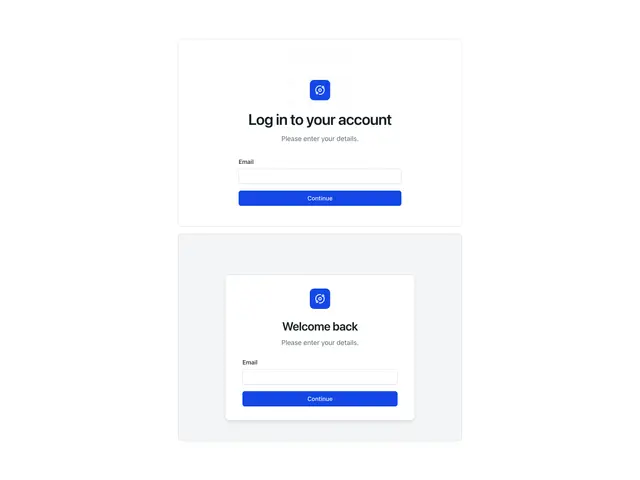
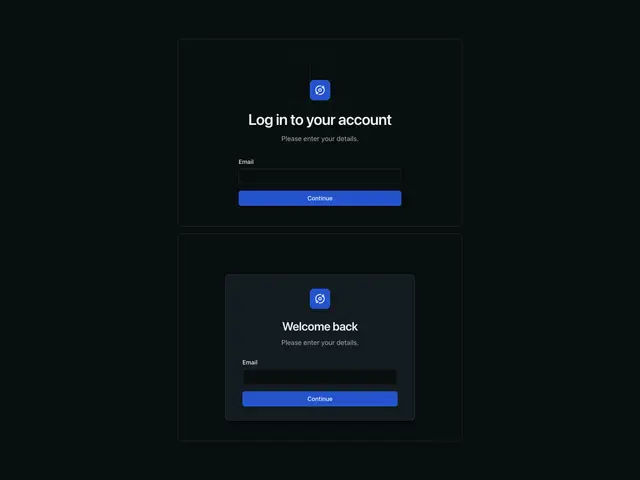
Auth shellThe frame of a log in, sign up or recovery page; brand mark, heading and your form, centred, in a card, beside a panel, or beside a step sidebar.
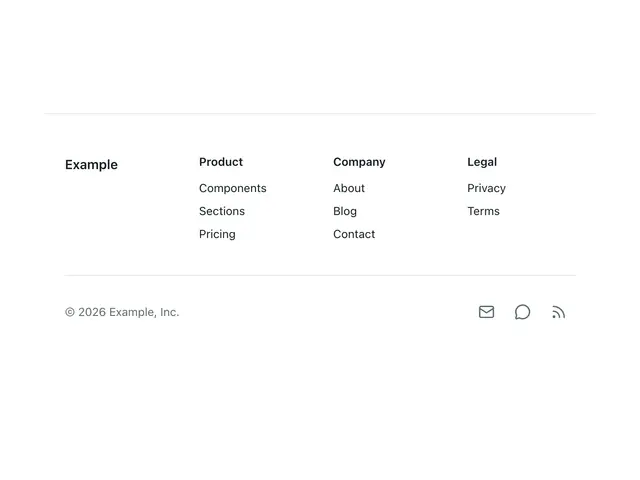
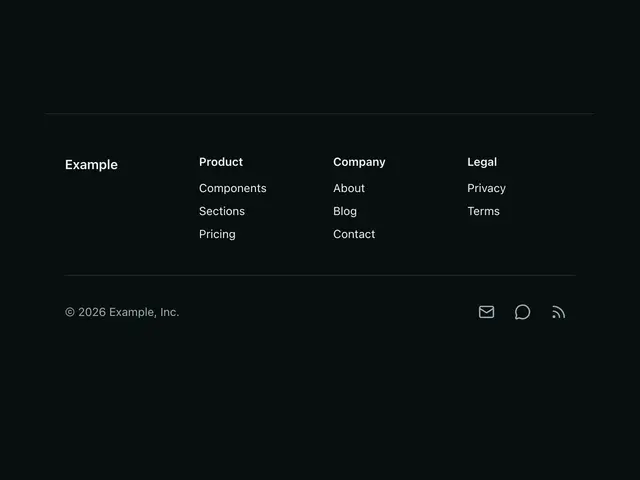
Footer sectionA ready site footer; link columns or a single row, copyright and social links.
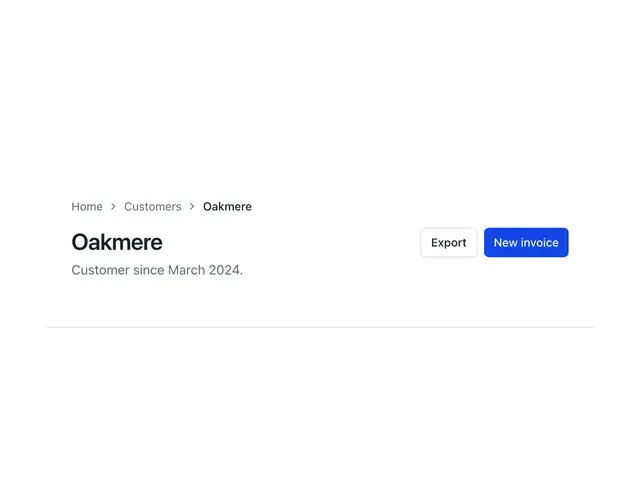
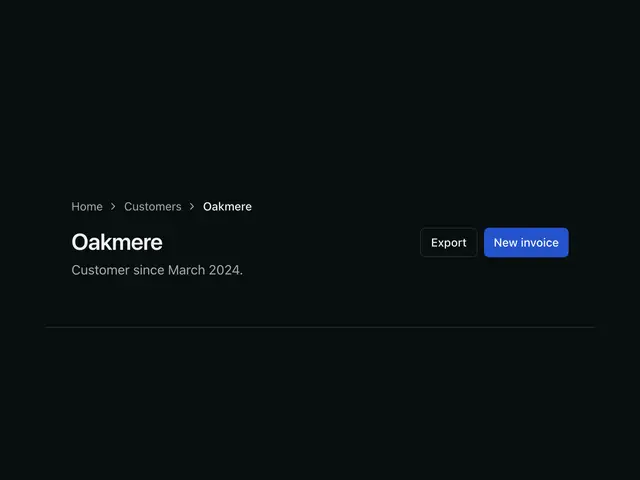
Page headerThe top of an application page; breadcrumbs, title, description, actions, tab links.
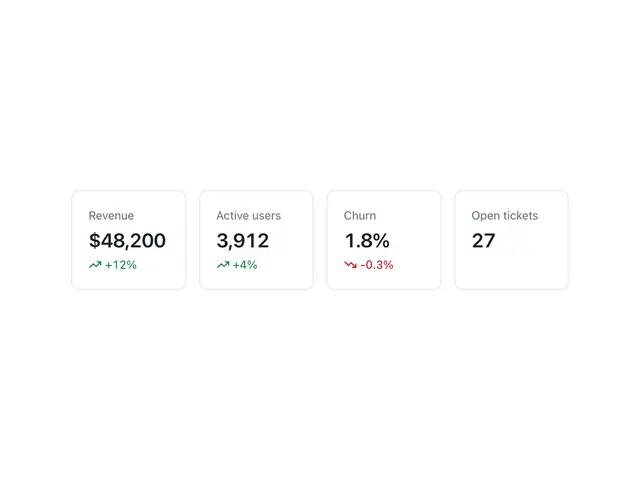
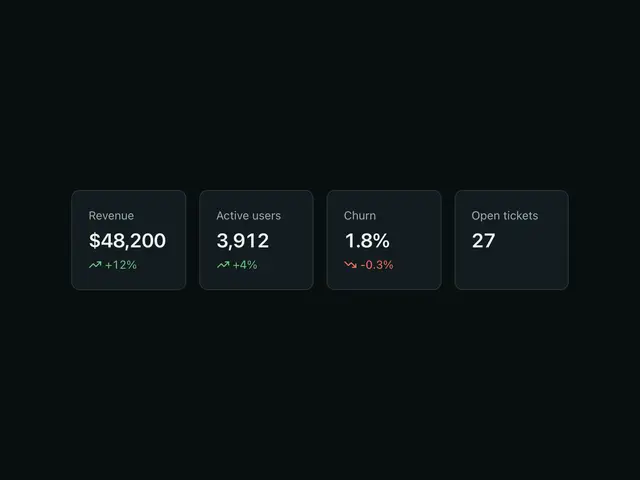
Stats cardsA row of metric cards for dashboards.
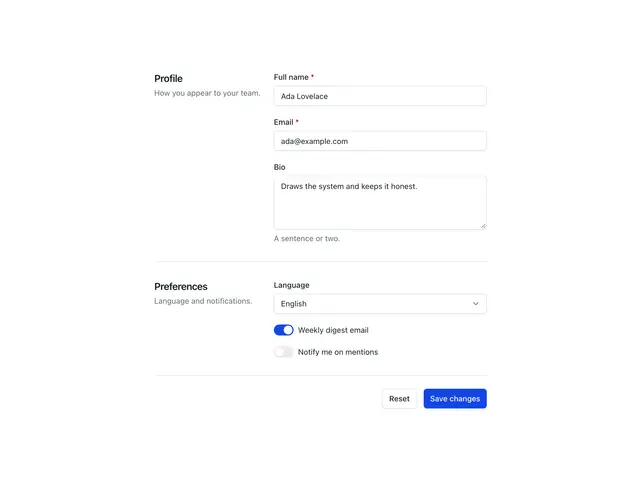
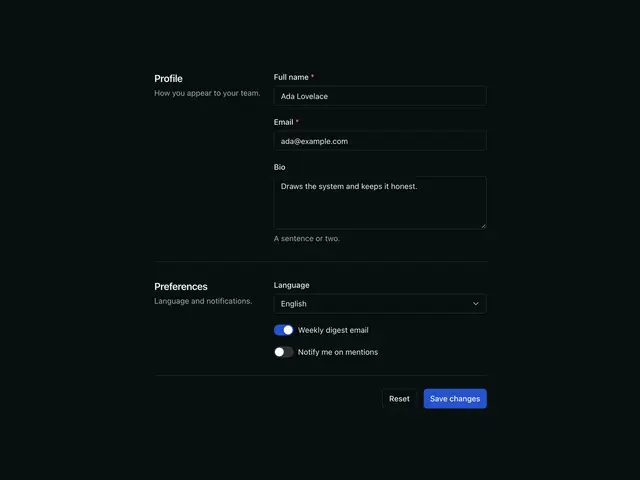
Settings formGroups of fields described by data, rendered as one plain HTML form.
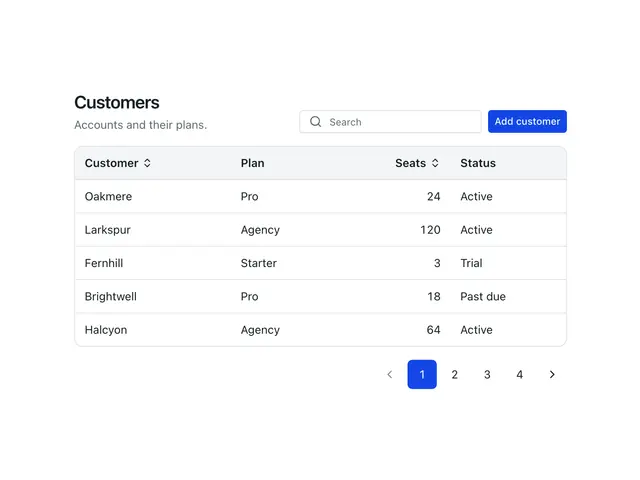
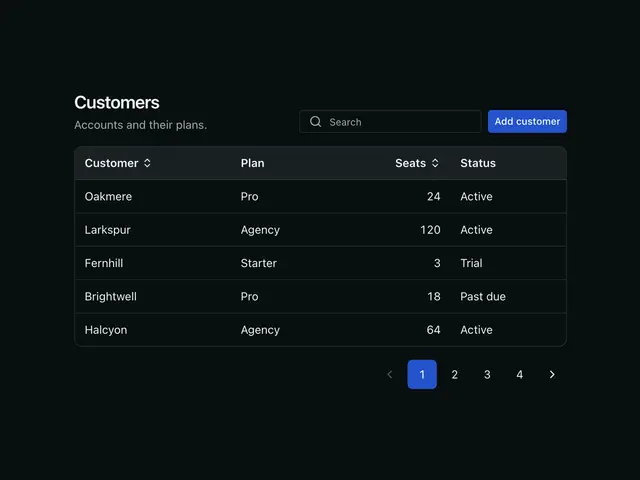
Table shellA data table with its toolbar and pagination.
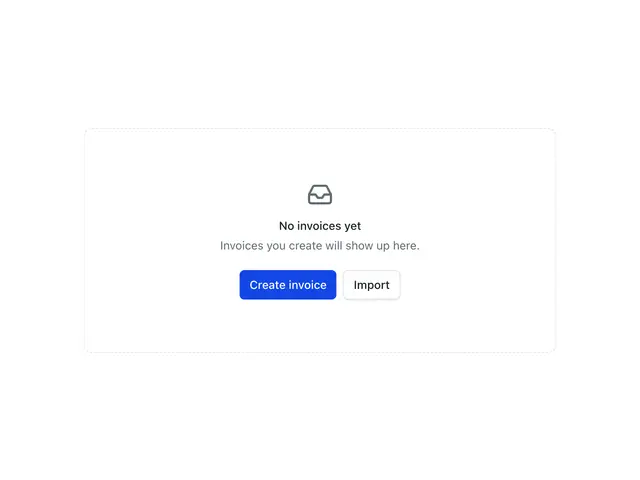
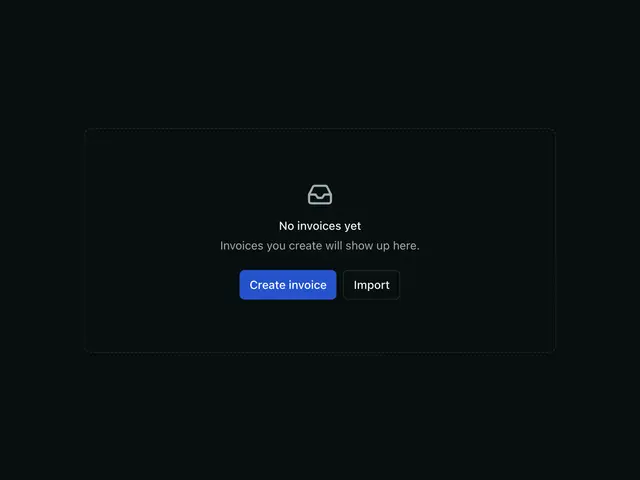
Empty state sectionAn EmptyState with section spacing, for a whole empty page or panel.
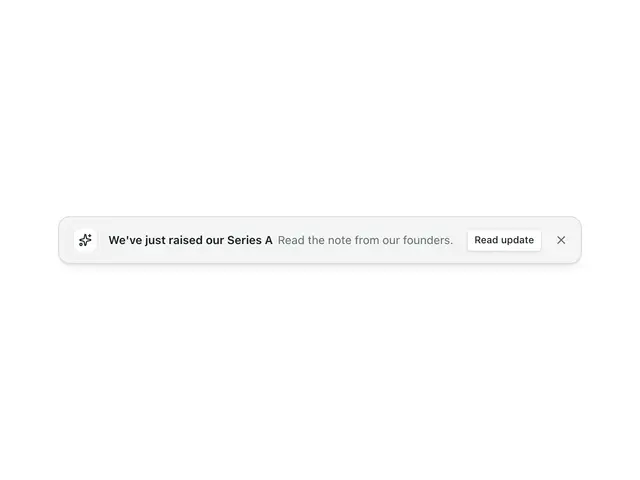
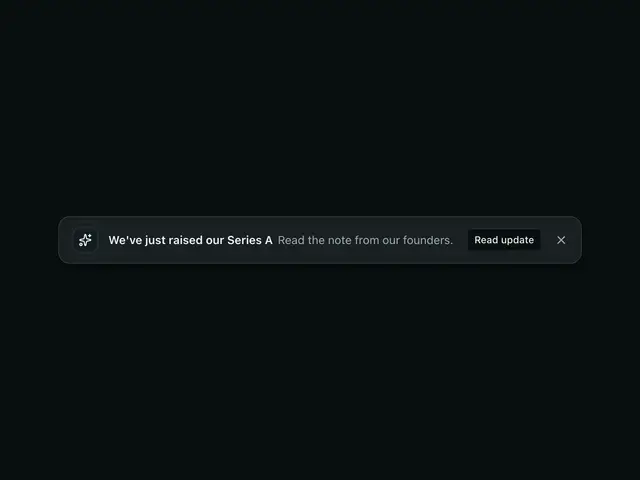
BannerA one-line announcement as a floating card or a full-width bar, with an icon, actions and a close button.