Legal pages
Whole policy pages: a page header and the policy text, between a header and a footer.
Last updated
Each example is a whole policy page stacked from blocks: a header navigation, a page header from Header sections that holds the page’s h1 (some with tabs between the legal and plain-language versions, a search field or an email signup), the policy text from Content sections, and a call to action before the footer. Adding a page copies its blocks too. The page renders its own header, <main> and footer, so give it a layout without a <main>.
npx @ava-ui/apogee add legal/legal-page-01---
// src/pages/legal.astro
import Layout from '../layouts/Layout.astro'
import Page from '../components/apogee/pages/legal/LegalPage01.astro'
---
<Layout title="Legal">
<Page />
</Layout>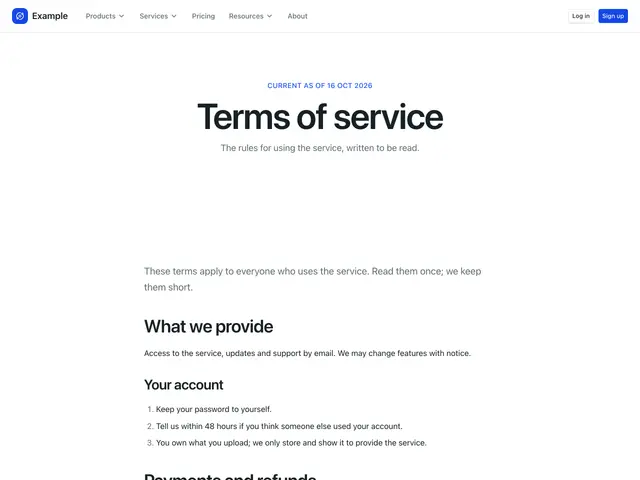
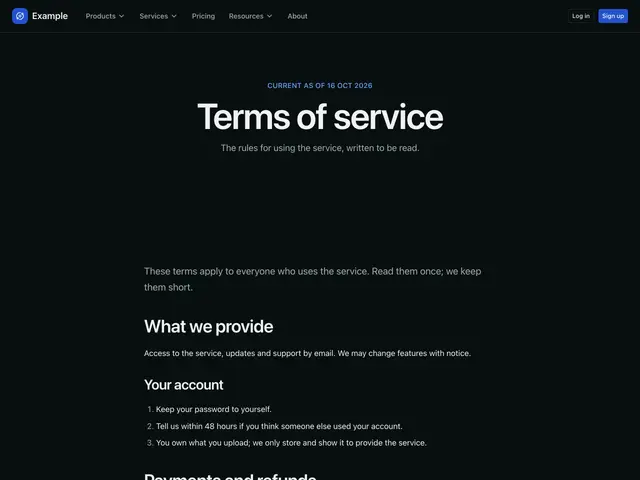
Legal page 01A centred eyebrow, heading and line. Then a content section and a footer.
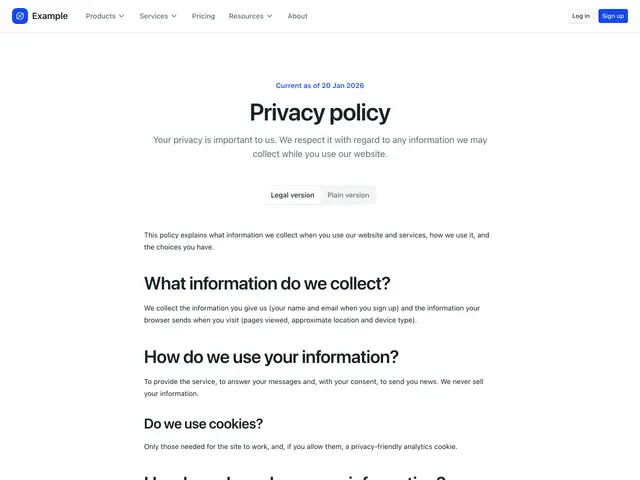
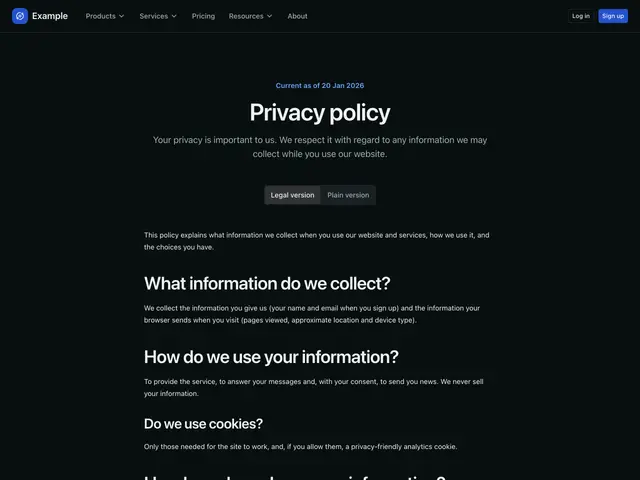
Legal page 02A policy page: a centred header with legal and plain-language tabs over the policy text. Then a call to action on grey and a footer on dark.
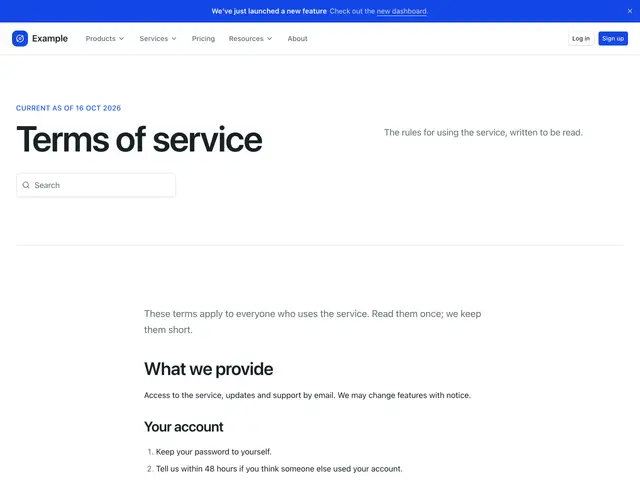
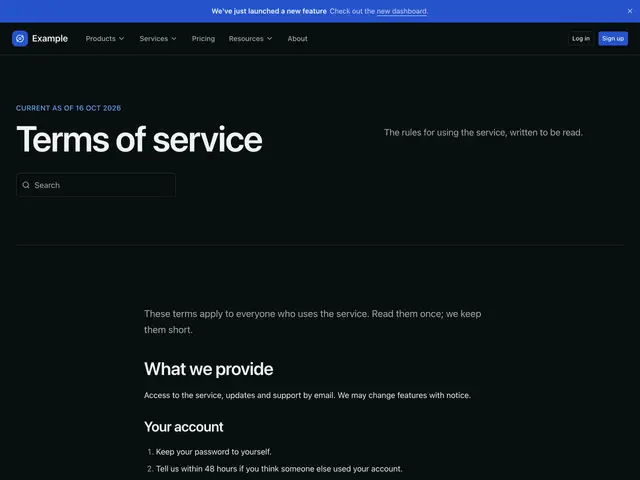
Legal page 03A banner on the brand colour and a split heading, line and search field. Then a content section, a call to action with customer logos and a footer.
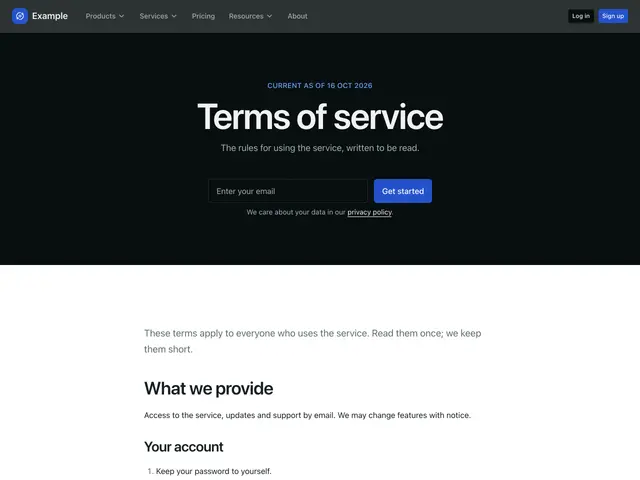
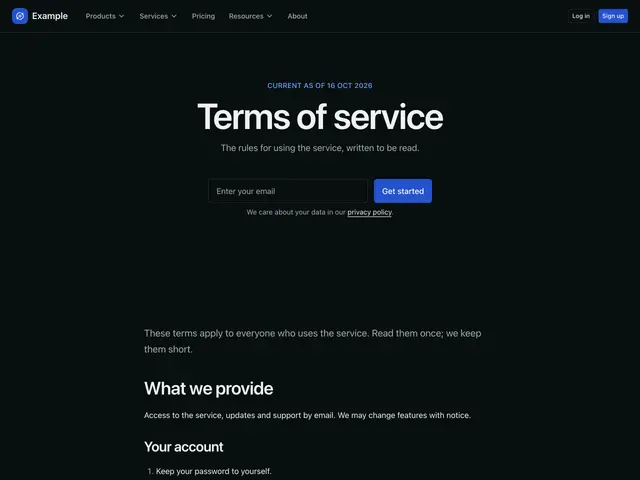
Legal page 04A centred heading, line and email signup on dark. Then a content section, a call to action with a photo, a call to action with a photo and a footer.
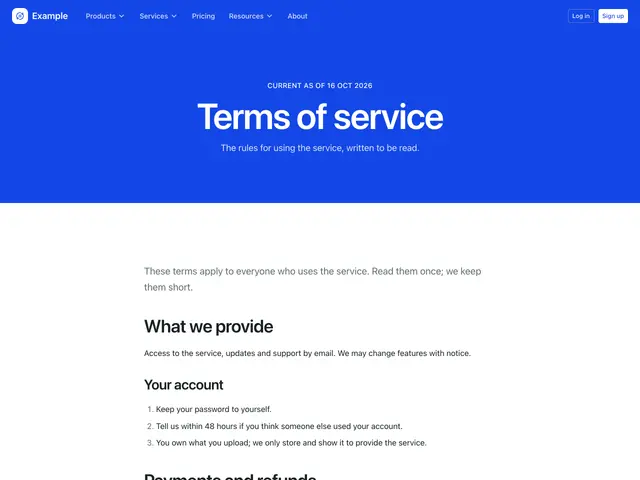
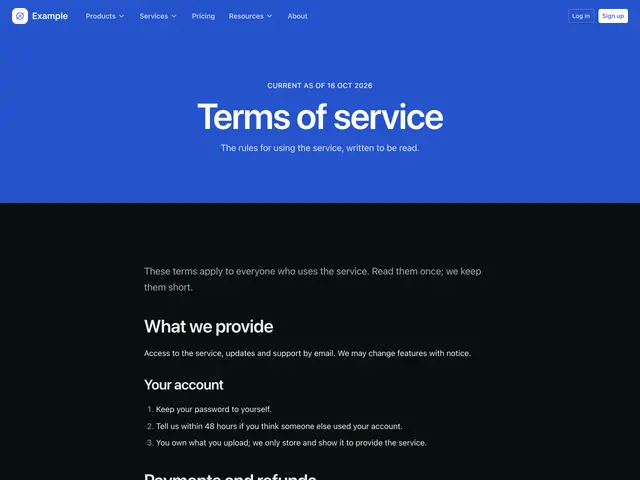
Legal page 05A centred eyebrow, heading and line on the brand colour. Then a content section, a call to action card on the brand colour and a footer.