Feature sections; alternating rows, icon grids, icons beside a photo, phone or screenshot, payment cards, feature tabs that switch screenshots and integration icons, on the page or the brand colour.

Last updated

Each example is a block: a heading over the features, as a grid of icons, rows beside a screenshot, a DeviceFrame phone or browser, a PaymentCard stack or a VideoPlayer, or as feature Tabs that switch what the screenshot shows.

npx @ava-ui/apogee add features/simple-icons-02

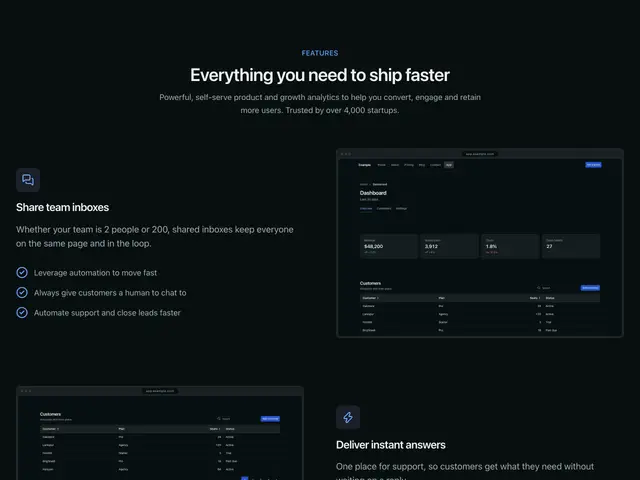
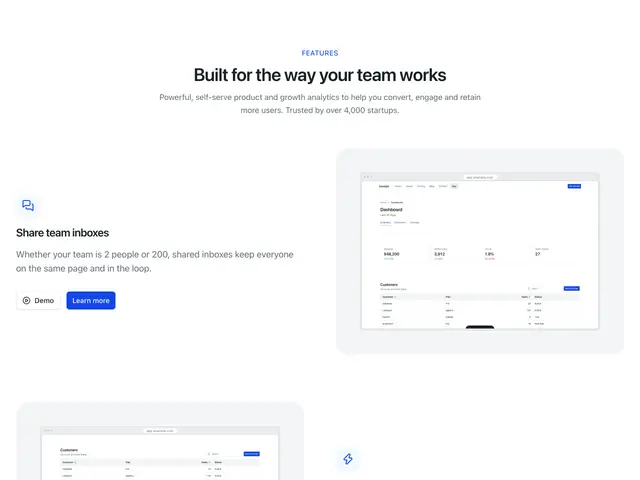
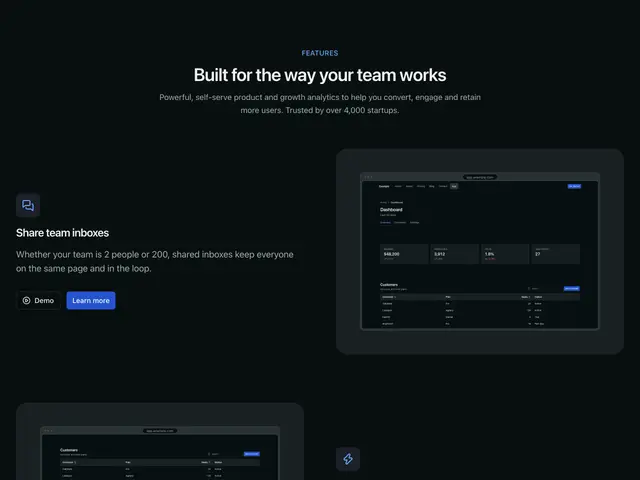
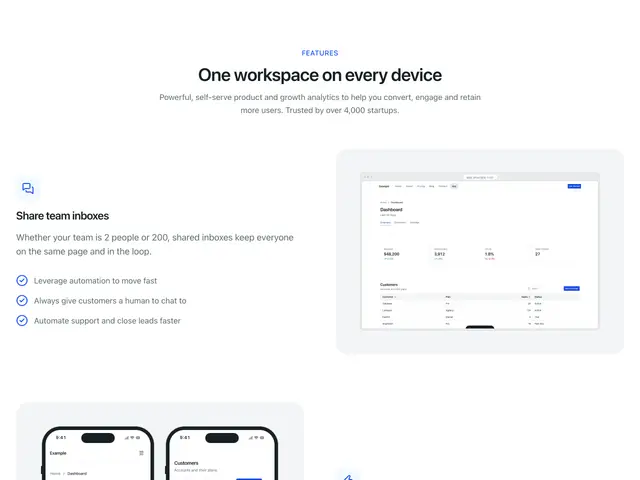
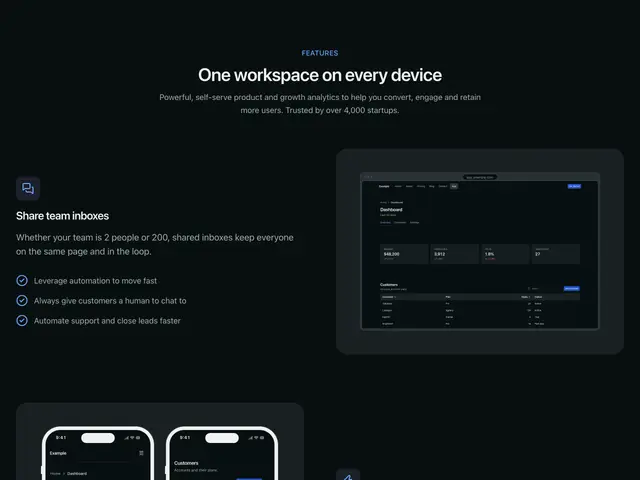
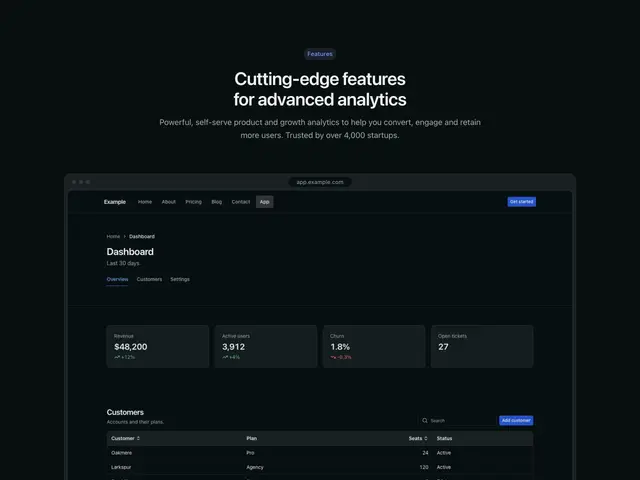
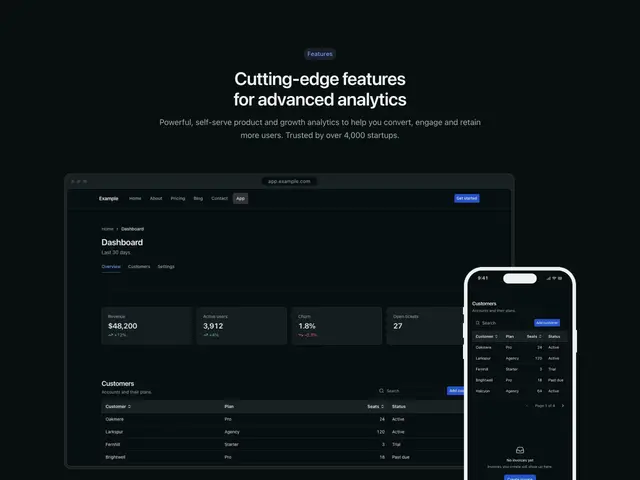
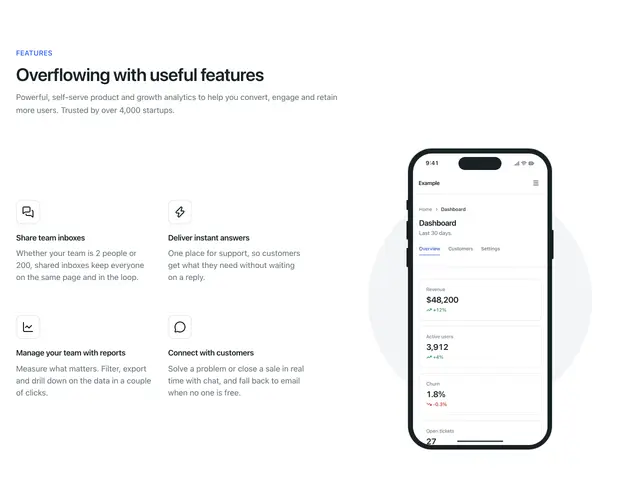
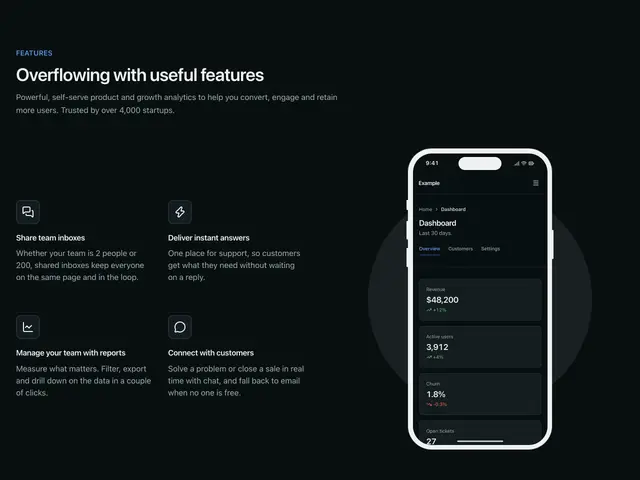
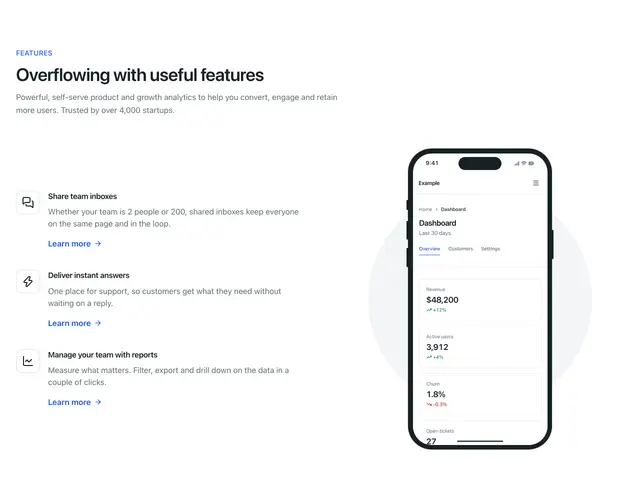
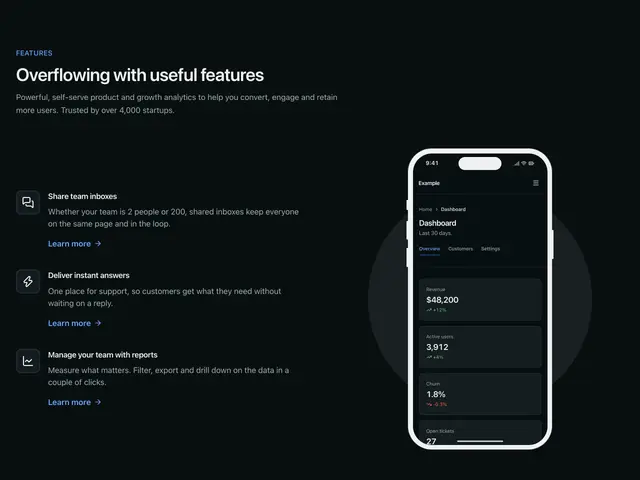
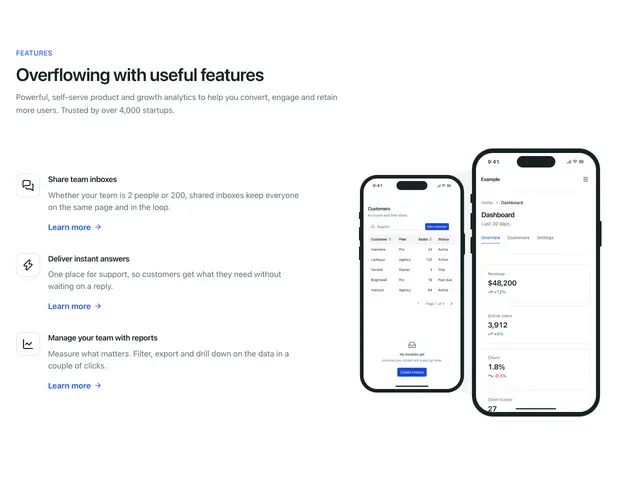
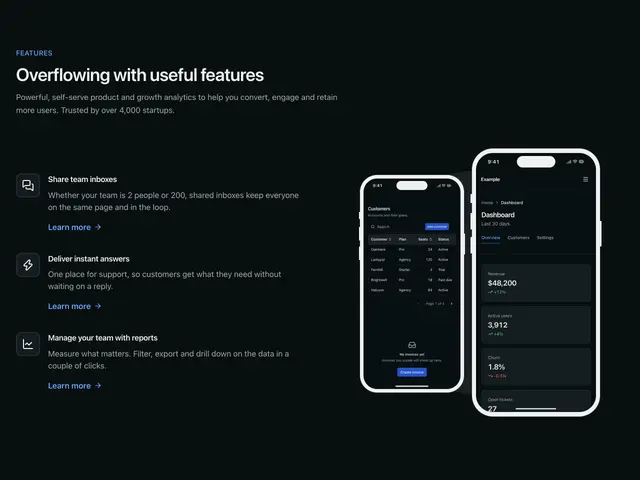
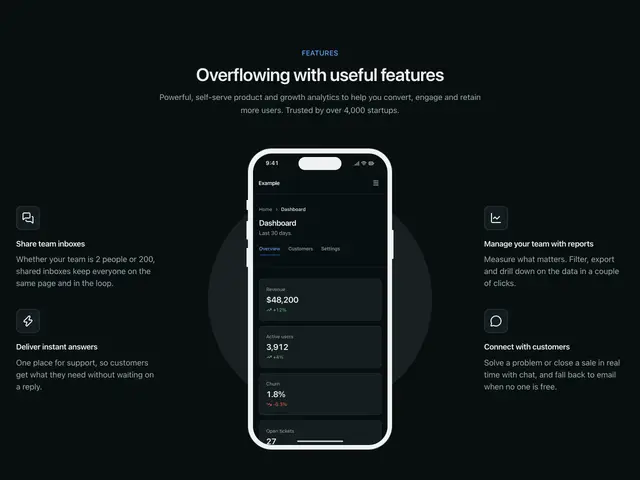
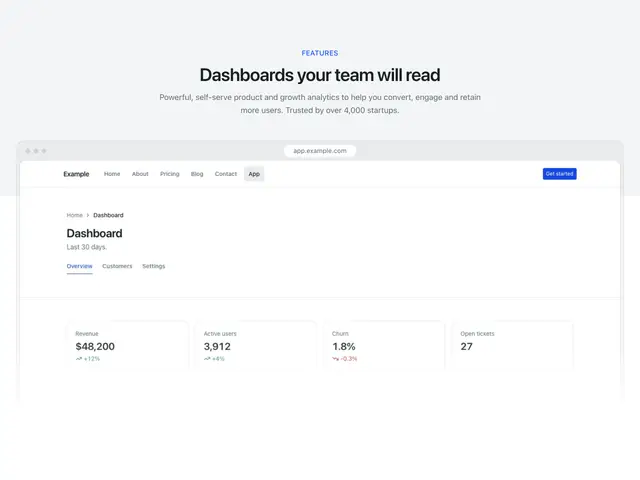
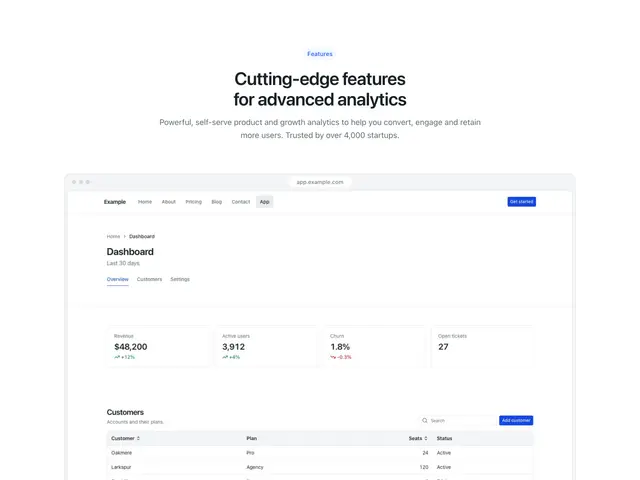
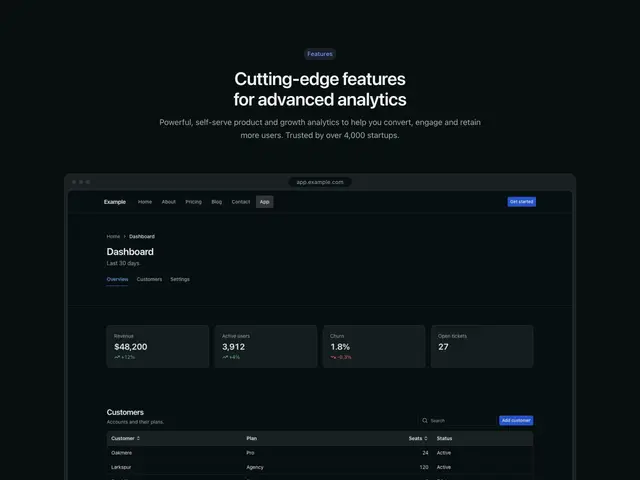
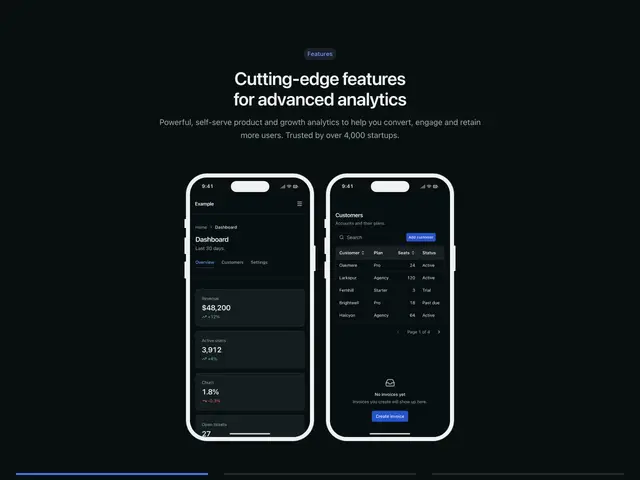
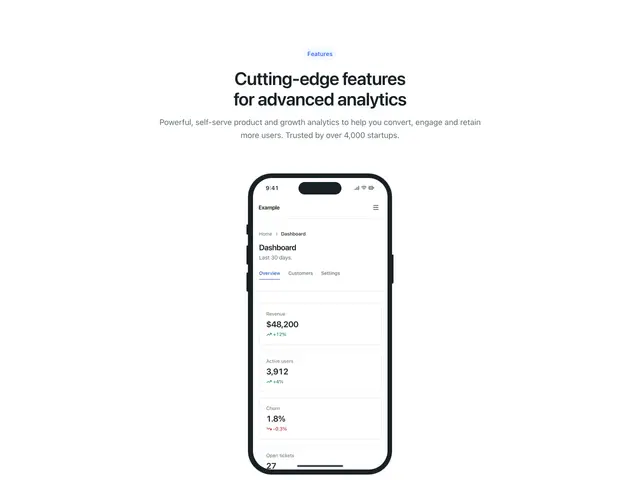
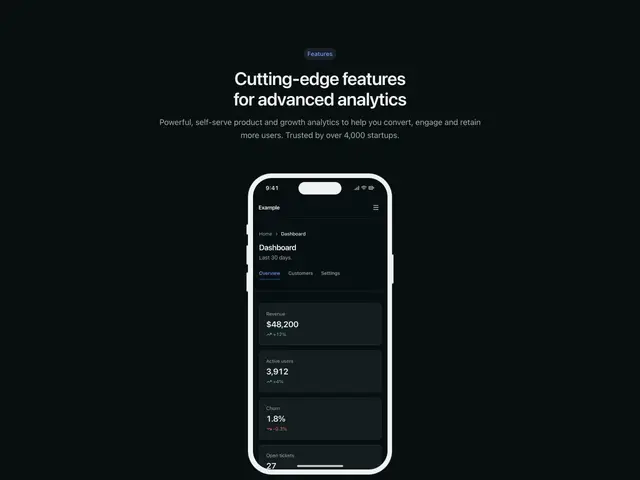
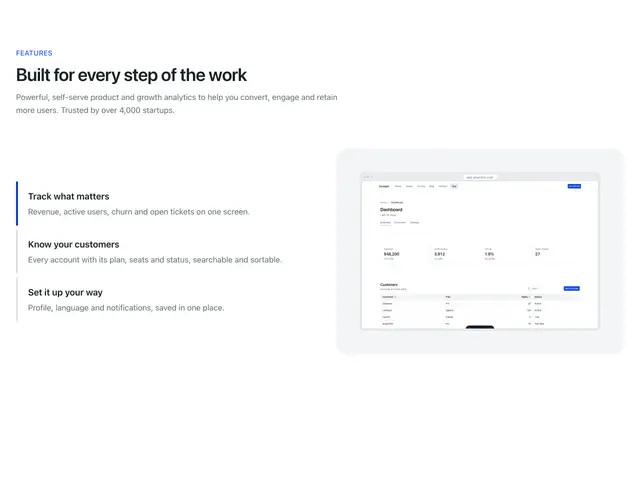
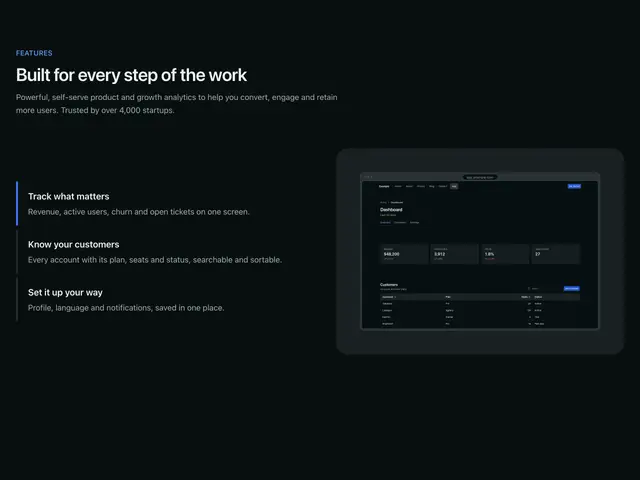
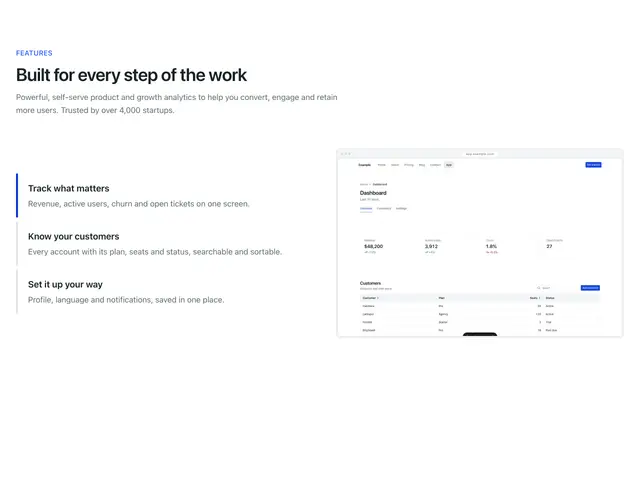
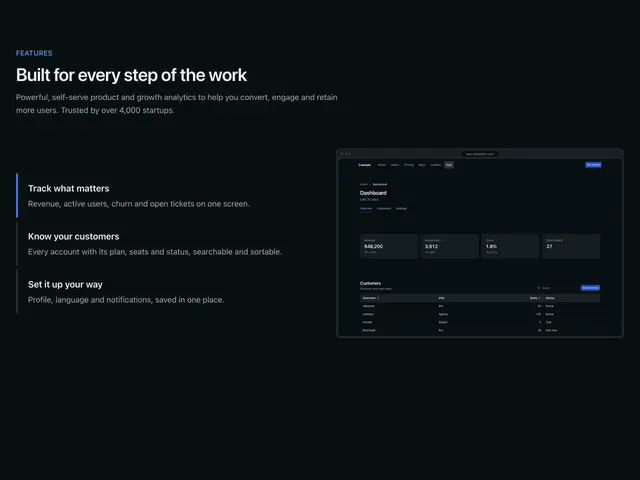
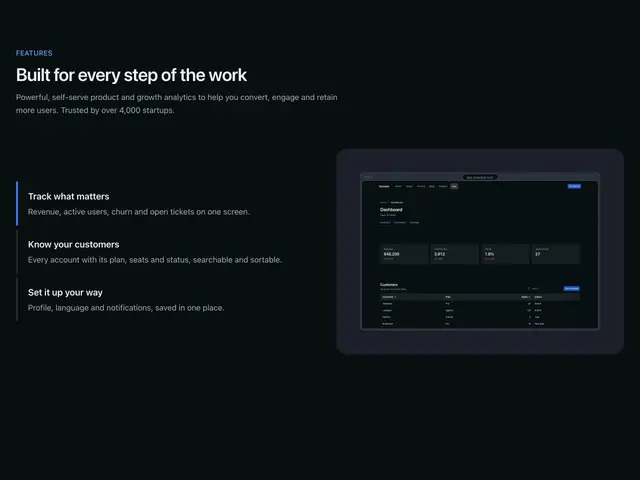
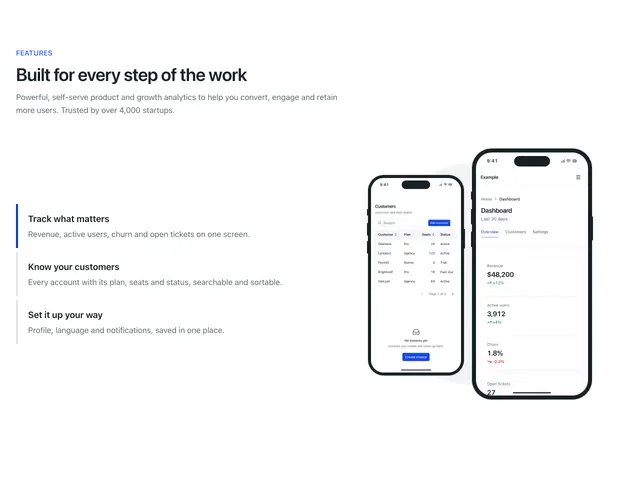
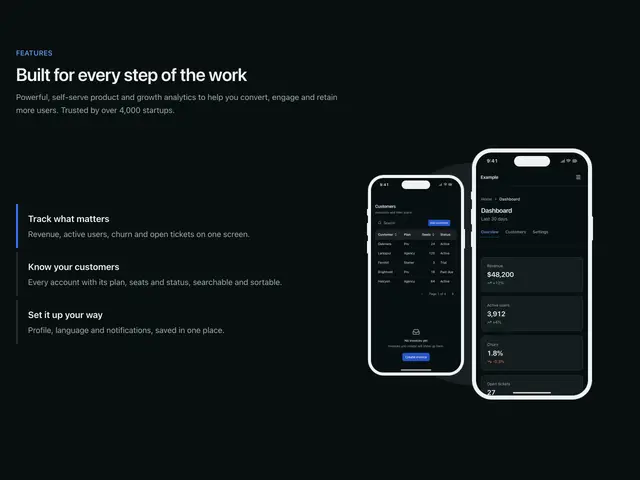
The screenshot blocks show the Apogee dashboard from /mockups/ (overview, customers and settings, light and dark); put your own product’s screenshots there.

Copy is props

Every block in this family takes the same content props (FeaturesContent in sections/_shared/features.ts), with its sample copy as the defaults. A block ignores the props it has no place for, so you can swap one block for another and keep the copy. The Features section takes the same names for the props they share.

  • eyebrow: The small label above the heading.

  • heading: The heading.

  • description: The line under the heading.

  • label: Landmark name when the block shows no heading.

  • items: The features. An item’s link shows when it has an href.

  • linkLabel: Text of item links without their own linkLabel.

  • media: The main image or screenshot beside or under the features.

  • Pass null to hide an optional part, such as description={null}.

  • Some blocks add props of their own; the top of each block’s file lists them.
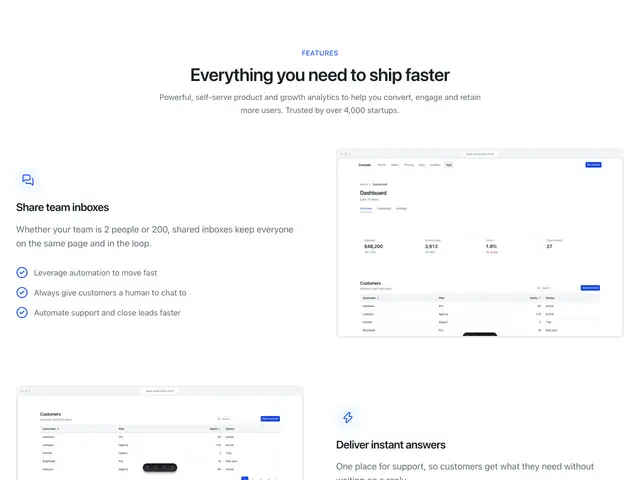
Alternating layout 01A centred heading over three rows of text and a screenshot, swapping sides, each with three points.
Alternating layout 02A centred heading over three rows of text, buttons and a screenshot on a panel, swapping sides.
Alternating layout 03A centred heading over three rows: a screenshot, two phones, and a screenshot with a phone over it.
Alternating layout 04A centred heading over three rows of text and a tall photo, swapping sides.
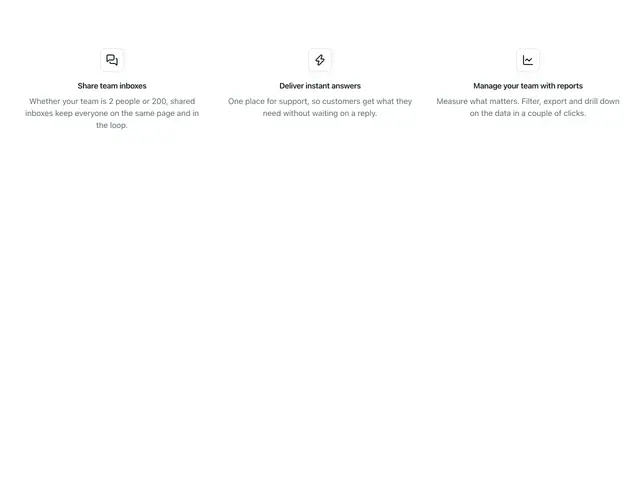
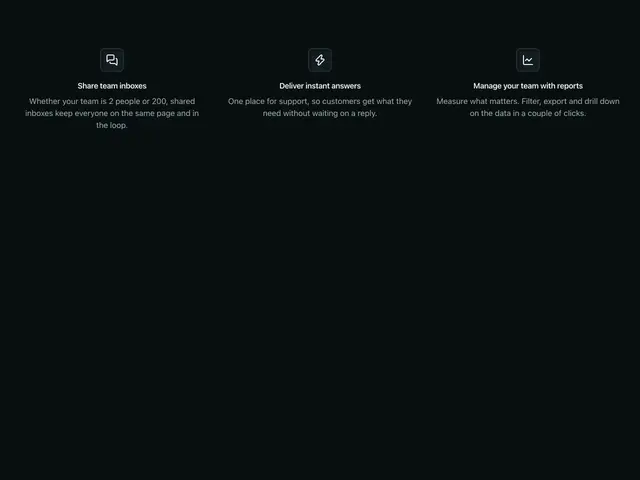
Simple icons 01Three features with icons, centred, with no heading.
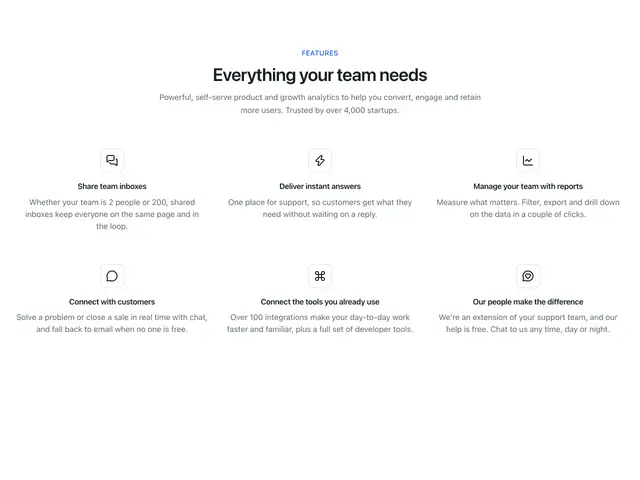
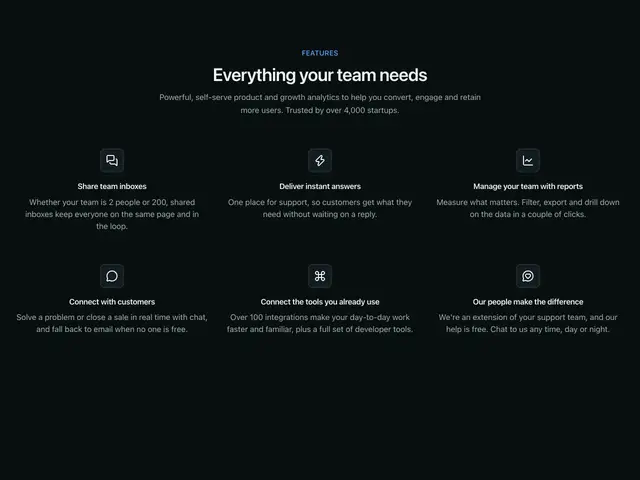
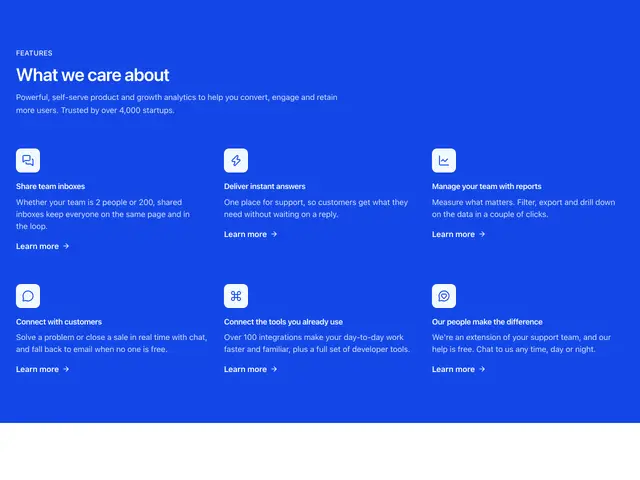
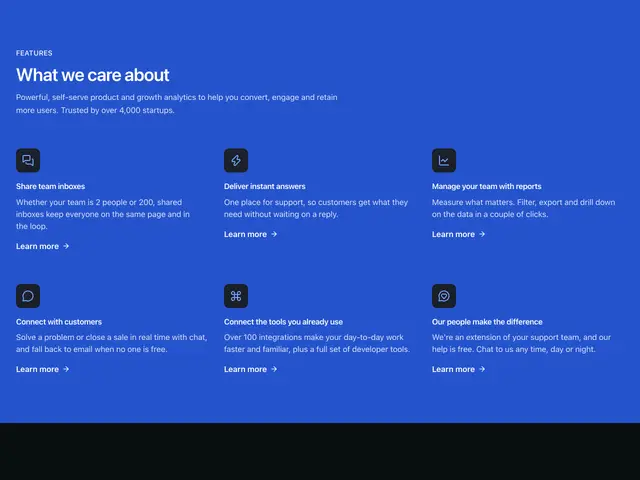
Simple icons 02A centred heading over six features with icons.
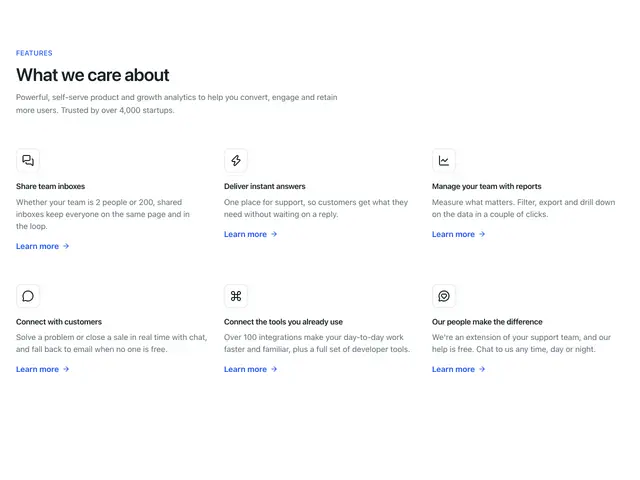
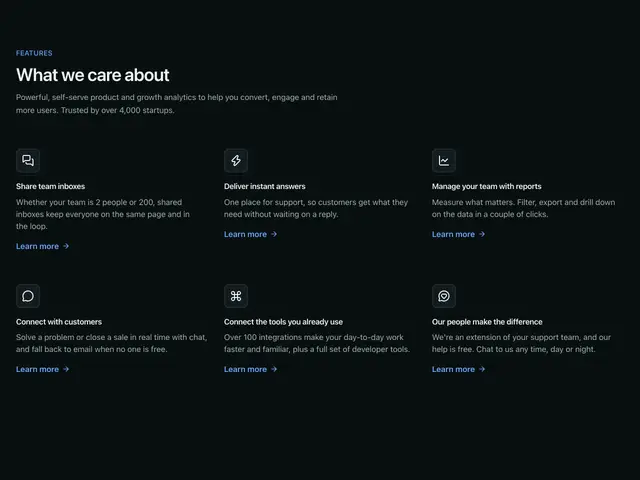
Simple icons 03A heading over six features with icons and a link each.
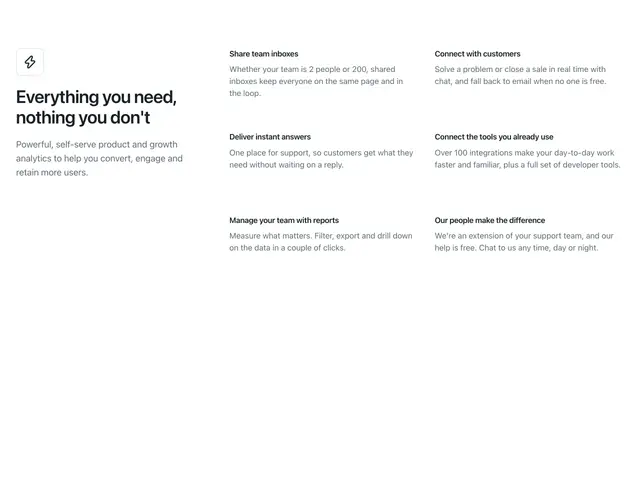
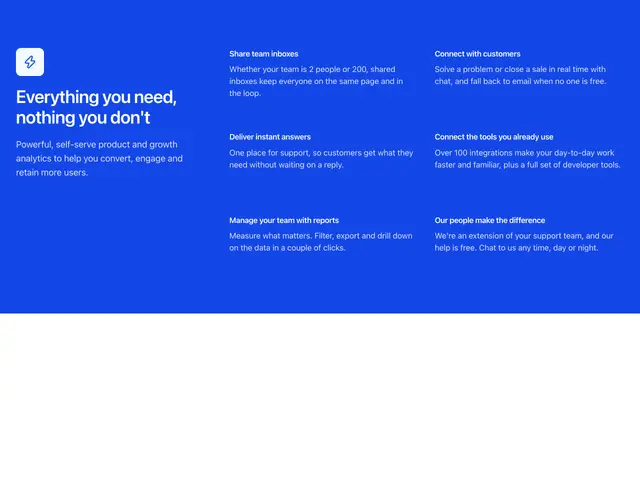
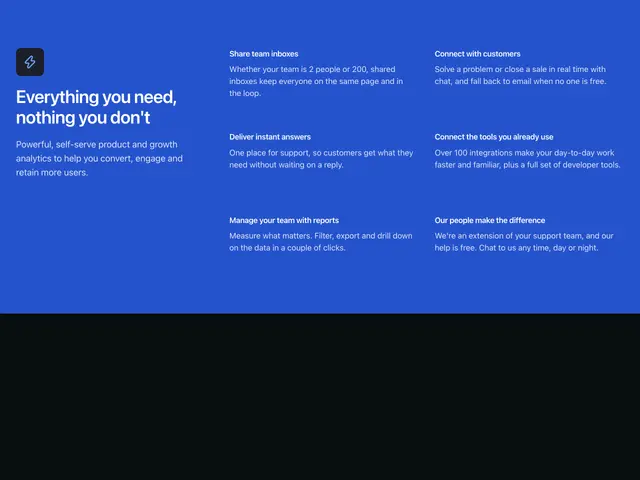
Simple icons 04An icon and heading beside six features in two columns.
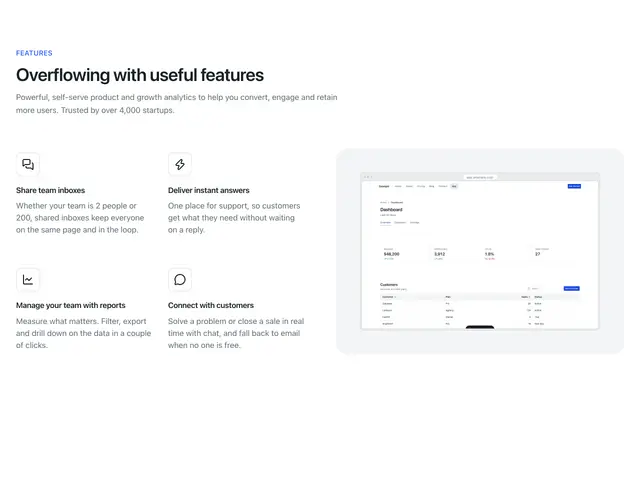
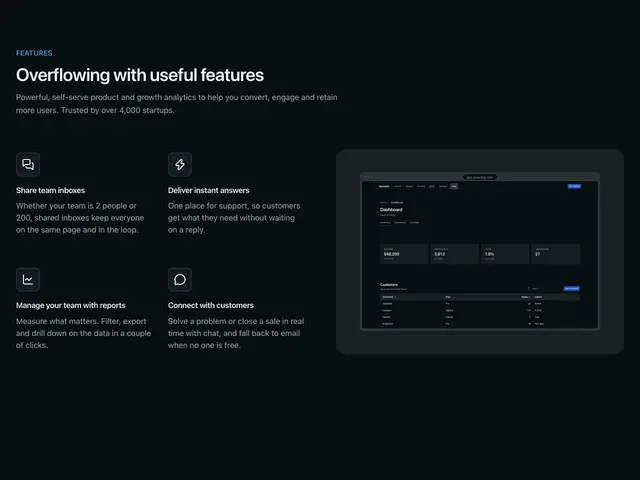
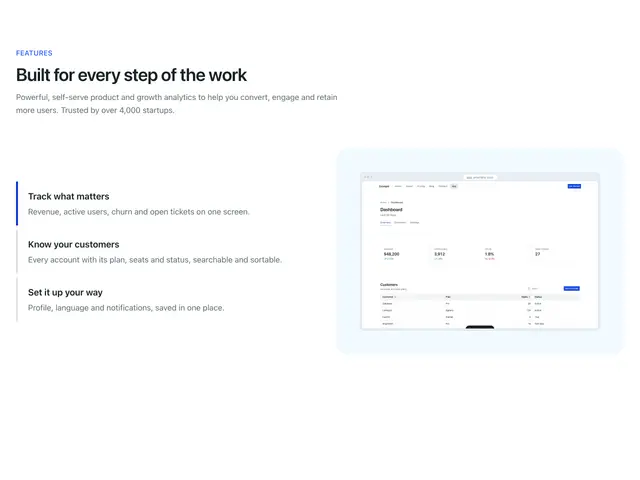
Icons and image 01A heading over four features with icons beside a screenshot on a panel.
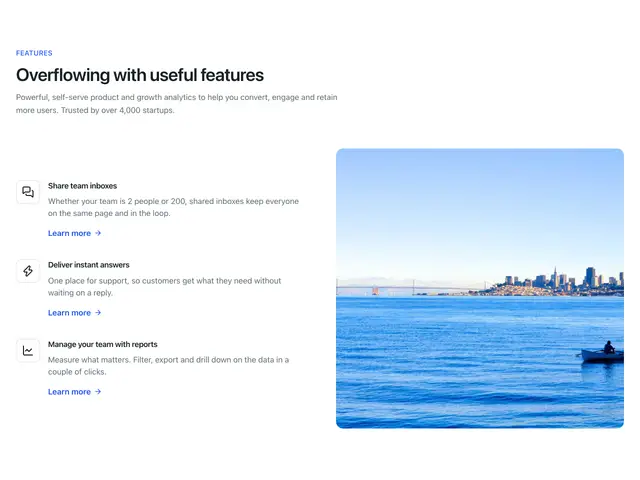
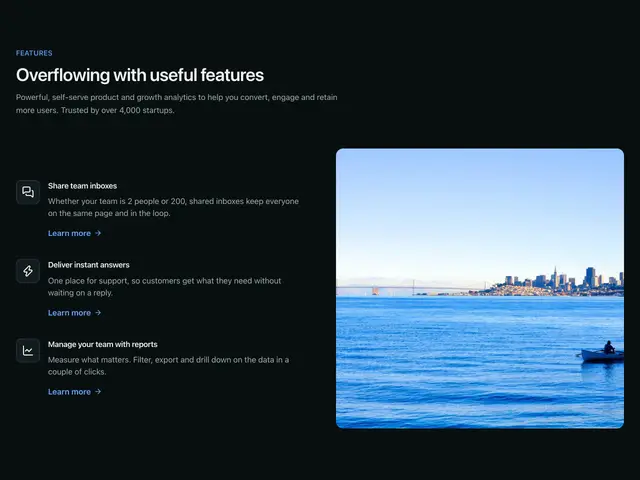
Icons and image 02A heading over three features with icons and links beside a photo.
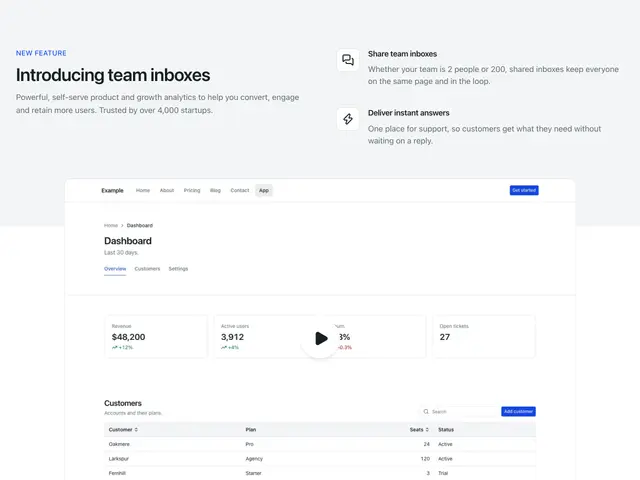
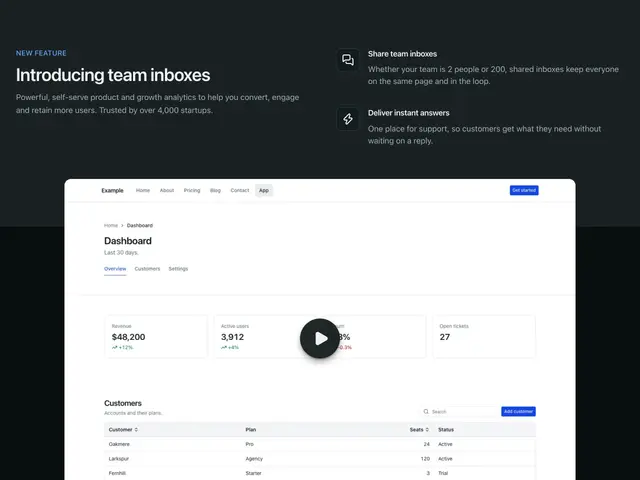
Icons and image 03A heading and two features on a tinted band, over a video that overlaps it.
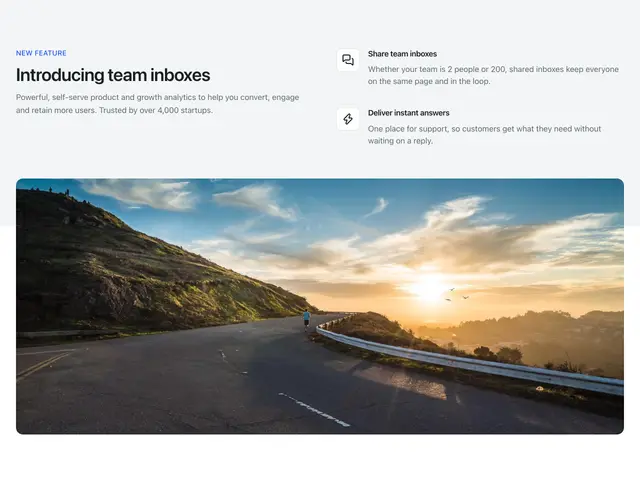
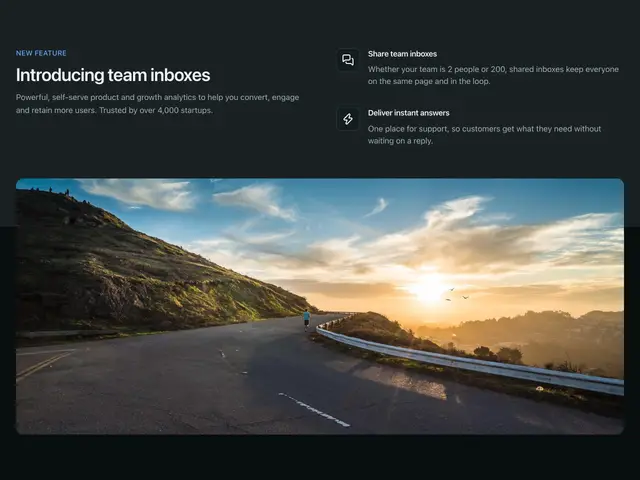
Icons and image 04A heading and two features on a tinted band, over a wide photo that overlaps it.
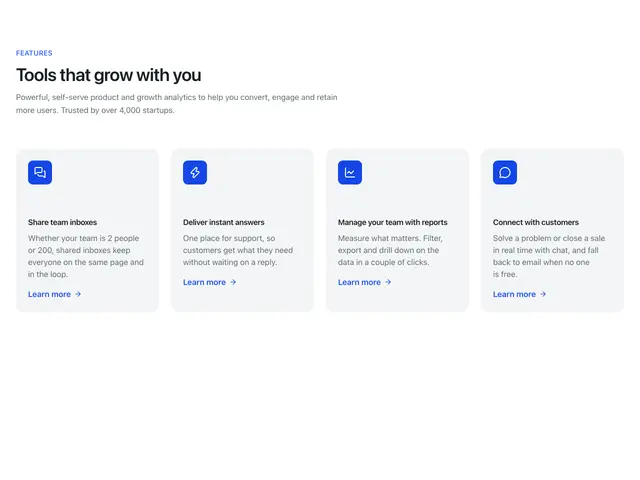
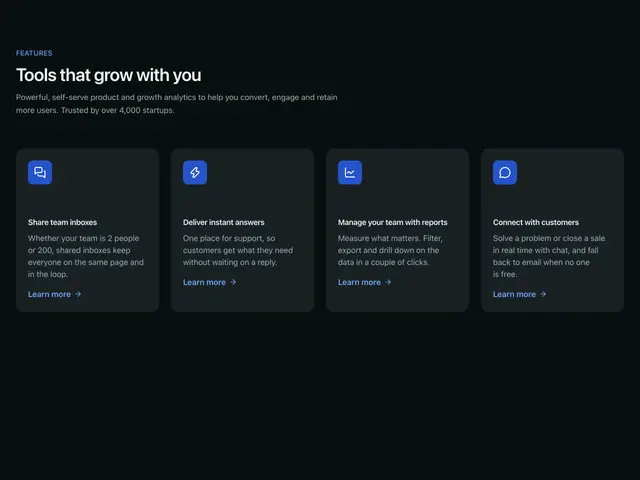
Icon cards 01A heading over four feature cards in a row, each with a link.
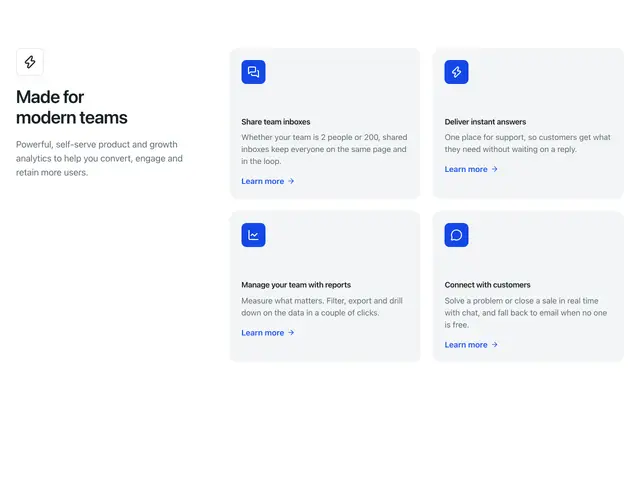
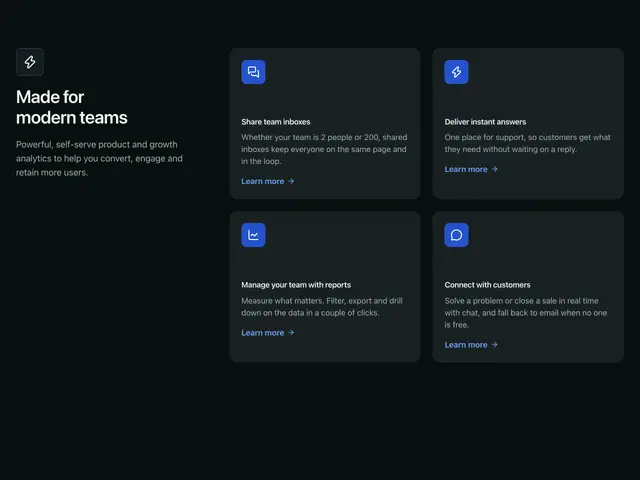
Icon cards 02An icon and heading beside four feature cards, each with a link.
Center mockup 01A centred heading over a large screenshot, then three features with links.
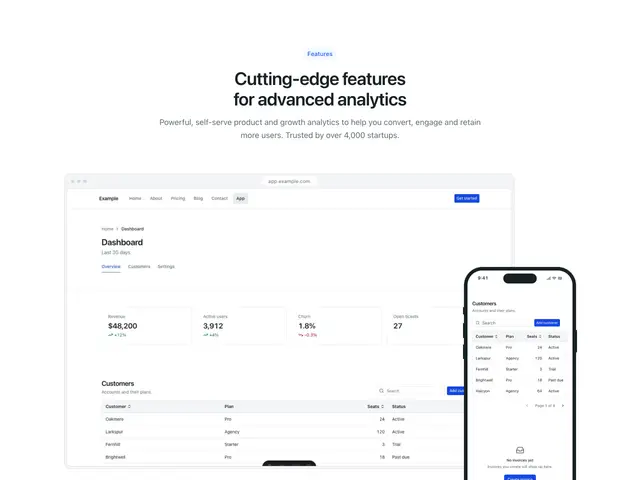
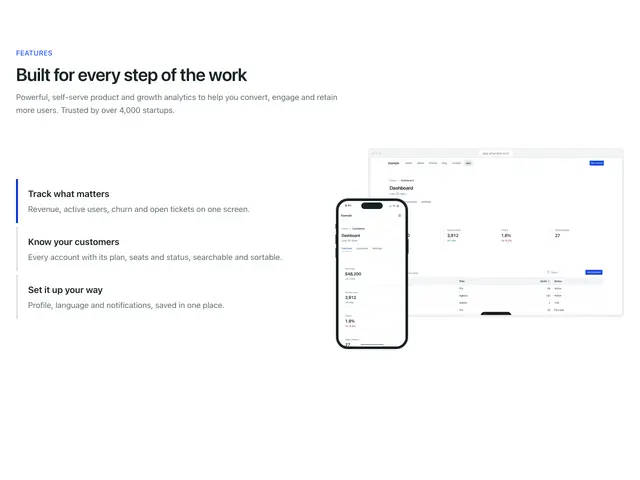
Center mockup 02A centred heading over a screenshot with a phone in front, then three features with links.
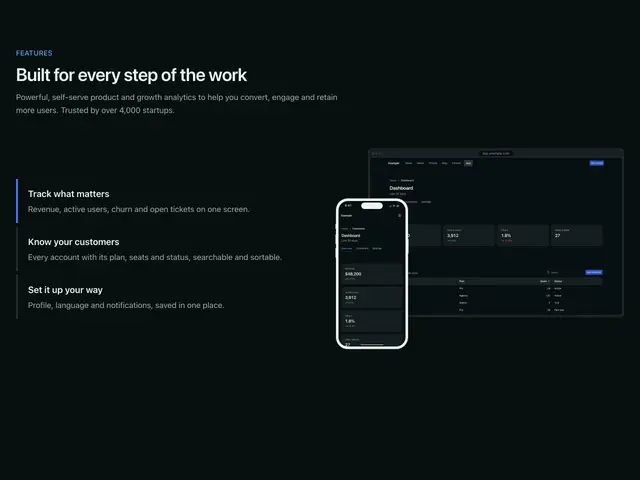
Icons and mockup 01A heading over four features with icons beside a phone.
Icons and mockup 02A heading over three features with links beside a phone.
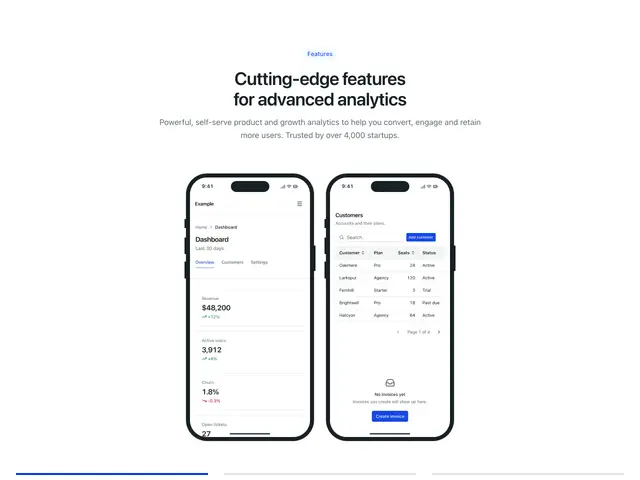
Icons and mockup 03A heading over three features with links beside two phones.
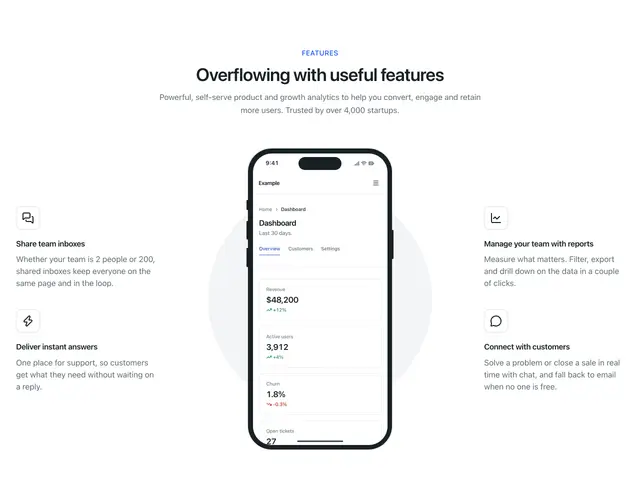
Icons and mockup 04A centred heading over a phone with two features on each side.
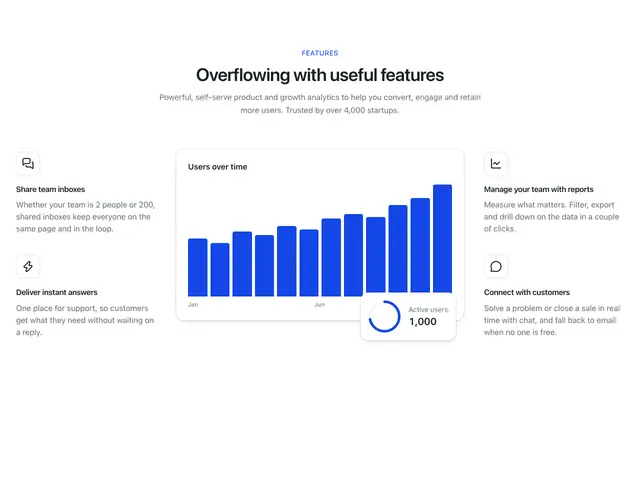
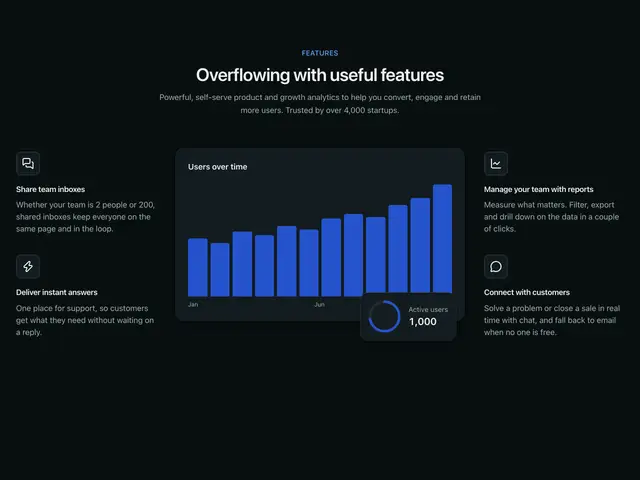
Icons and mockup 05A centred heading over a chart card with two features on each side.
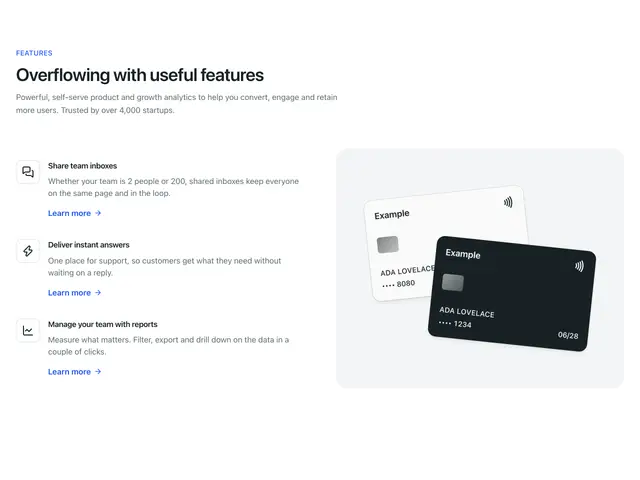
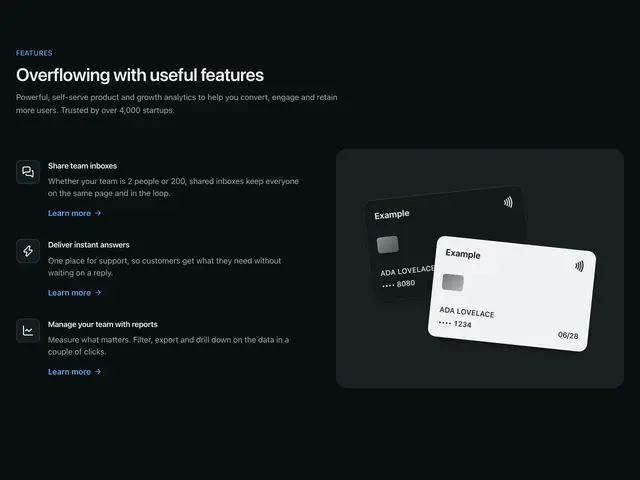
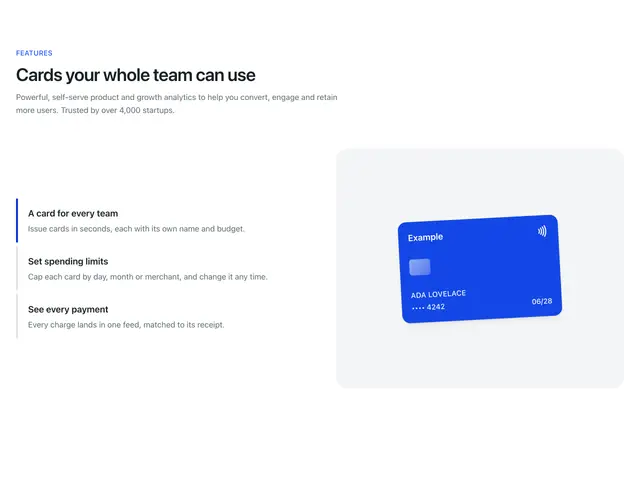
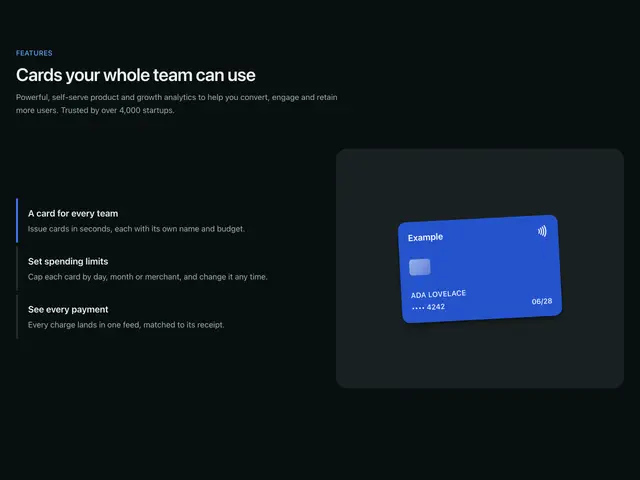
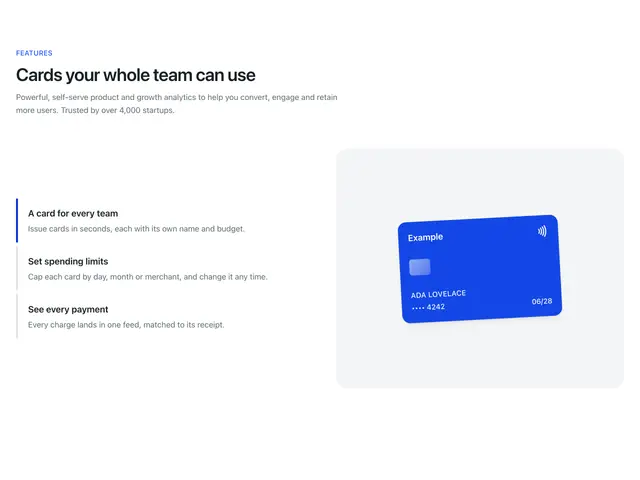
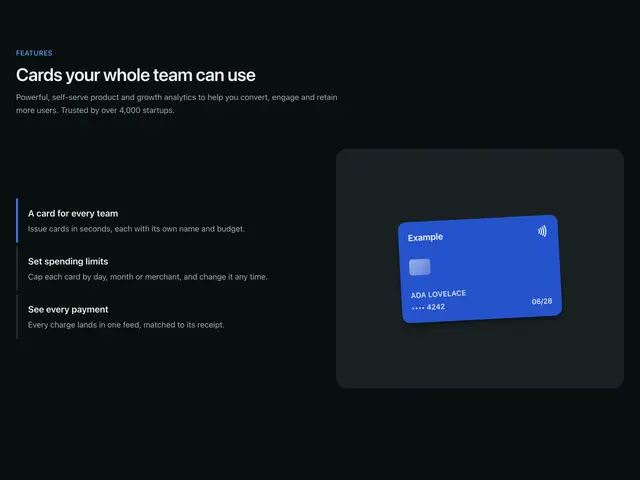
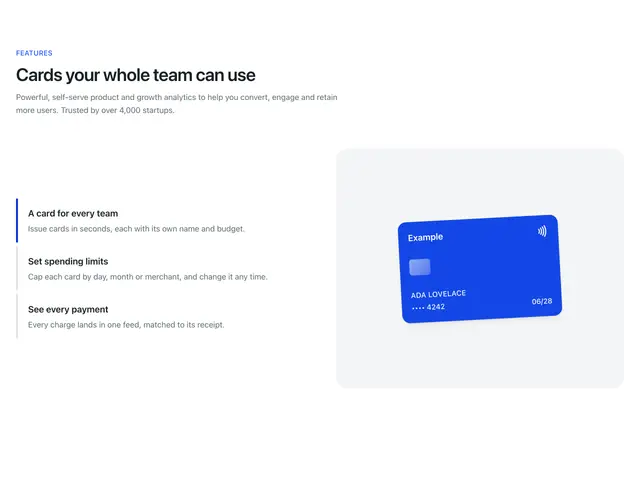
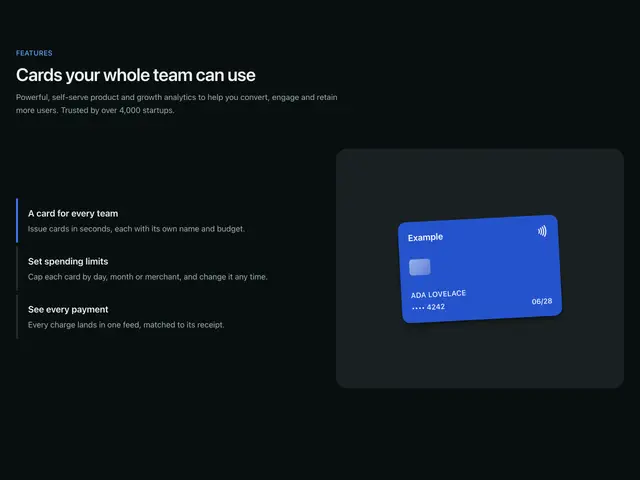
Icons and mockup 06A heading over three features with links beside two payment cards.
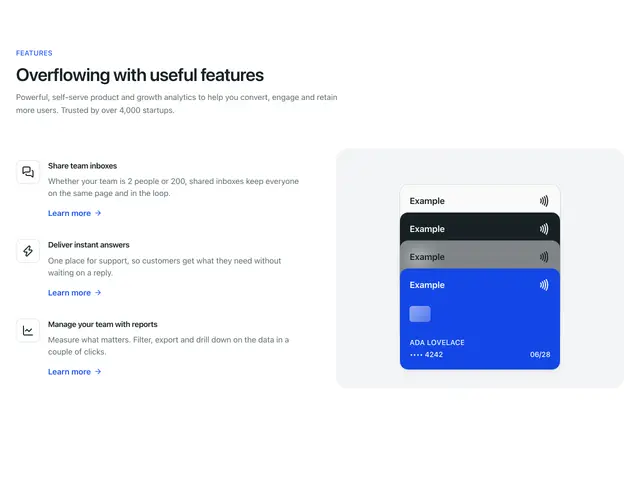
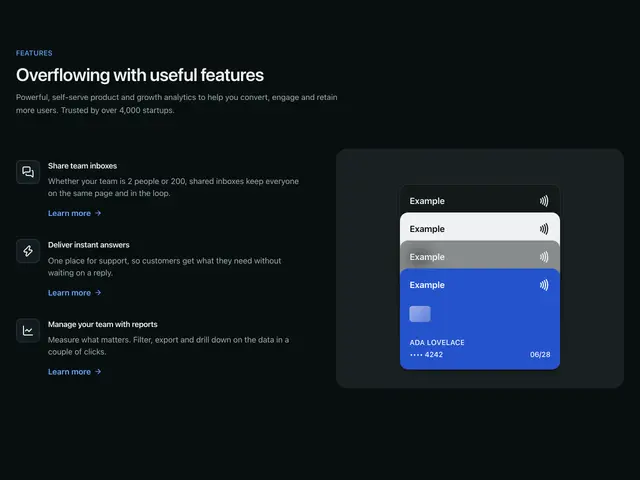
Icons and mockup 07A heading over three features with links beside a stack of four payment cards.
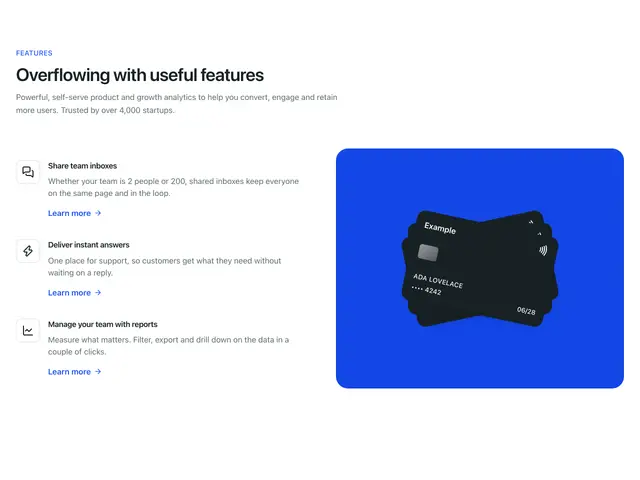
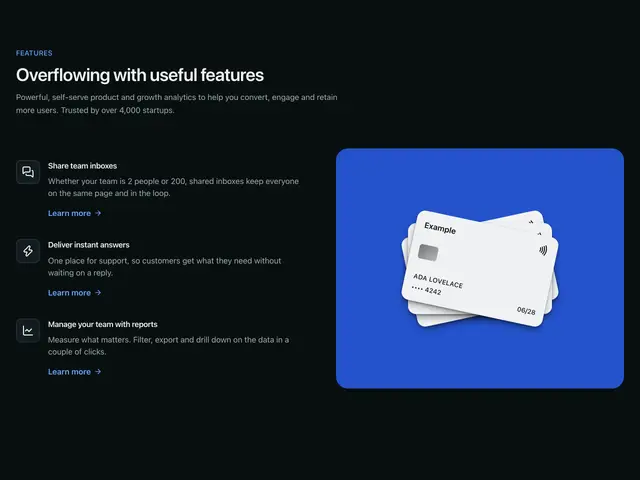
Icons and mockup 08A heading over three features with links beside three payment cards fanned on the brand colour.
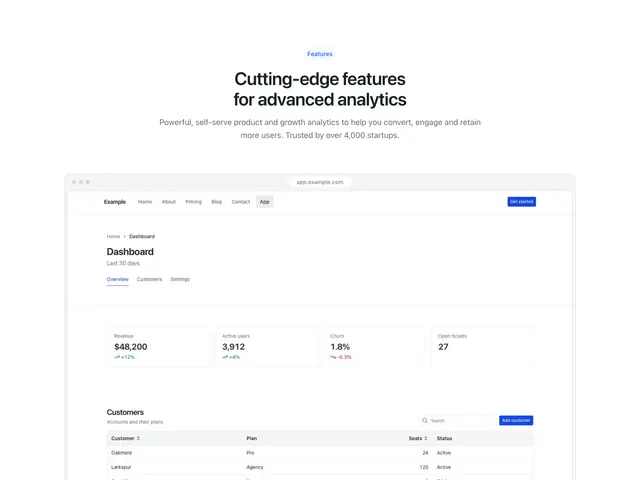
Large screen mockup 01A centred heading over a full-width screenshot cropped at the bottom edge.
Large screen mockup 02A centred heading on a tinted band, over a full-width screenshot that overlaps it.
Tabs mockup 01A heading over a screenshot, with feature tabs under it that switch what it shows.
Tabs mockup 02A heading over two phones, with feature tabs under it that switch what it shows.
Tabs mockup 03A heading over a phone, with feature tabs under it that switch what it shows.
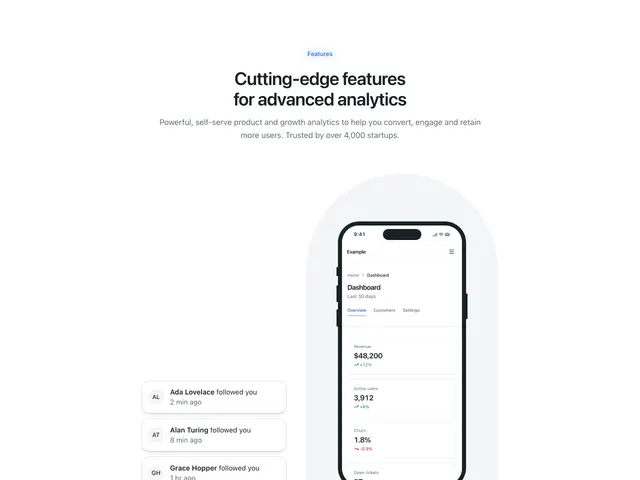
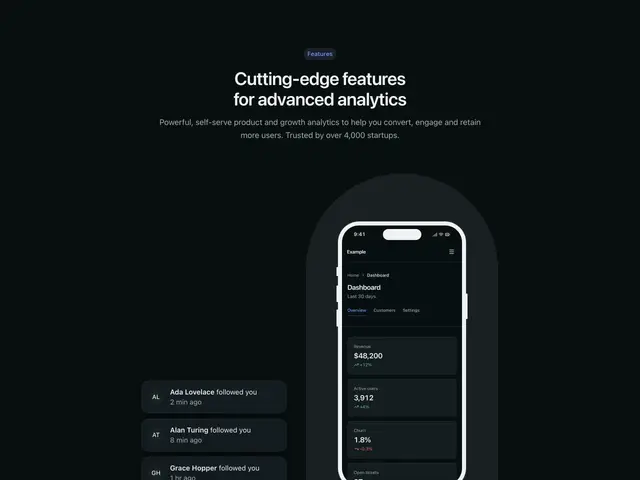
Tabs mockup 04A heading over a phone on an arch with notifications beside it, with feature tabs under it that switch what it shows.
Tabs mockup 05A heading over a screenshot on a panel, with feature tabs beside it that switch what it shows.
Tabs mockup 06A heading over a screenshot with a phone in front, with feature tabs beside it that switch what it shows.
Tabs mockup 07A heading over a screenshot, with feature tabs beside it that switch what it shows.
Tabs mockup 08A heading over a screenshot on a tinted panel, with feature tabs beside it that switch what it shows.
Tabs mockup 09A heading over two phones, with feature tabs beside it that switch what it shows.
Tabs mockup 10A heading over feature tabs beside payment cards; each tab shows its own arrangement.
Tabs mockup 11A heading over feature tabs beside a stack of payment cards; each tab shows its own arrangement.
Tabs mockup 12A heading over feature tabs beside payment cards on the brand colour; each tab shows its own arrangement.
Integrations icons 01A heading and two buttons beside a grid of eight integration icons.
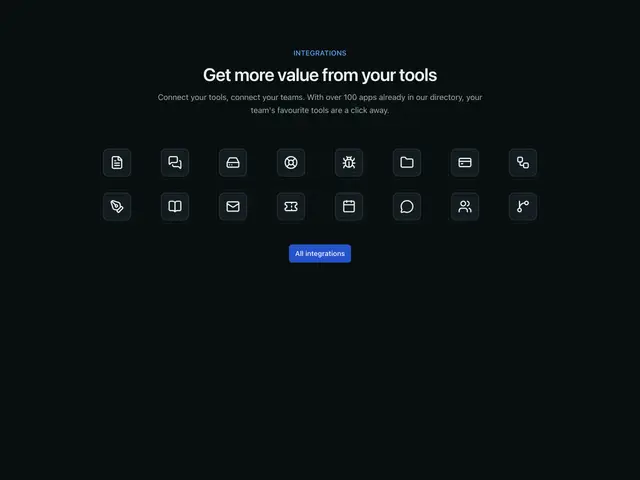
Integrations icons 02A centred heading over sixteen integration icons and a button.
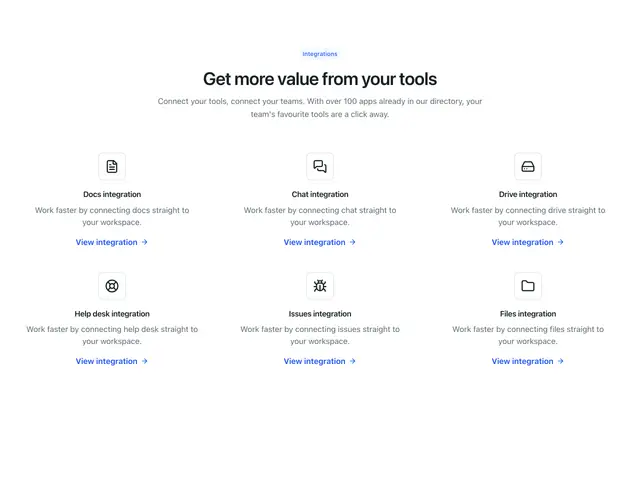
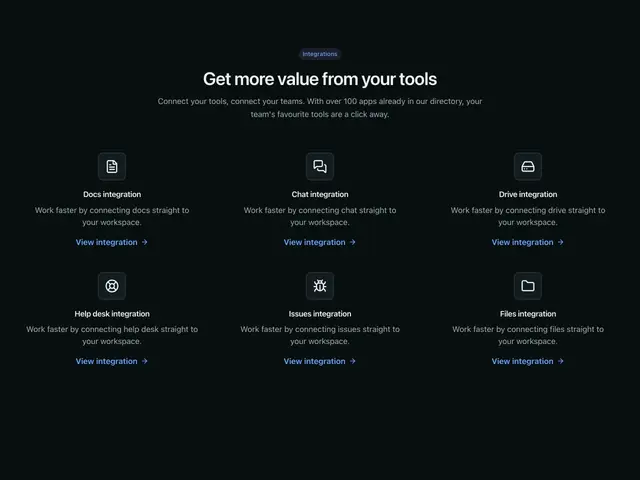
Integrations icons 03A centred heading over six integrations with icons and links.
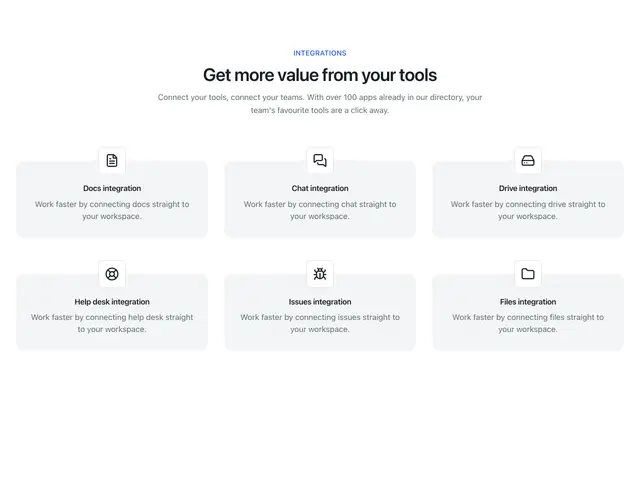
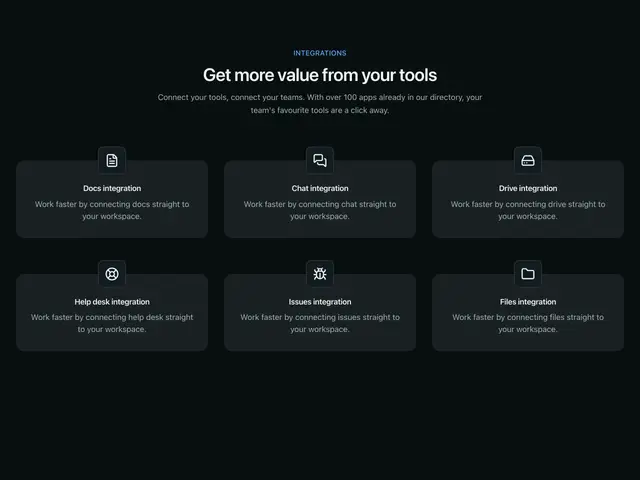
Integrations icons 04A centred heading over six integration cards, each icon overlapping its card.
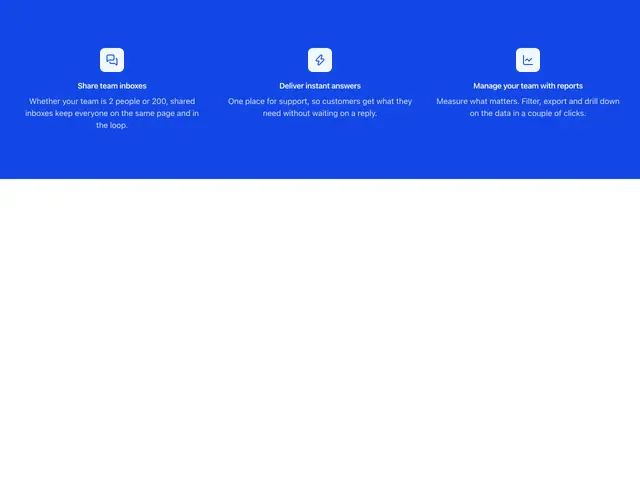
Simple icons 01 brandThree features with icons, centred, with no heading, on the brand colour.
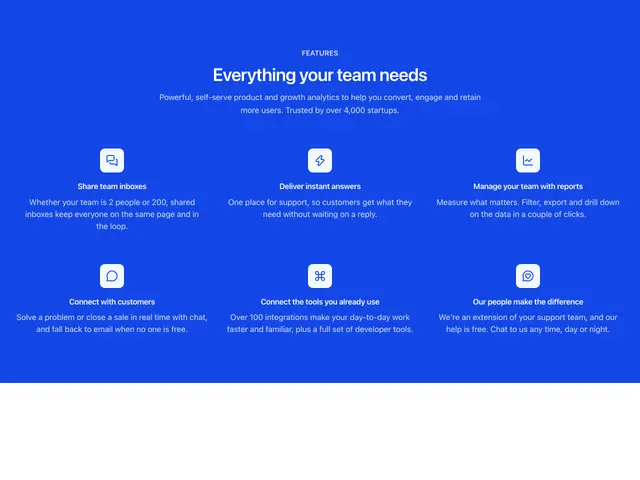
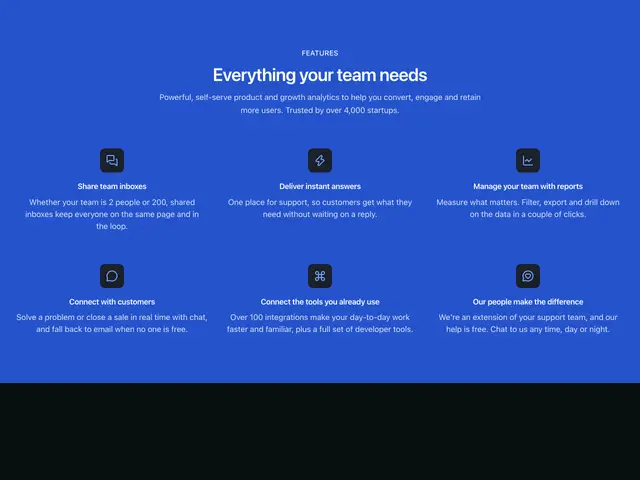
Simple icons 02 brandA centred heading over six features with icons, on the brand colour.
Simple icons 03 brandA heading over six features with icons and a link each, on the brand colour.
Simple icons 04 brandAn icon and heading beside six features in two columns, on the brand colour.