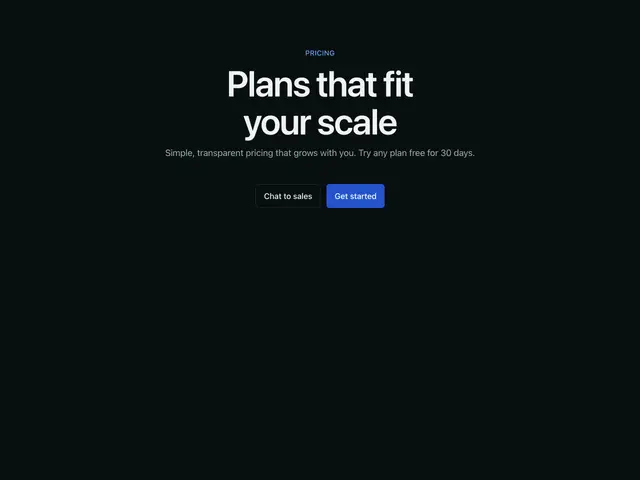
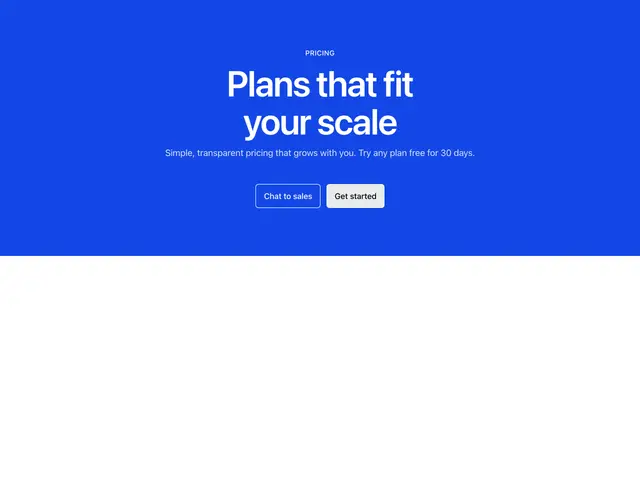
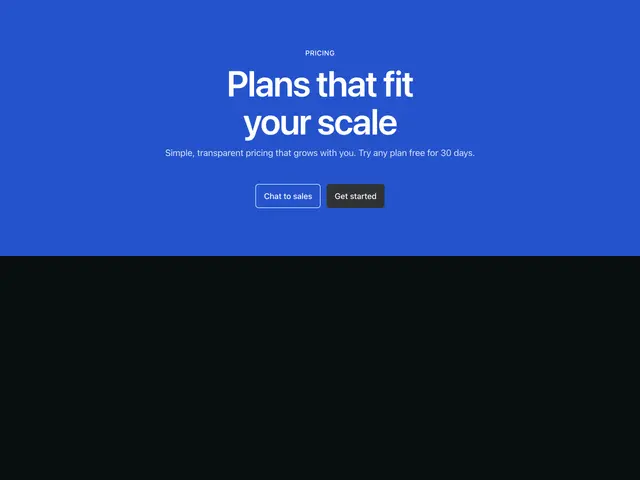
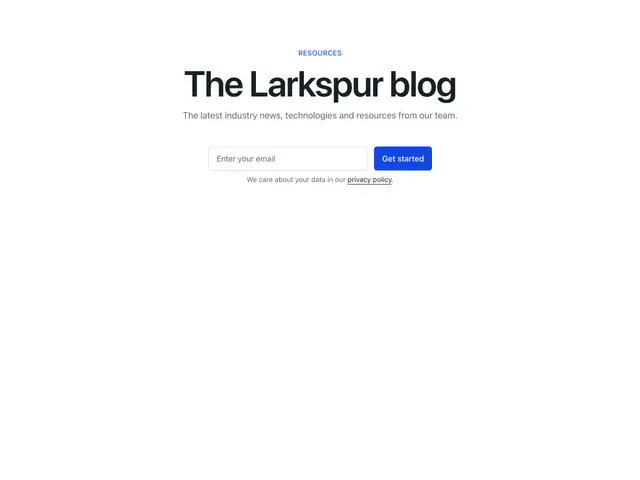
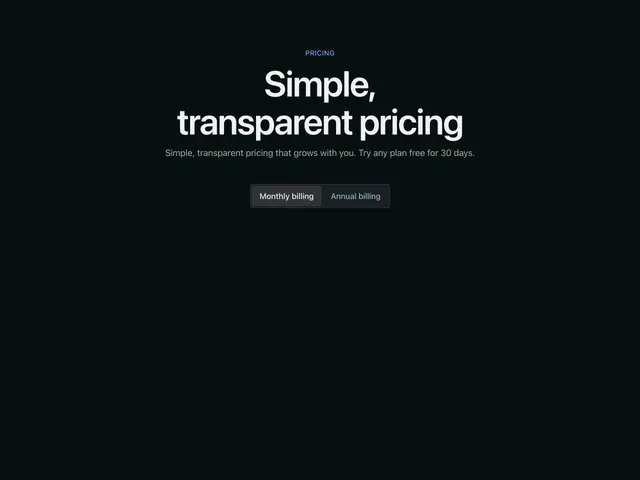
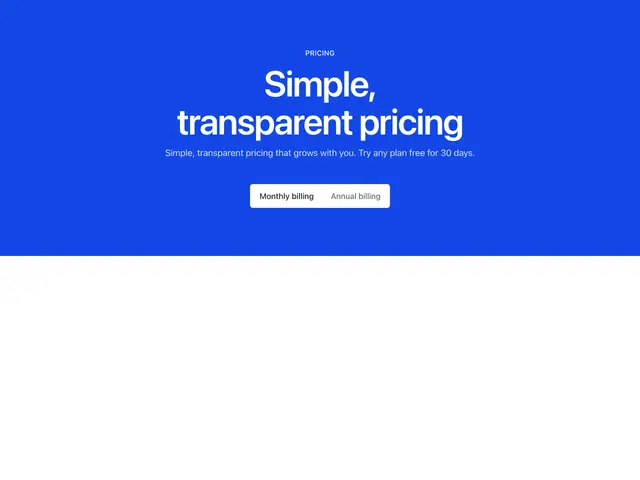
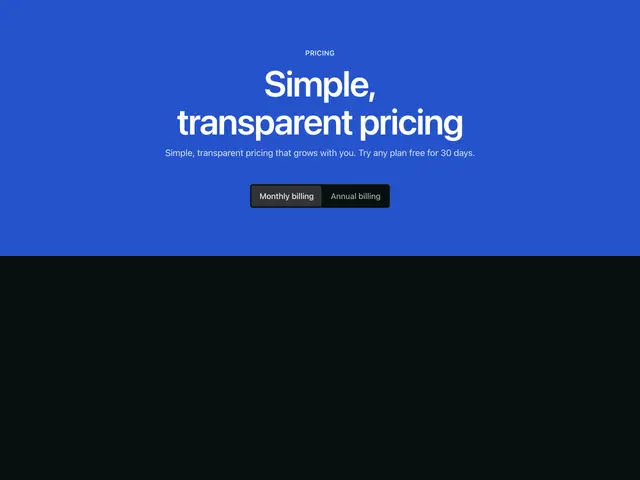
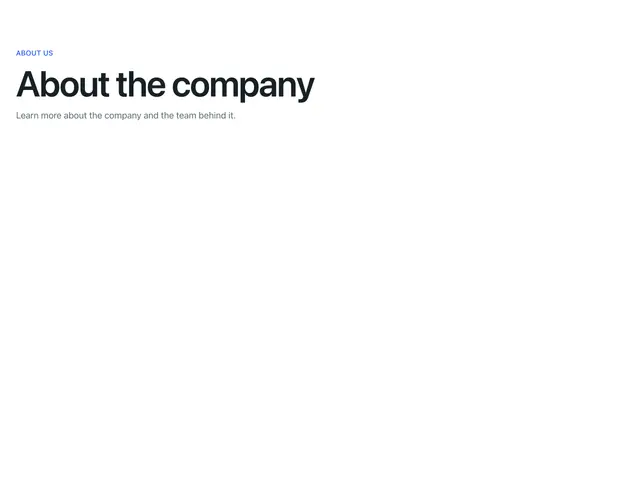
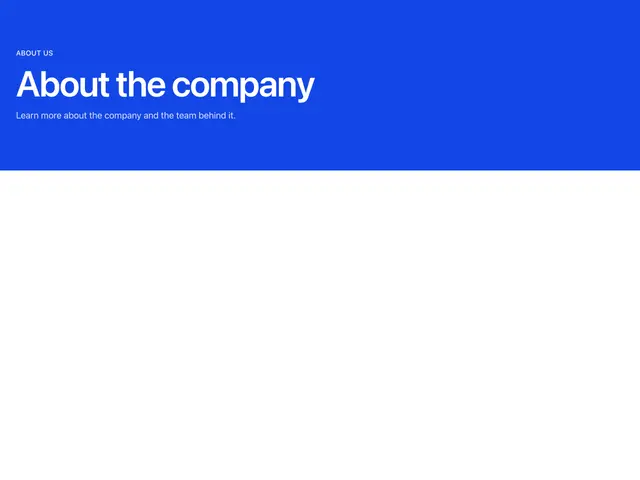
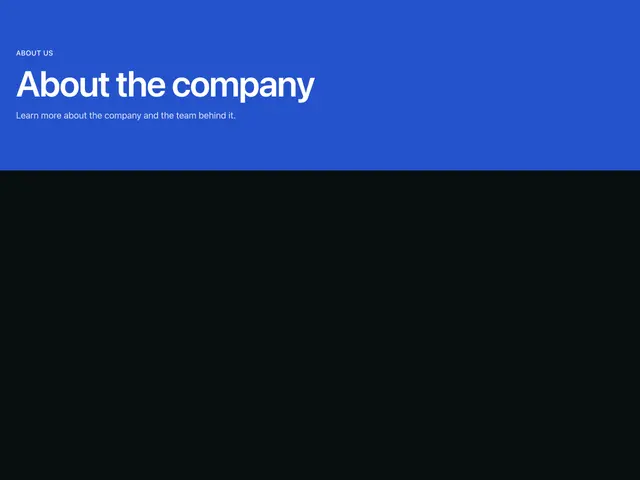
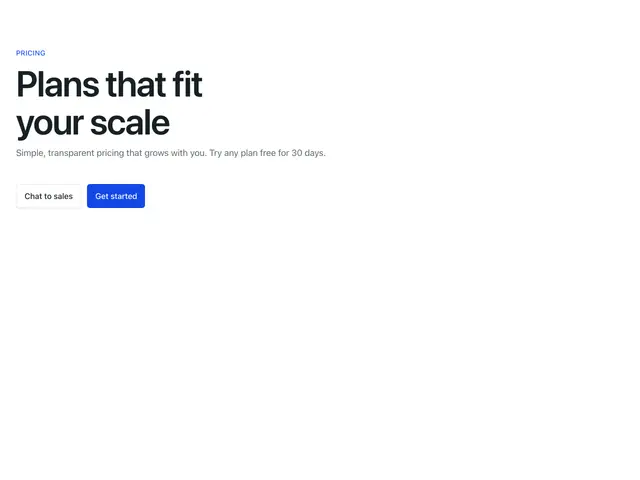
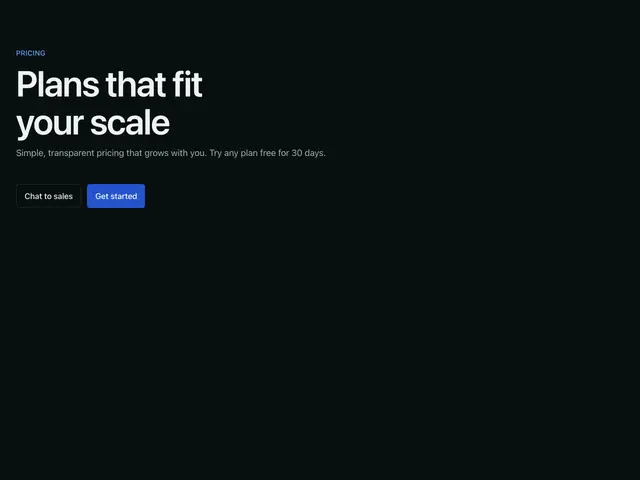
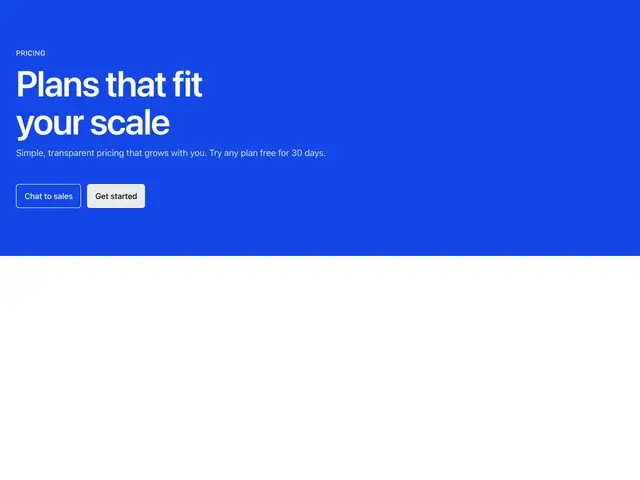
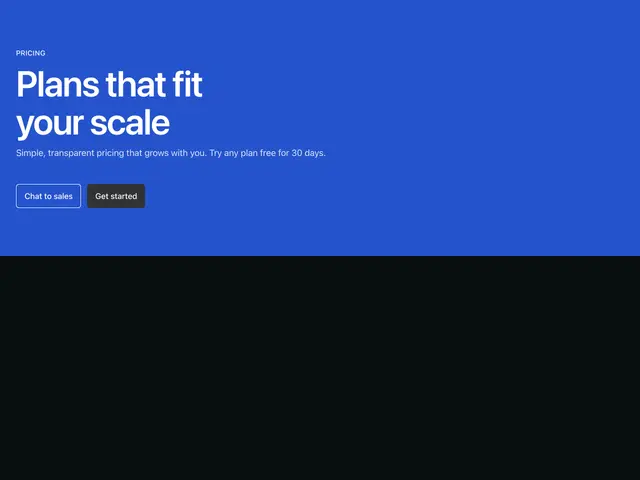
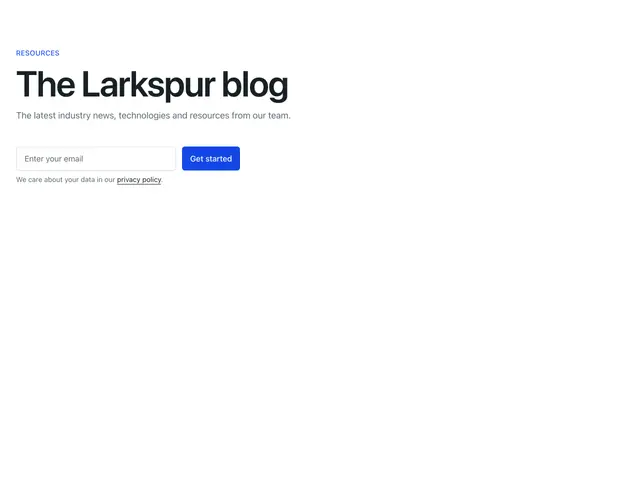
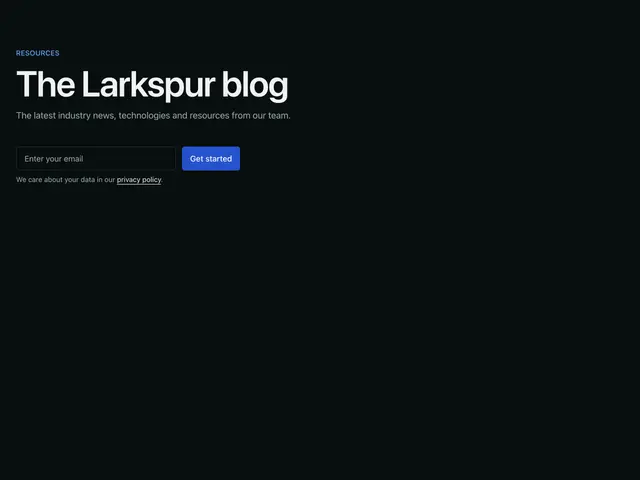
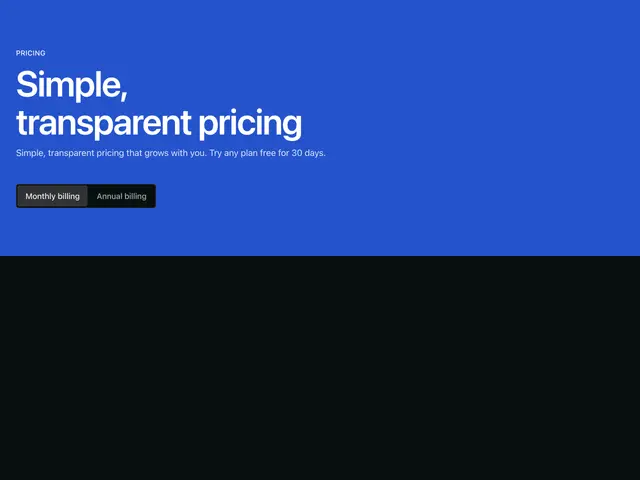
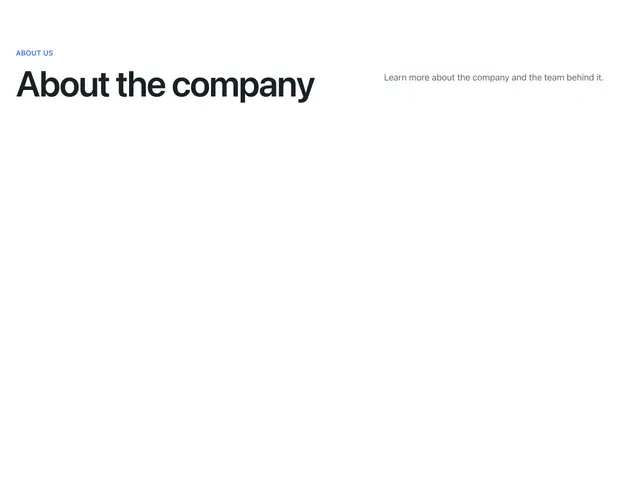
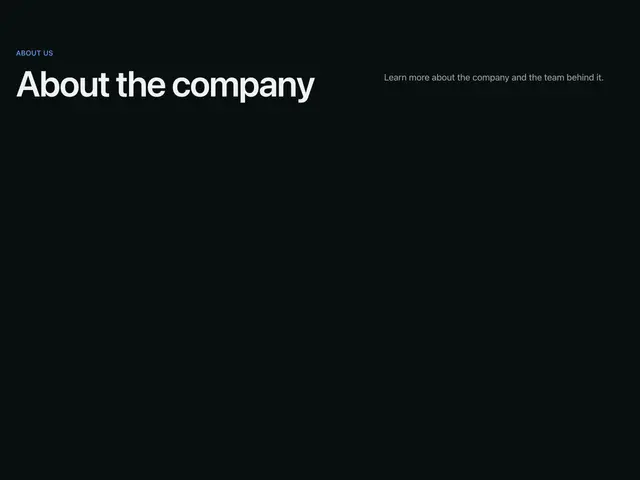
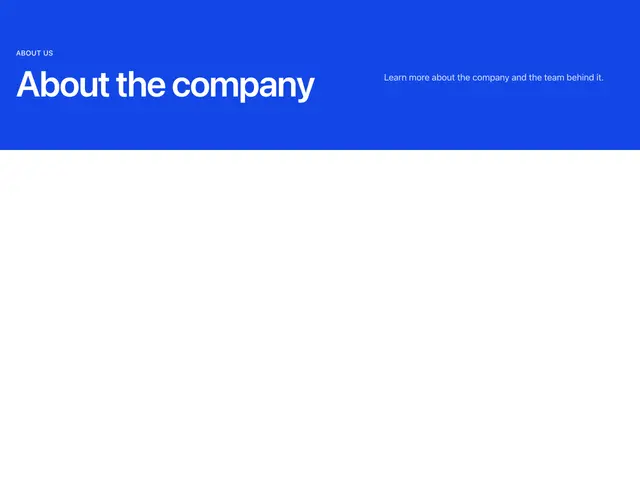
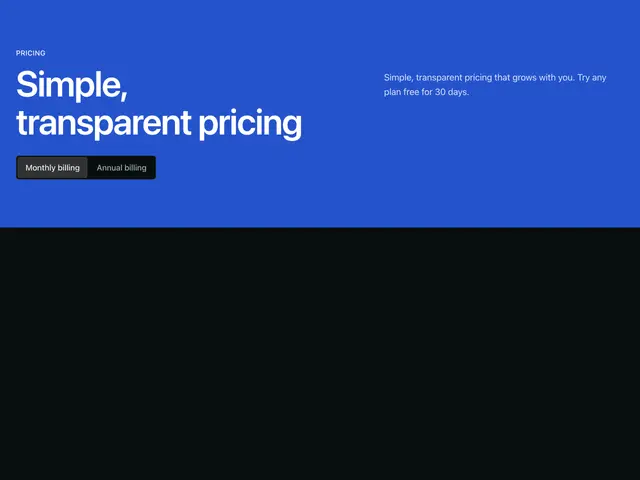
The top of an inner page, with an eyebrow, the page's h1 and a line, plus buttons, an email signup, a search field or a billing switch.

Last updated

Each example is a block: a Section with a SectionHeader, centred, left-aligned or split, on the page or the brand colour. Some add buttons, an email signup, a search field or a SegmentedControl.

npx @ava-ui/apogee add header/centered

Copy is props

Every block in this family takes the same content props (PageHeaderContent in sections/_shared/header.ts), with its sample copy as the defaults. A block ignores the props it has no place for, so you can swap one block for another and keep the copy. The PageHeader section takes the same names for the props they share.

  • breadcrumbs

  • eyebrow: The small label above the heading.

  • heading: The heading.

  • description: The line under the heading.

  • primaryAction: The solid button.

  • secondaryAction: The outline button.

  • tabs: Tab links under the title.

  • tabsLabel: Name of the tabs nav.

  • Pass null to hide an optional part, such as description={null}.

  • Some blocks add props of their own; the top of each block’s file lists them.
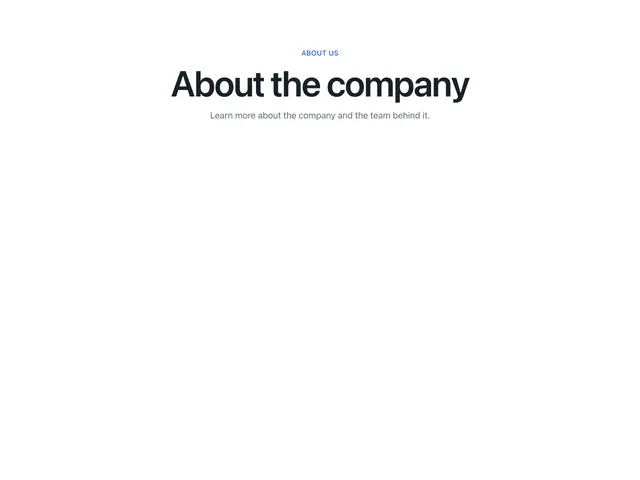
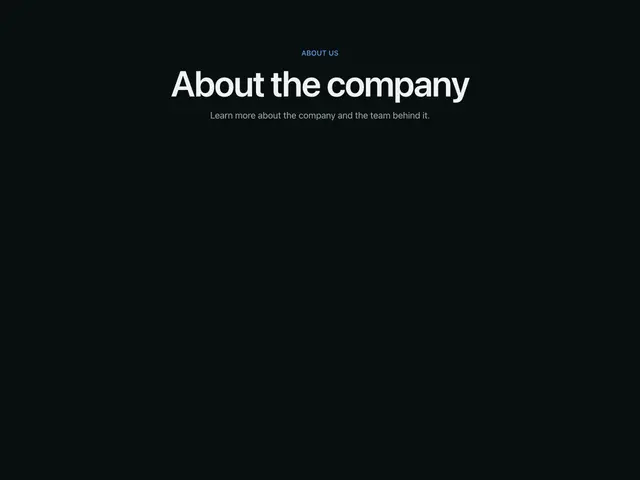
CenteredA centred eyebrow, heading and line.
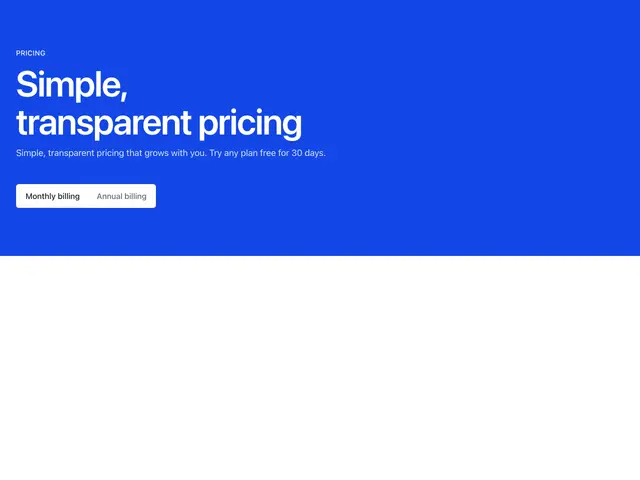
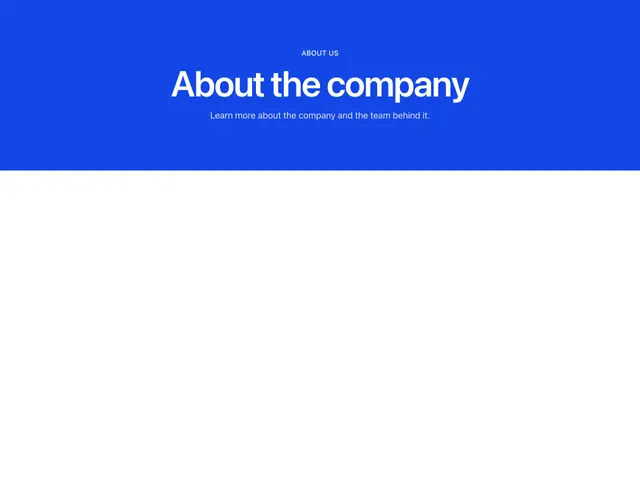
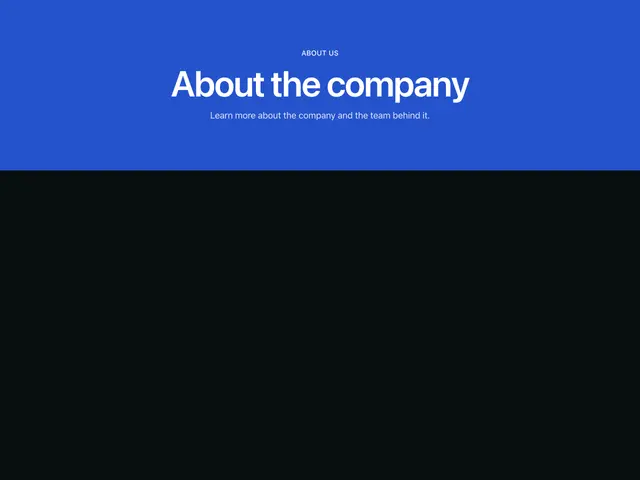
Centered brandA centred eyebrow, heading and line on the brand colour.
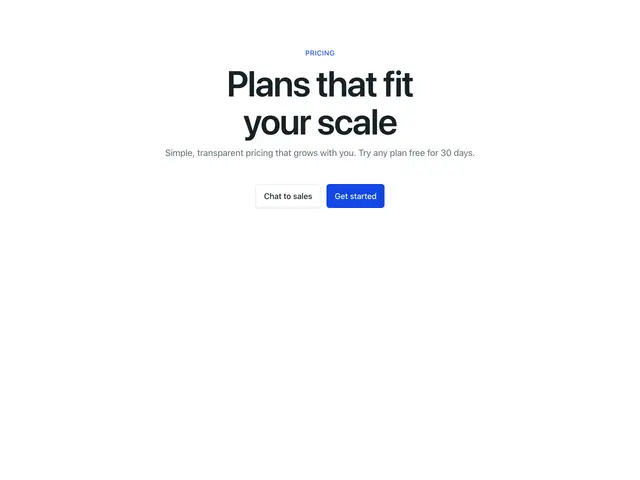
Centered buttonsA centred heading, line and two buttons.
Centered buttons brandA centred heading, line and two buttons on the brand colour.
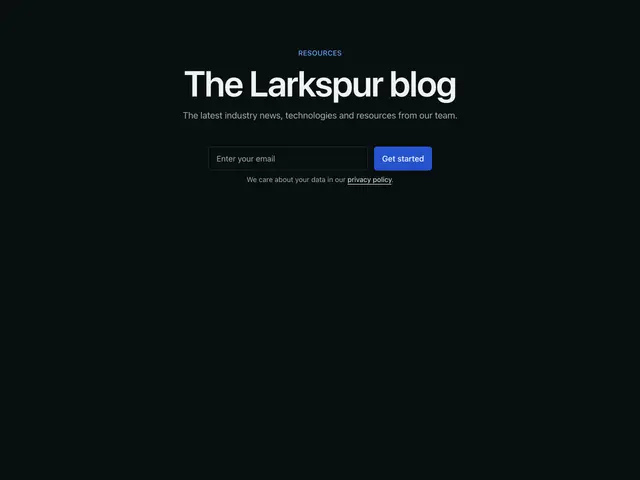
Centered emailA centred heading, line and email signup.
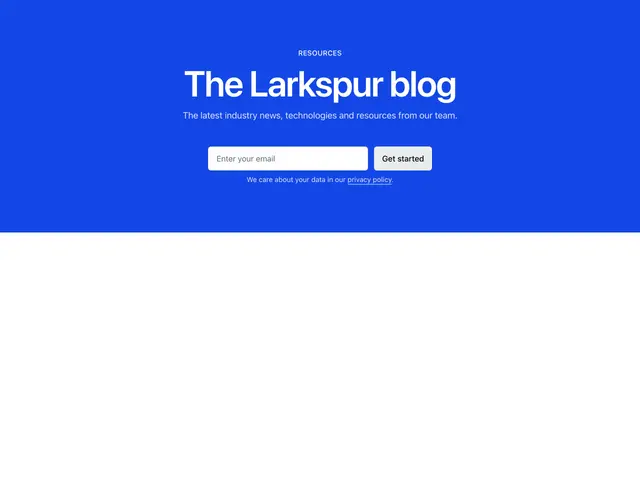
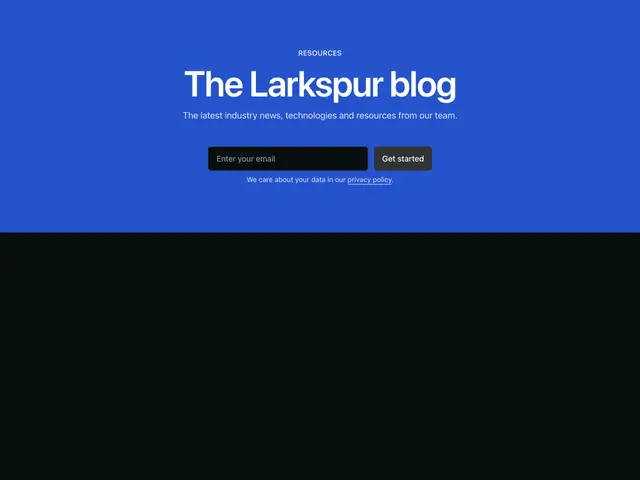
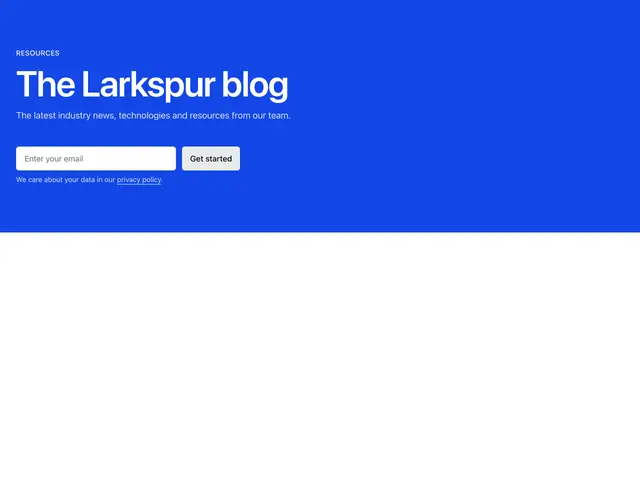
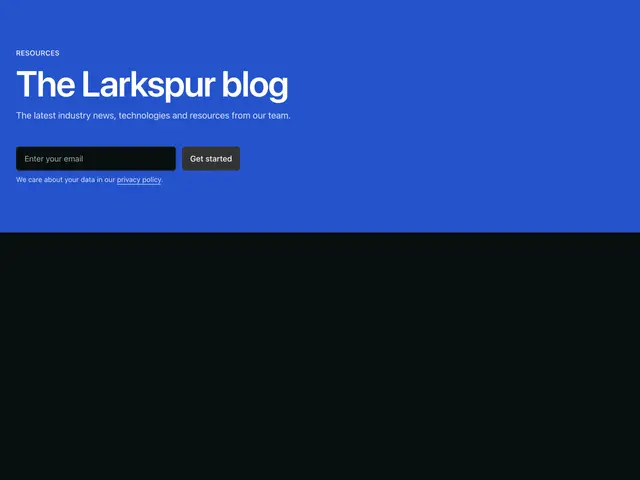
Centered email brandA centred heading, line and email signup on the brand colour.
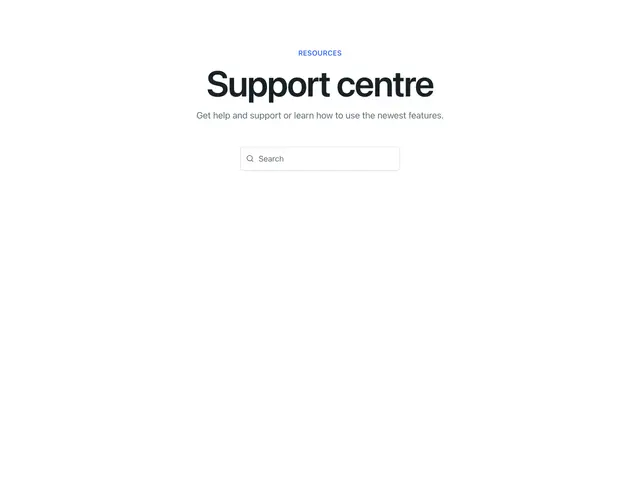
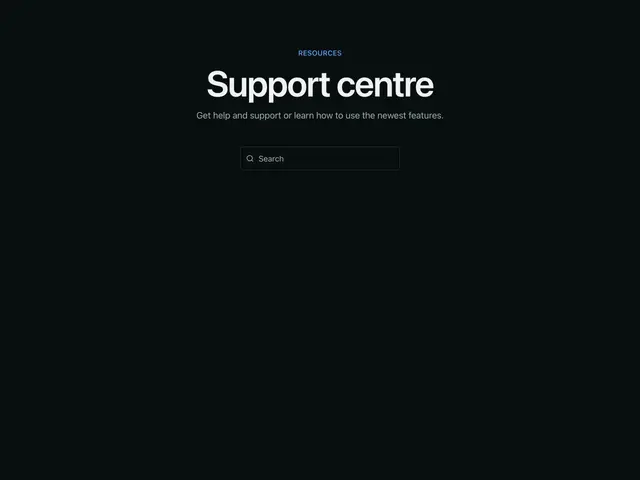
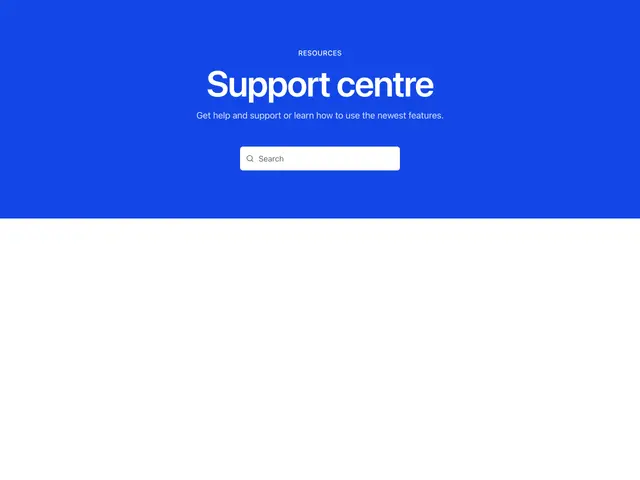
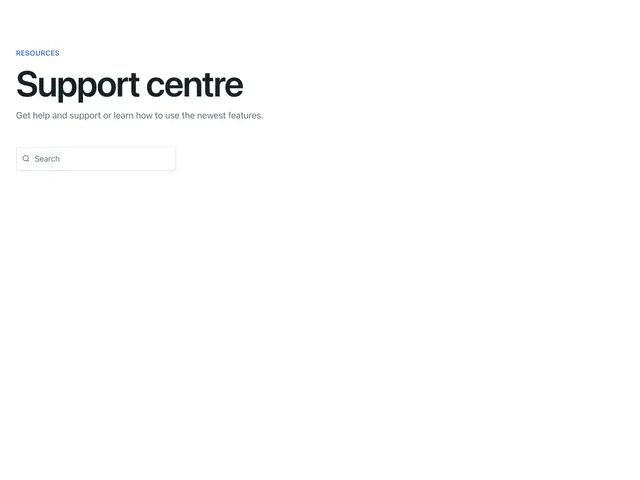
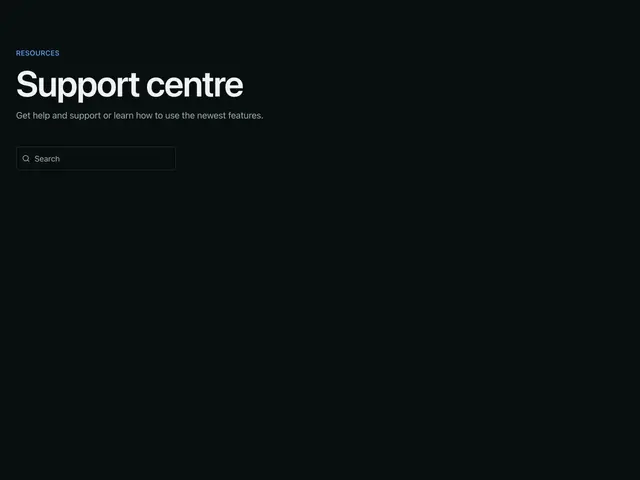
Centered searchA centred heading, line and search field.
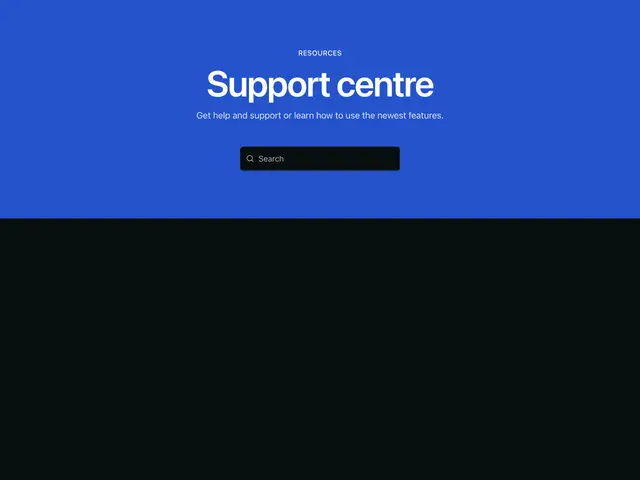
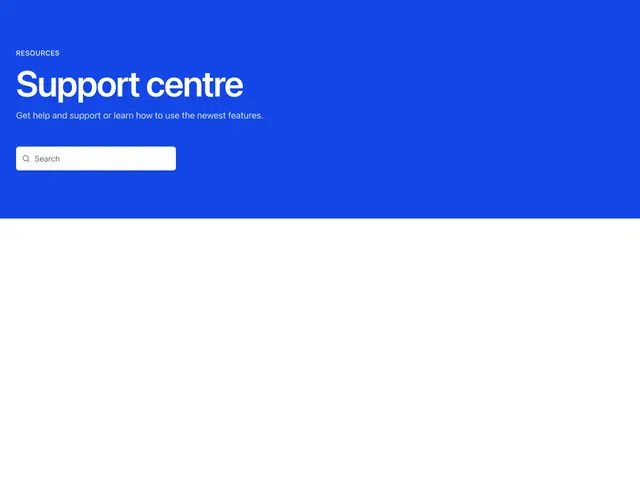
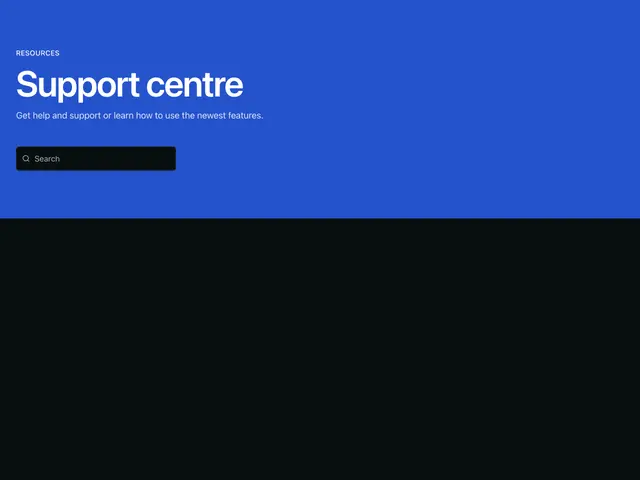
Centered search brandA centred heading, line and search field on the brand colour.
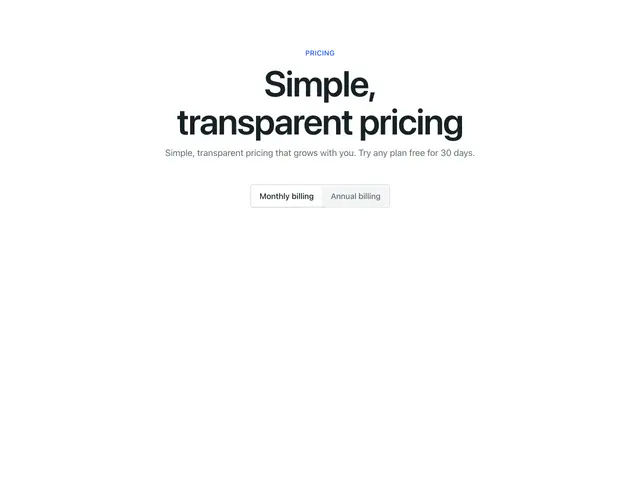
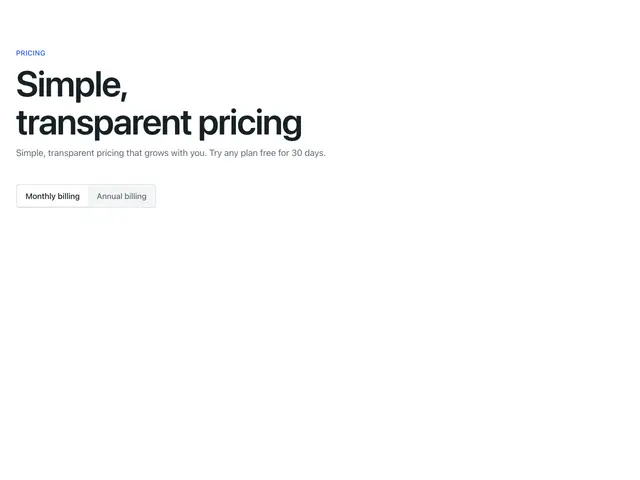
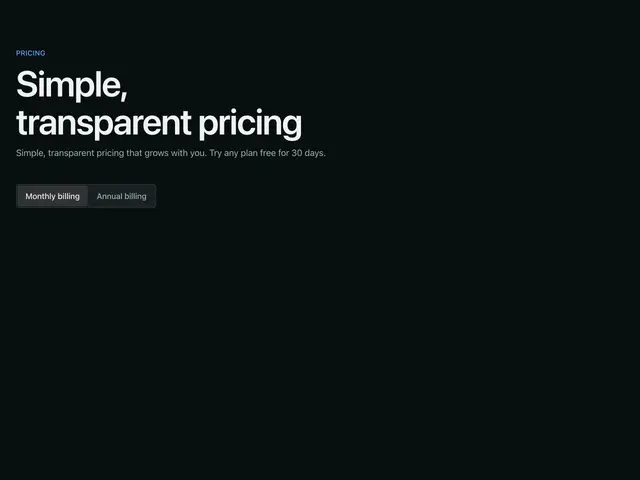
Centered tabsA centred heading, line and a billing switch.
Centered tabs brandA centred heading, line and a billing switch on the brand colour.
LeftA left-aligned eyebrow, heading and line.
Left brandA left-aligned eyebrow, heading and line on the brand colour.
Left buttonsA left-aligned heading, line and two buttons.
Left buttons brandA left-aligned heading, line and two buttons on the brand colour.
Left emailA left-aligned heading, line and email signup.
Left email brandA left-aligned heading, line and email signup on the brand colour.
Left searchA left-aligned heading, line and search field.
Left search brandA left-aligned heading, line and search field on the brand colour.
Left tabsA left-aligned heading, line and a billing switch.
Left tabs brandA left-aligned heading, line and a billing switch on the brand colour.
Space betweenA split eyebrow, heading and line.
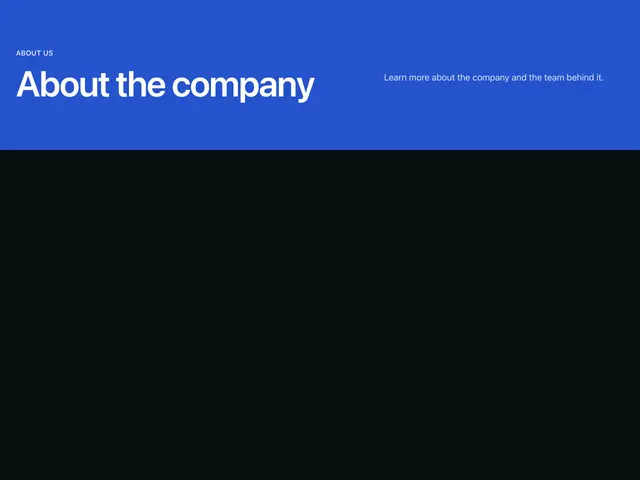
Space between brandA split eyebrow, heading and line on the brand colour.
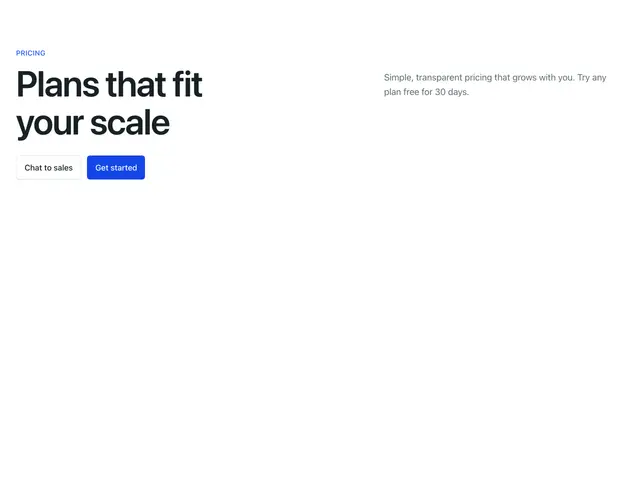
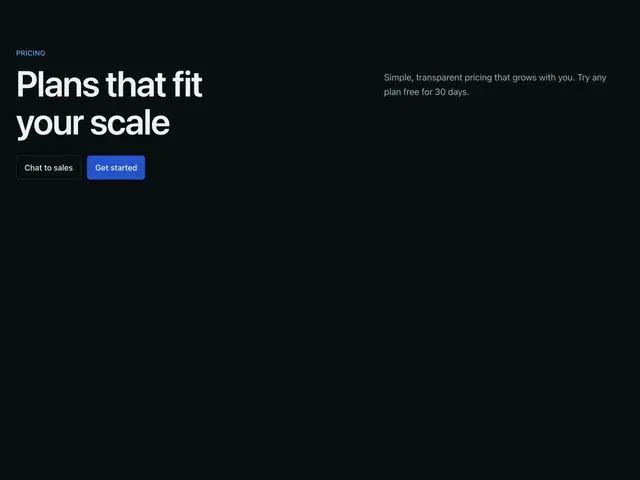
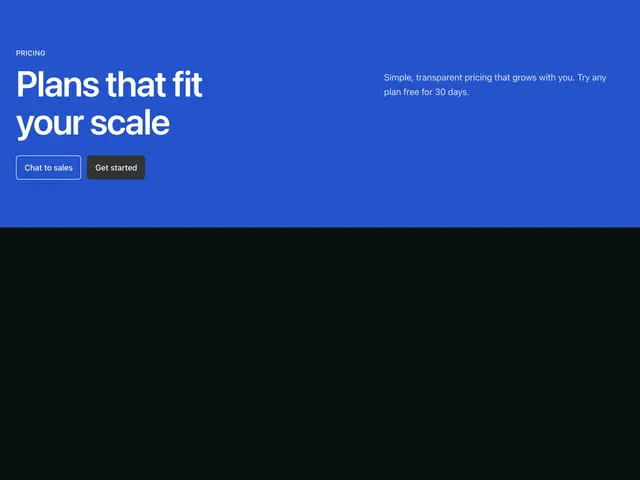
Space between buttonsA split heading, line and two buttons.
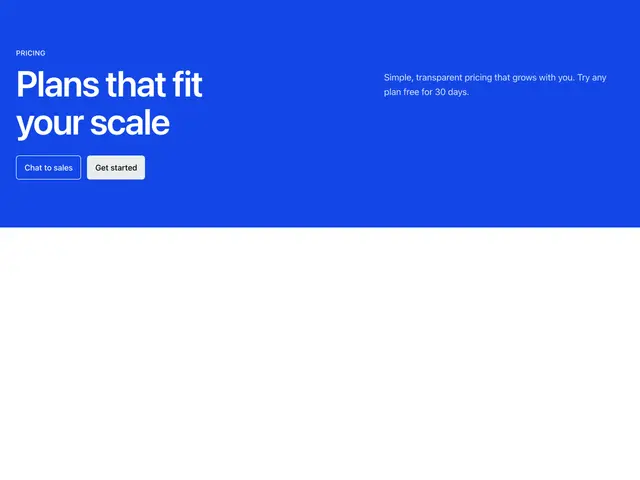
Space between buttons brandA split heading, line and two buttons on the brand colour.
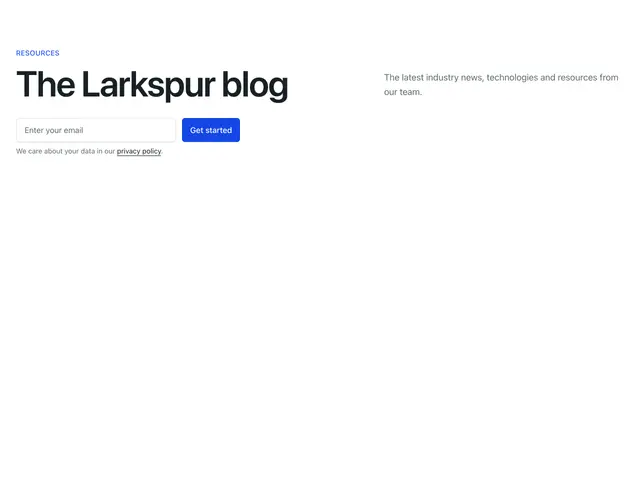
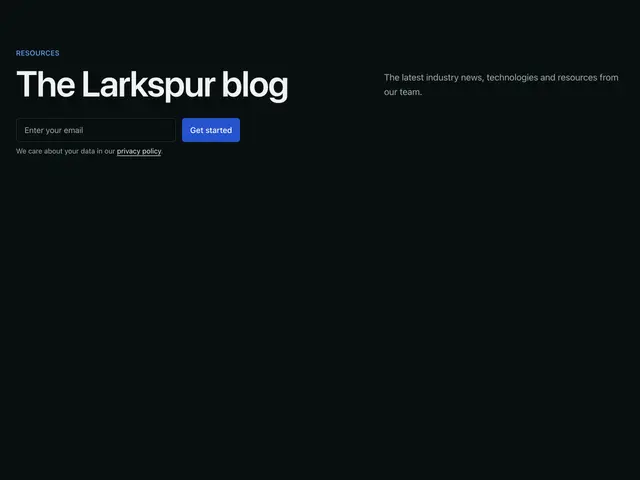
Space between emailA split heading, line and email signup.
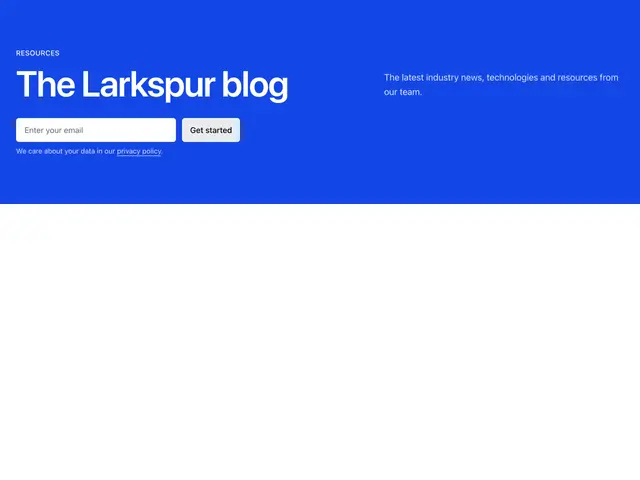
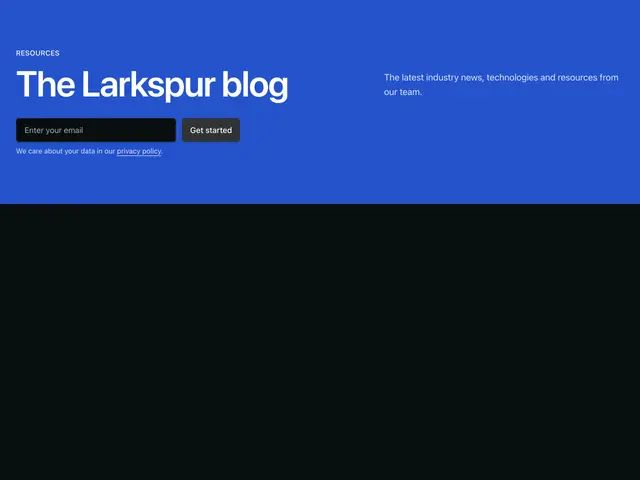
Space between email brandA split heading, line and email signup on the brand colour.
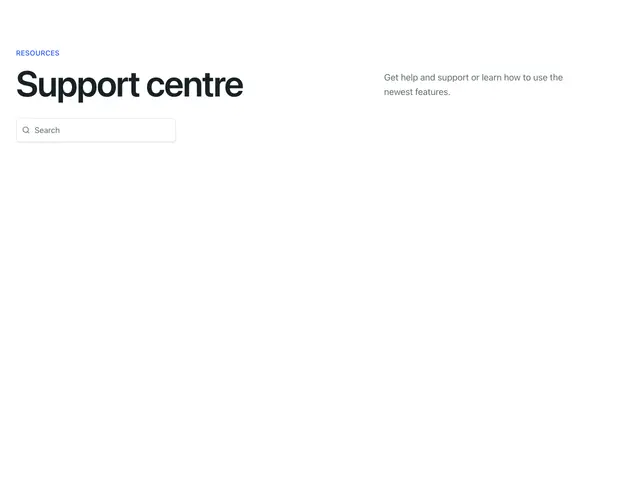
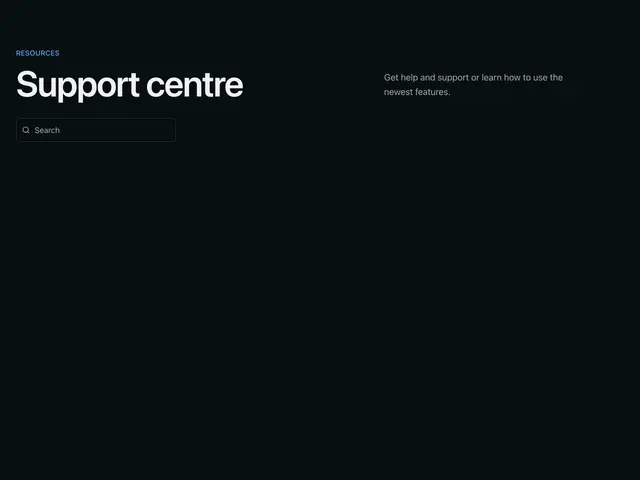
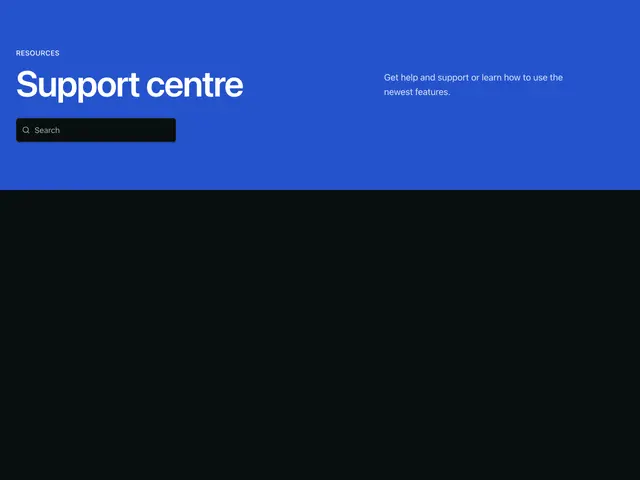
Space between searchA split heading, line and search field.
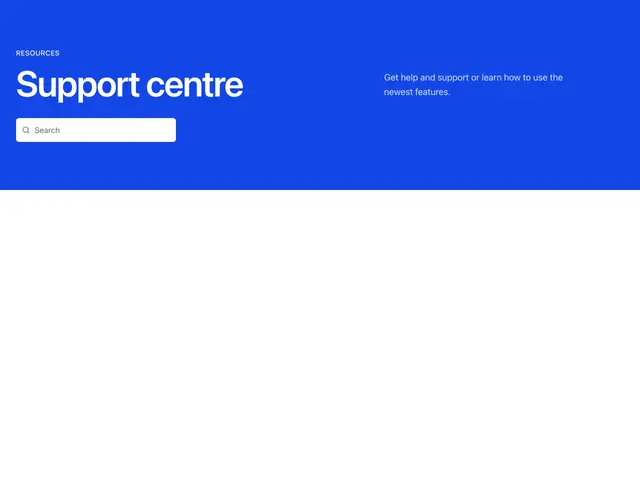
Space between search brandA split heading, line and search field on the brand colour.
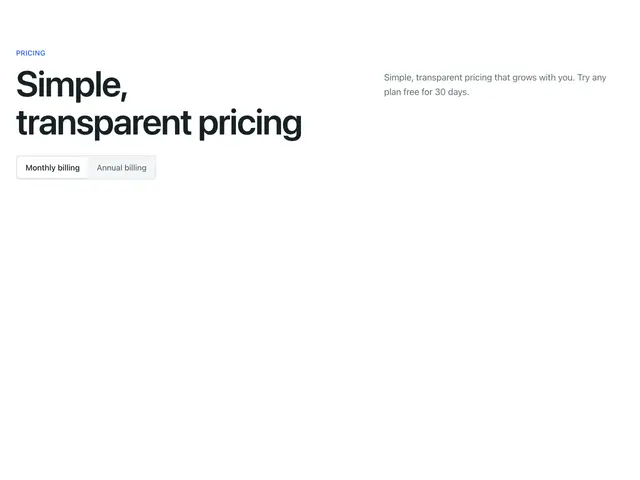
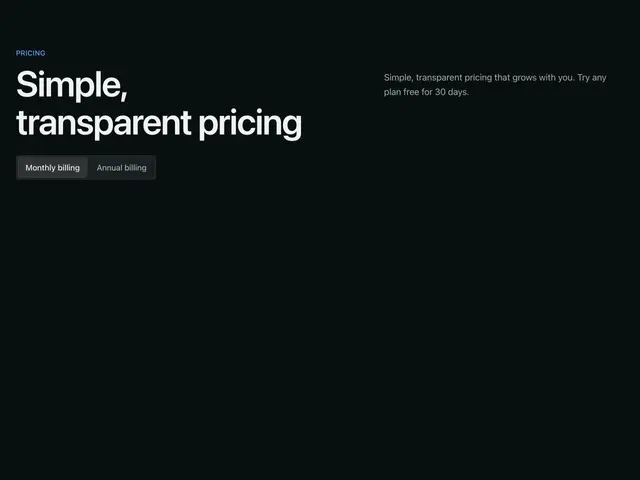
Space between tabsA split heading, line and a billing switch.
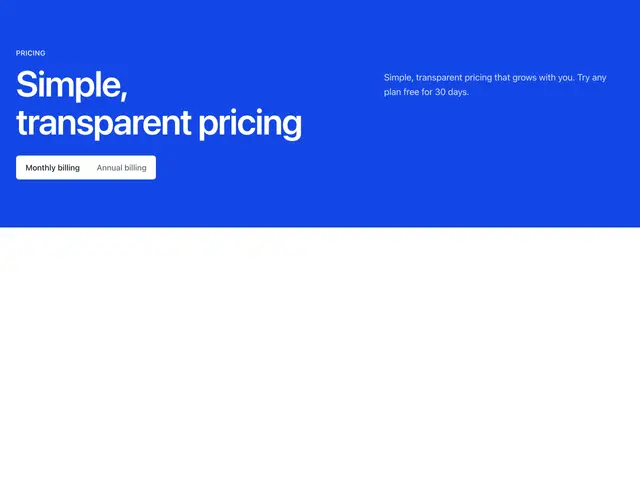
Space between tabs brandA split heading, line and a billing switch on the brand colour.