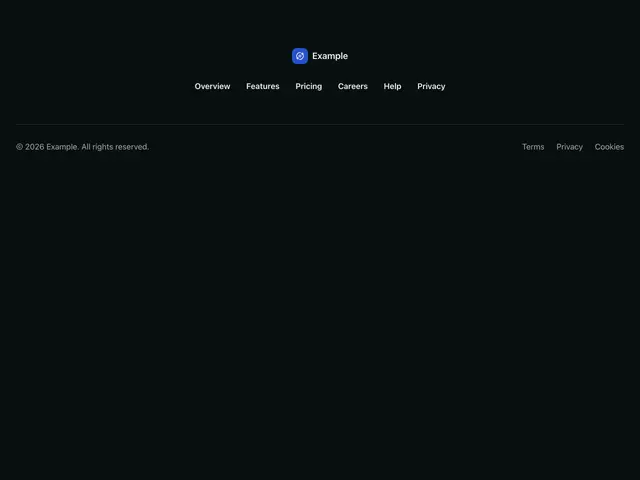
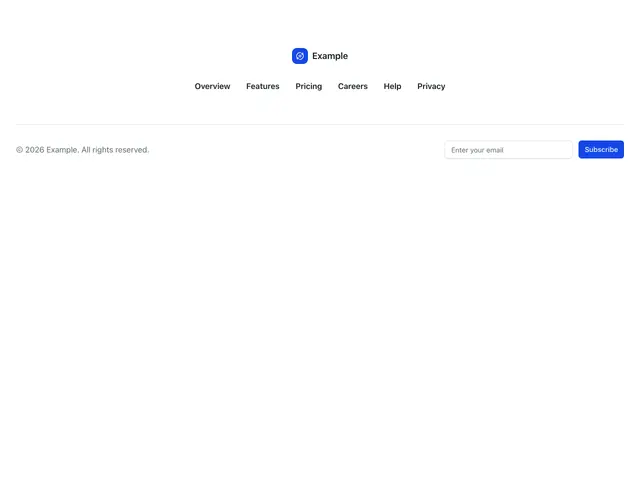
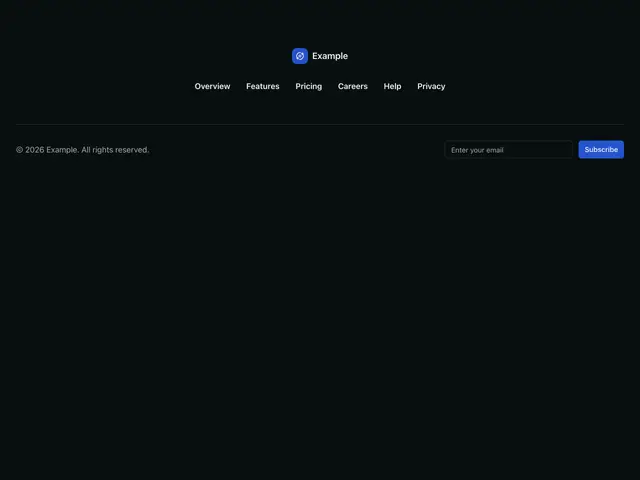
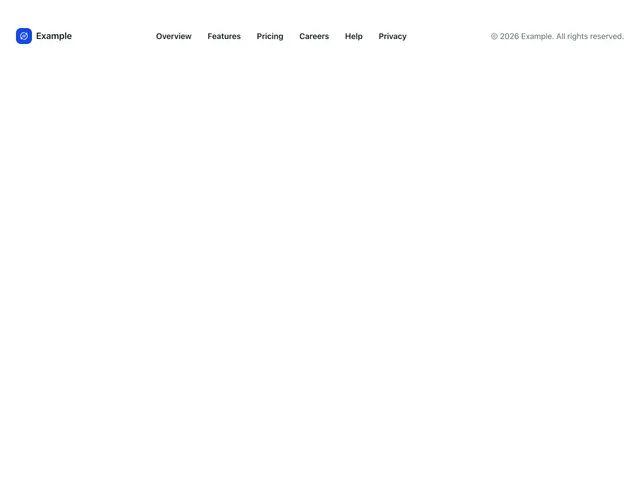
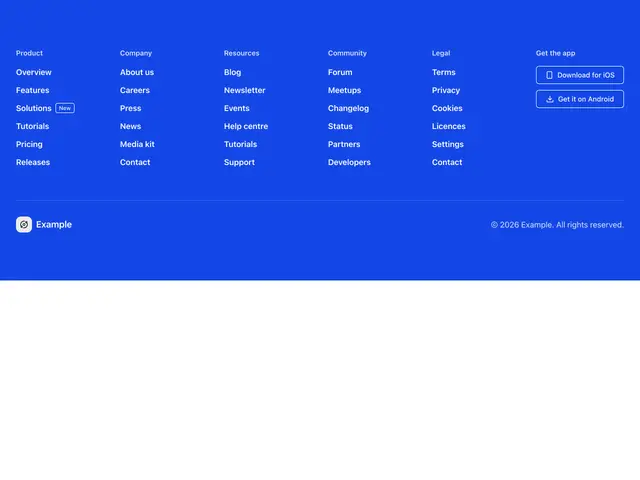
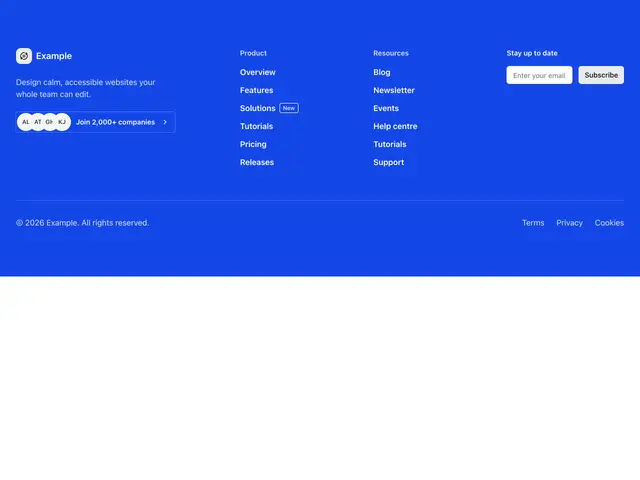
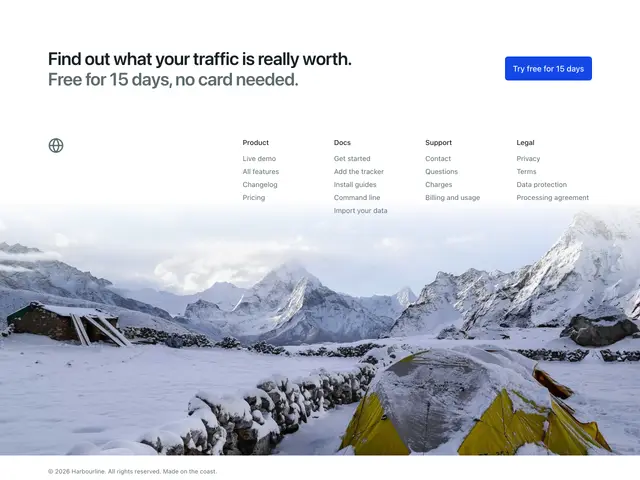
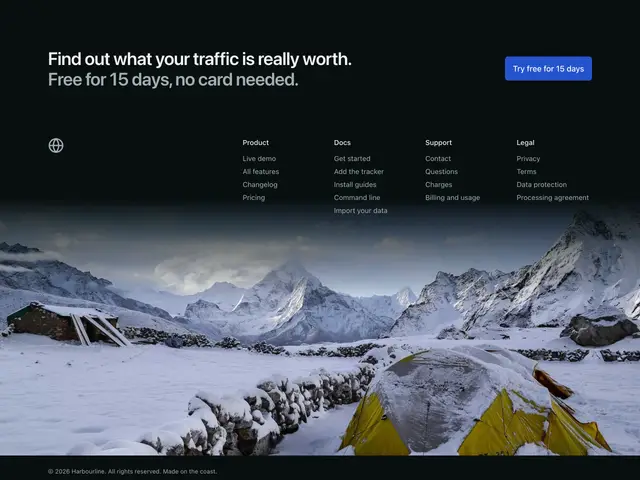
Footer sections
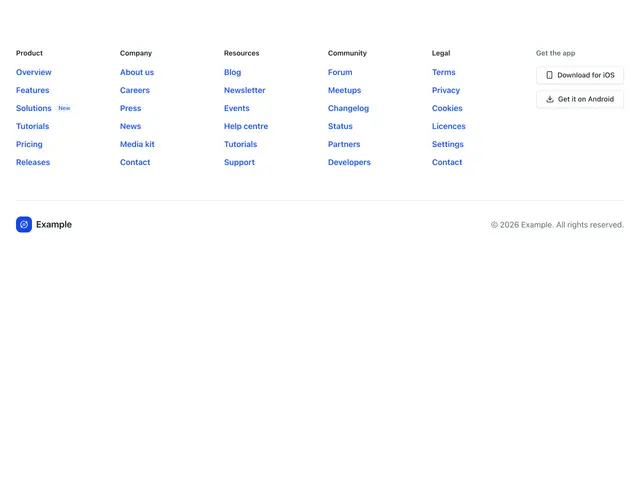
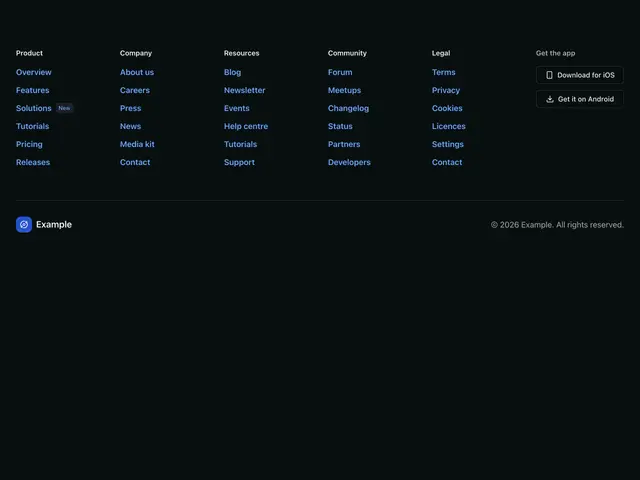
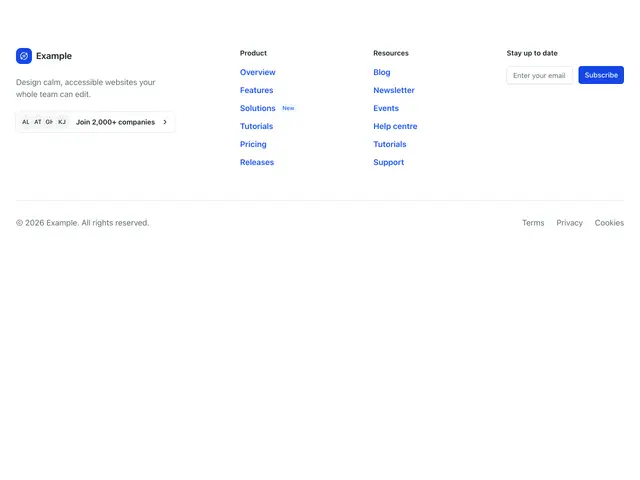
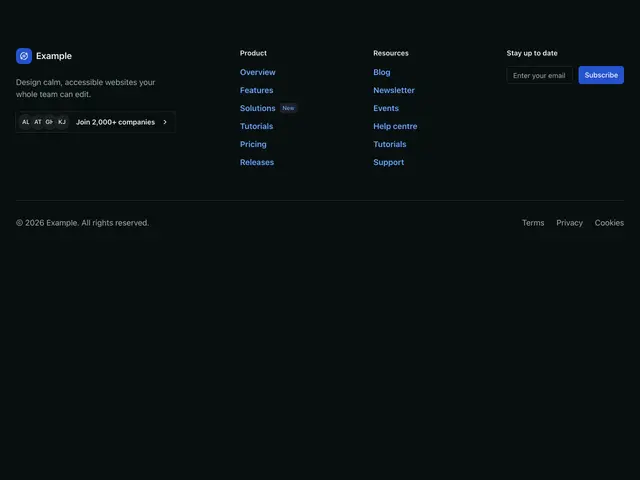
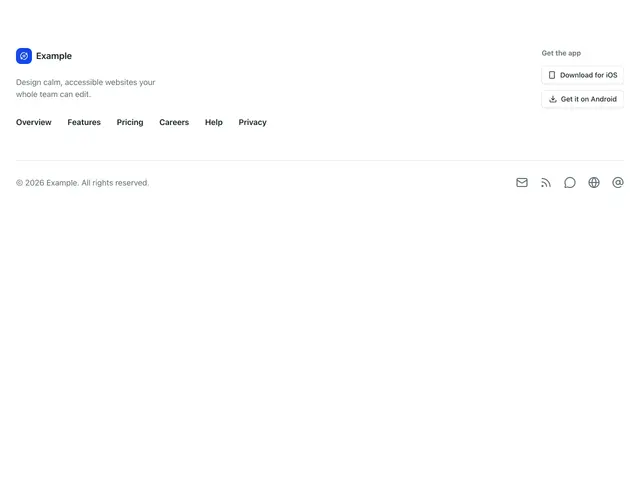
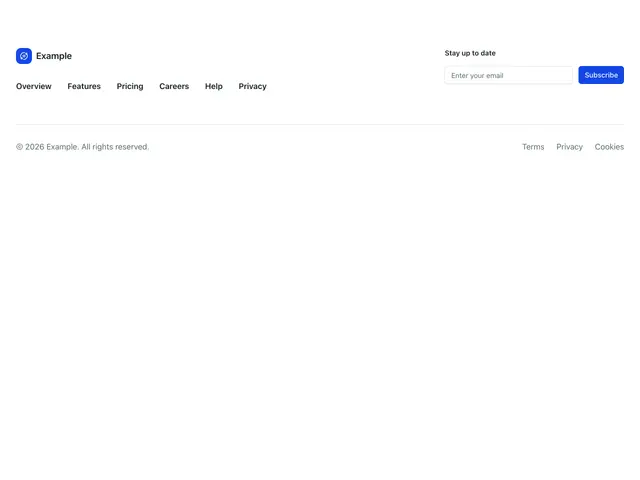
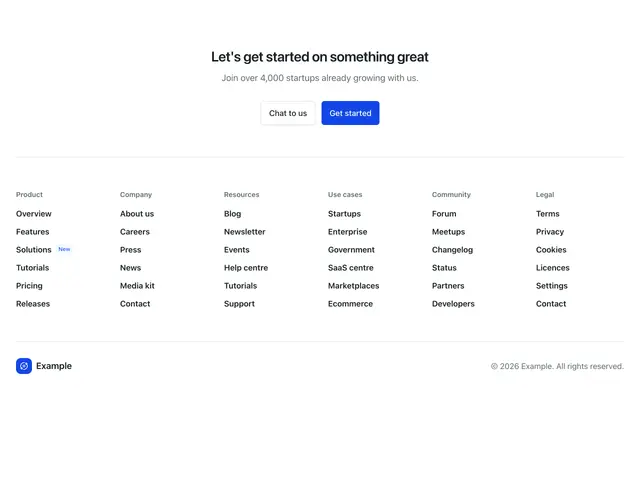
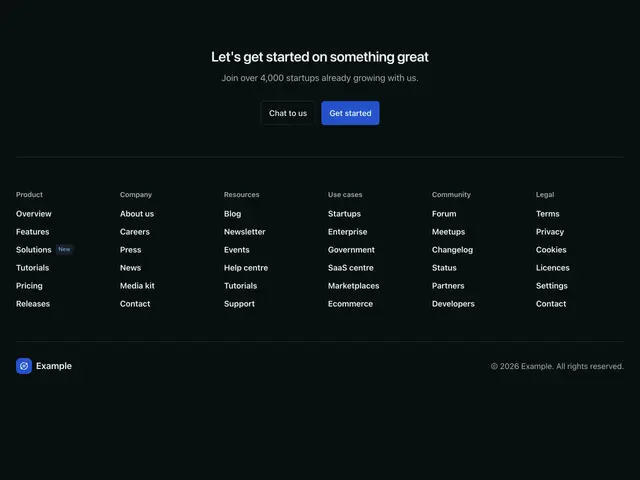
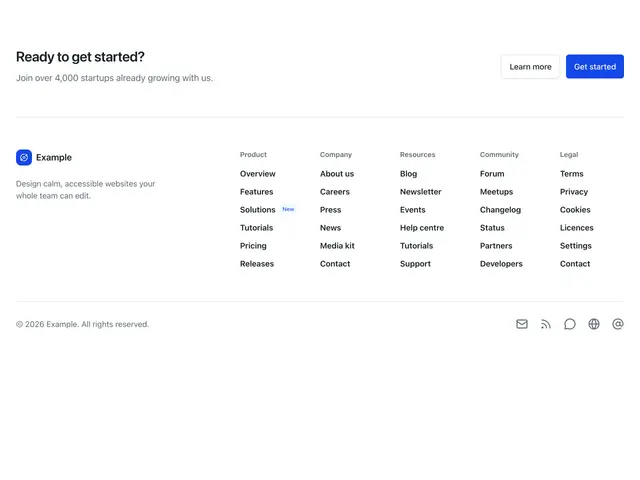
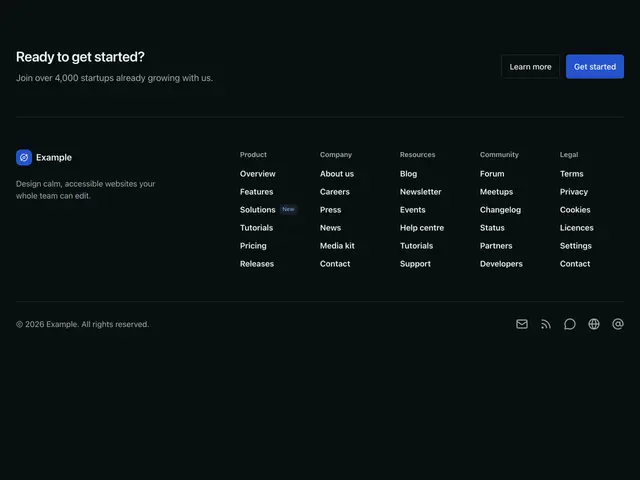
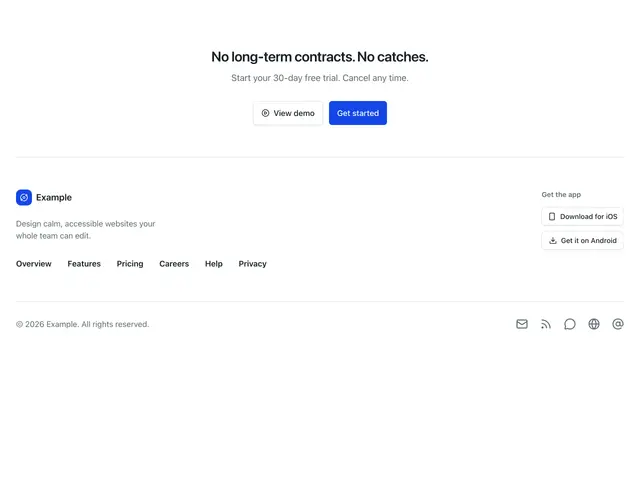
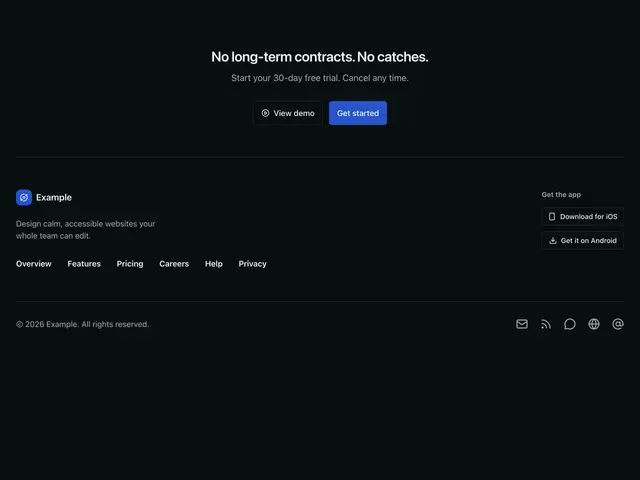
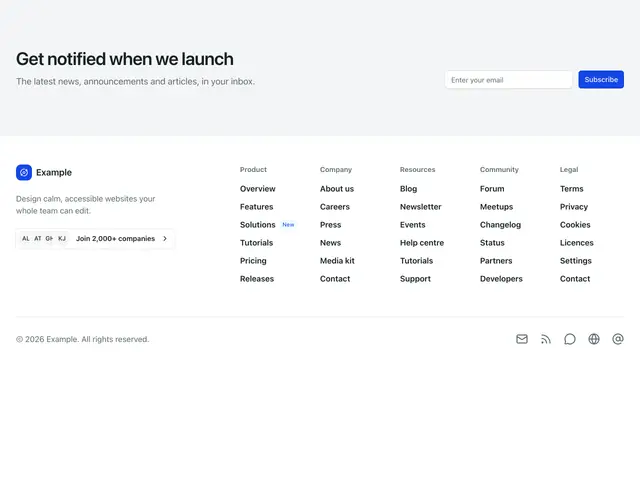
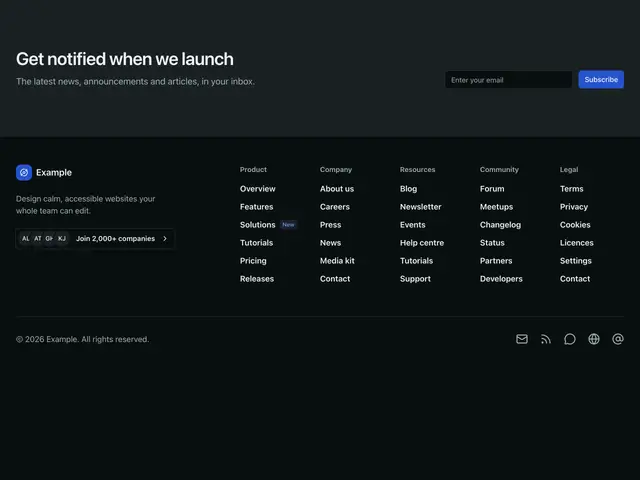
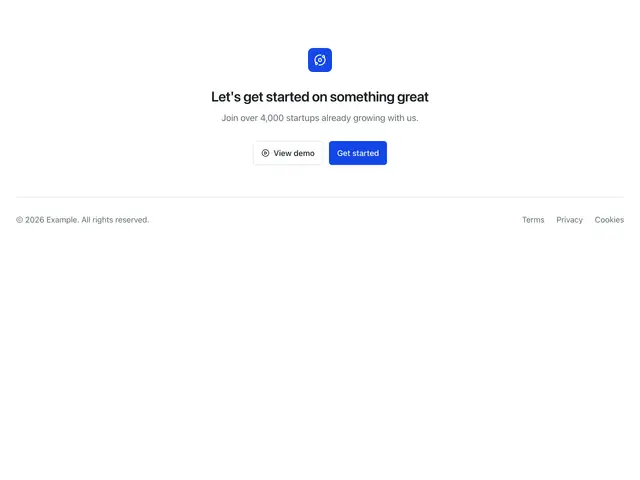
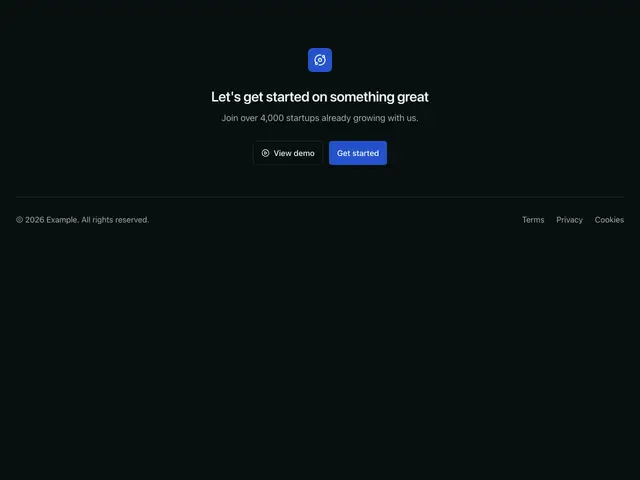
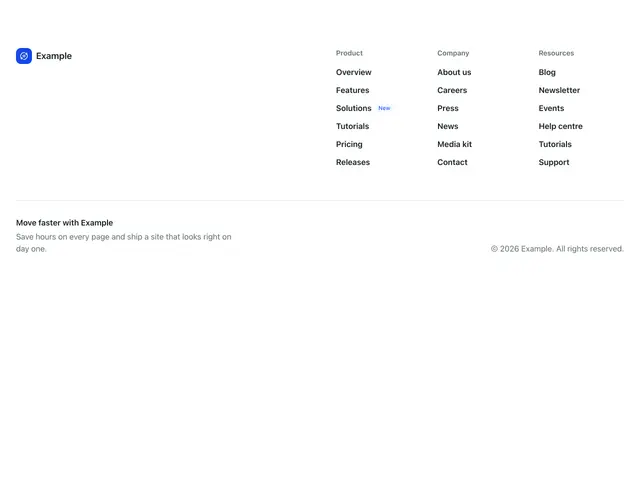
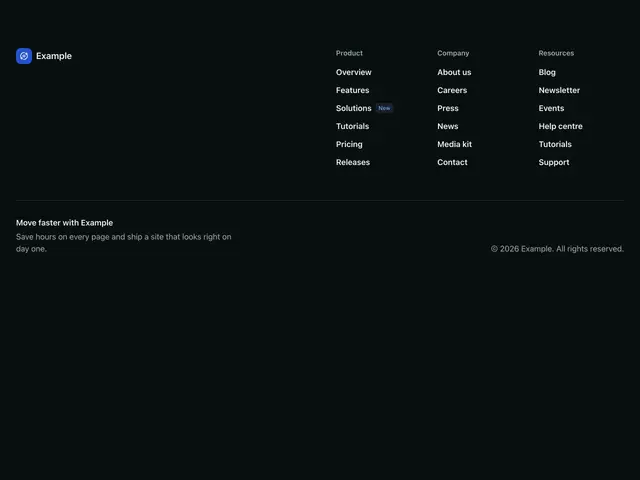
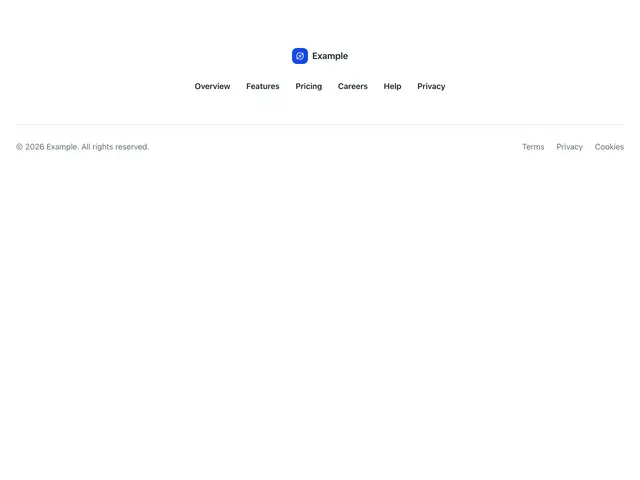
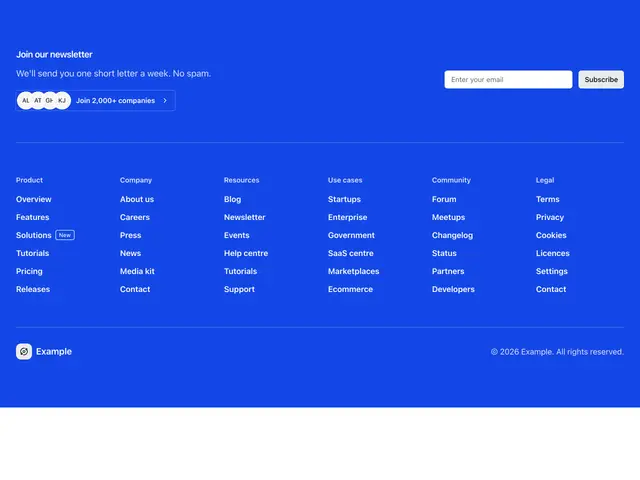
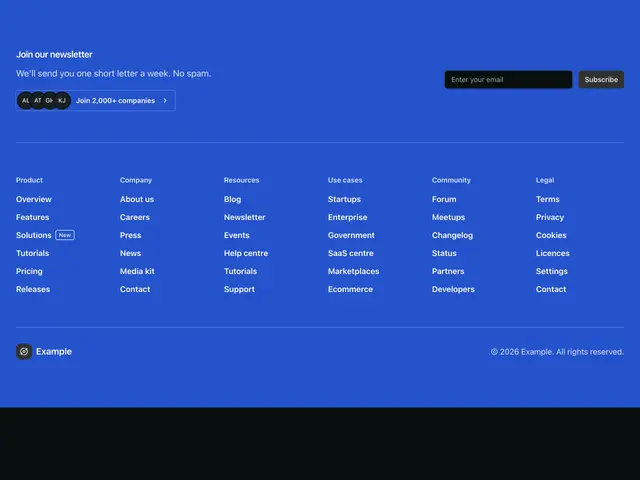
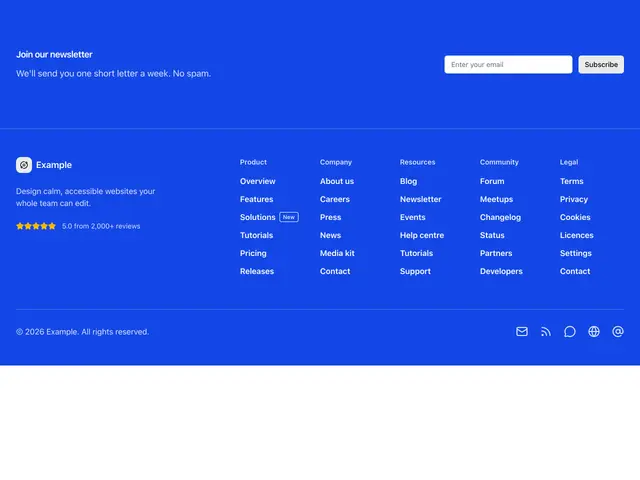
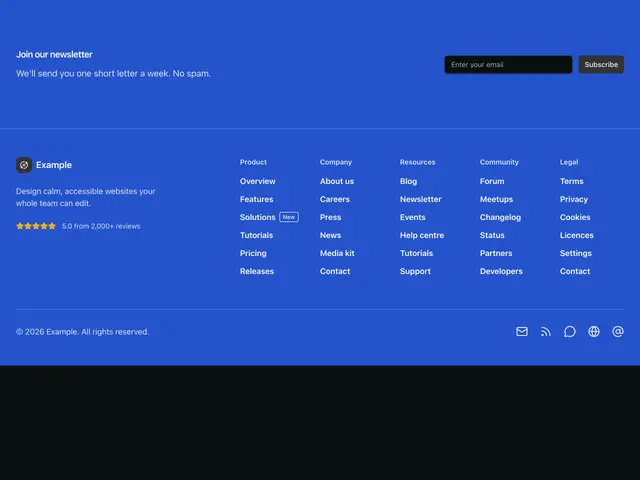
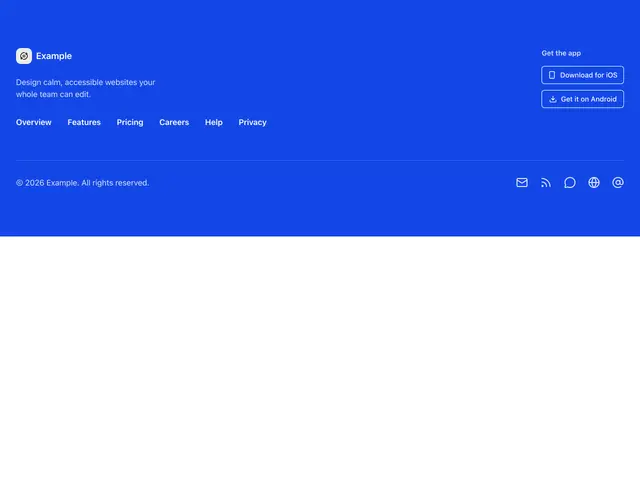
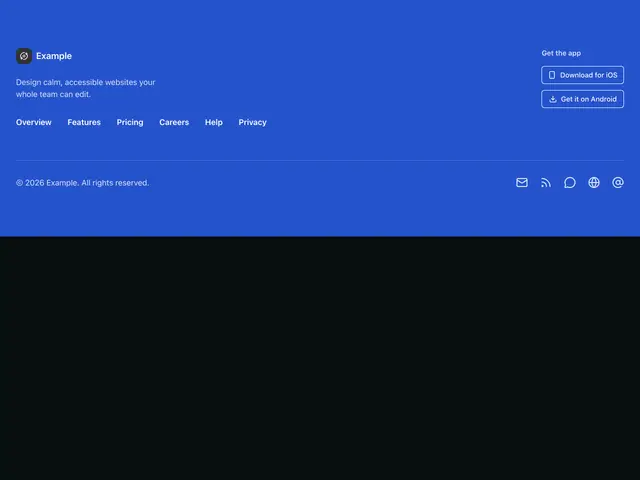
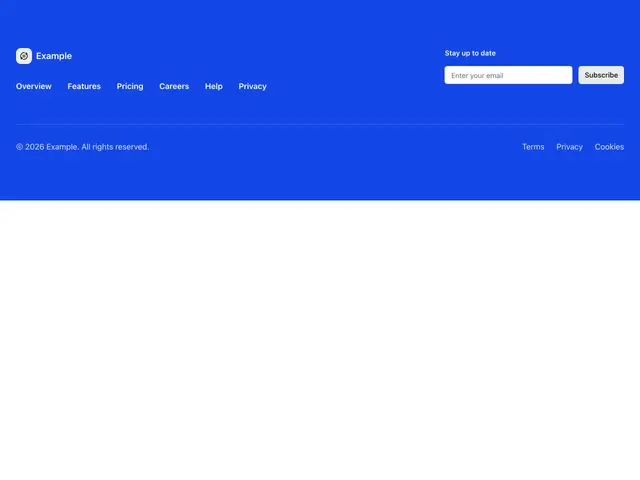
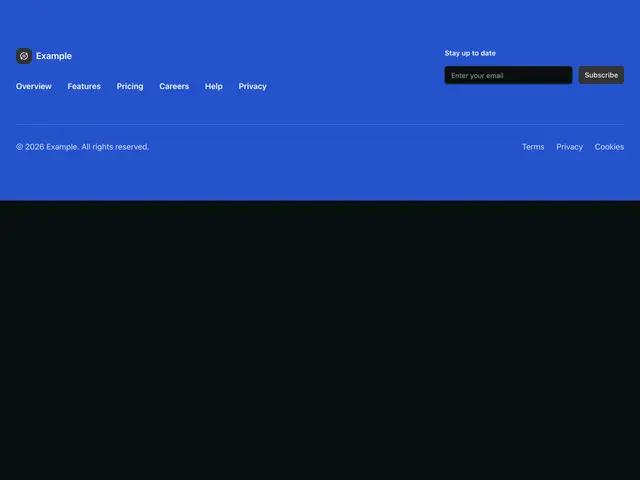
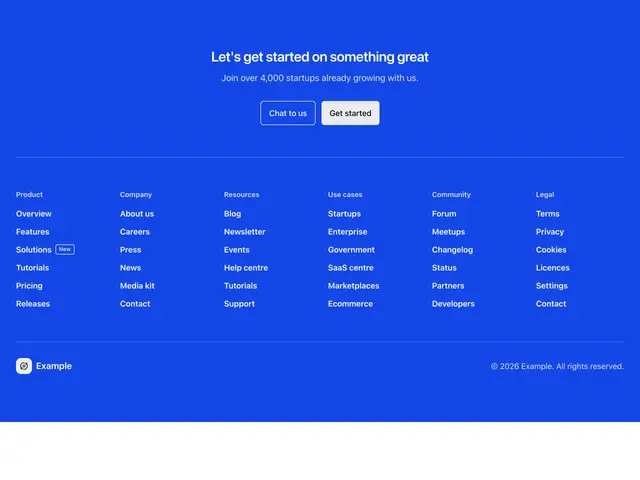
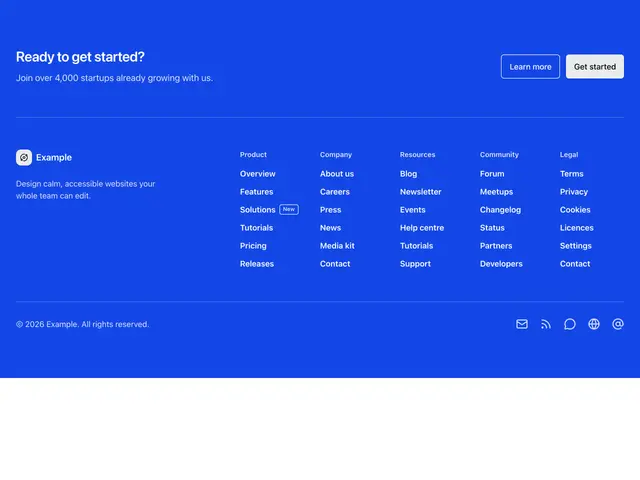
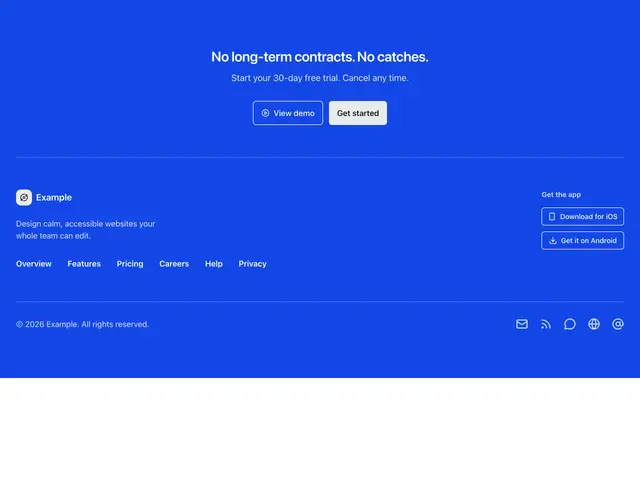
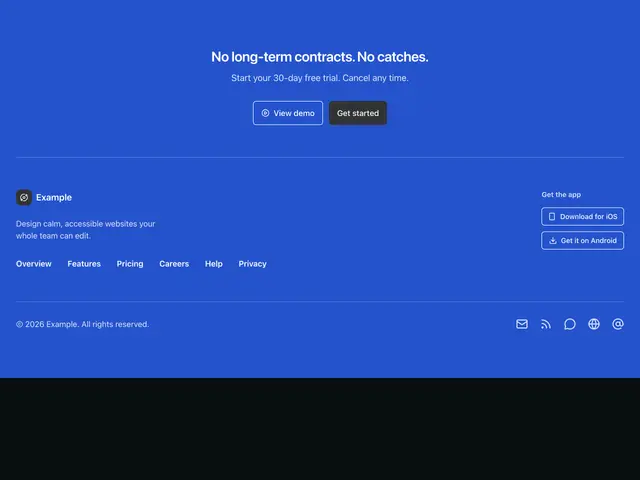
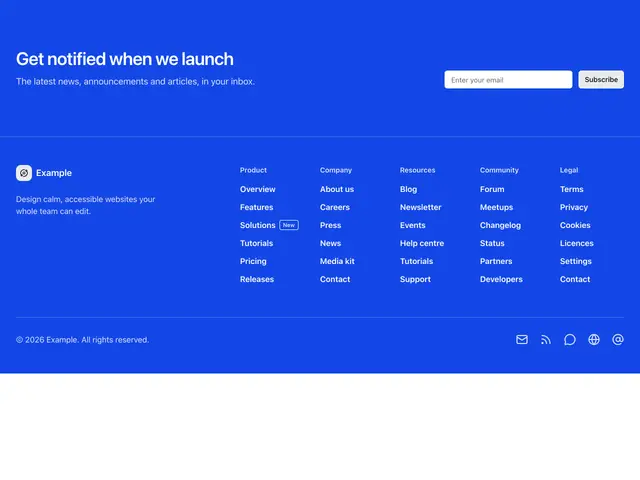
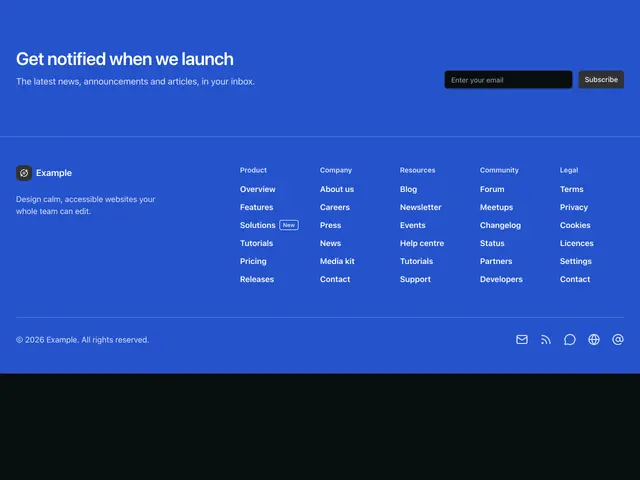
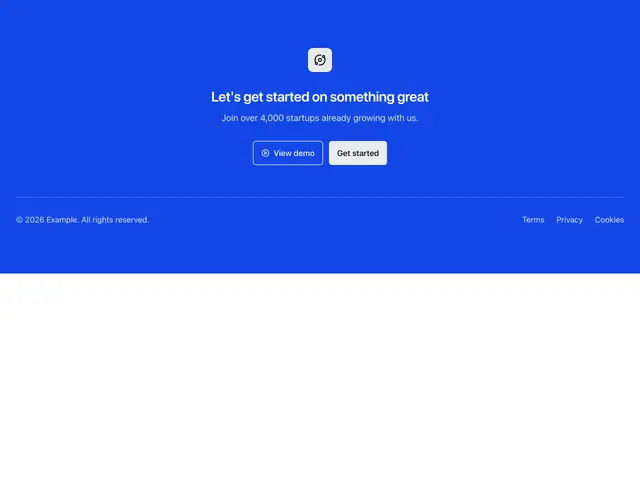
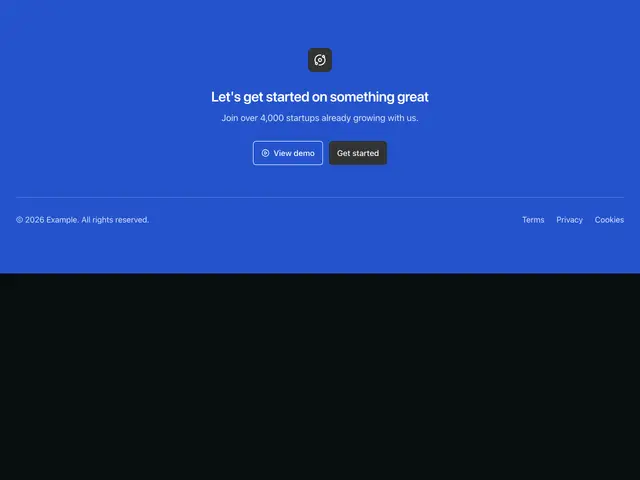
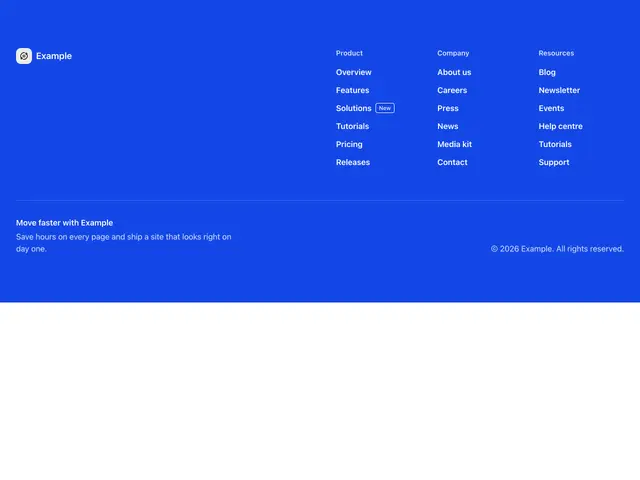
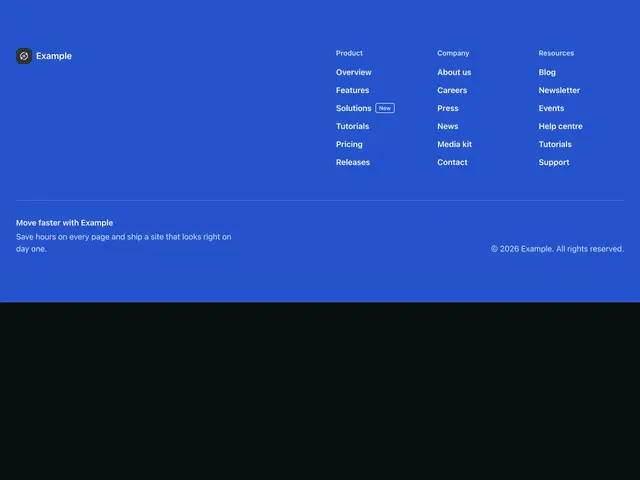
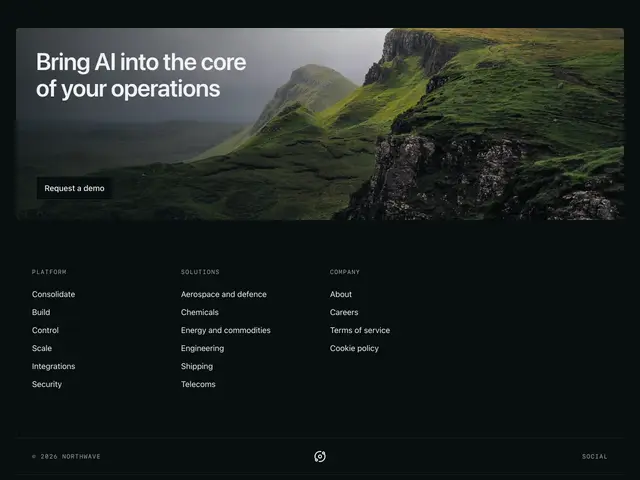
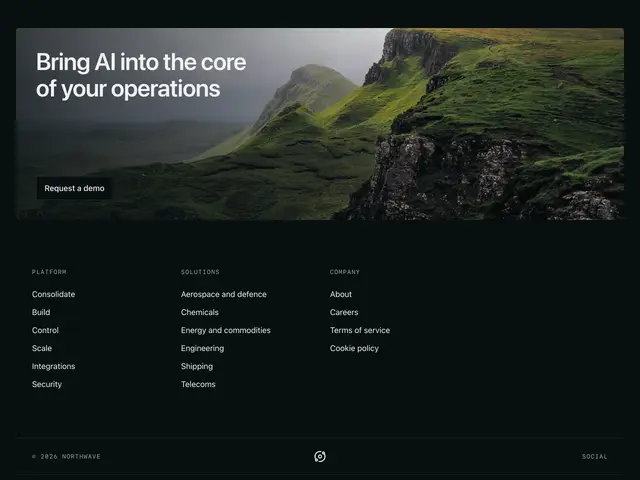
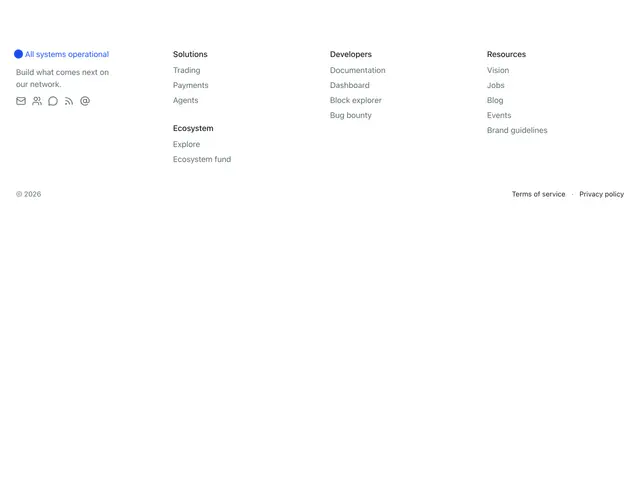
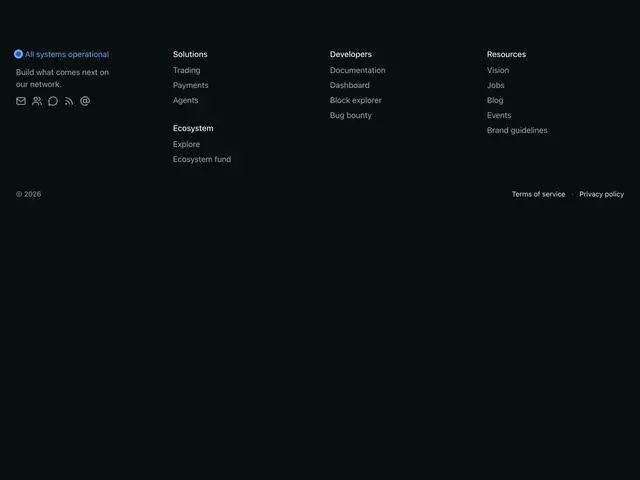
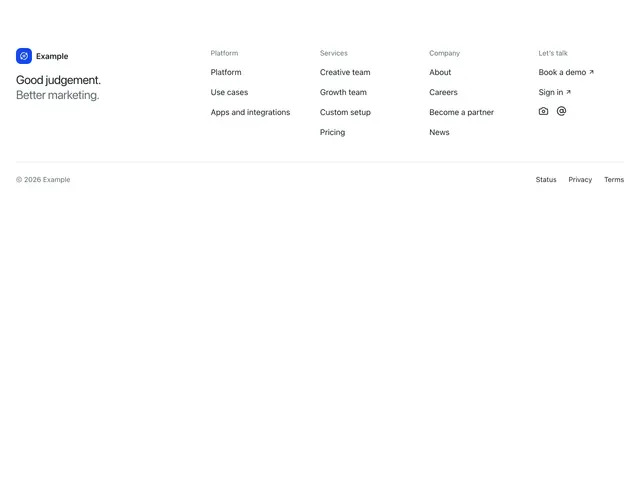
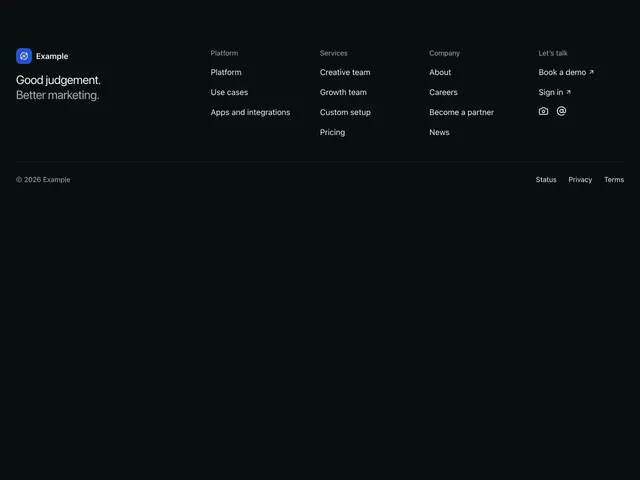
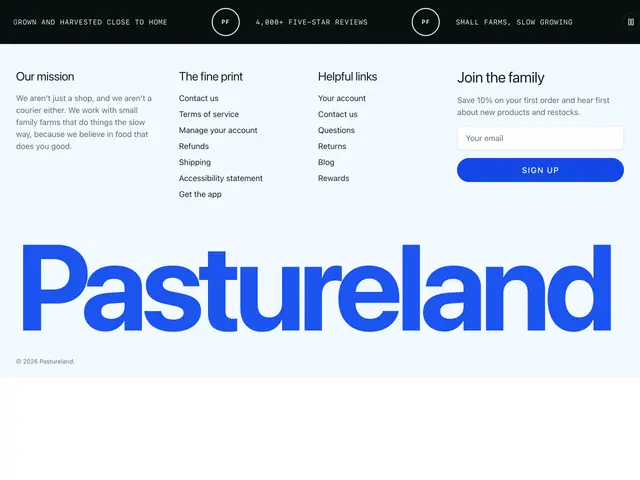
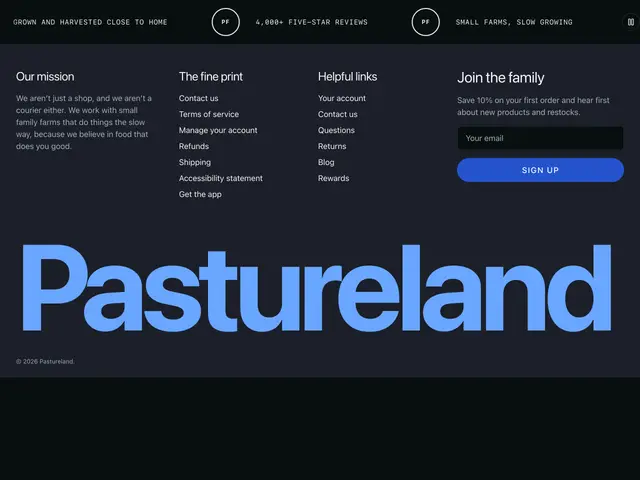
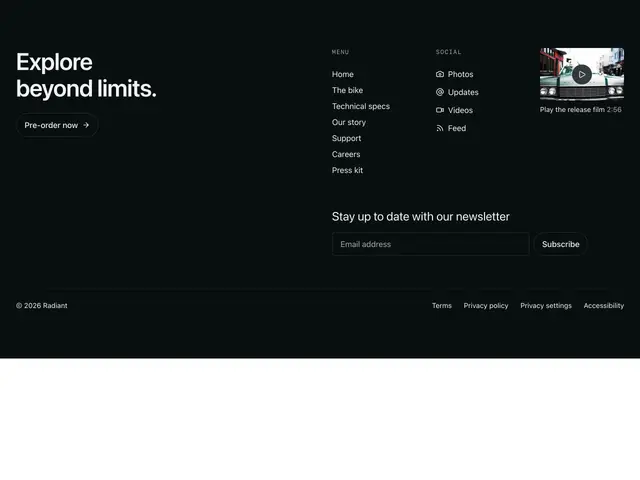
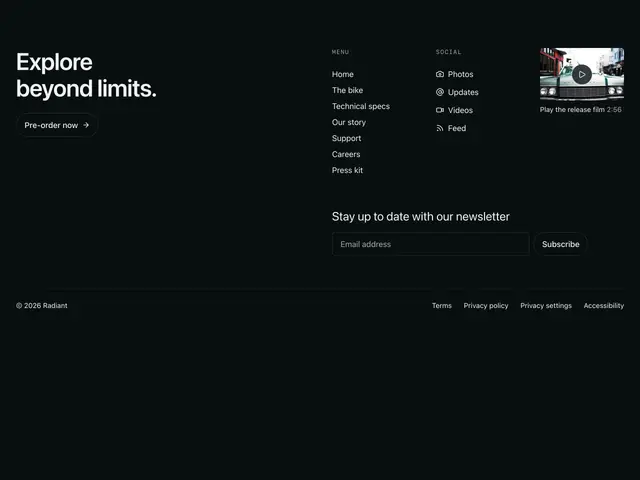
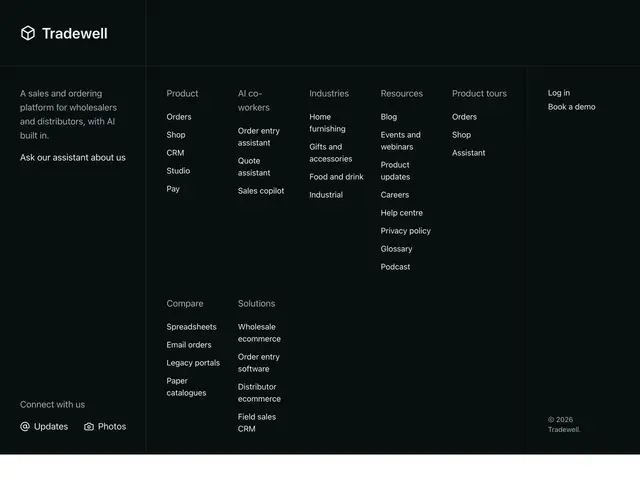
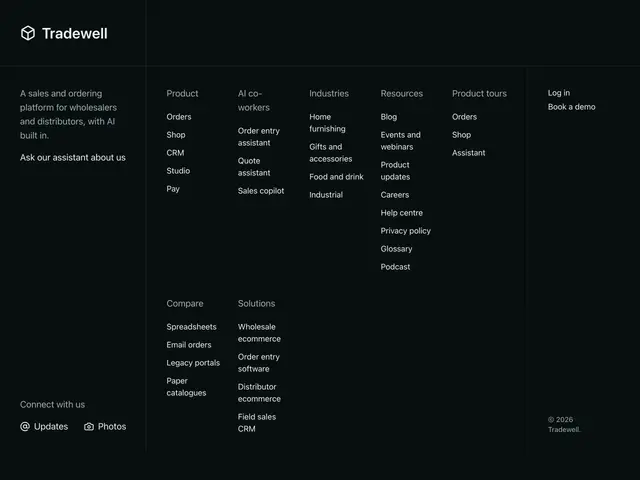
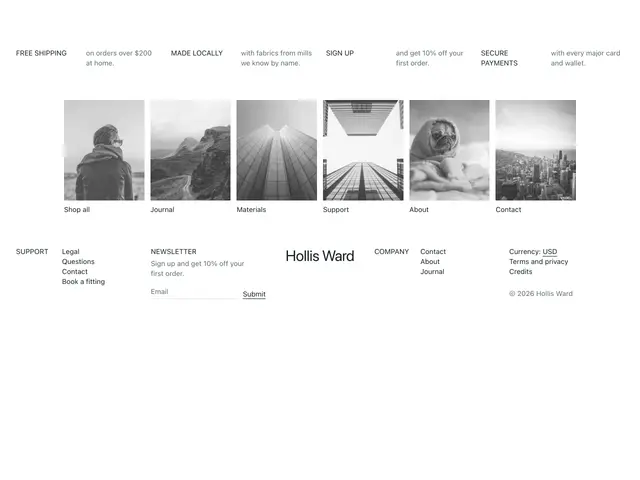
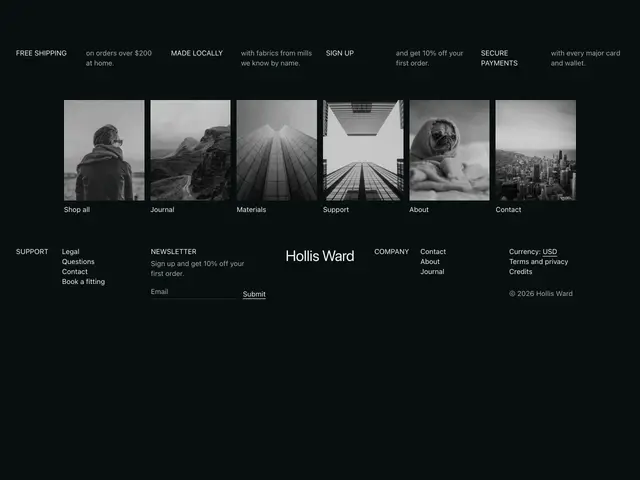
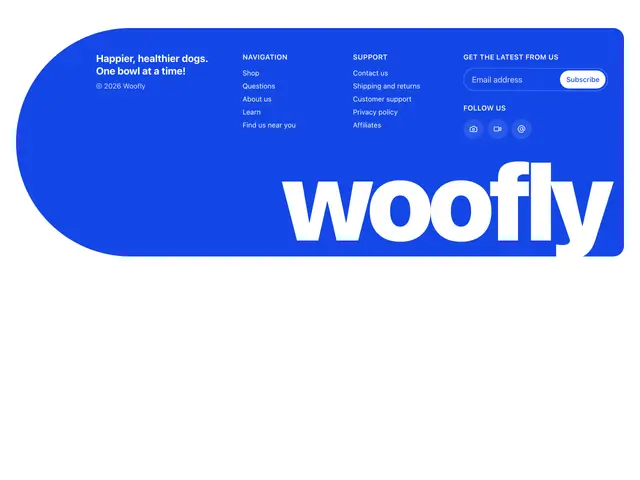
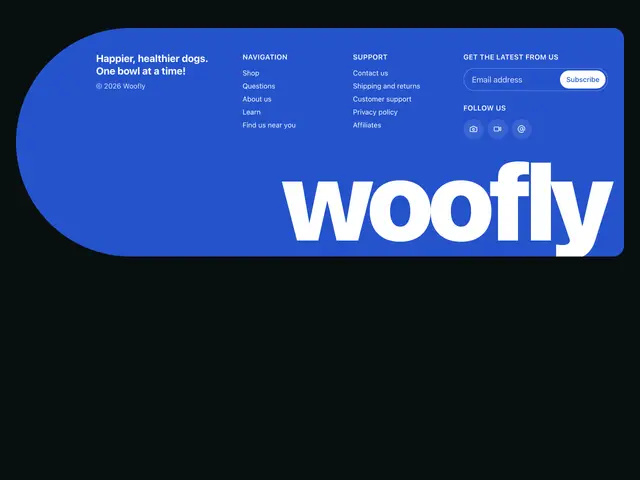
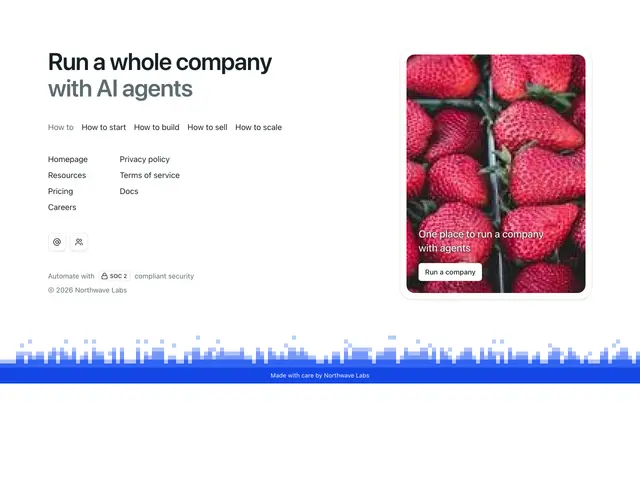
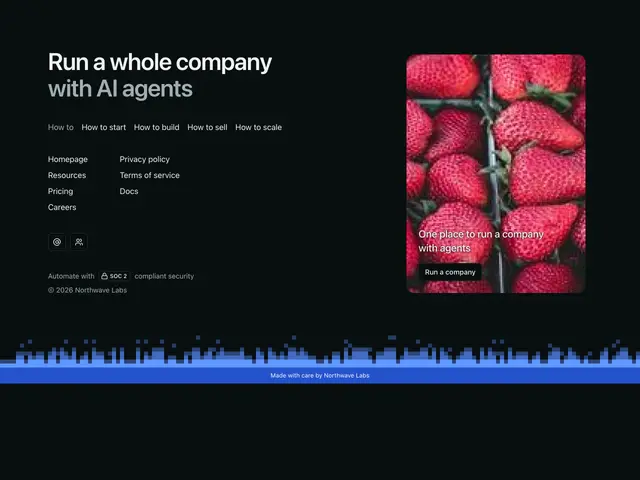
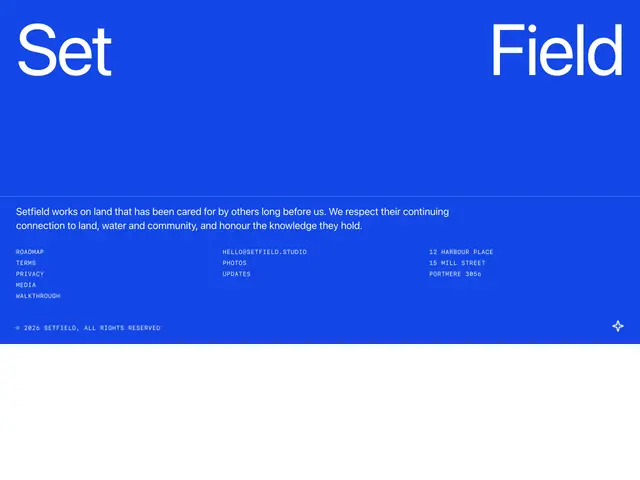
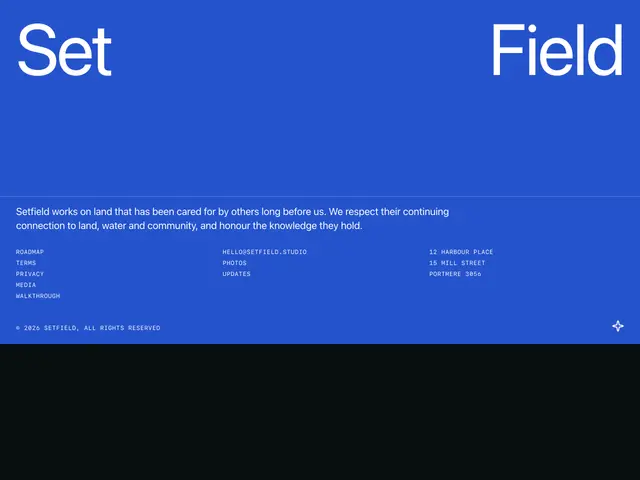
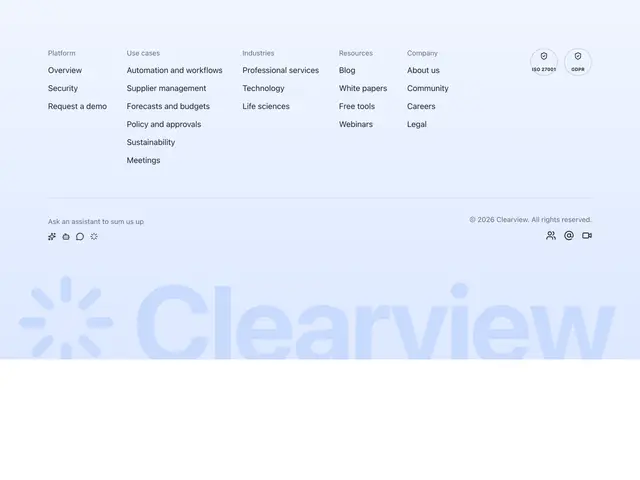
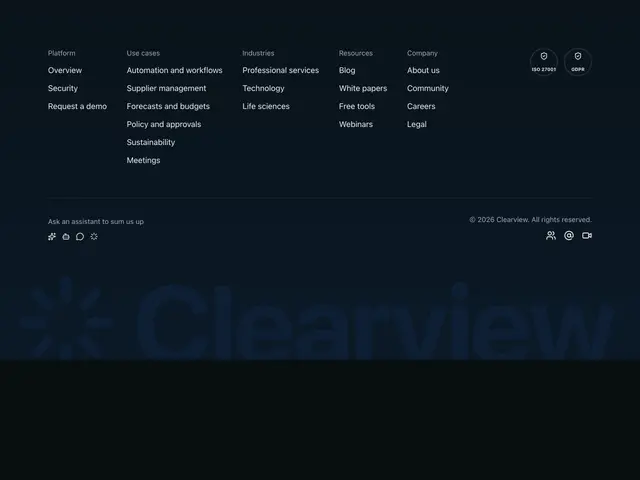
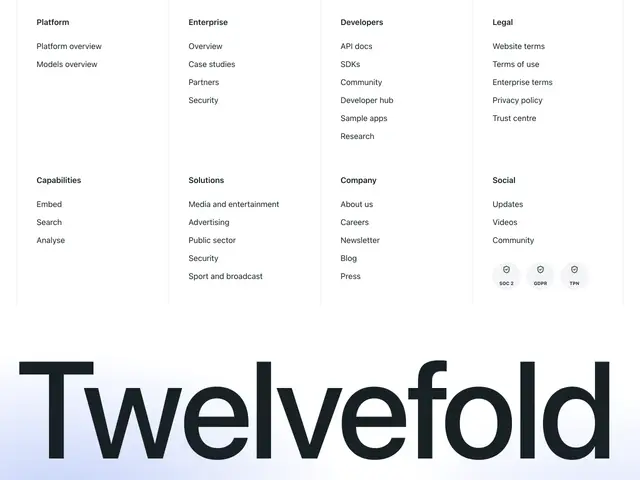
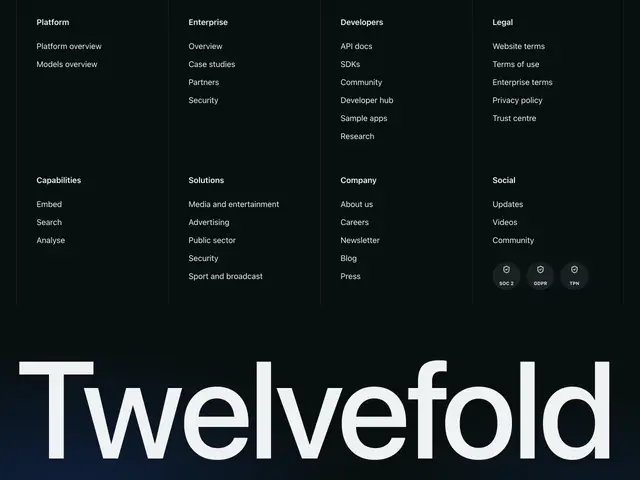
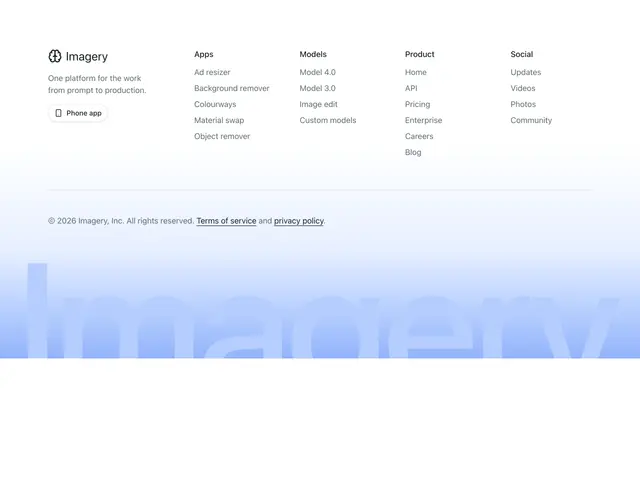
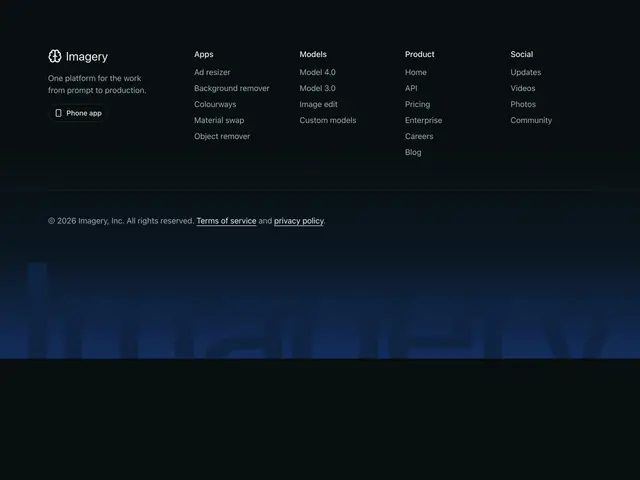
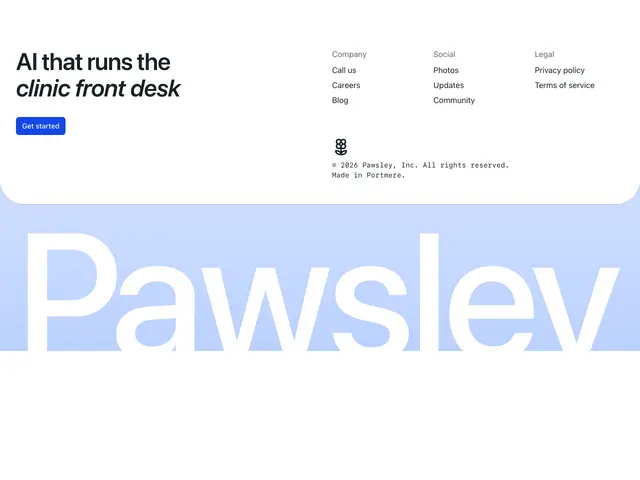
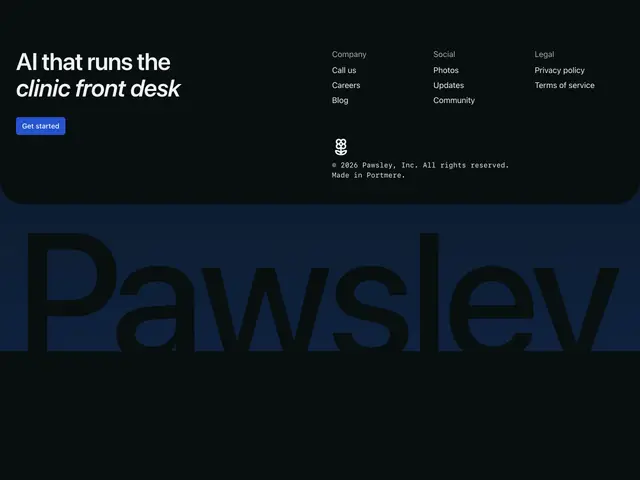
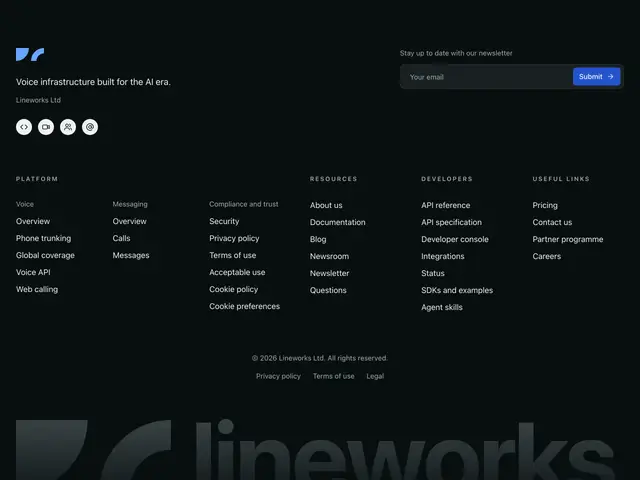
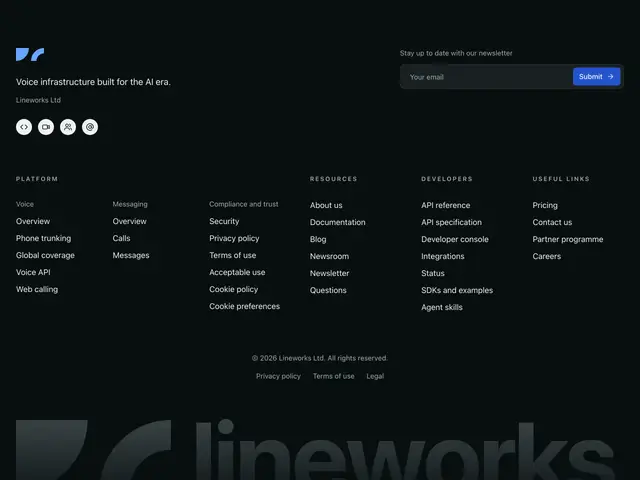
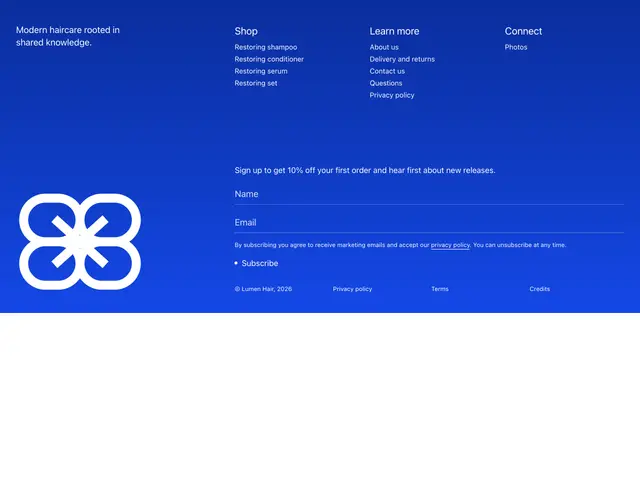
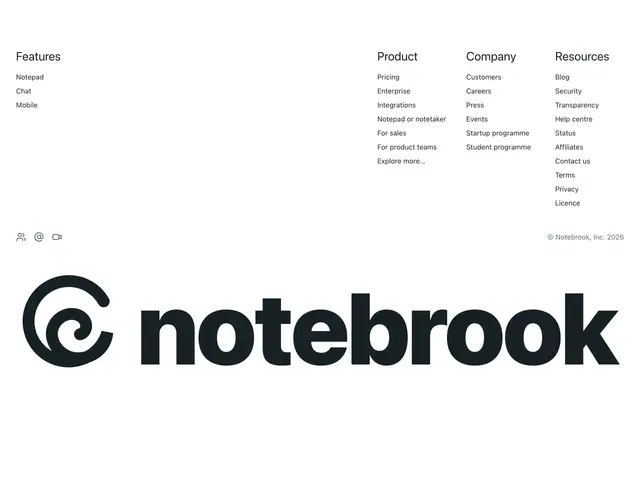
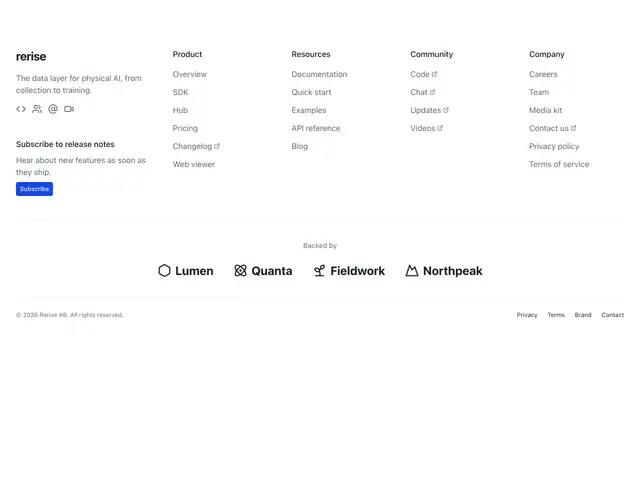
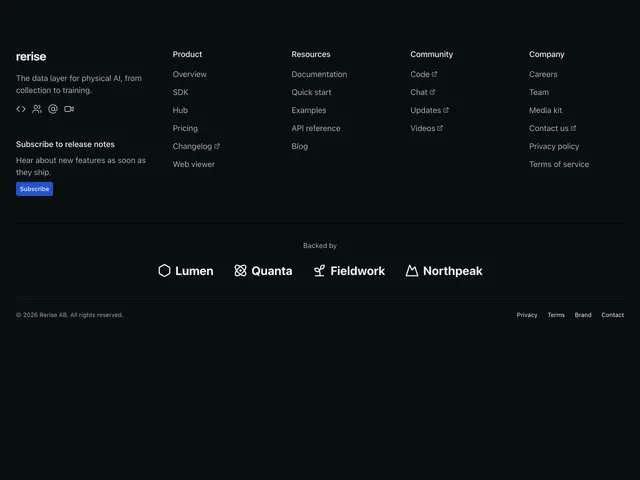
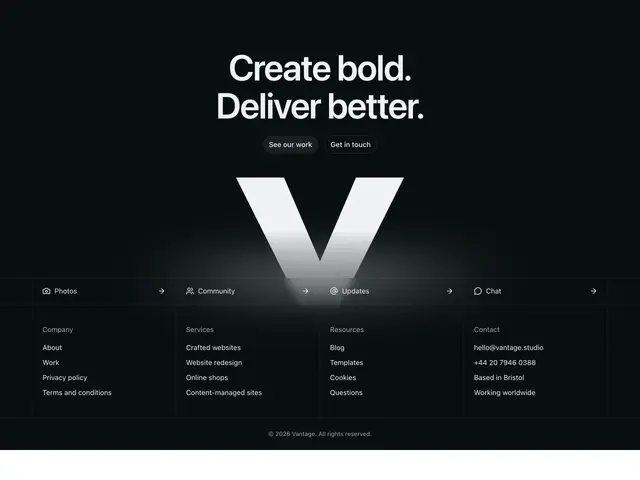
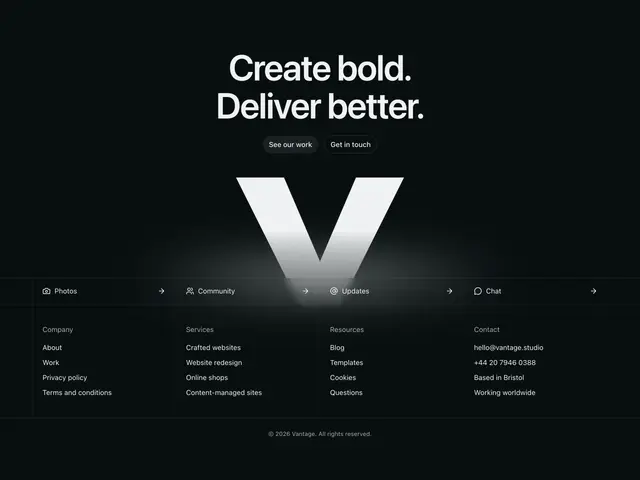
Site footers; link columns, a newsletter or launch signup, a call to action, app buttons, social links, in large and small sizes, on the page or the brand colour.
Last updated
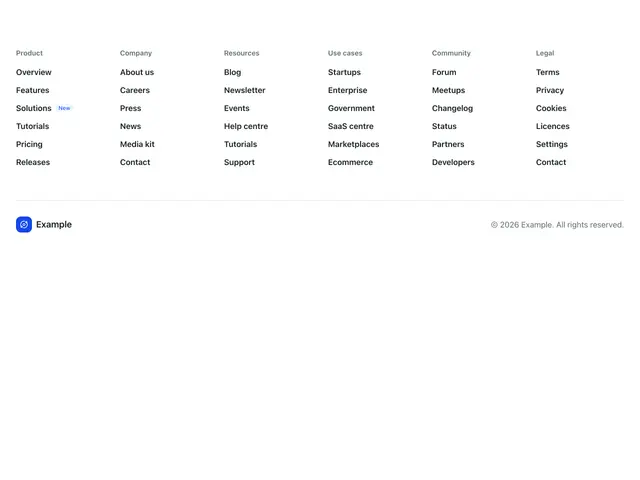
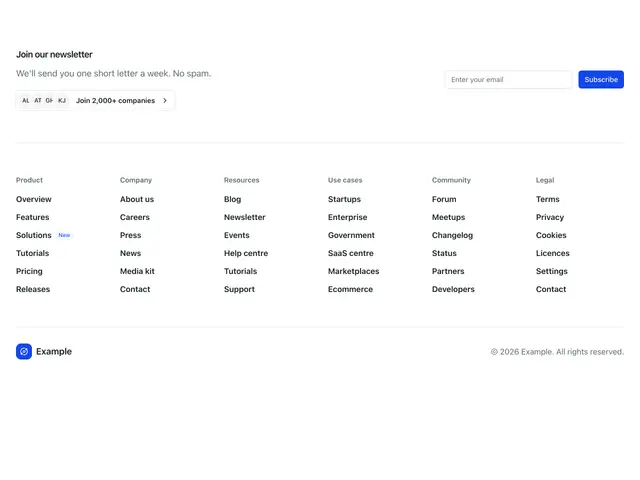
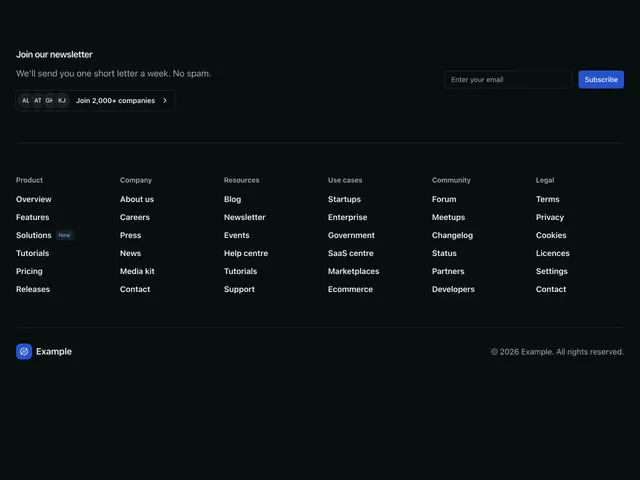
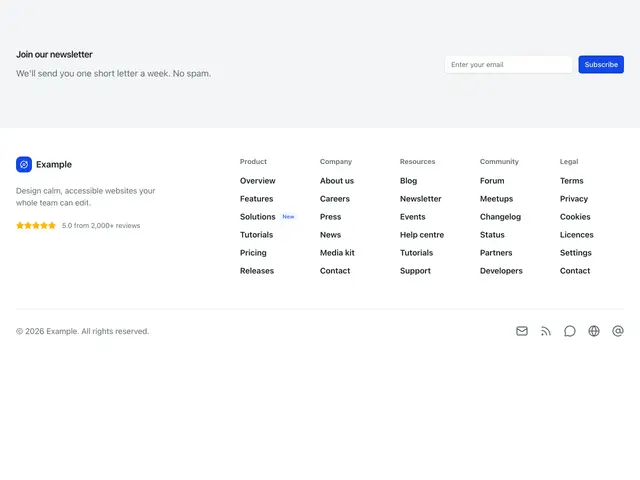
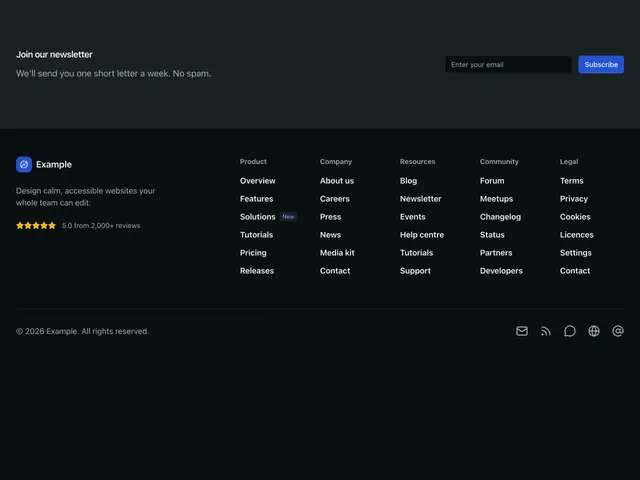
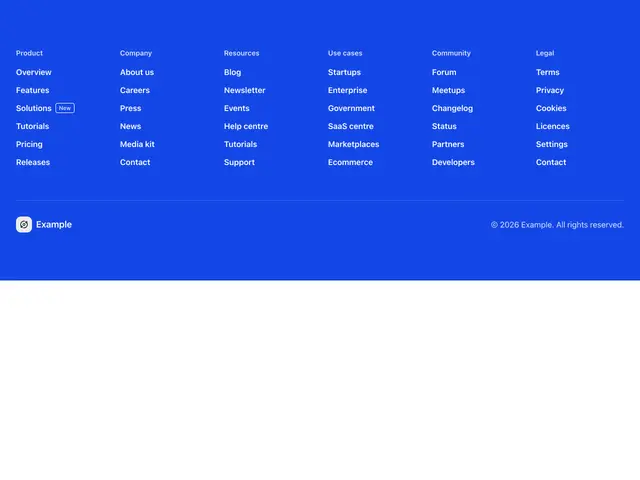
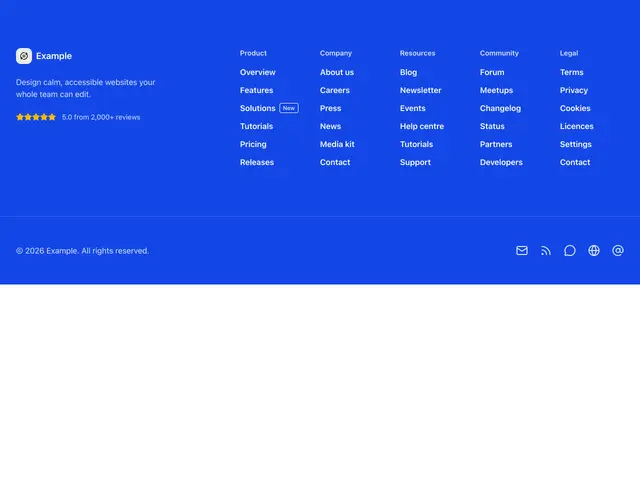
Each example is a block: a <footer> with link columns or a row of links,
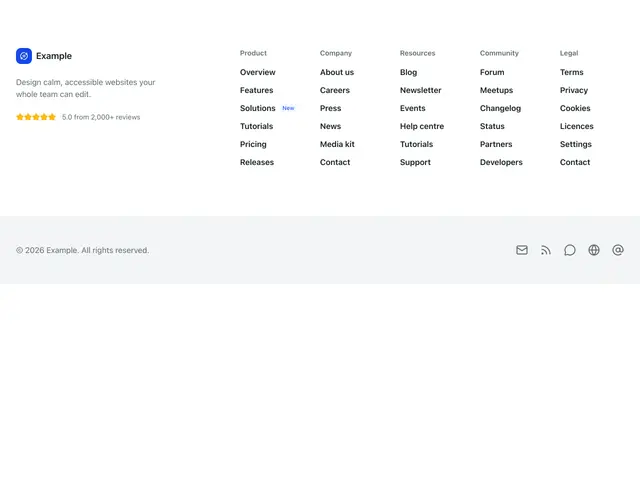
and some mix of a newsletter signup, a call to action, app buttons, a rating
and social links over a copyright line.
npx @ava-ui/apogee add footers/large-01Social links use generic icons (email, feed, community, website); put your own network marks in their place.
Copy is props
Every block in this family takes the same content props (FooterContent in
sections/_shared/footers.ts), with its sample copy as the defaults. A block
ignores the props it has no place for, so you can swap one block for another and
keep the copy. The FooterSection section takes the same names for the props they share.
-
brand: The name in the logo or wordmark. -
tagline: A short line about the company. Wrap words in asterisks to accent them where the block styles an accent. -
heading: A call to action above or beside the links. Wrap words in asterisks to accent them. -
description: The line under the heading. -
primaryAction: The solid button. -
secondaryAction: The outline button. -
newsletterHeading: The label or heading over the email signup. -
newsletterDescription: The line under the newsletter heading. -
submitLabel: The signup button. -
columns: Link groups. Blocks with one flat row of links show every column’s links in that row. -
navLabel: Name of the flat link row’s nav. -
copyright: The copyright line. -
legal: Small links beside the copyright (terms, privacy). -
social: Icon links. -
Pass
nullto hide an optional part, such asdescription={null}. -
Some blocks add props of their own; the top of each block’s file lists them.