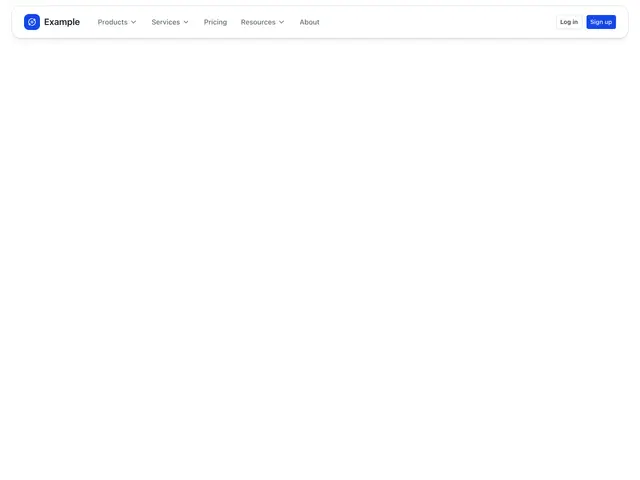
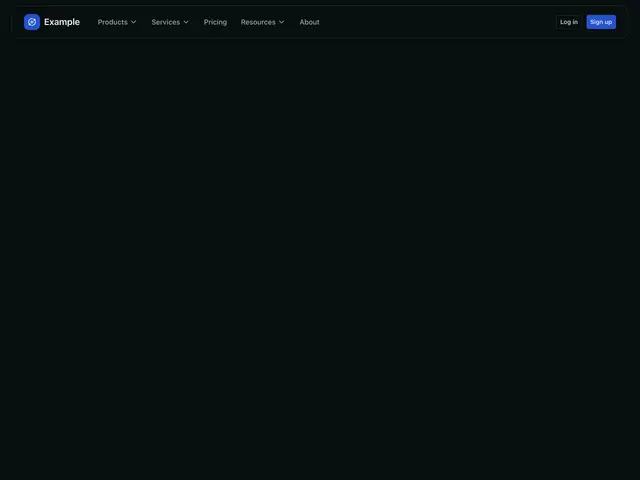
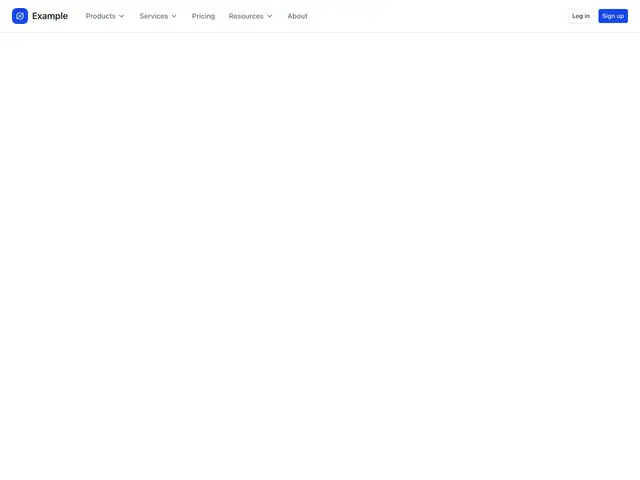
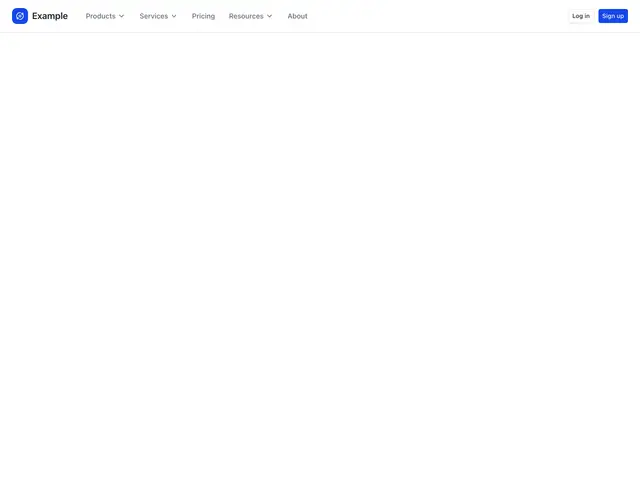
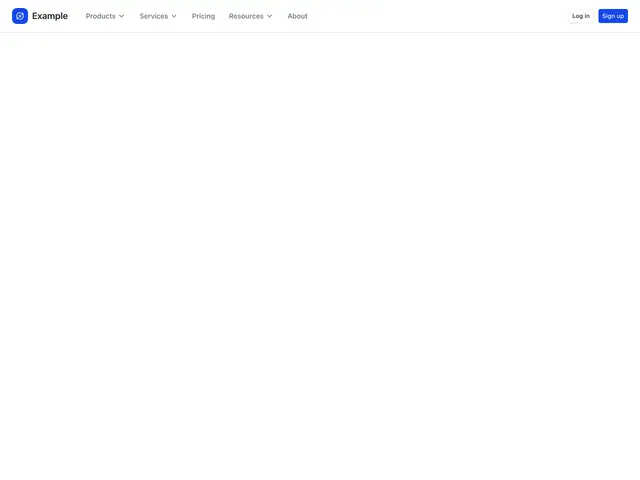
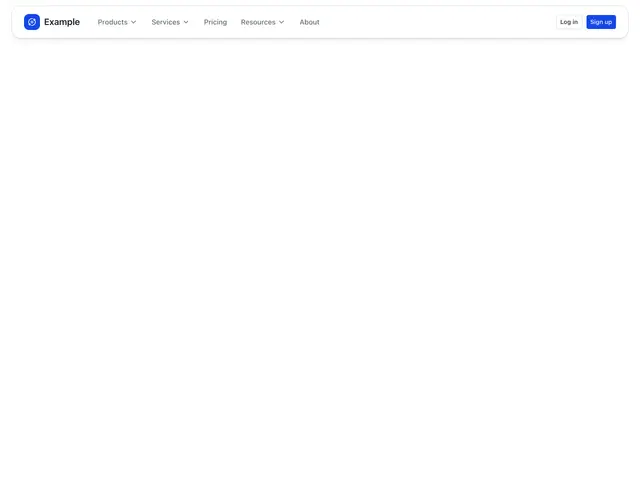
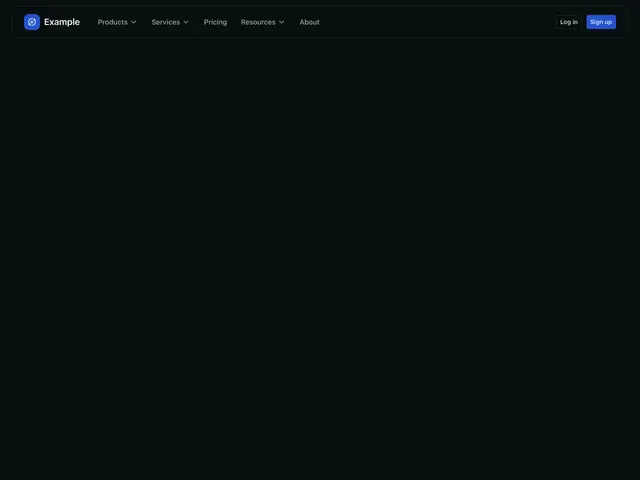
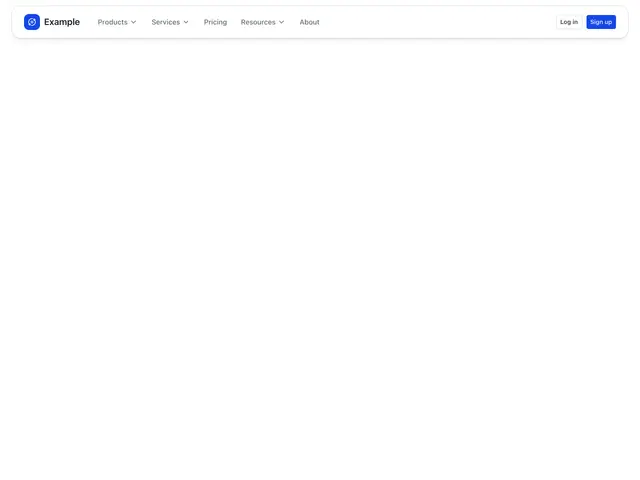
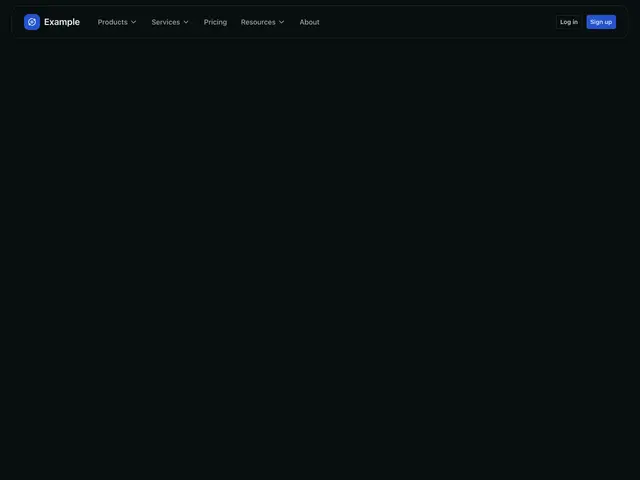
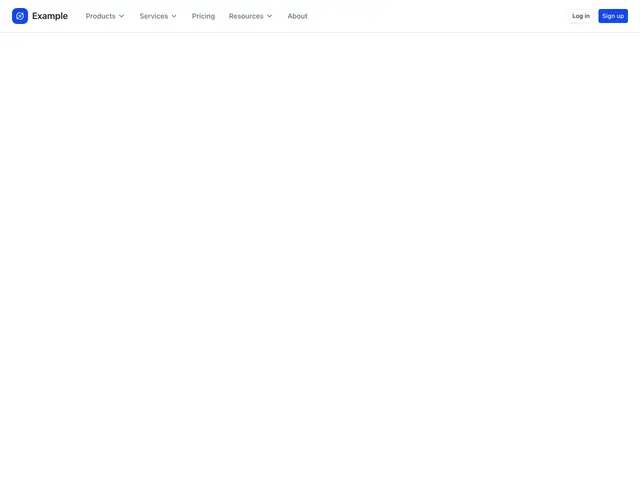
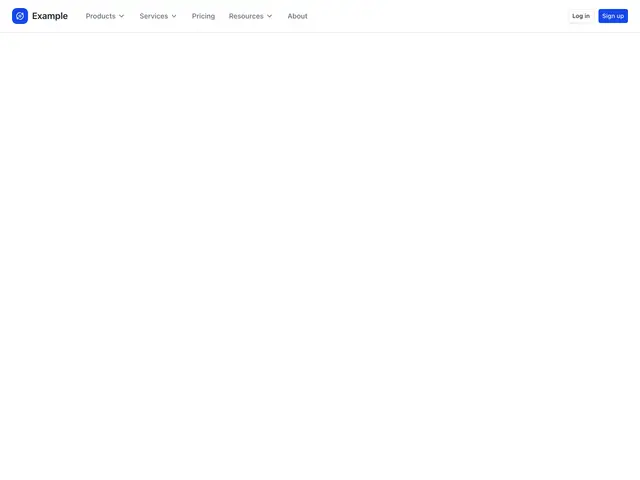
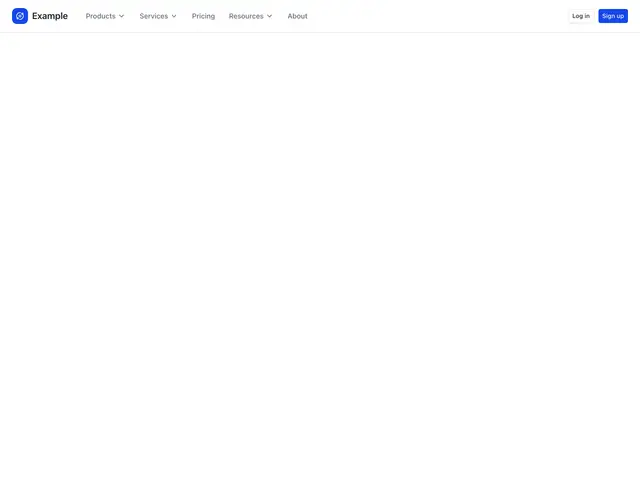
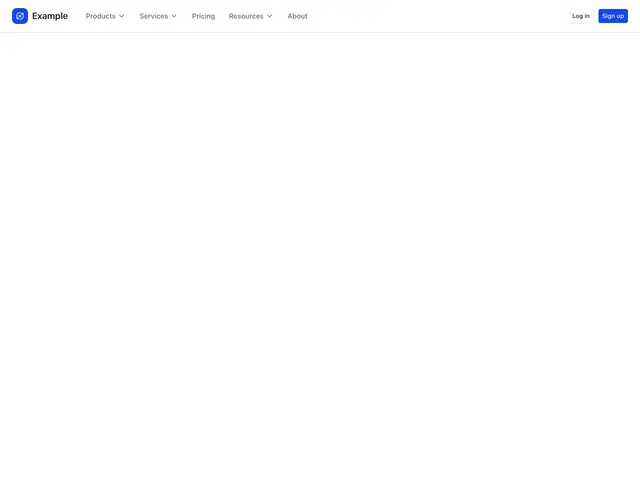
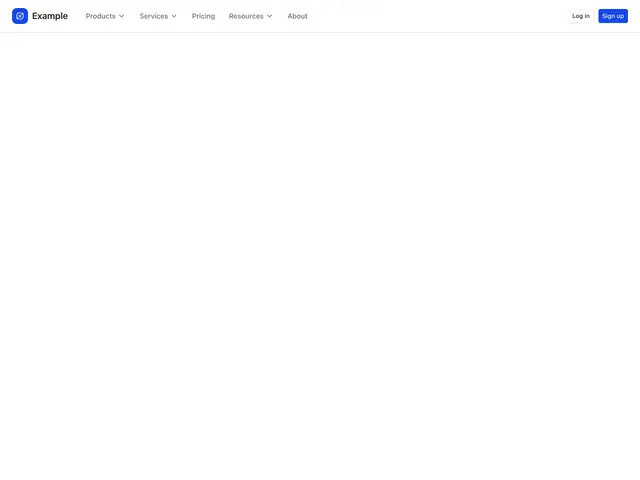
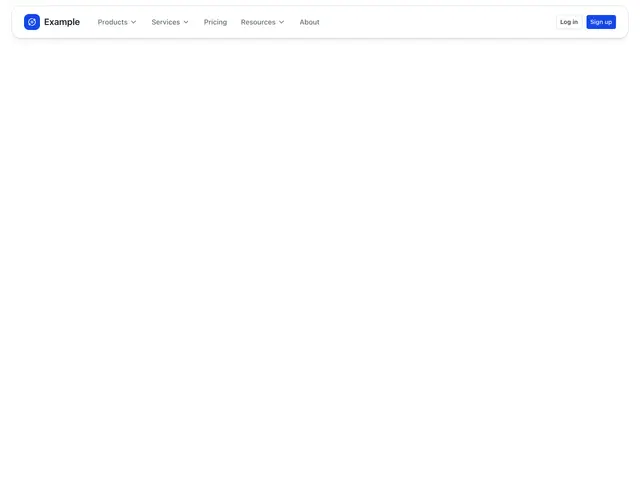
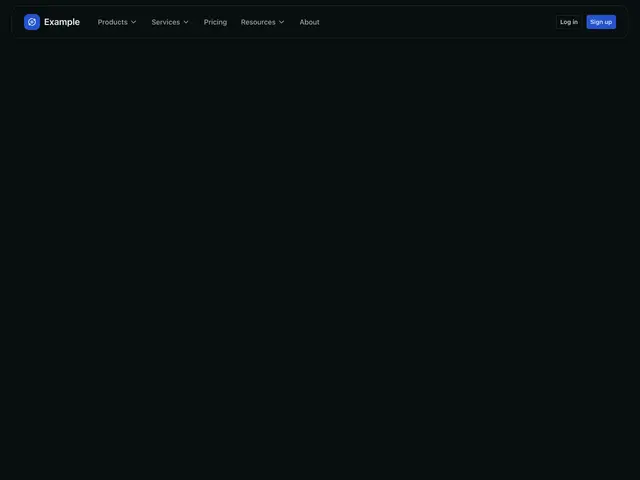
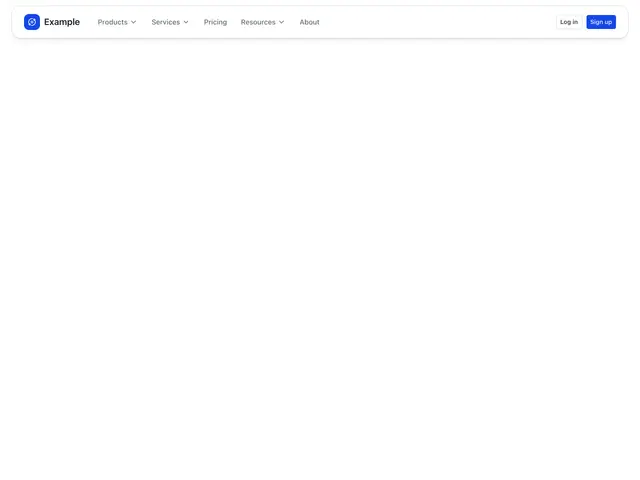
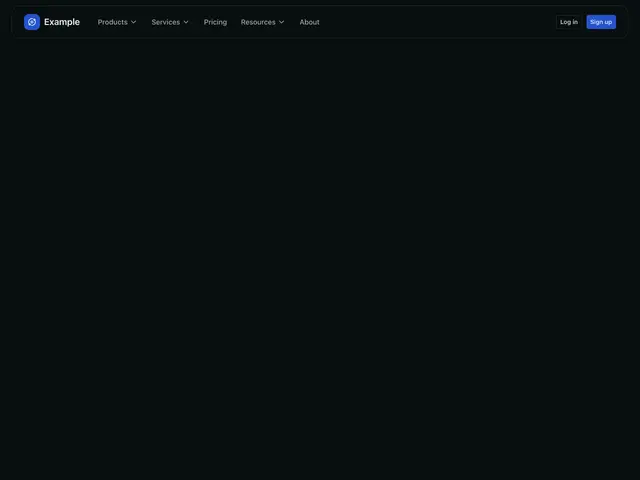
Header navigation sections
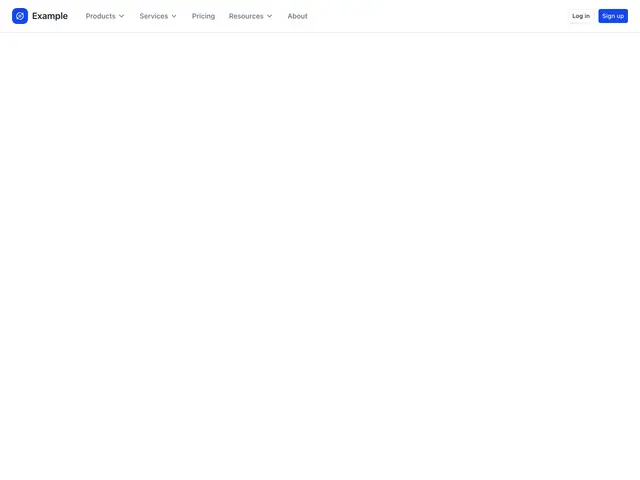
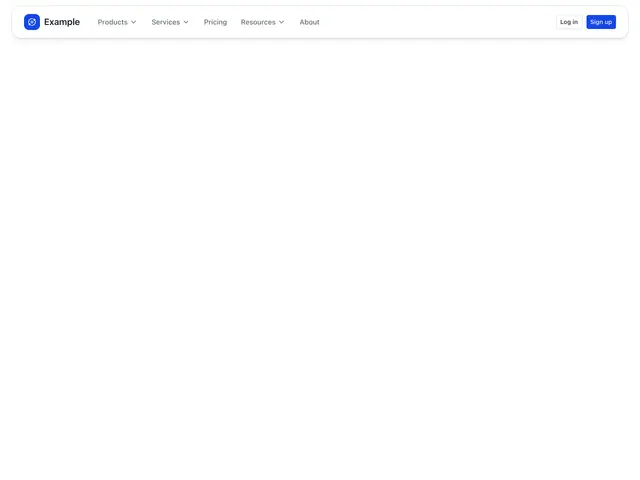
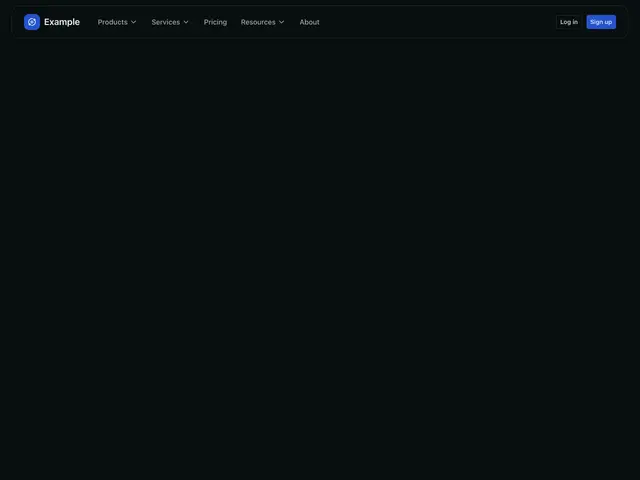
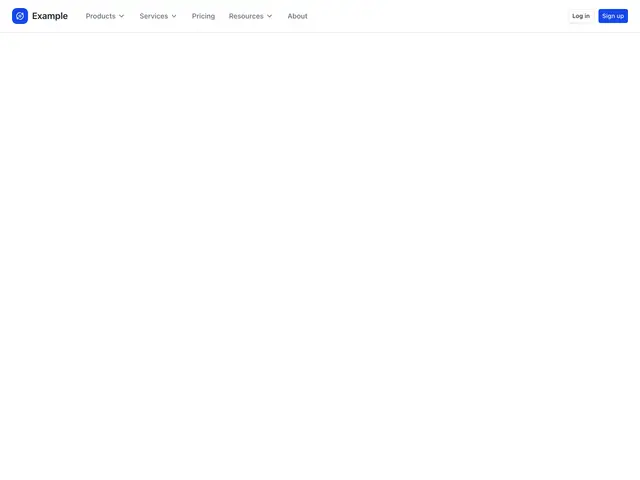
Site headers whose menus open lists, columns, feature cards, blog posts or video tutorials, under the button or across the page, in a plain or floating bar.
Last updated
Each example is a block: a Navbar with NavDropdown menus. A menu opens under its button or across the page; on phones it becomes a row that expands inside the menu. The floating versions sit the bar on a rounded pill.
npx @ava-ui/apogee add header-navigation/dropdown-simpleCopy is props
Every block in this family takes the same content props (NavigationContent in
sections/_shared/navigation.ts), with its sample copy as the defaults. A block
ignores the props it has no place for, so you can swap one block for another and
keep the copy.
-
brand: The site name beside the logo. -
links: The bar’s entries in order: a link{ label, href }or a menu{ label, groups }. -
primaryAction: The solid button. -
secondaryAction: The outline button. -
Pass
nullto hide an optional part, such asdescription={null}. -
Some blocks add props of their own; the top of each block’s file lists them.