Log in pages
Whole log in pages built on the AuthShell section, from a centred form to split layouts with a panel.
Last updated
Each example is a complete page. The frame comes from the AuthShell section; the form inside is plain composition, because it posts to your own auth backend. Add one with everything it uses, then render it from a route:
npx @ava-ui/apogee add log-in/split-quote---
// src/pages/login.astro
import Layout from '../layouts/Layout.astro'
import LogIn from '../components/apogee/pages/log-in/SplitQuote.astro'
---
<Layout title="Log in">
<LogIn />
</Layout>npx @ava-ui/apogee list shows every page.
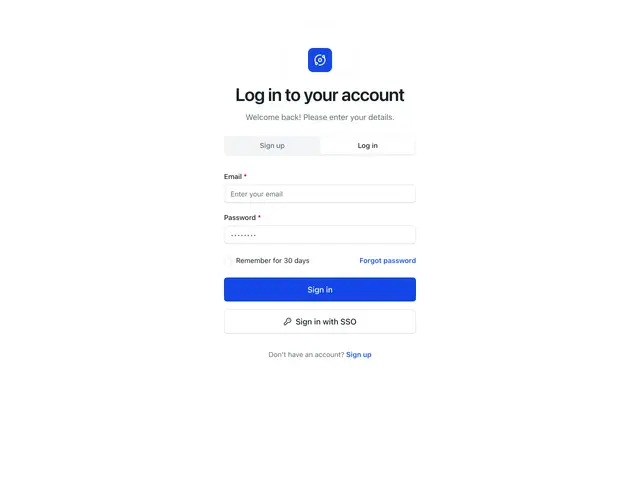
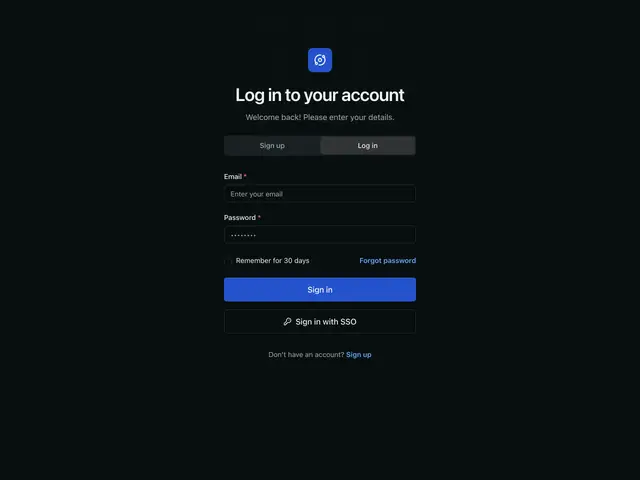
SimpleA centred form with a sign up / log in switch, remember me, and an SSO button.
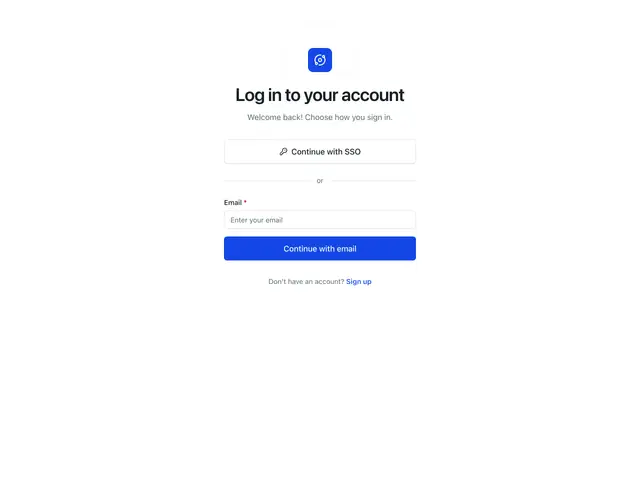
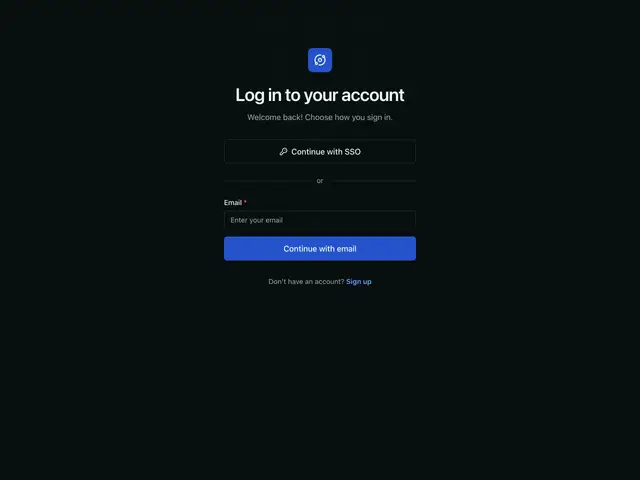
SSO firstSingle sign-on leads; email is the fallback under an "or" divider.
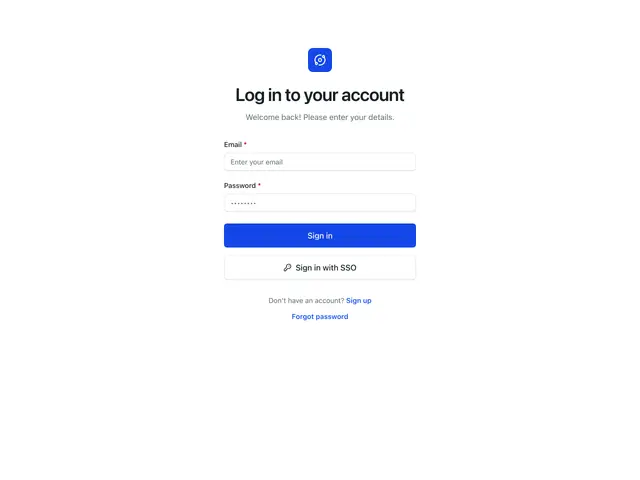
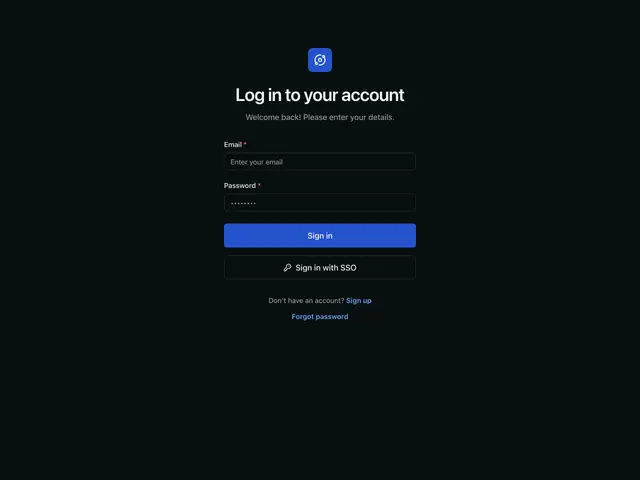
MinimalEmail, password and two buttons, with the account links under the form.
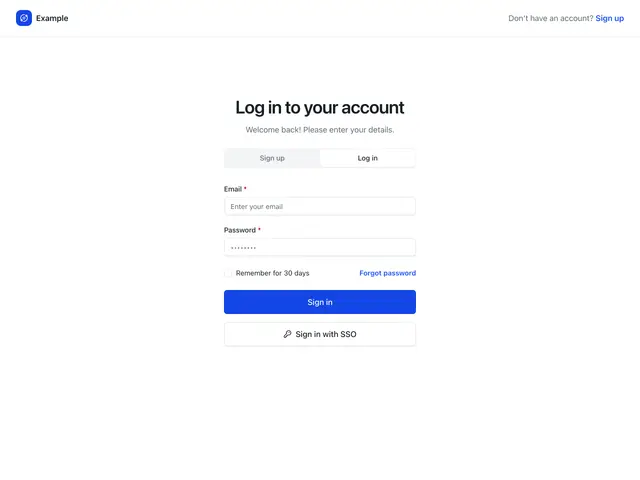
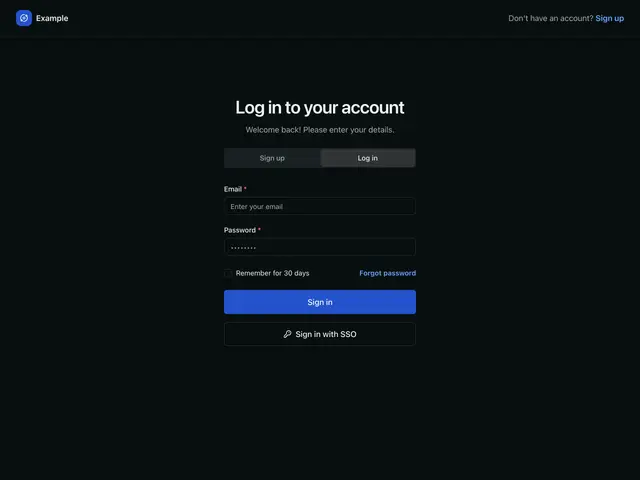
Header navigationA top bar carries the logo and the sign up link; the form sits below it.
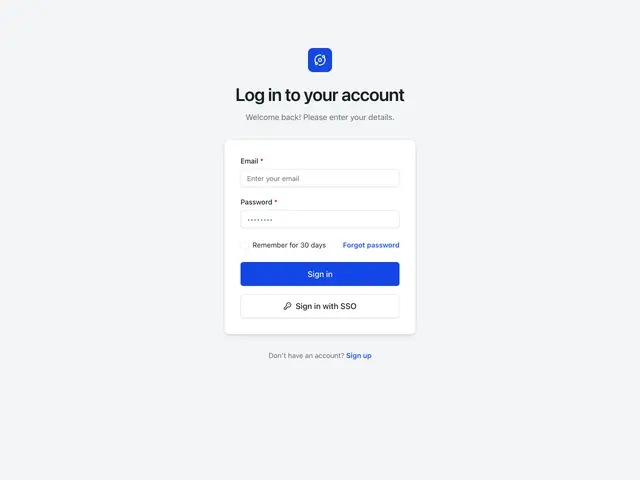
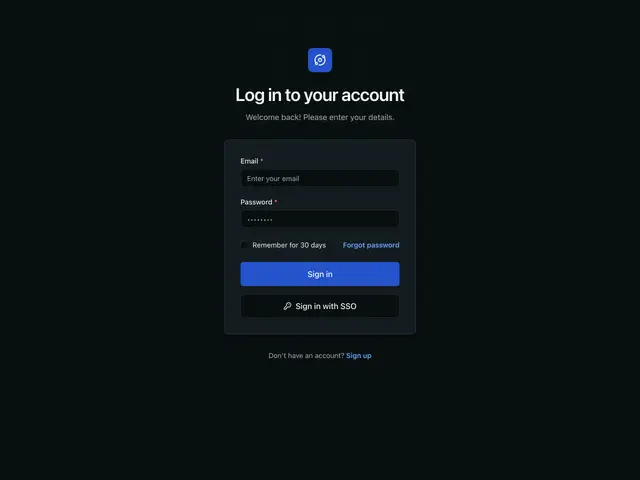
Card separatedThe heading sits on a grey page and the form in its own raised card.
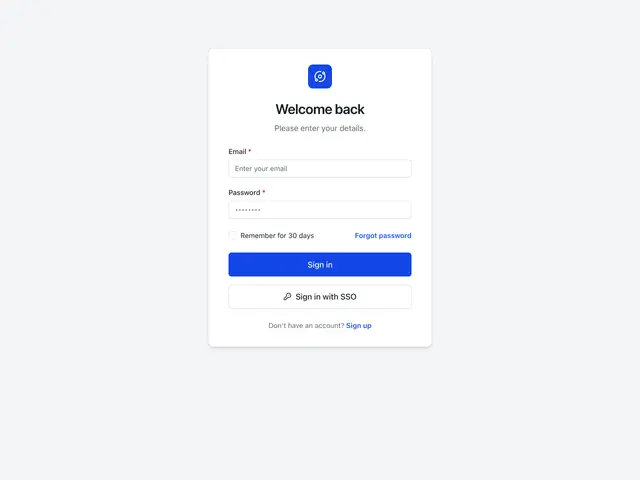
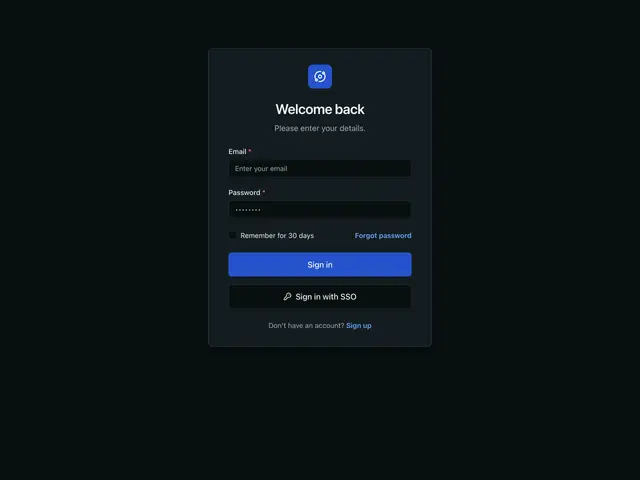
Card combinedOne card holds the logo, the heading and the form.
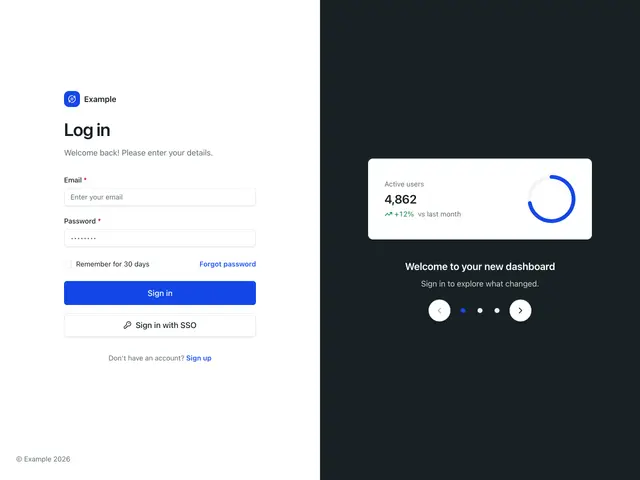
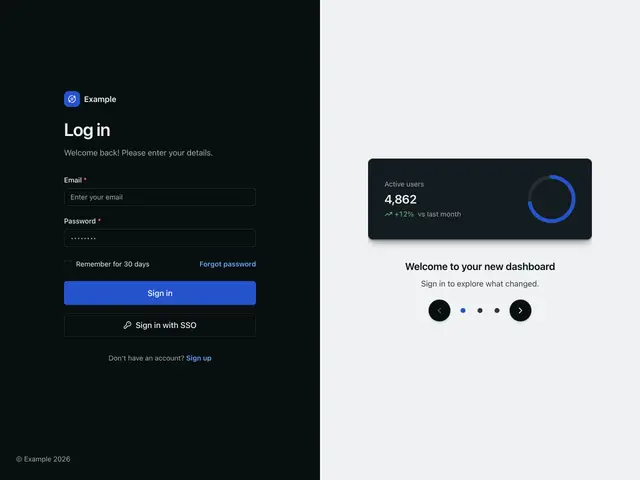
Split with carouselThe form beside a dark panel that walks through what is new.
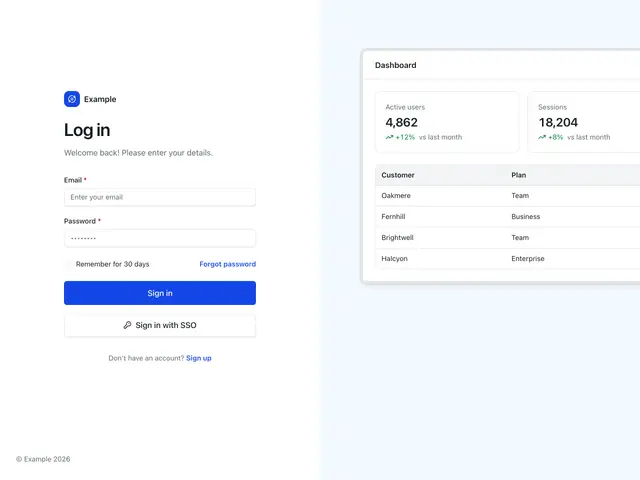
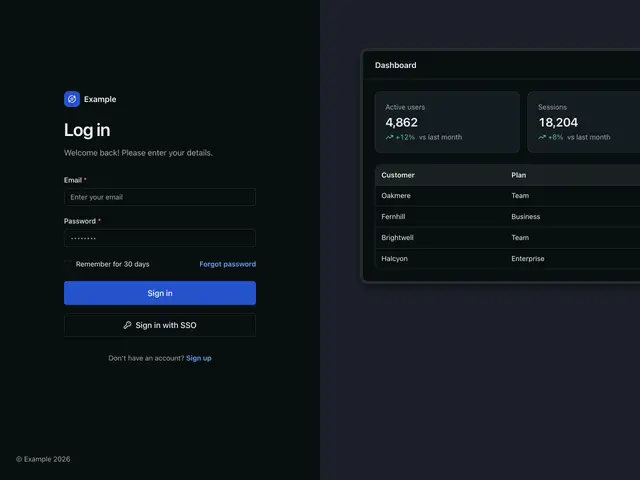
Split with mockupThe form beside a product screen built from the components.
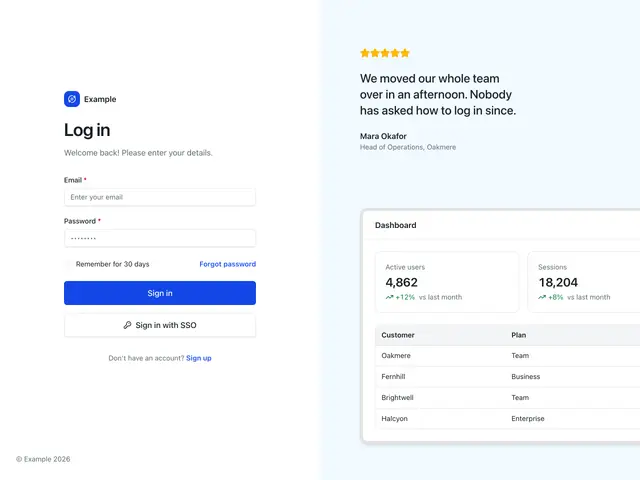
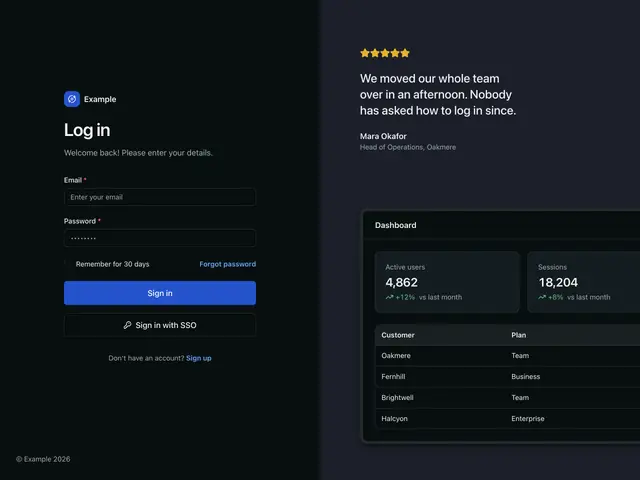
Split with mockup and quoteA rated customer quote above the product screen.
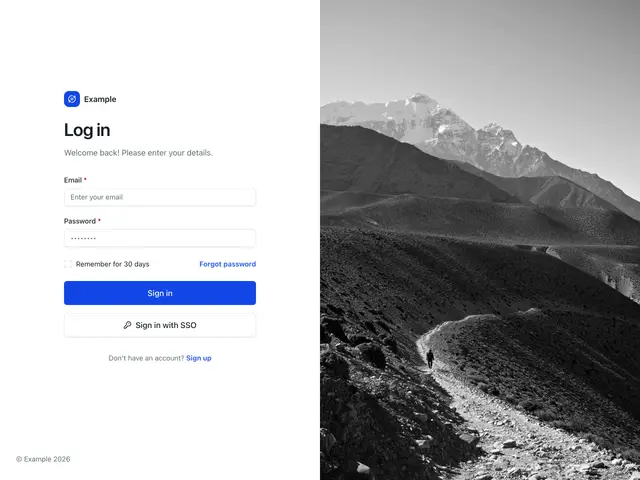
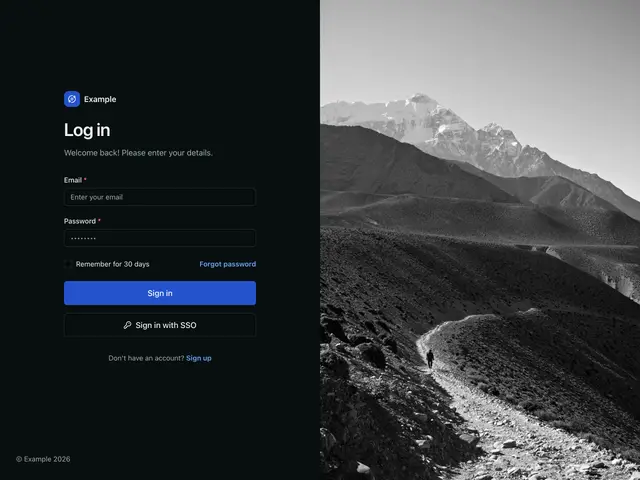
Split with imageThe form beside a full-height photo.
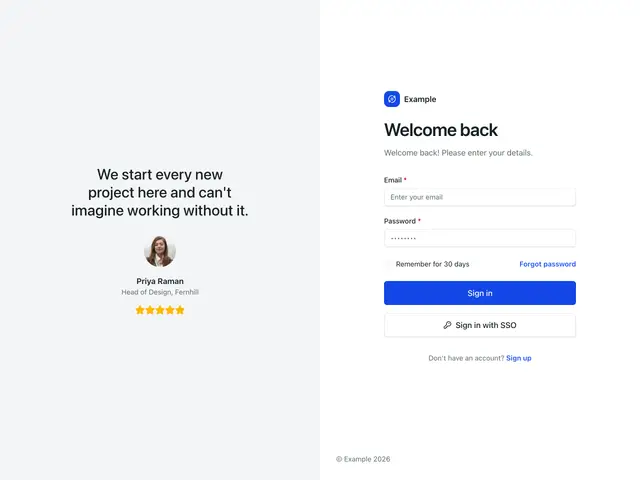
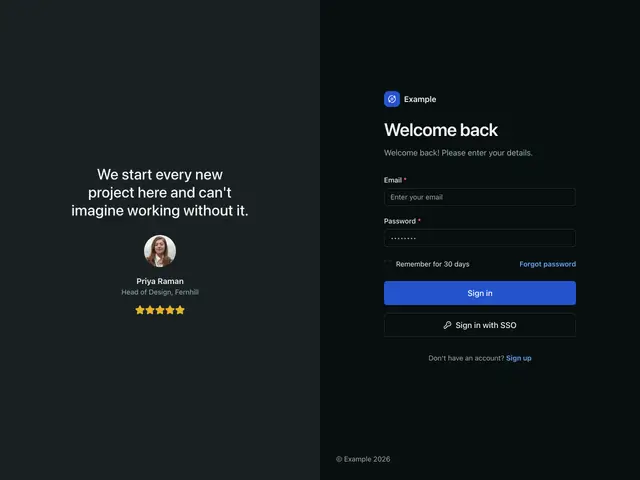
Split with quoteThe panel leads with a customer quote, portrait and rating.
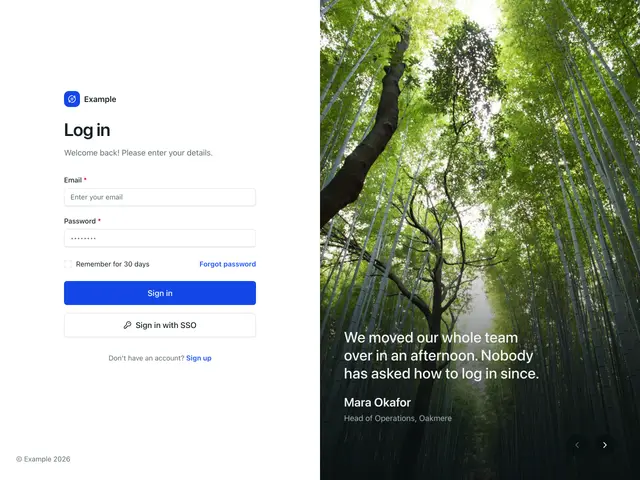
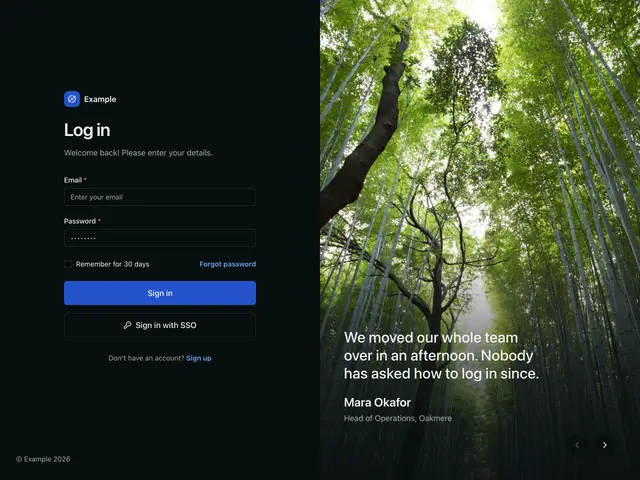
Split with photo and quoteReviews rotate over a photo, on a dark scrim.
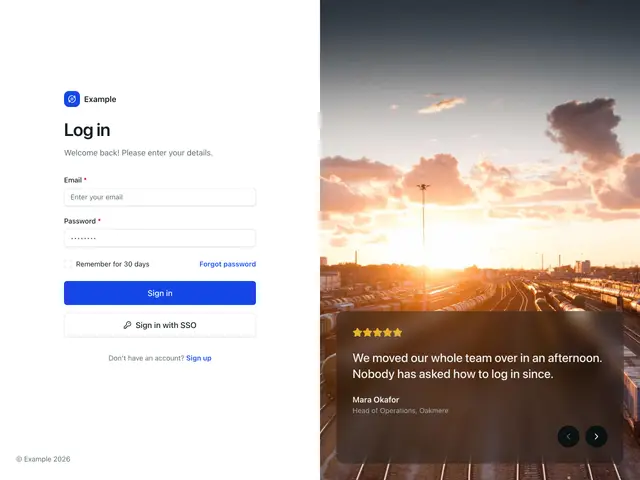
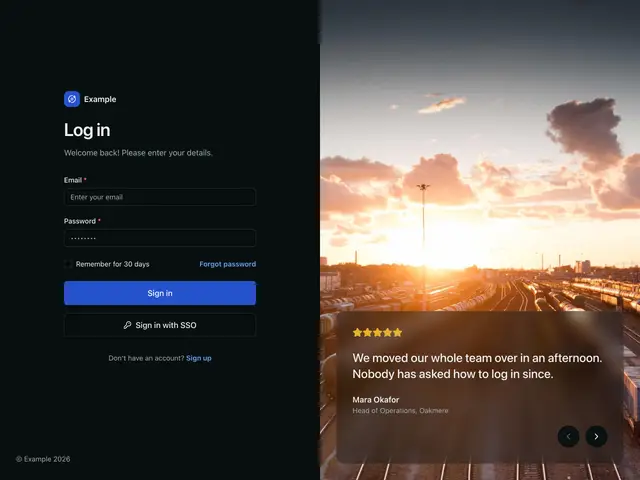
Split with photo and glass cardReviews rotate in a frosted card over a photo.
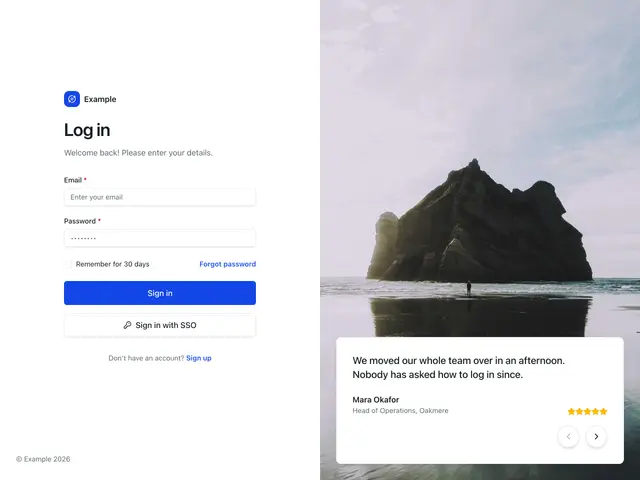
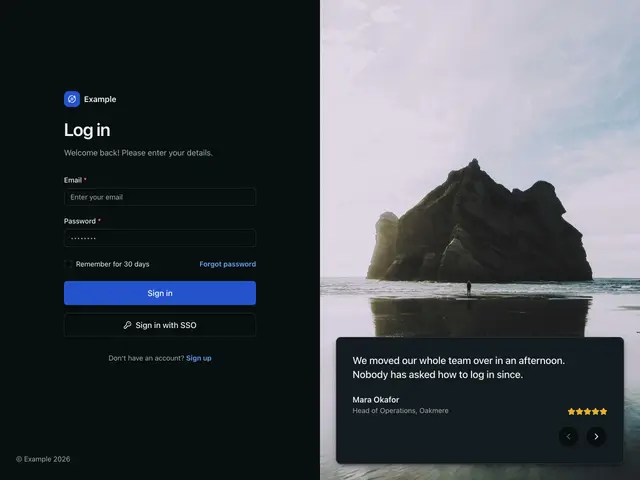
Split with photo and cardReviews rotate in a solid card over a photo.