Components
Every component, copied into your project with the CLI and yours to edit.
Last updated
Each page shows every variant and size, the props, the states, the keyboard map and the tokens it reads. A JS badge in the sidebar marks the few components that ship a script island; each of those opens with a note on what the script does and how the component behaves without it.
npx @ava-ui/apogee add button dialog # copies the components and their dependencies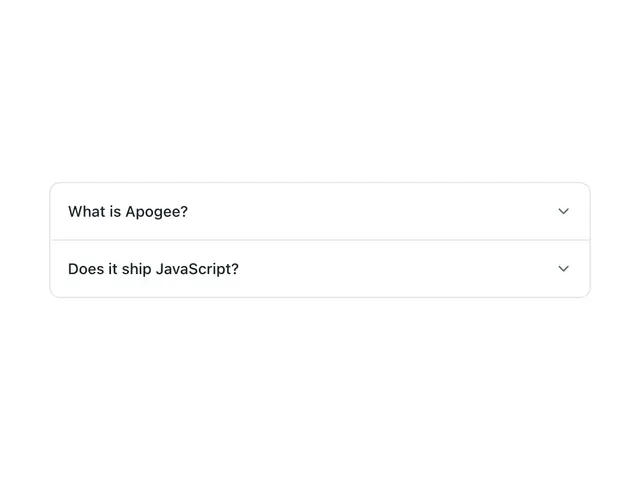
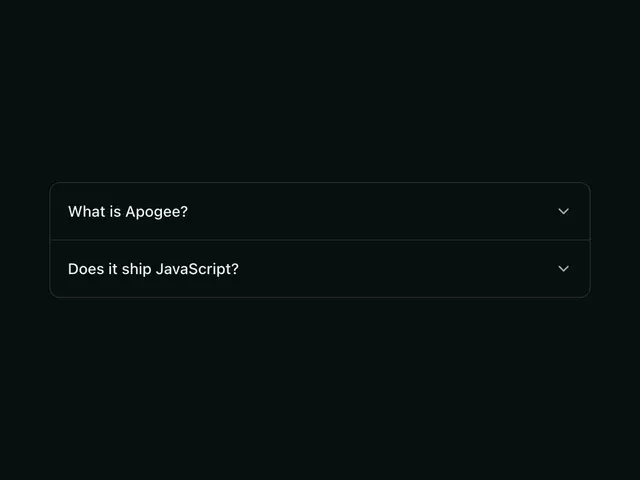
AccordionA stack of collapsible disclosure panels; expand one to read it, collapse it to reclaim space.
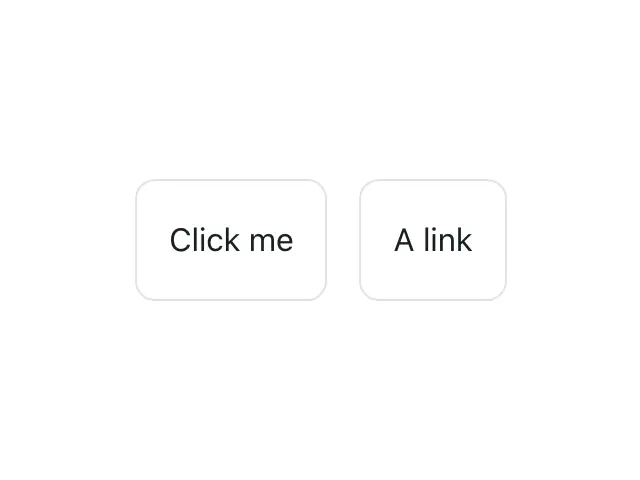
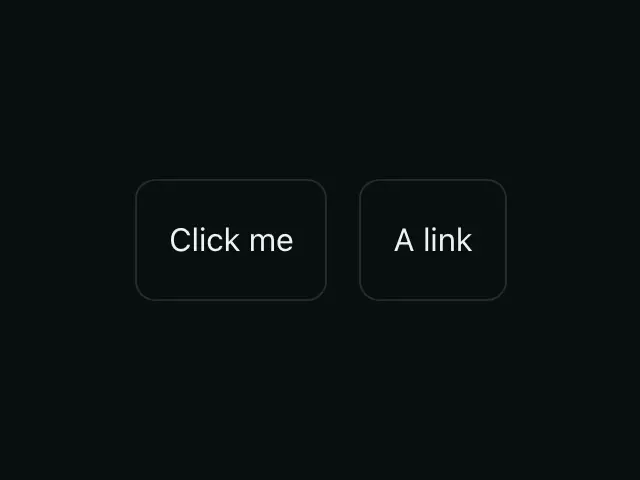
ActionableThe bare interactive primitive. A button, link or focusable div with the focus ring and disabled handling, nothing else.
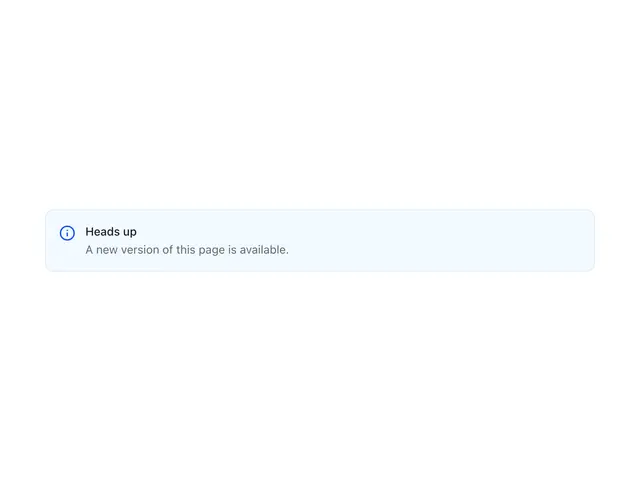
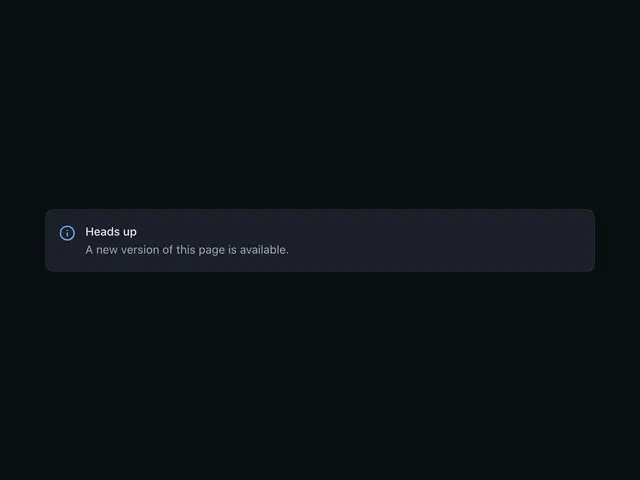
AlertAn inline message with a status color and icon — info, success, warning, or critical; inline, filled or as a full-width banner.


AspectRatioLocks its content to a fixed width-to-height ratio — media, embeds, maps.


AvatarA user image, with an initials fallback derived from name.
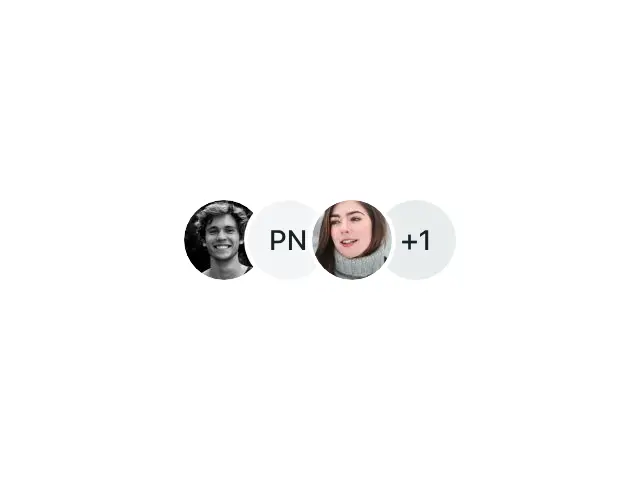

AvatarGroupOverlapping avatars for a compact "who's involved" cluster, with an optional +N overflow chip.
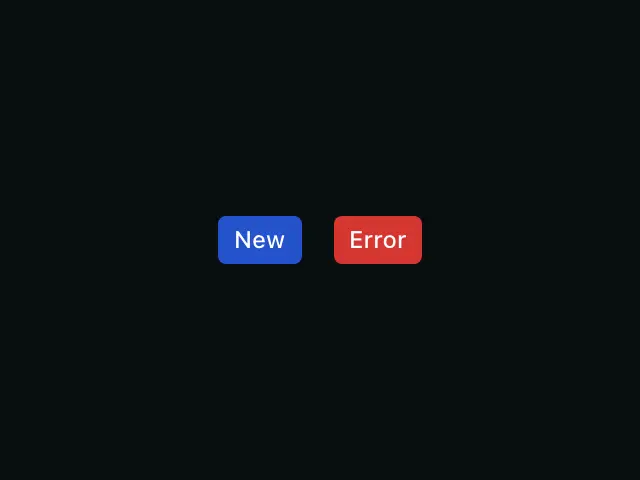
BadgeA small status label — for counts, tags, and state indicators.
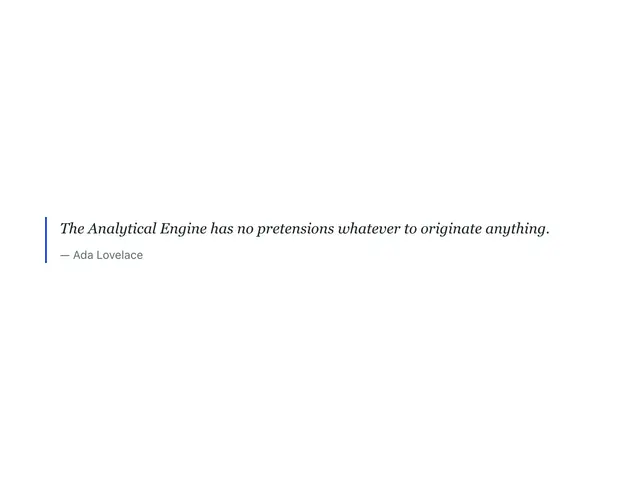

BlockquoteA pull quote with optional attribution. Use to set a quoted passage apart from body copy.
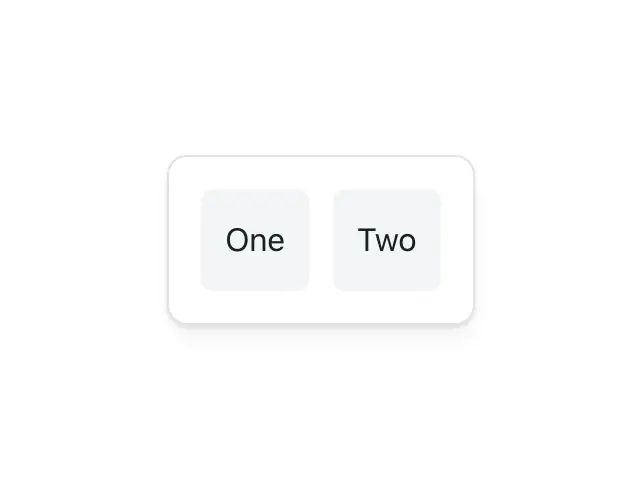
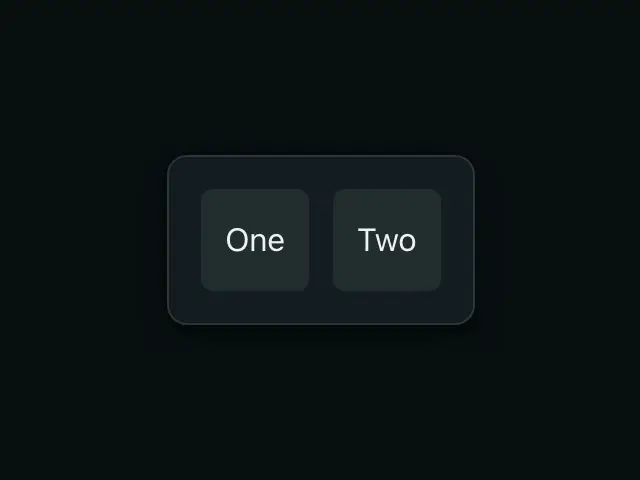
BoxThe layout primitive. Direction, gap, padding, surface, border, radius and shadow as token props.
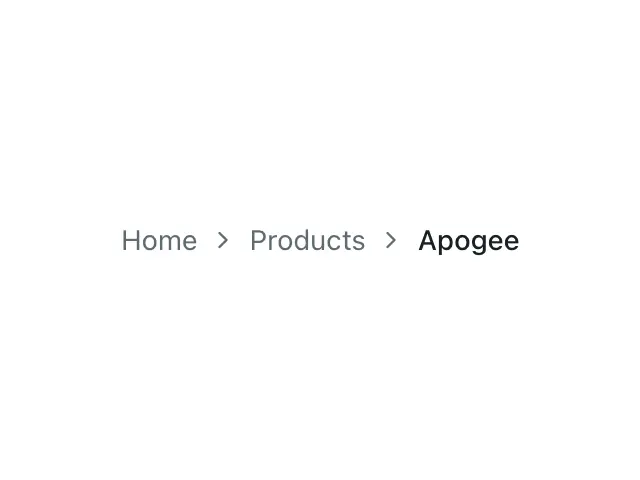
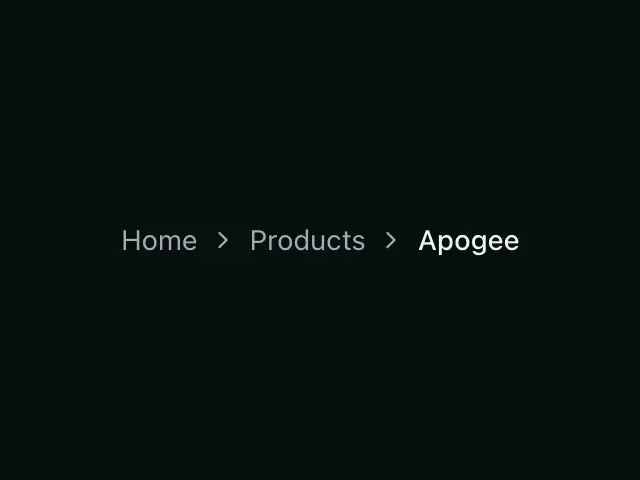
BreadcrumbsA path trail showing where the current page sits in the site hierarchy.


ButtonTriggers an action. Renders a <button>, or an <a> when href is set. Hue, fill and height are three separate props.
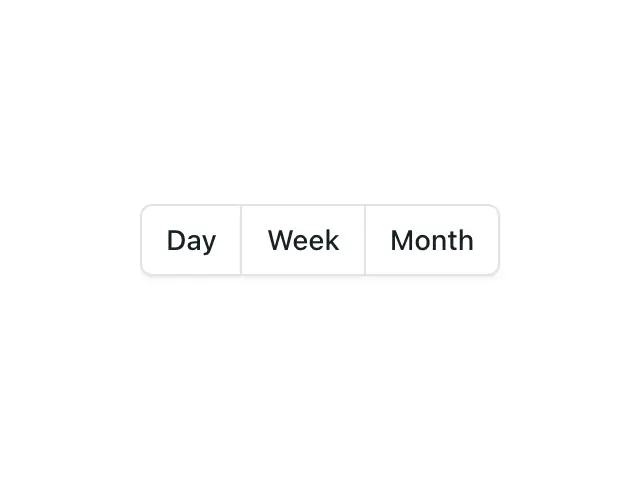

ButtonGroupJoins adjacent Buttons into a single control, collapsing the inner corners and overlapping borders.
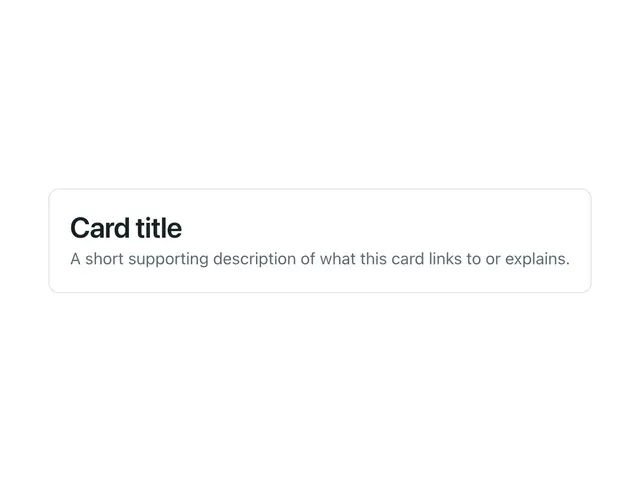
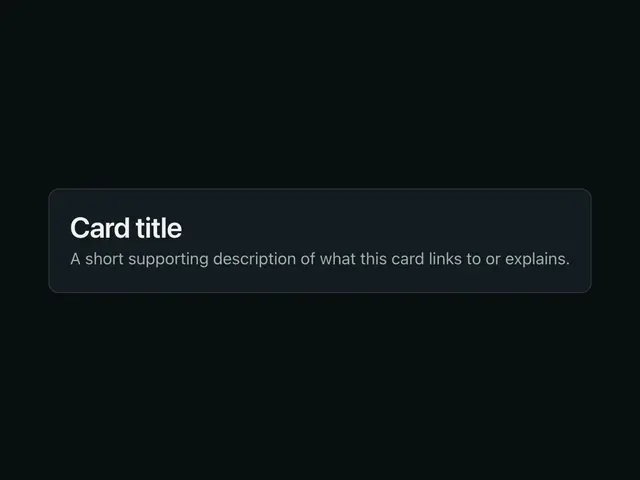
CardA surface container for grouped content. Compose freely inside — heading, text, button, an optional media block.
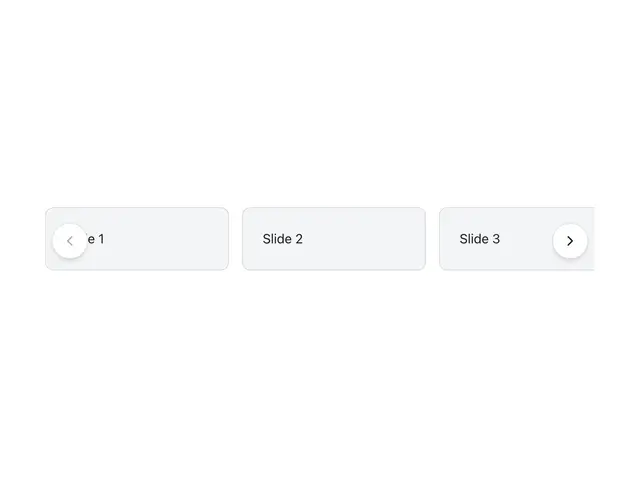
CarouselA horizontal scroll-snap track for browsing slides. Native scroll and swipe work with zero JS; arrows, dots, and autoplay are progressive enhancement.
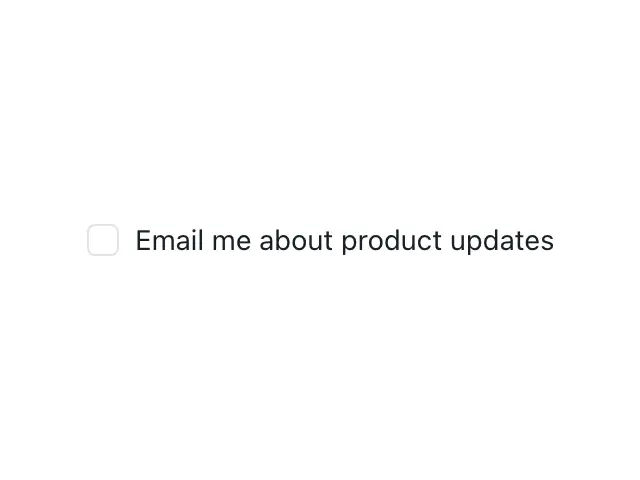
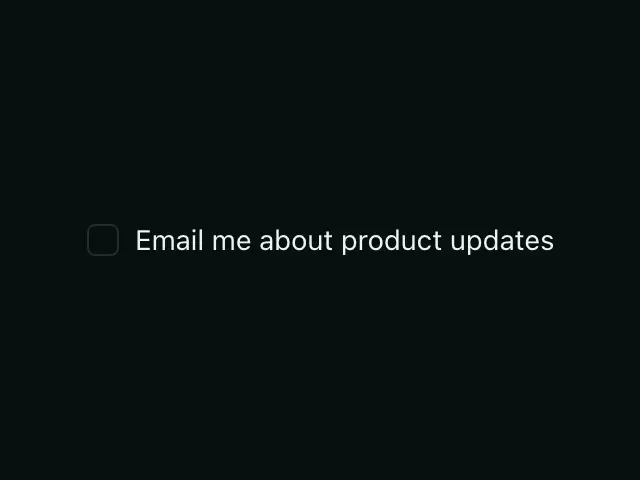
CheckboxA native checkbox with a custom look. Toggle a single option, or one item in a multi-select list.
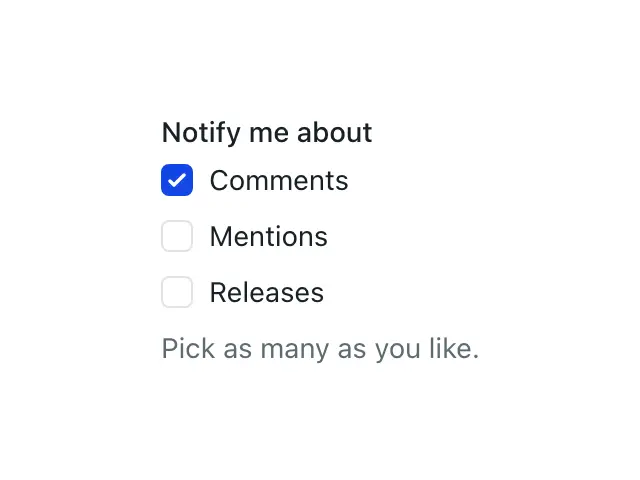
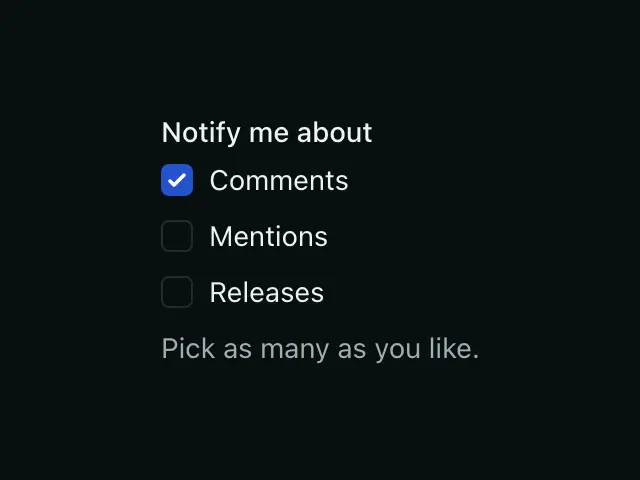
CheckboxGroupA fieldset of Checkbox controls with one legend, hint and error.
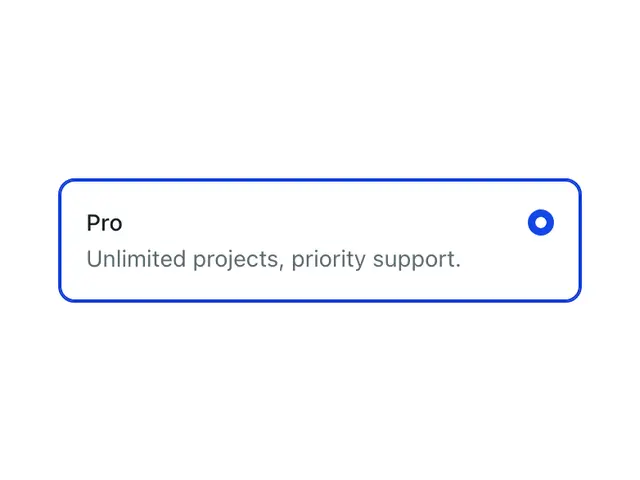
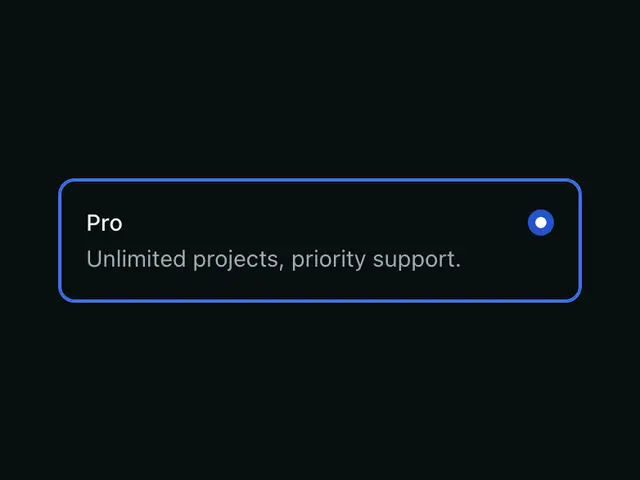
Choice cardA card that is a radio or a checkbox, so a plan picker, a payment method or an add-on list submits like a form control.
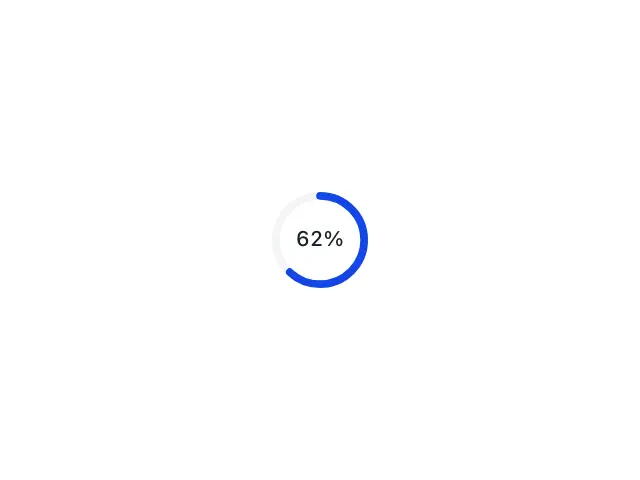

Circular progressA determinate ring or half ring drawn as an SVG stroke, with the value in the middle.


Close buttonThe ✕ every dismissible surface shares, in four sizes and an over-media theme.
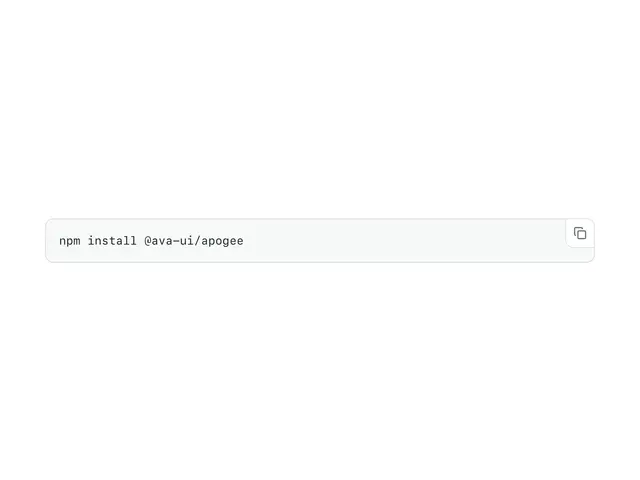
CodeInline code or a code block with build-time highlighting, line numbers, a copy button and a collapsible long view.


CollapsibleA single show/hide region, built on native <details>. Zero JS.
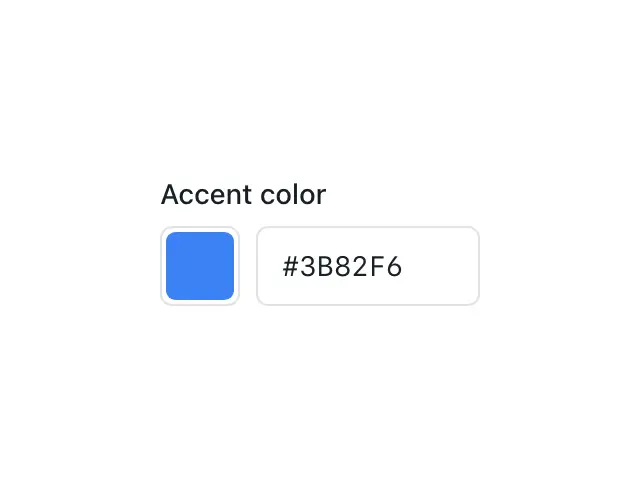
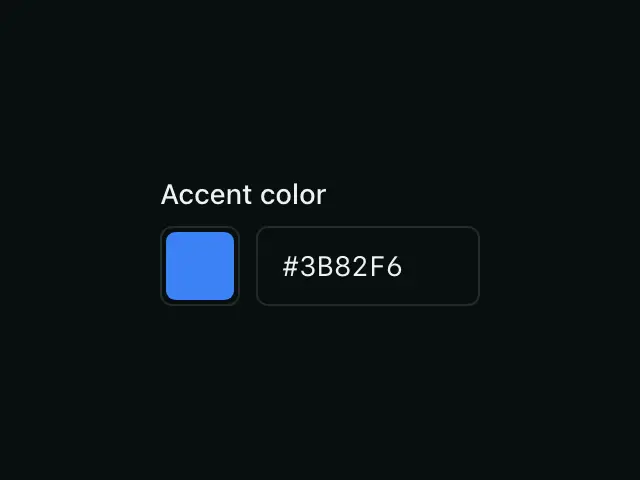
ColorPickerA native colour swatch with a synced hex field, preset swatches and an optional eyedropper.
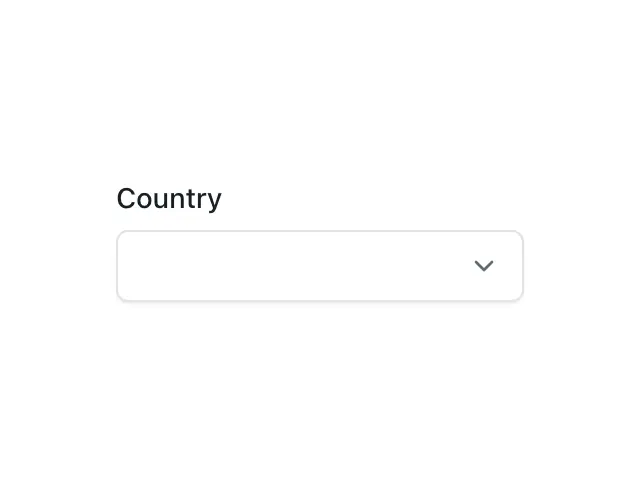

ComboboxA text input with a styled, filterable dropdown of suggestions, anchored under the input in the top layer.
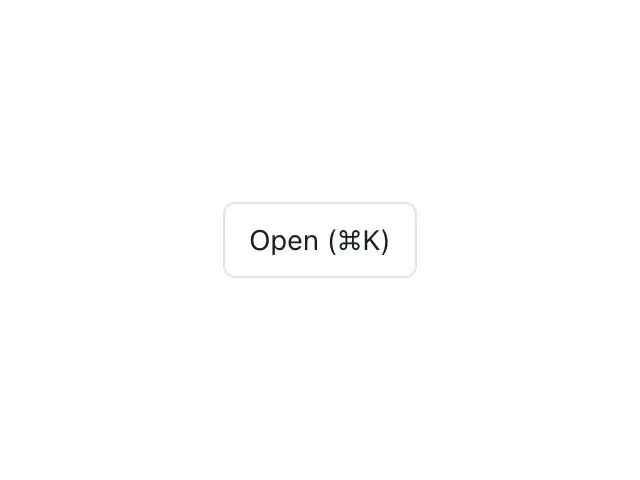
CommandPaletteA ⌘K / Ctrl+K searchable command menu in a native dialog.
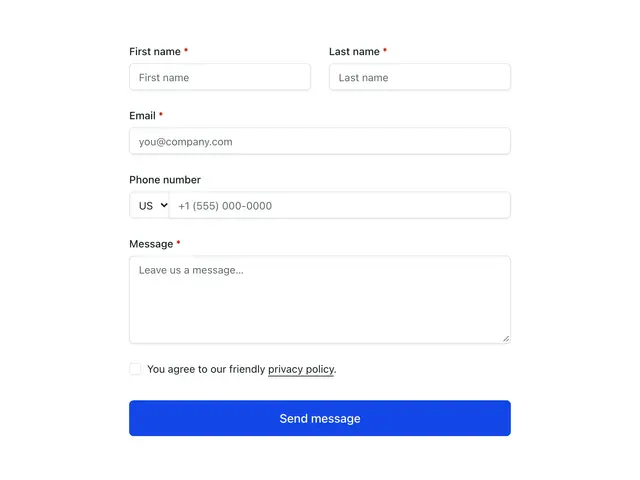
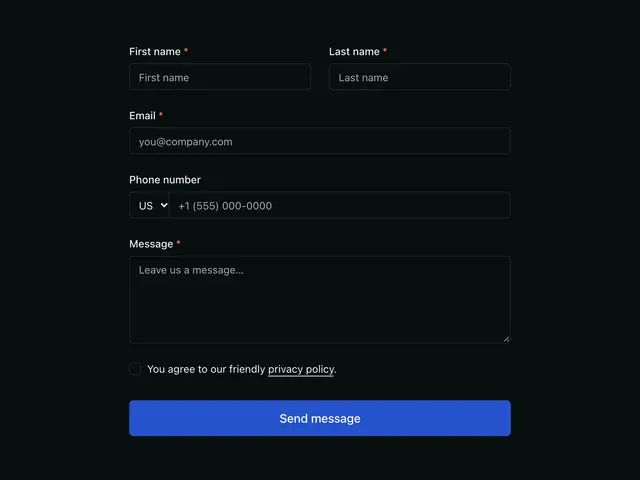
ContactFormThe message form contact pages share; names, email, an optional phone with a country code, the message, an optional services checklist and a privacy checkbox.

ContactMethodOne way to reach you; an icon, a title, a line about it and the address, number or link, plain or on a card.
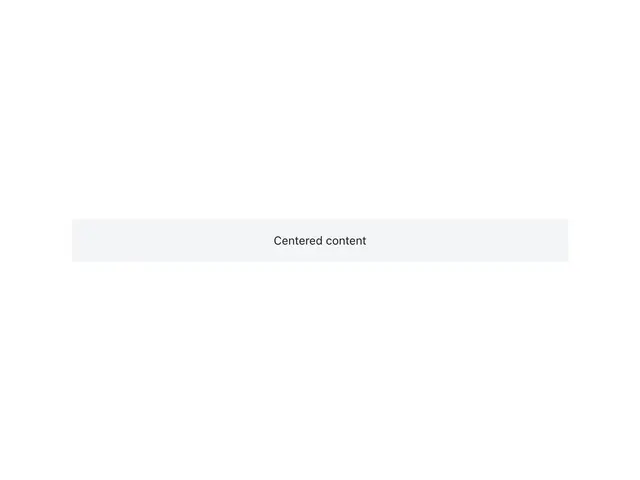
ContainerCenters content at a max width with fluid side gutters.
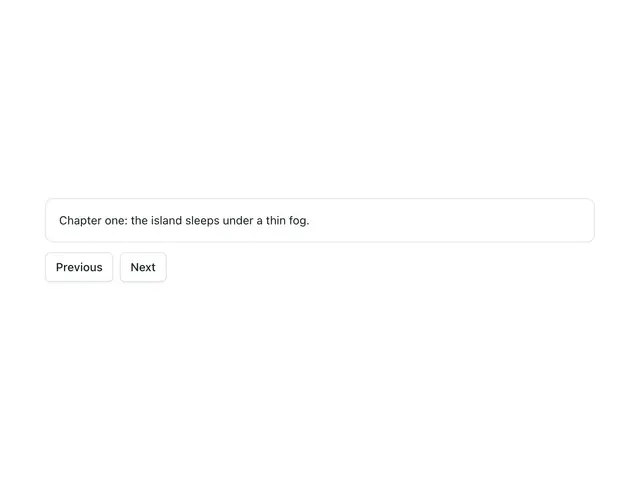
ContentToggleShows one keyed child at a time and slides between them, for pagers and step content.
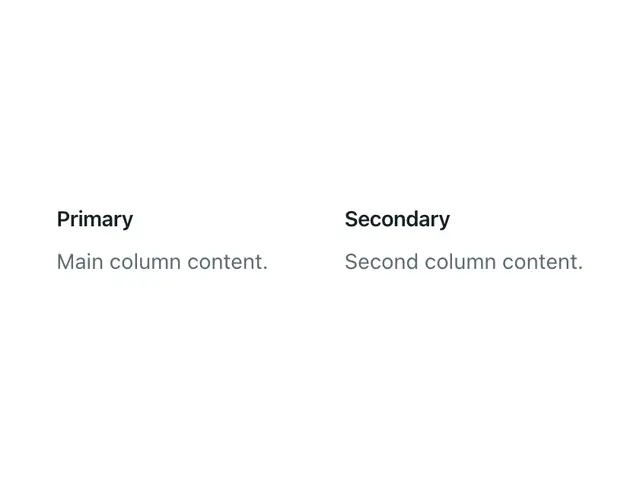
ContentWrapperArranges content in one column or two, with an optional sticky second column.
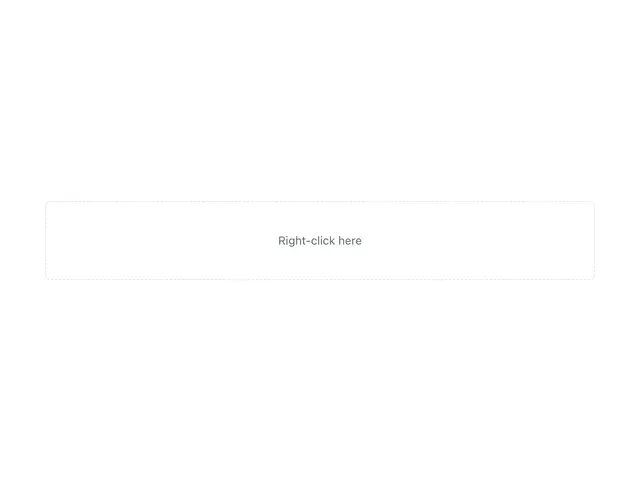

ContextMenuA styleable right-click menu — a native popover at the cursor over a target; closes on outside click, Escape, or scroll.
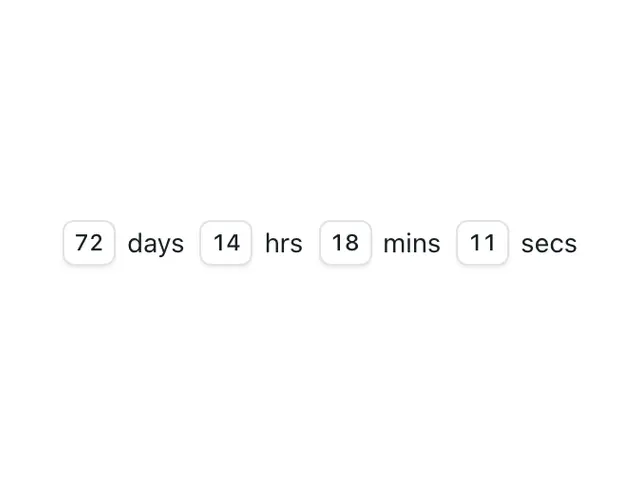
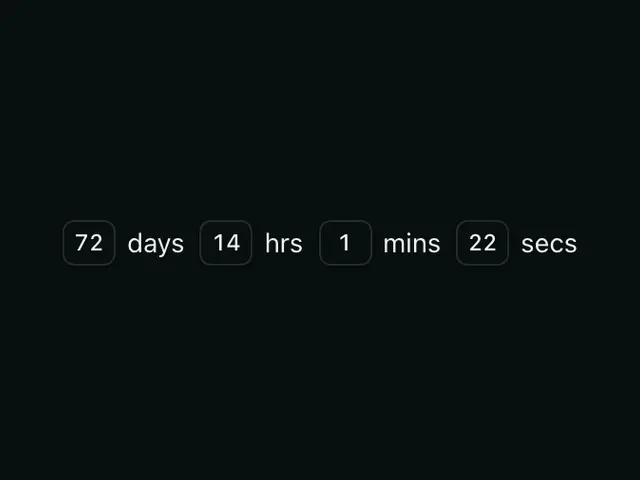
CountdownThe time left until a date, as boxed numbers with unit labels, ticking every second.
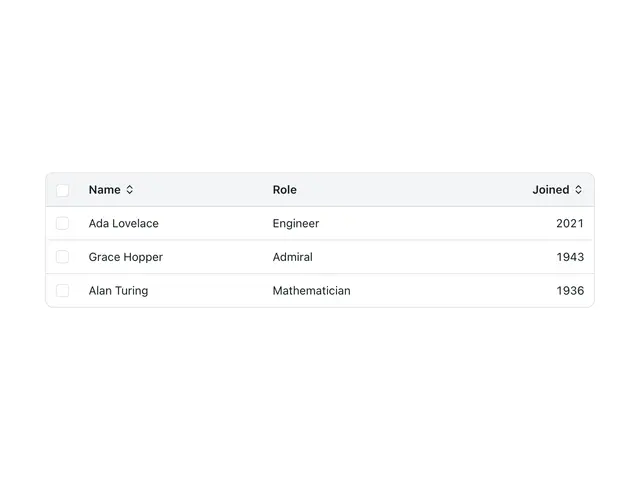
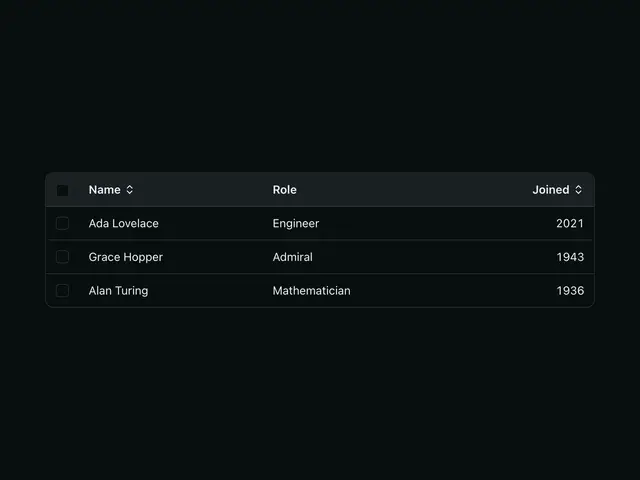
DataGridA data table with client-side column sorting and optional row selection.
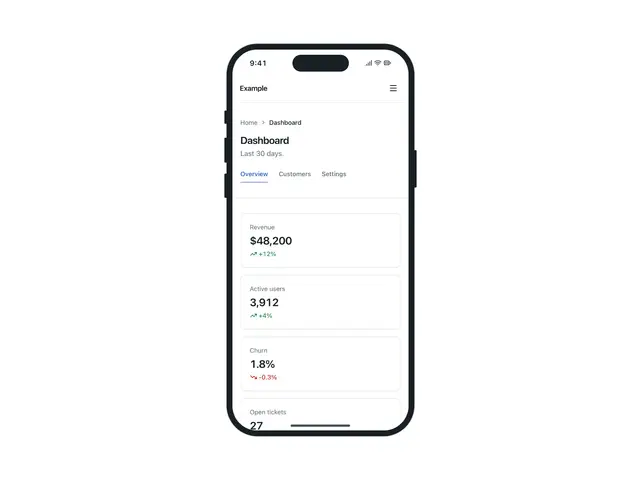
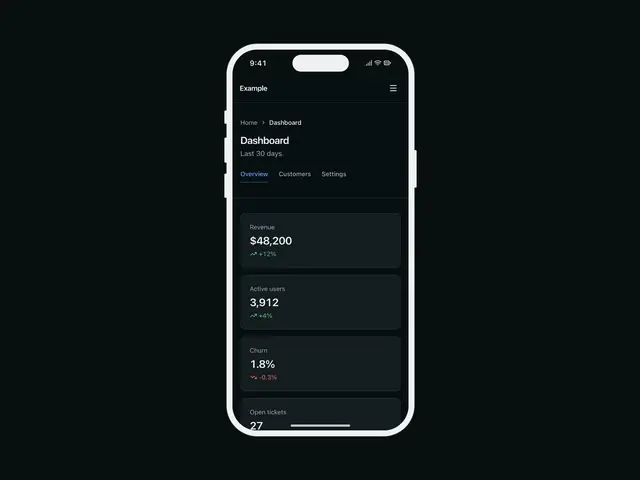
DeviceFrameA screenshot in a phone, a landscape tablet or a browser window, drawn in CSS with the theme's colours; it scales as a whole and a dark screenshot swaps in with the theme.

DialogA native <dialog> opened and closed with invoker commands — modal, edge panel, or fullscreen.
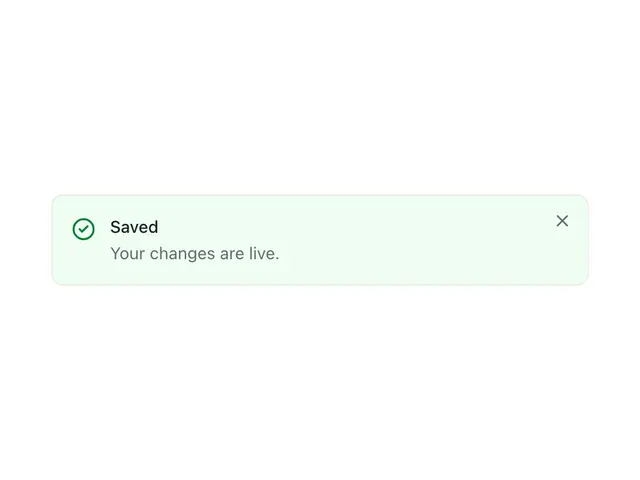
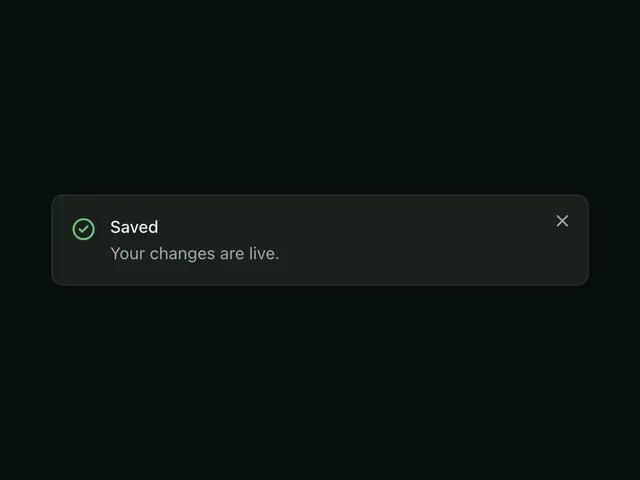
DismissibleWrap anything with a close button, with an optional auto-dismiss timeout.
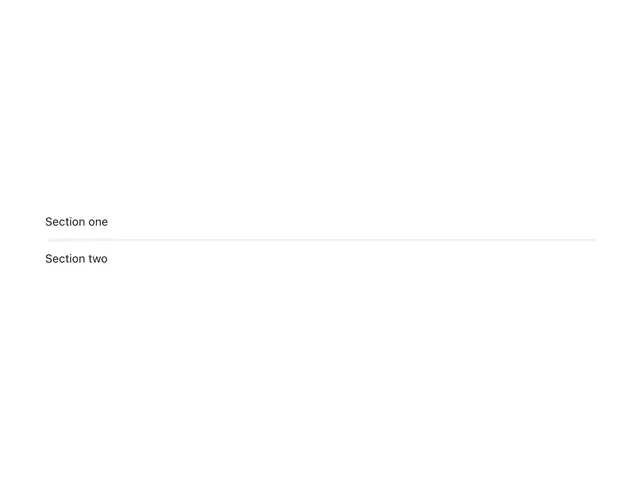

DividerA separator between content, horizontal or vertical.
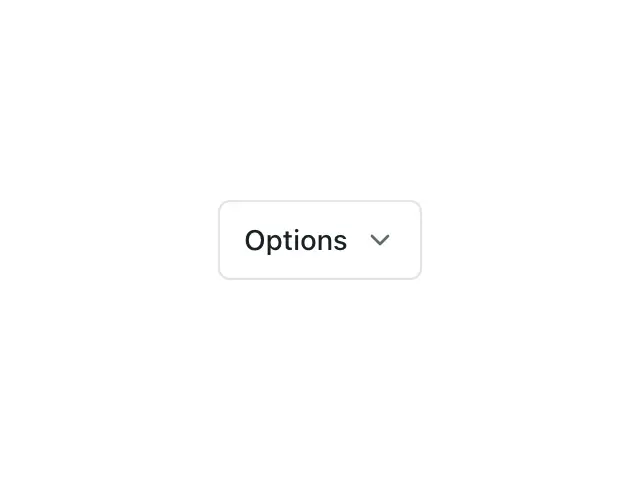

DropdownA menu on the native Popover API — the trigger opens a list of DropdownItems in the top layer, with sections and submenus.
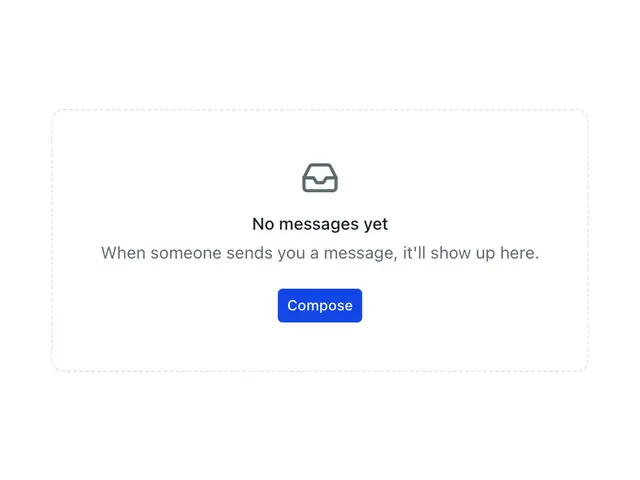
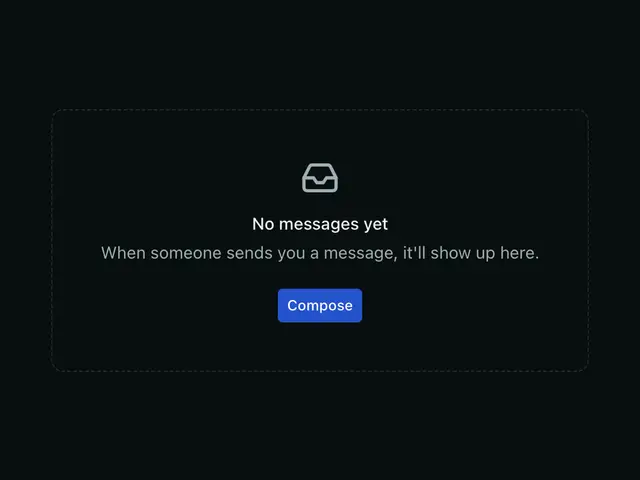
EmptyStateA centered placeholder for empty views — no results, first run, a cleared list.
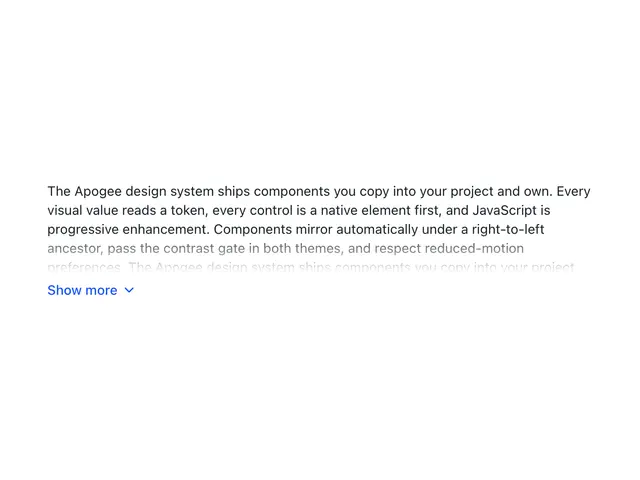
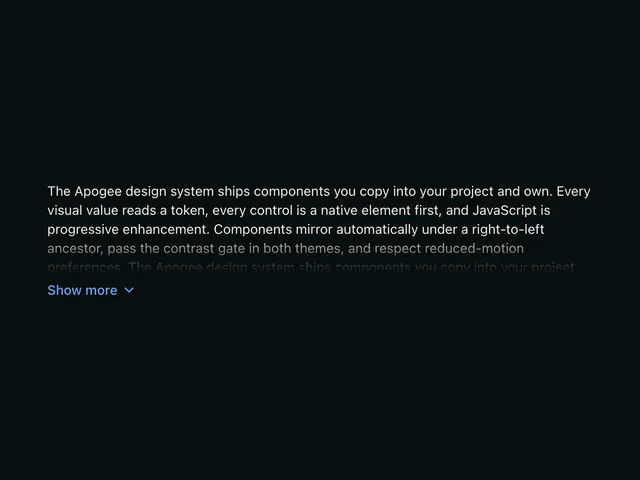
ExpandableLong content clamped to a preview height with a fade and a "Show more" toggle. Zero JS.

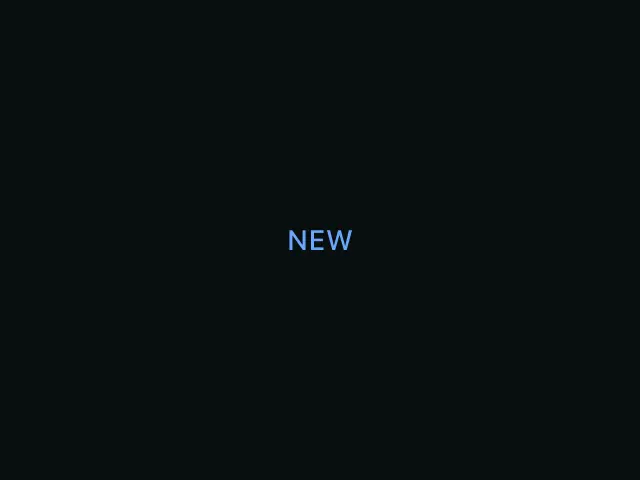
EyebrowA small label above a heading, for section tags and category kickers.
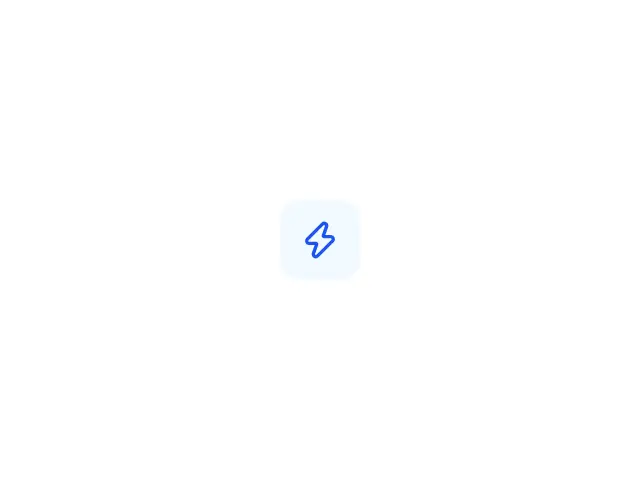
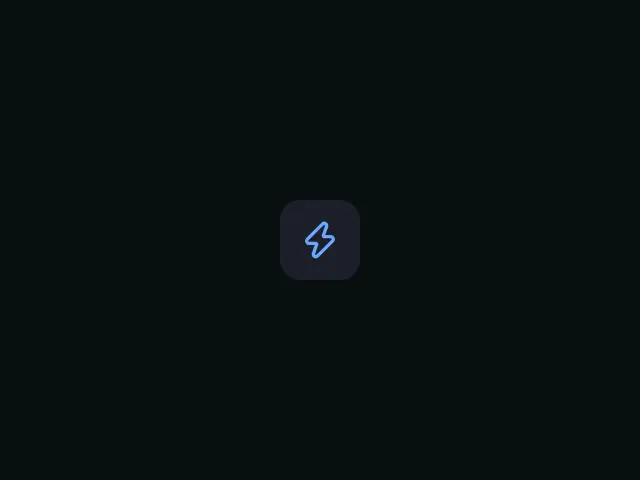
Featured iconAn icon in a tinted tile, the glyph that leads an empty state, an alert, a stat or a feature card.
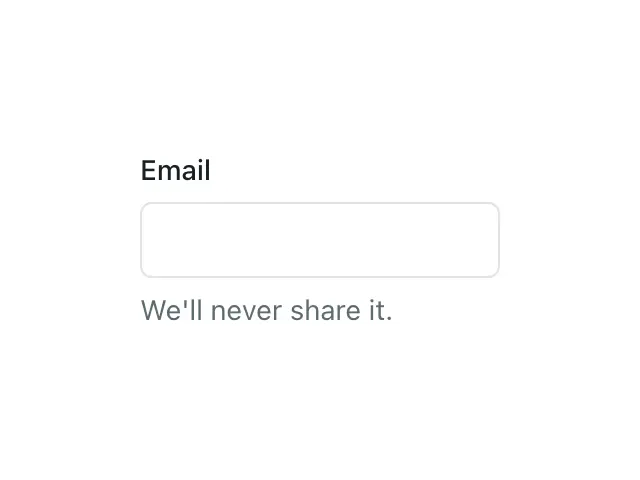
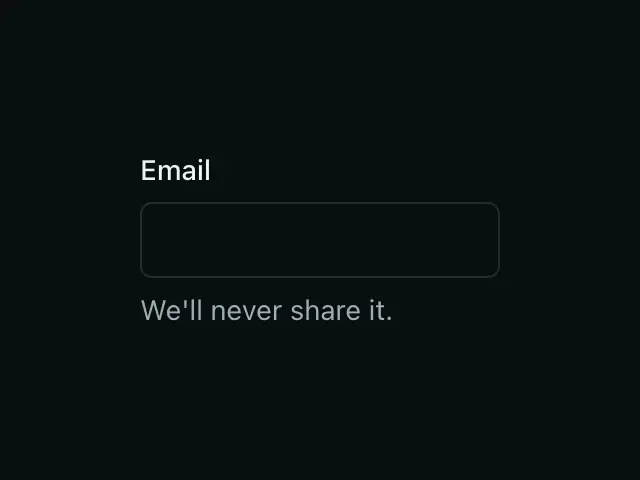
FieldThe labeled-field scaffold — label, control, and hint/error — wired for accessibility.
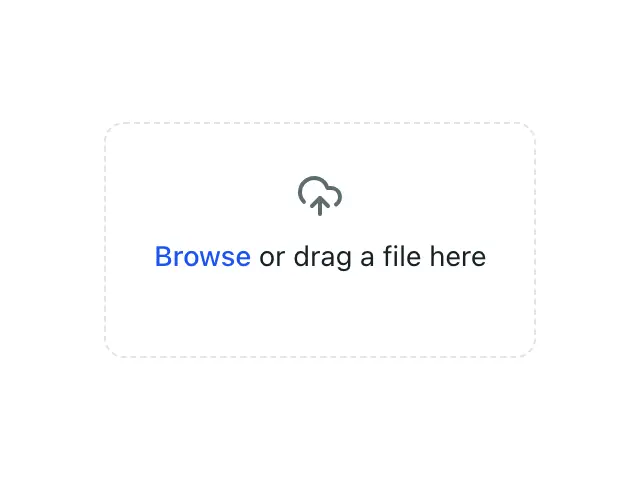
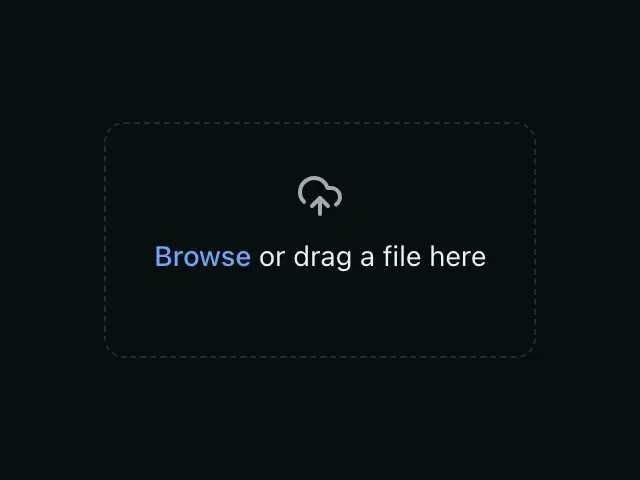
FileUploadA styled file input / dropzone for selecting a file to upload.


FooterA site footer shell for link columns and a bottom copyright row.
GridA responsive grid — autofit by default, or a fixed column count.
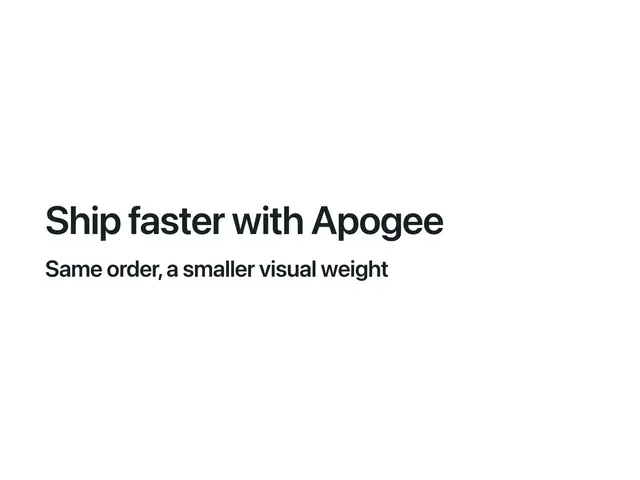
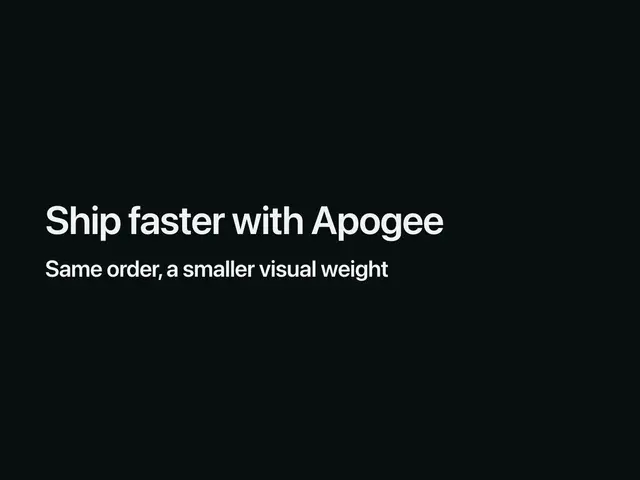
HeadingA semantic, fluid-sized heading — pick the tag with `as`, the visual size with `size`.
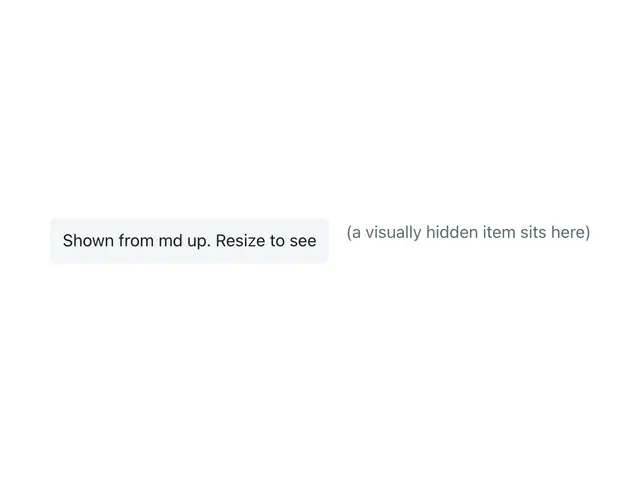
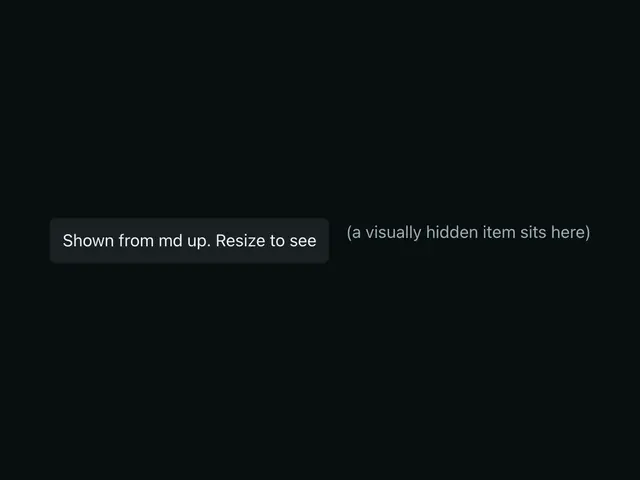
HiddenHide children below or above a breakpoint, or visually only.


IconA library-agnostic icon wrapper — forwards a Lucide icon's props, or accepts a raw SVG slot, with built-in accessibility.

IconToggleTwo icons in one box that swap with a scale and fade, driven by a ToggleButton or your own state.


ImageA responsive, lazy-loaded image — wraps astro:assets Image with sensible defaults.
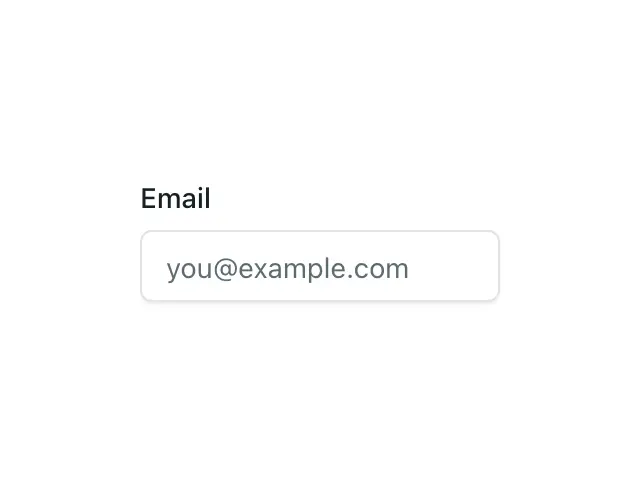
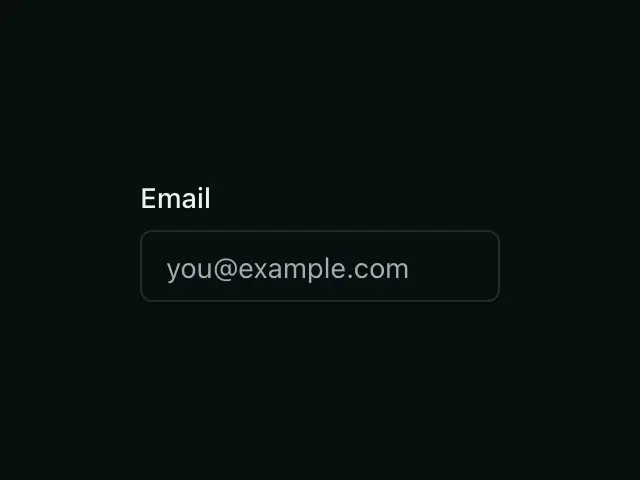
InputA labeled text field with hint/error messaging, wired for accessibility — plus a pure-CSS floating label.
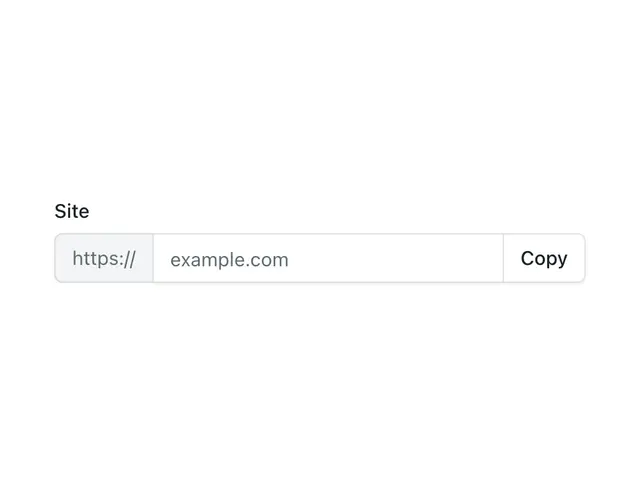
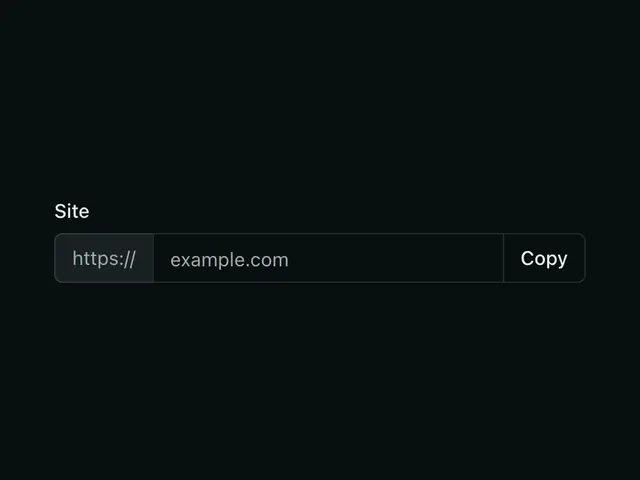
Input groupStatic text, a button or a native select welded to a field, sharing one edge.


JobCardOne open position; title with a status badge, a short description and its location, type and salary, as a list row or a card.
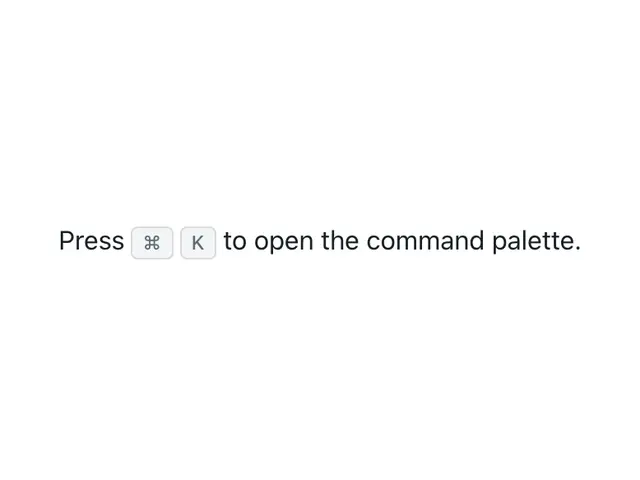
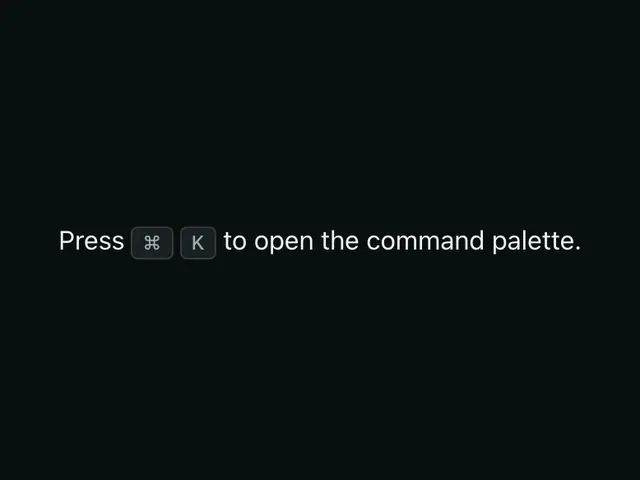
KbdA single keyboard key or shortcut, styled like a physical key.
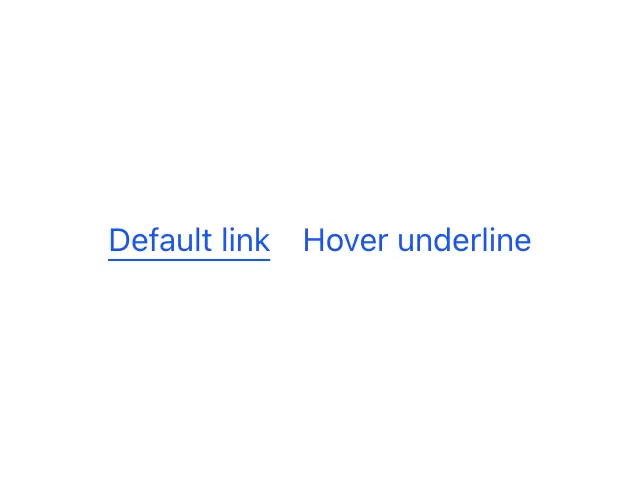
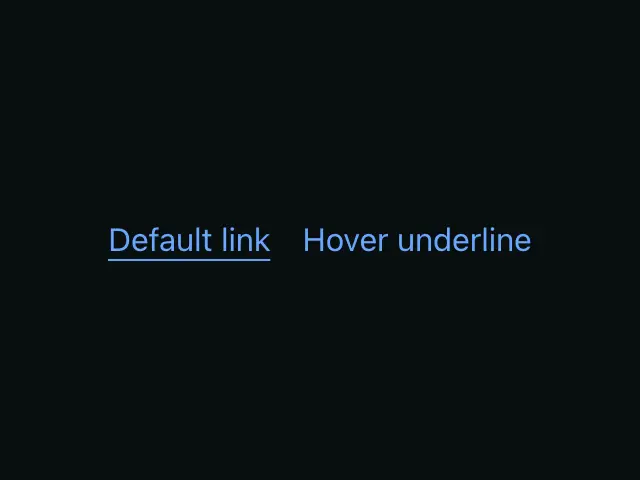
LinkAn inline text link — for a link that should look like a button, use Button with href instead.
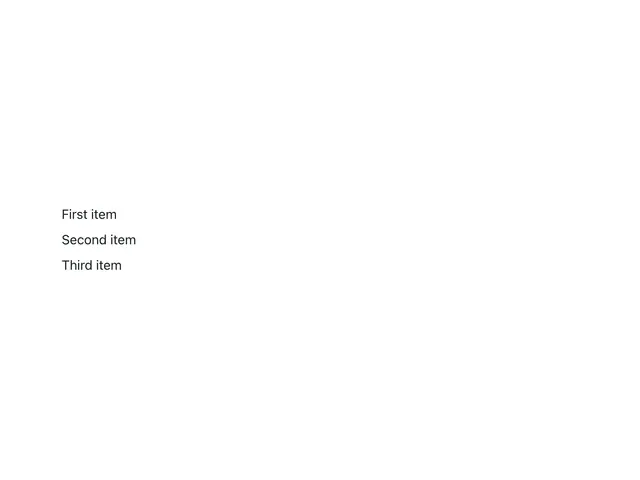

ListA styled ordered or unordered list for grouped item content — not for layout rows.
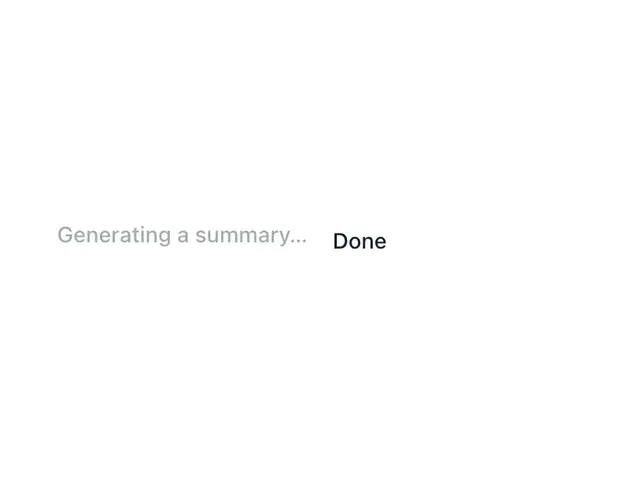

LoaderTextText with a moving shimmer while something loads, crossfading to a done label when it finishes.
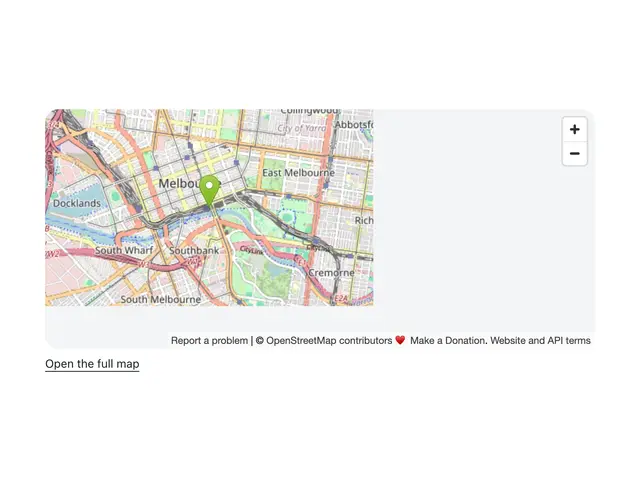
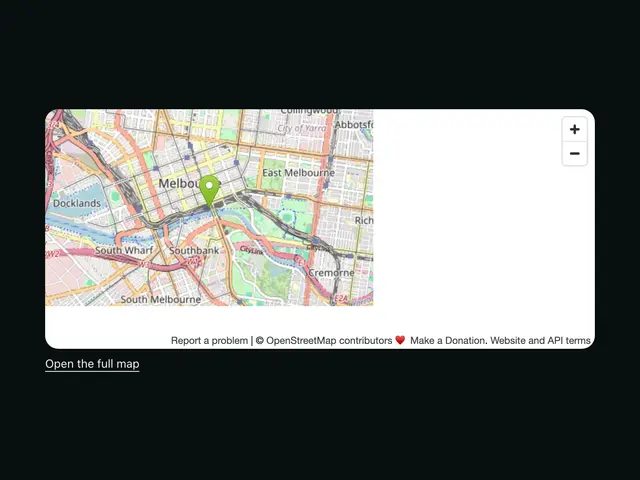
MapEmbedAn embedded street map centred on a place, with a marker and a link to the full map; no key, no script.
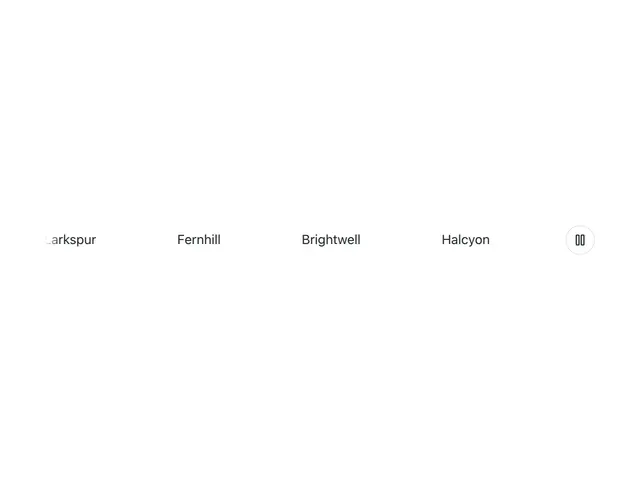
MarqueeAn endless scrolling strip for logos, tags, or testimonials, with a play/pause toggle.
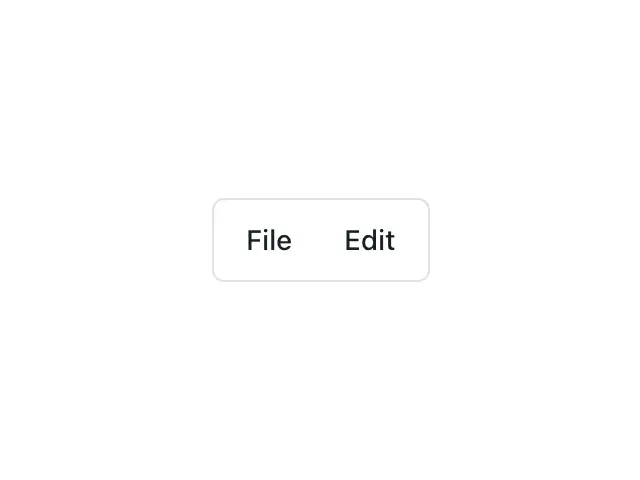
MenubarA desktop-style app menubar (File, Edit, View…) with keyboard navigation between menus.
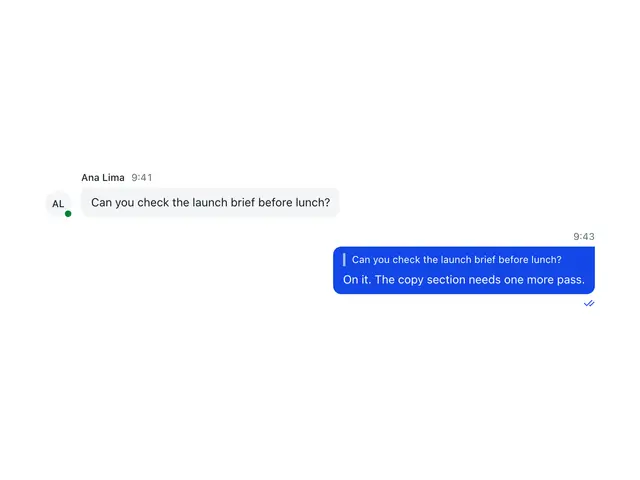
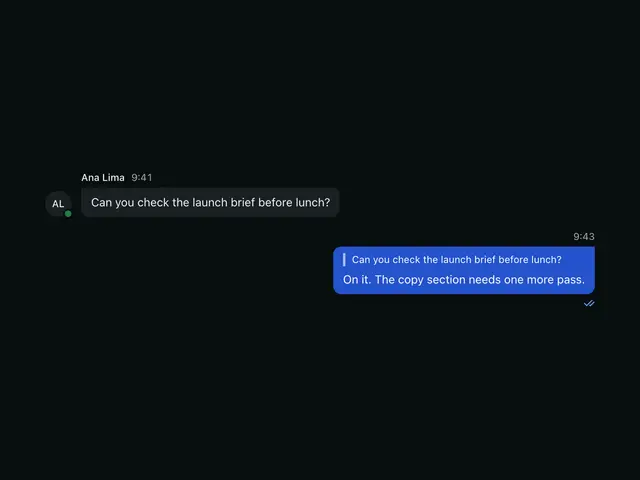
MessageOne chat message with sender, time, a bubble, reply quote, preview, attachment, reactions and delivery status.
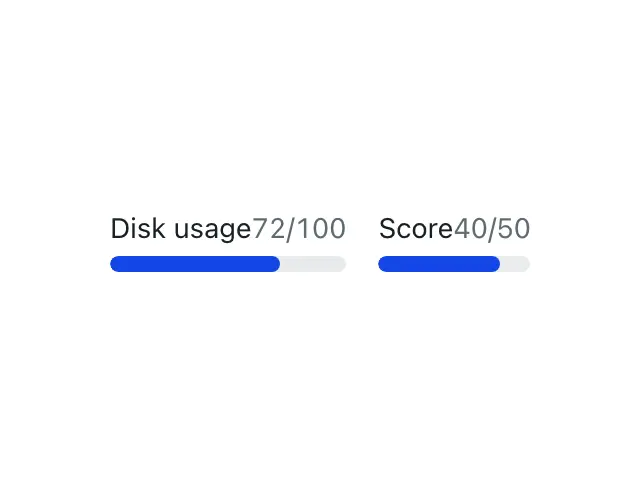
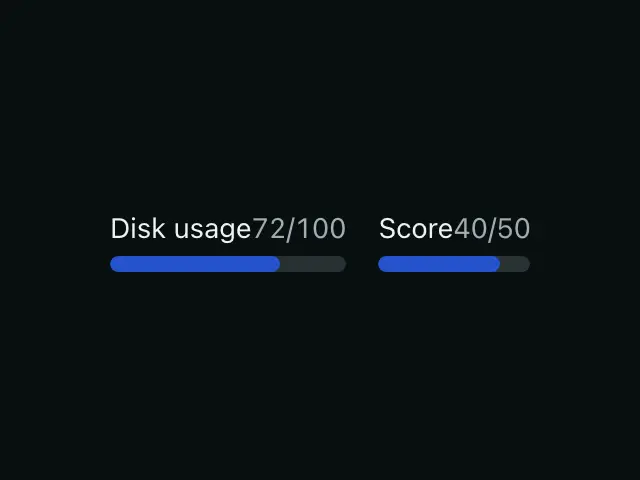
MeterA native meter gauge for a measurement in a known range, like disk usage or a score.
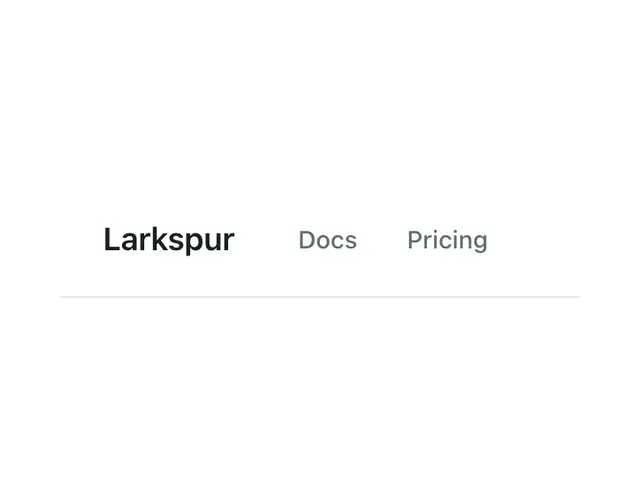

NavbarA responsive site header that collapses its links into a mobile panel below the md breakpoint.
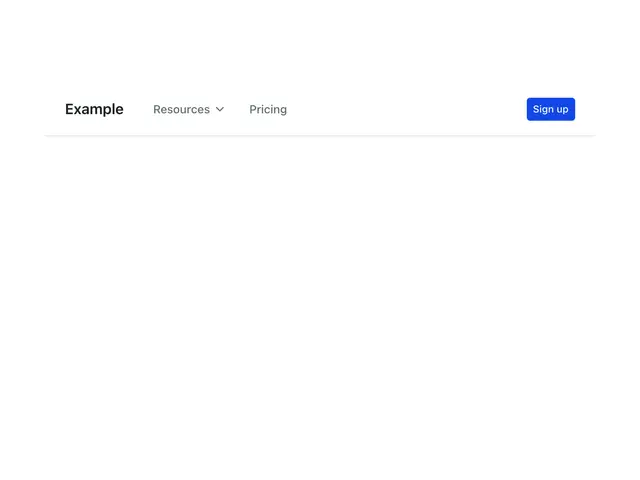
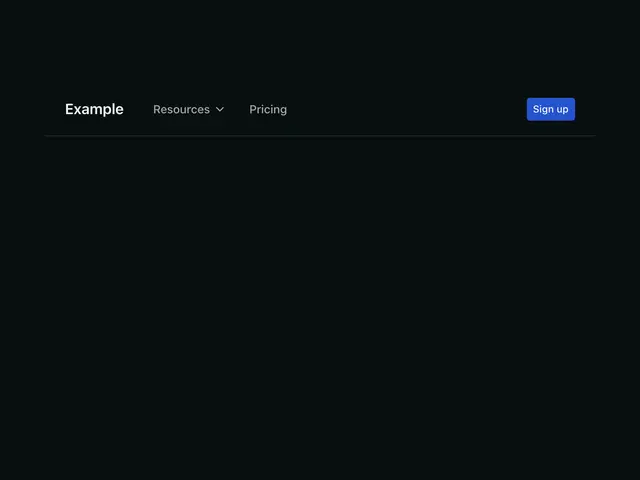
NavDropdownA Navbar item that opens a panel of links; a popover under the button or across the header on desktop, a row that expands in the phone menu.
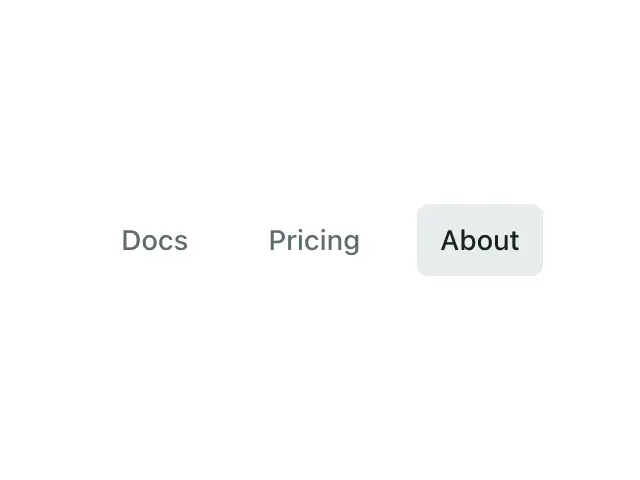
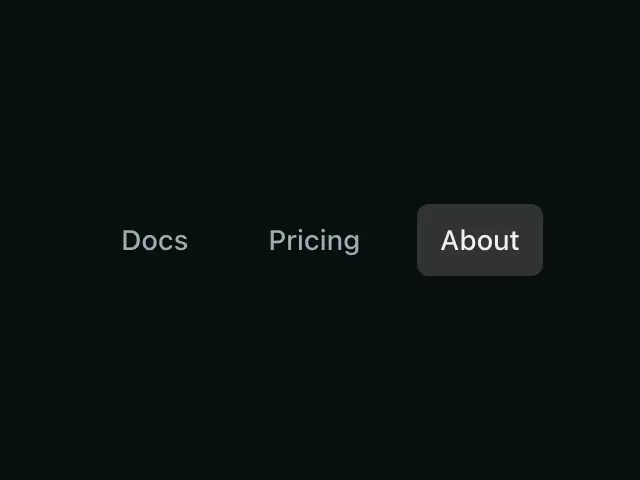
NavLinkA navigation link that auto-detects and styles the current route, with prefix matching, external links and a collapsible NavGroup.
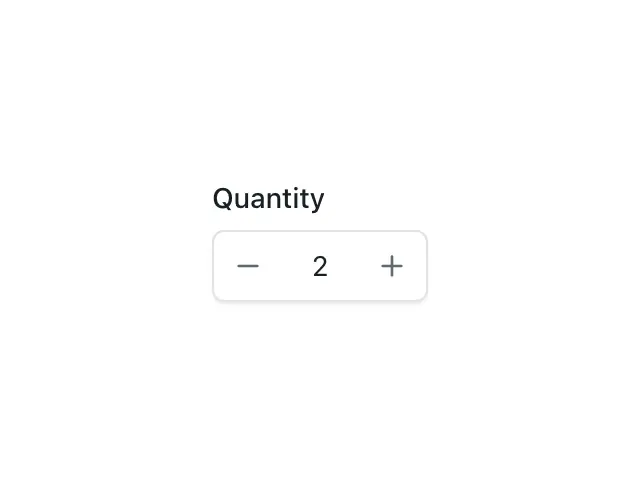
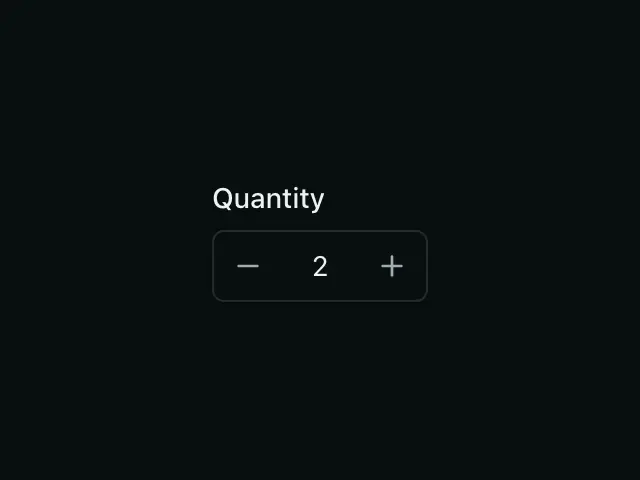
NumberInputA labeled numeric field with styled −/+ steppers, wired like Input.
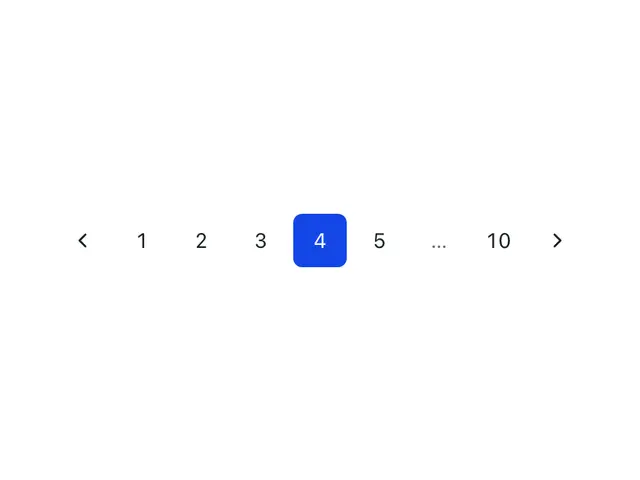
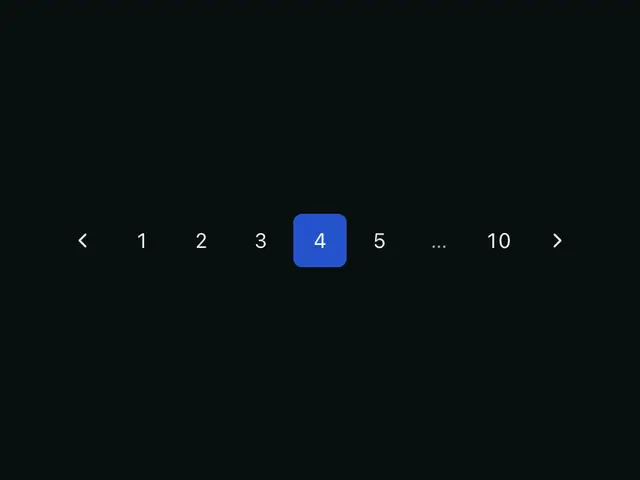
PaginationPage links with prev/next and ellipses for long page ranges.
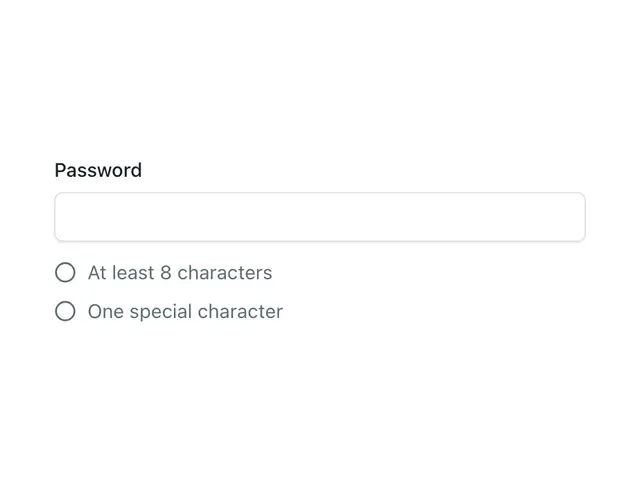
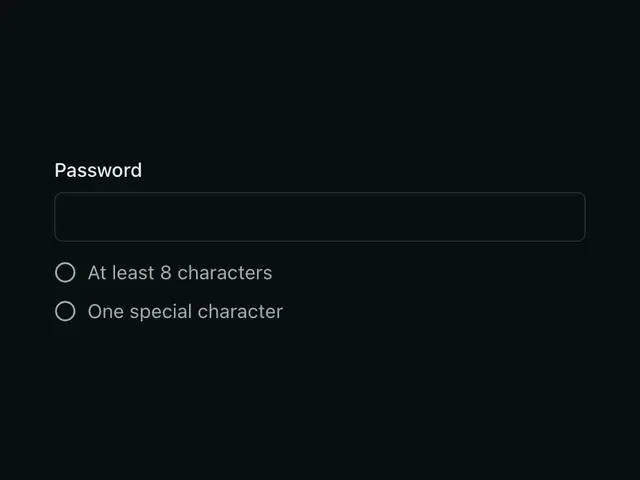
PasswordChecklistThe rules a new password must meet, ticked off as the user types.
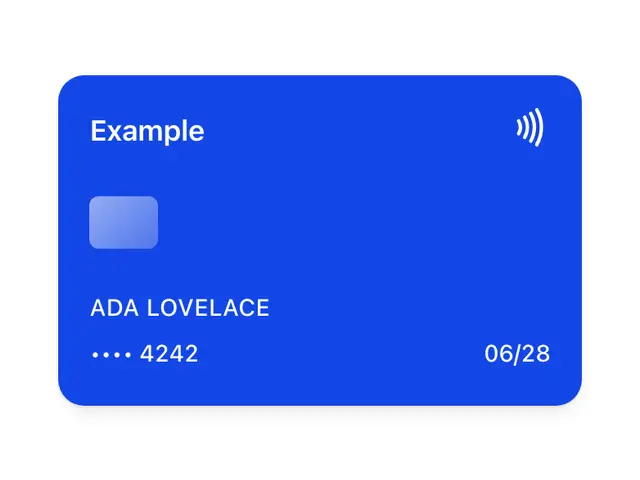
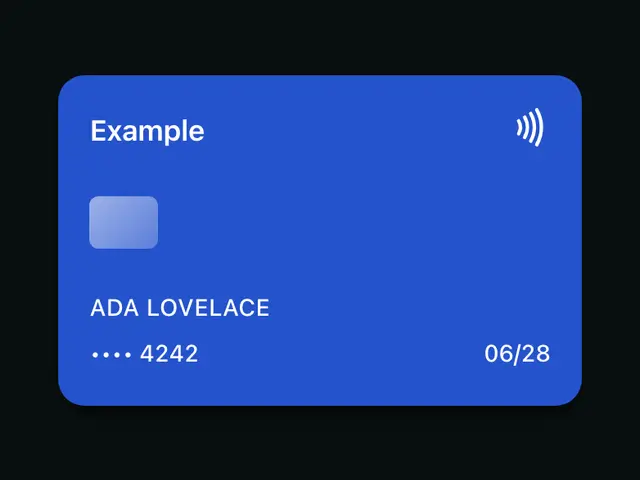
PaymentCardA payment card drawn in CSS, solid or frosted glass, for pricing, billing and feature sections.
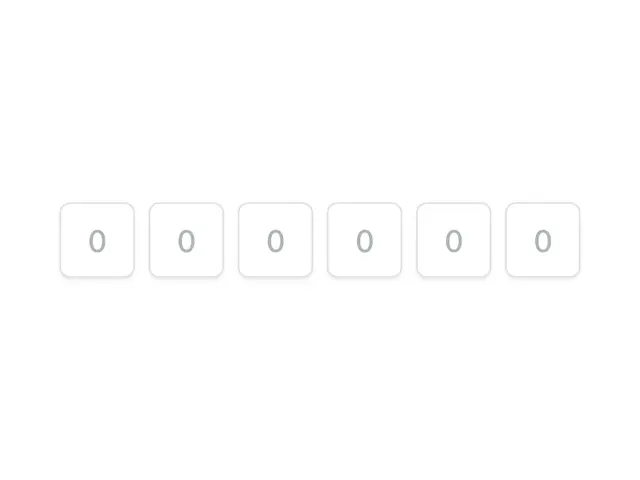
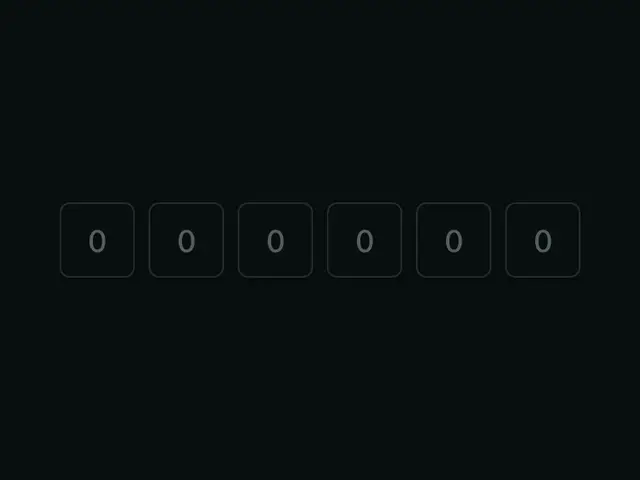
PinInputA row of single-character boxes for short codes (OTP, 2FA).


PopoverRich content on click, built on the native Popover API — top layer and light dismiss for free, anchored with CSS anchor positioning.
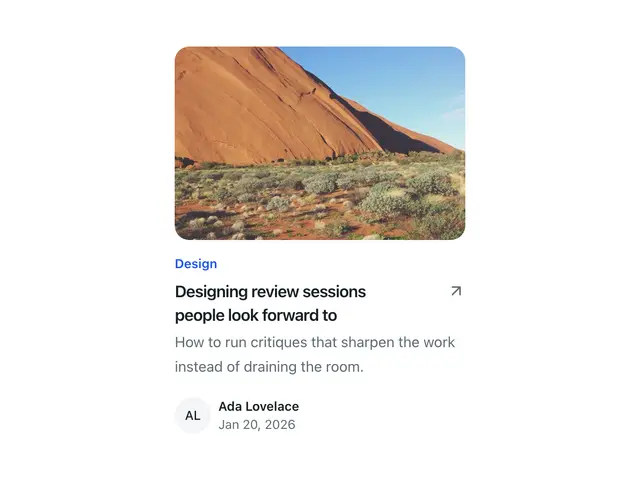
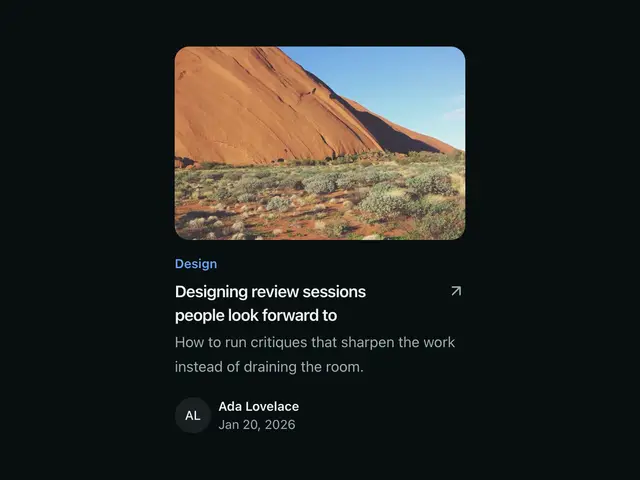
PostCardOne article in a blog list; image, a top line, title, summary and a footer, as plain, a card or with an overlay.

ProgressA determinate or indeterminate progress bar.


ProgressIndicatorStep N of M as a row of segments, for onboarding flows, wizards and carousels. Zero JS.
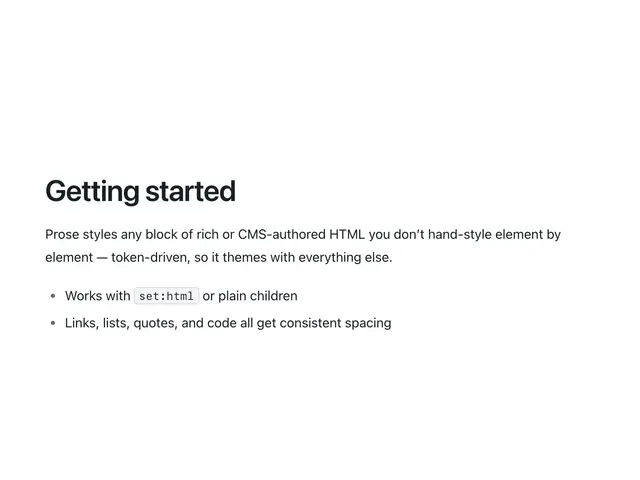
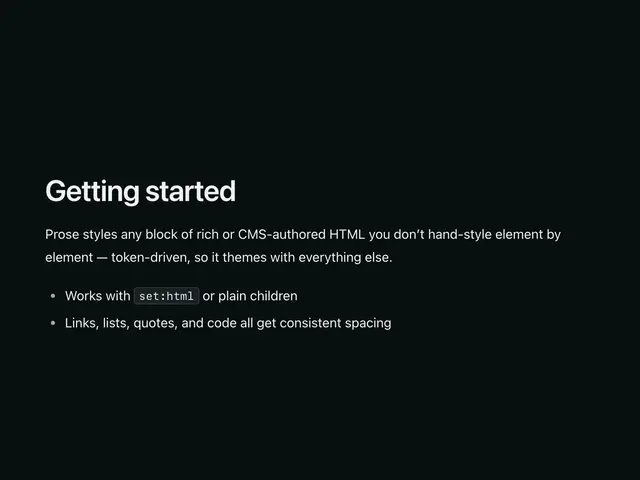
ProseTypography styling for a block of rich, CMS, or markdown HTML you don't control element by element.
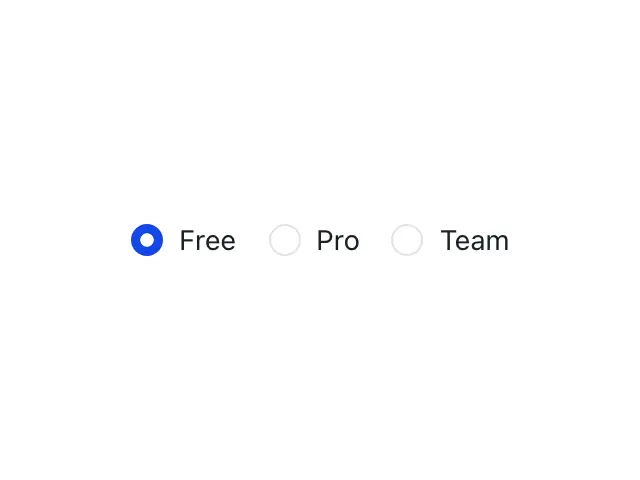

RadioA single option in a mutually exclusive set — pair radios sharing the same name into a group.
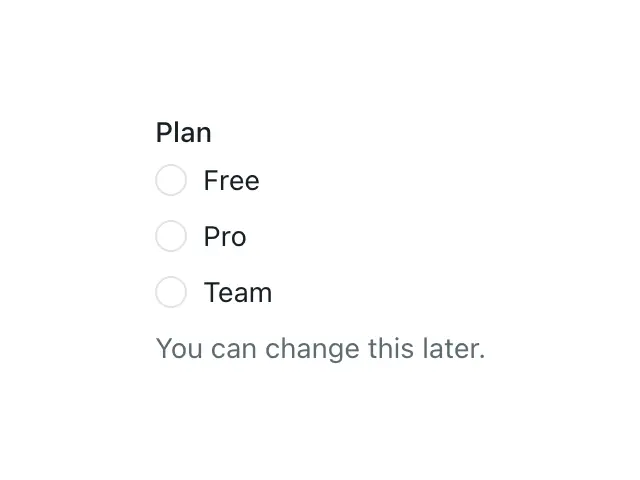
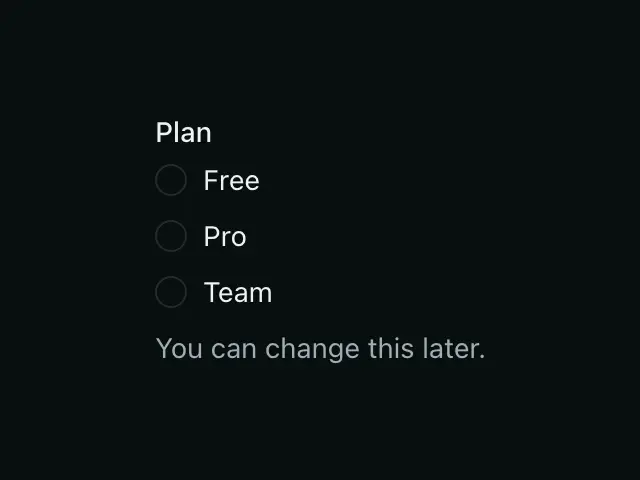
RadioGroupA fieldset of Radio controls with one legend, hint and error.


RatingA star rating on native radios — pick a value on a scale, or display one read-only.
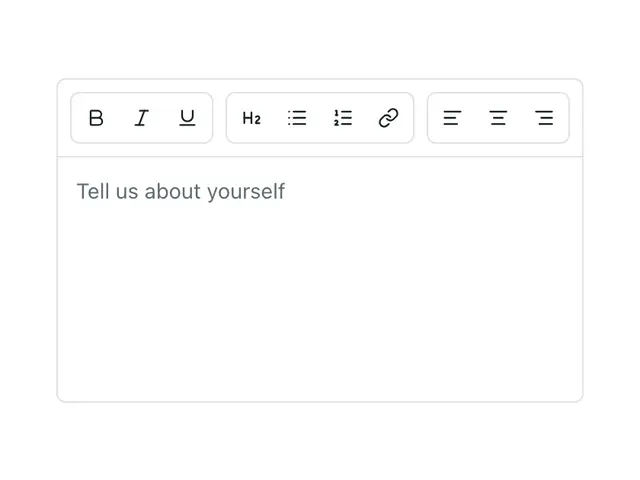
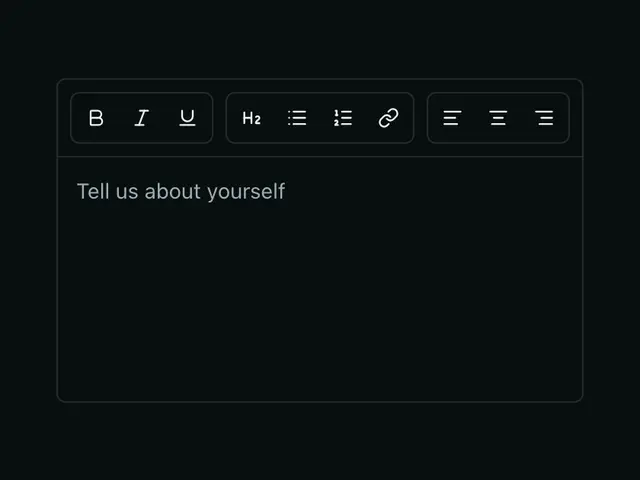
RichTextEditorA small WYSIWYG editor — a formatting toolbar over a contenteditable region, synced to a hidden field for form submission.
ScrollAreaA scroll container with a thin, token-coloured scrollbar.
SectionA full-width band with vertical rhythm and an optional Container, used to lay out page content.
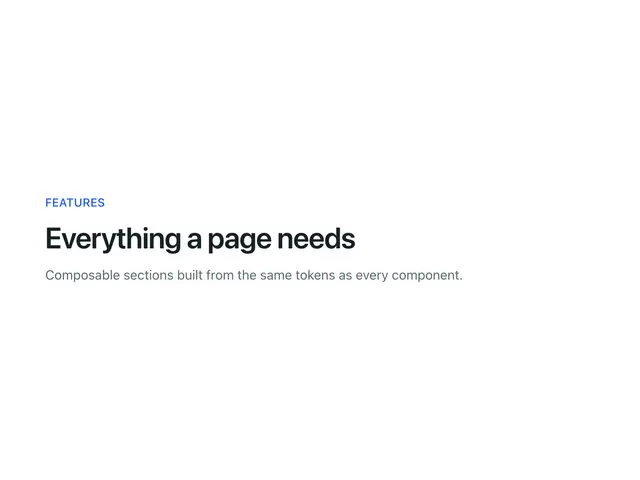

SectionHeaderEyebrow, heading and description at the top of a section or an app page, with actions, a divider and the level, alignment and colours every section shares.
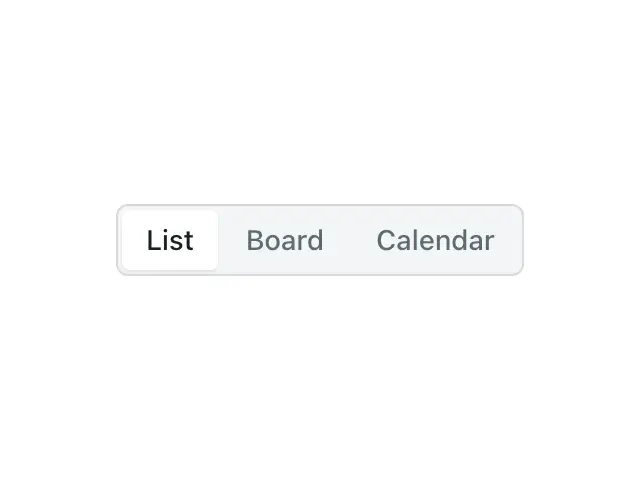
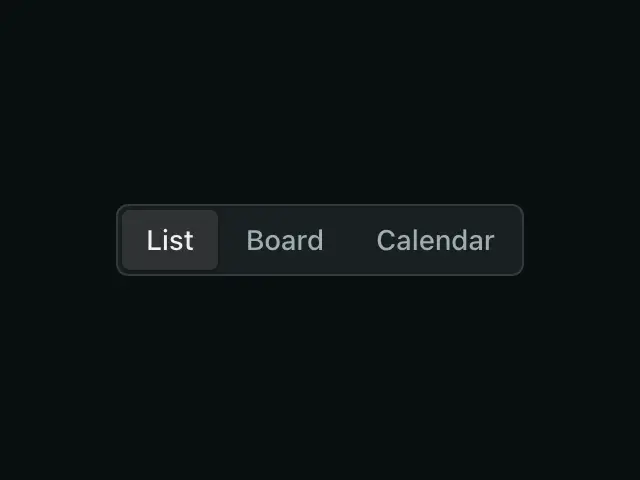
SegmentedControlA row of connected, mutually exclusive options backed by native radios — pick one from a small, always-visible set.
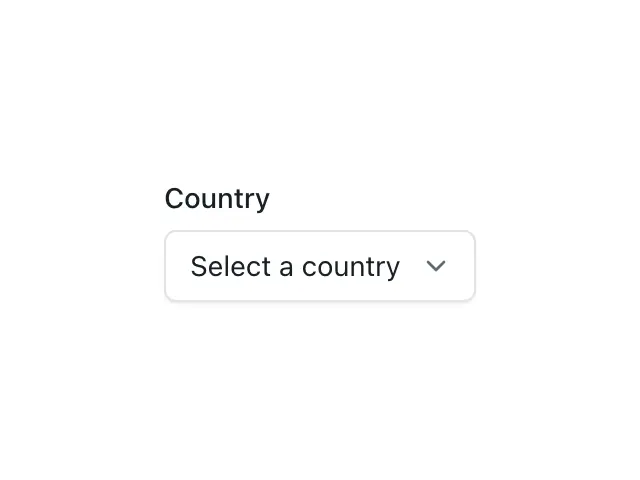
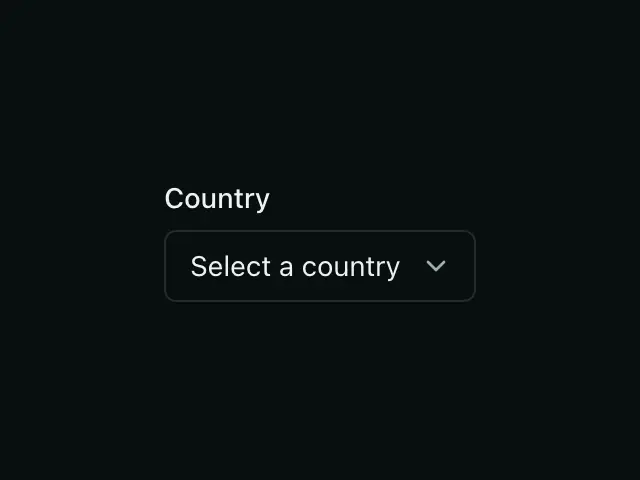
SelectA labeled, native <select> — full keyboard and mobile picker support for free — or a custom listbox with rich options over the same form control.
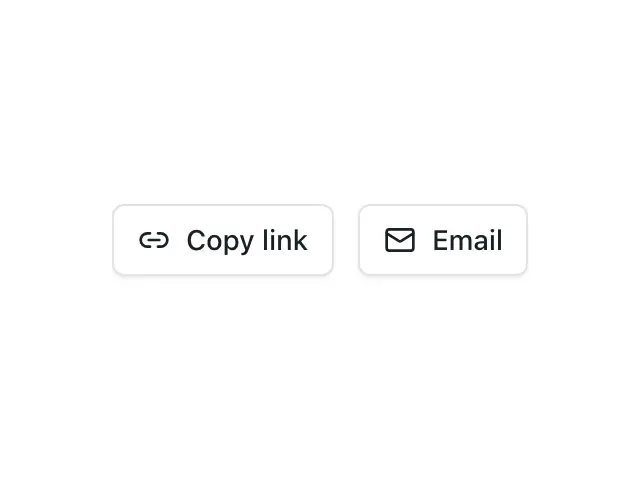

ShareLinksWays to pass a page on; Copy link, the device's share sheet and email.
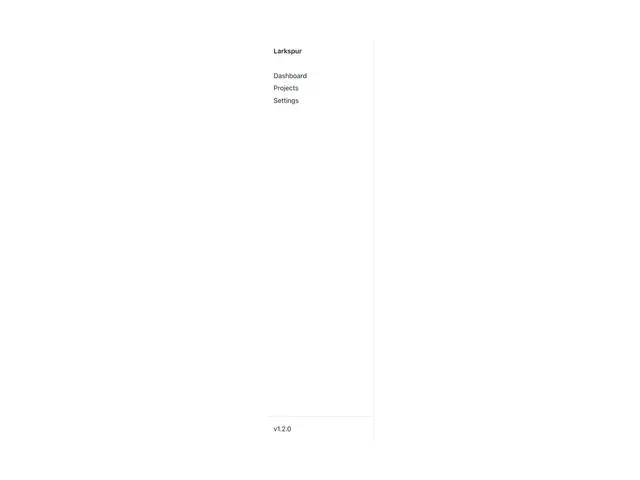
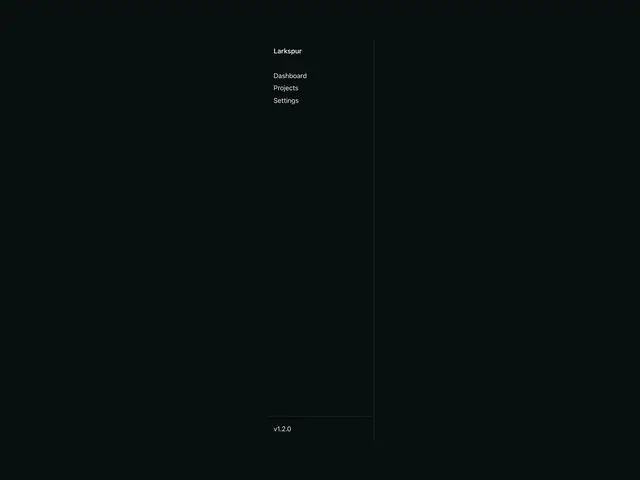
SidebarA vertical navigation aside, sticky and full-height on desktop, collapsible behind a toggle on mobile.


SkeletonA pulsing placeholder shown in place of content while it loads. Zero JS.


SkipLinkA "skip to content" link, hidden until focused, that jumps keyboard users past repeated navigation. Zero JS.
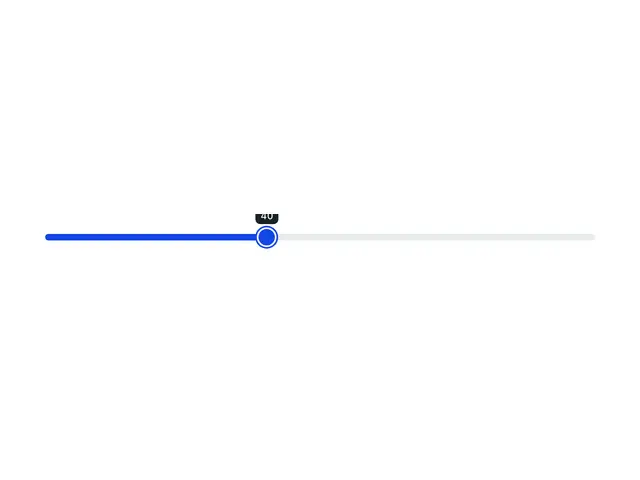
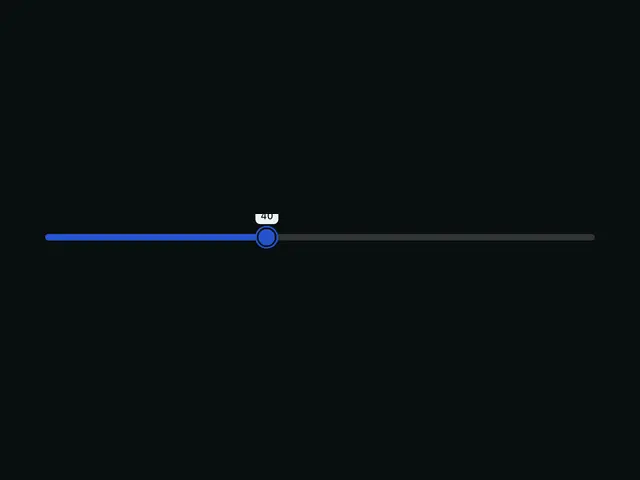
SliderA styled native range input with a live percentage badge.


SpinnerA spinning loading indicator. Zero JS.
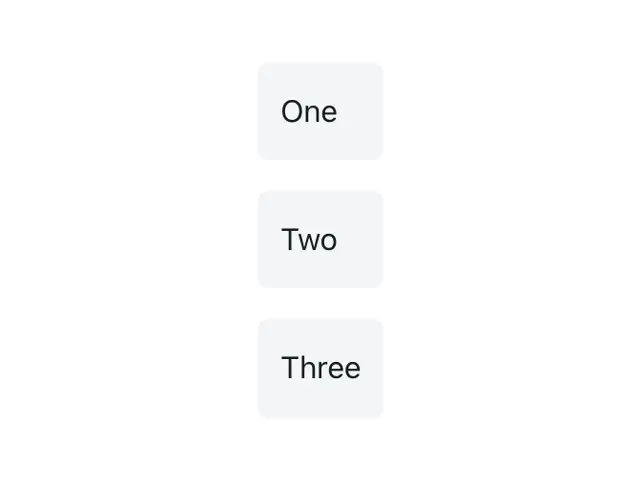
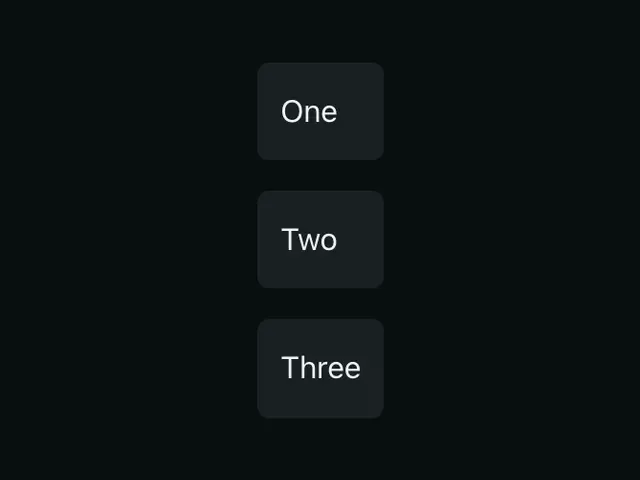
StackLays children out in a column or row with a consistent gap — the default way to space a group of elements.
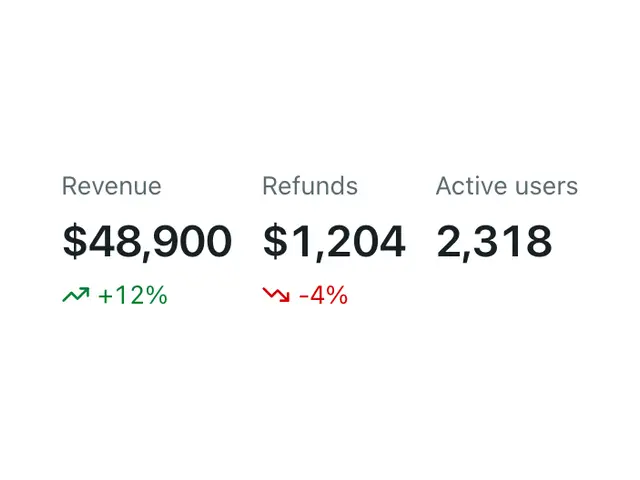
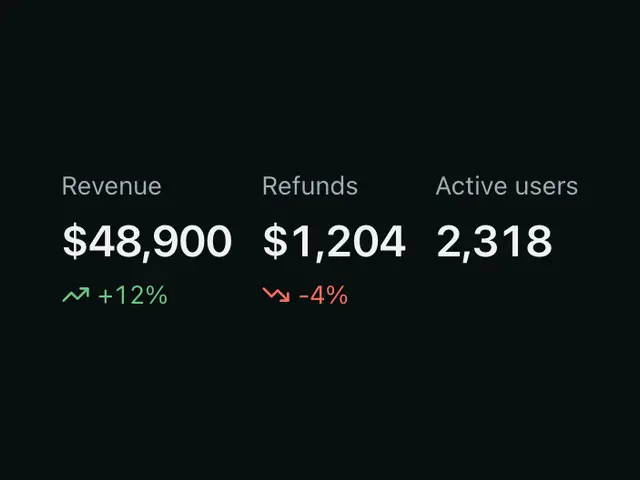
StatDisplays a labelled metric with an optional trend indicator. For dashboards and summary rows.
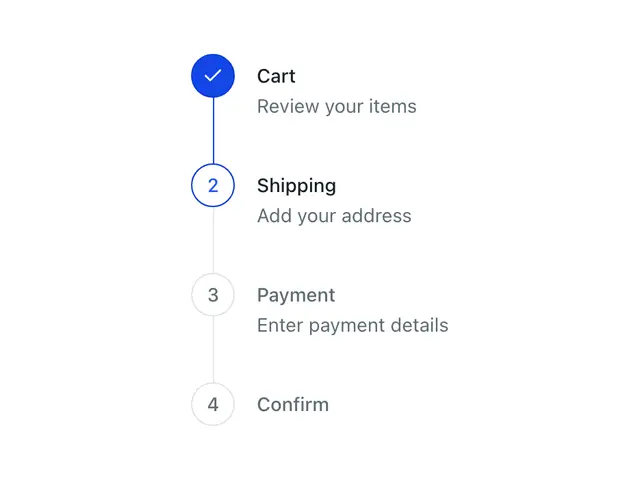
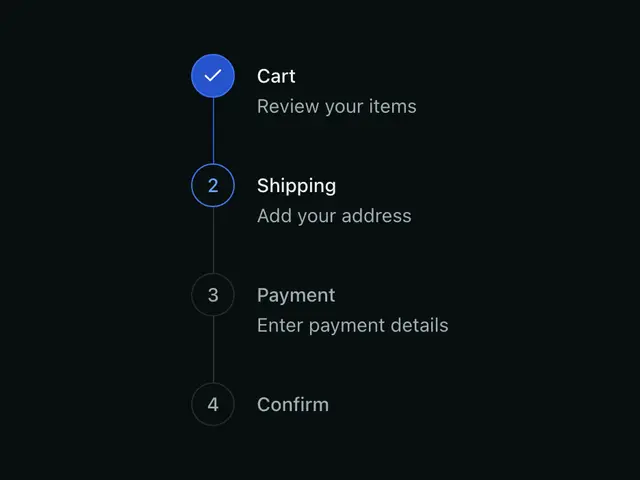
StepsA vertical progress list for onboarding, checkout, and wizard flows.
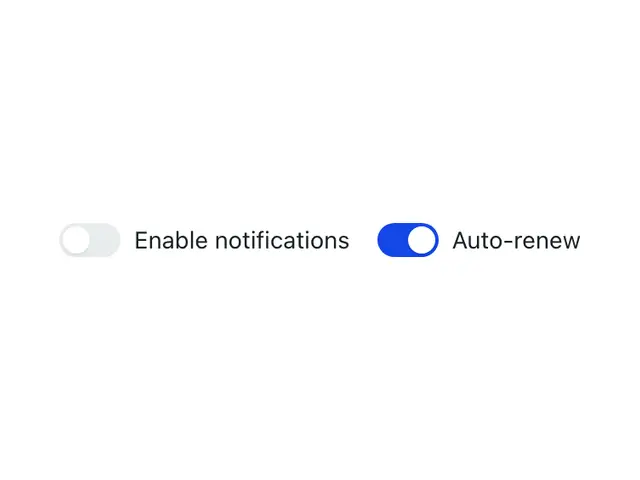
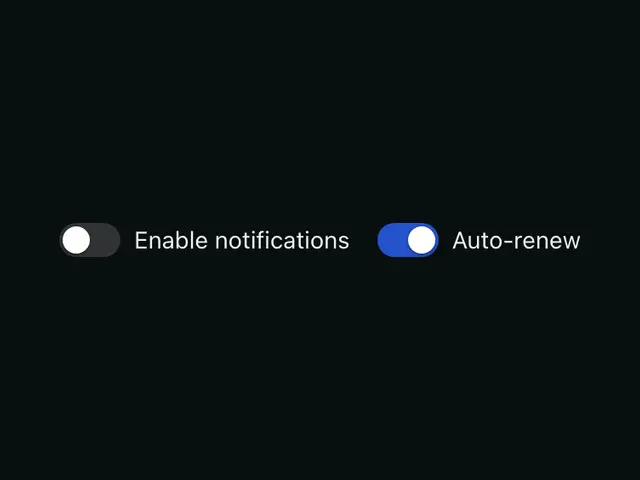
SwitchA toggle for an immediately-applied binary setting. A real checkbox under the hood, zero JS.
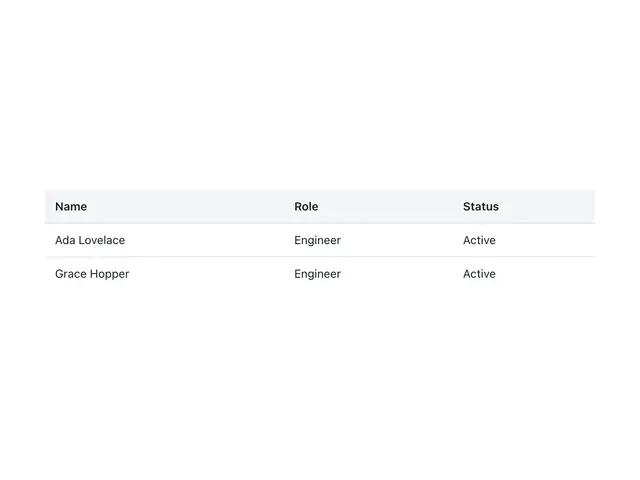
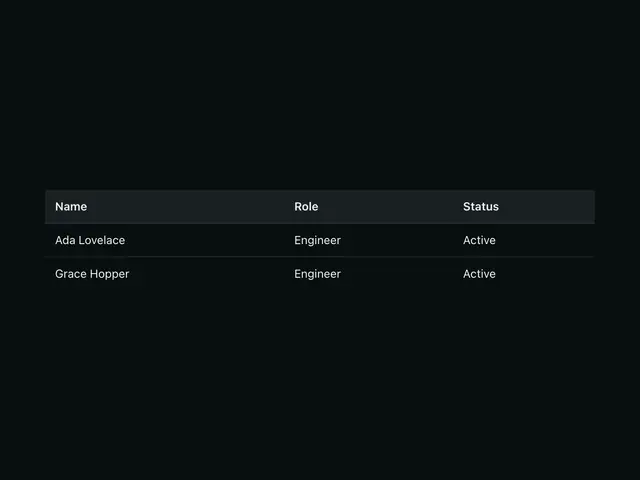
TableA styled, horizontally-scrollable table. Write plain thead/tbody markup — Table only styles it.
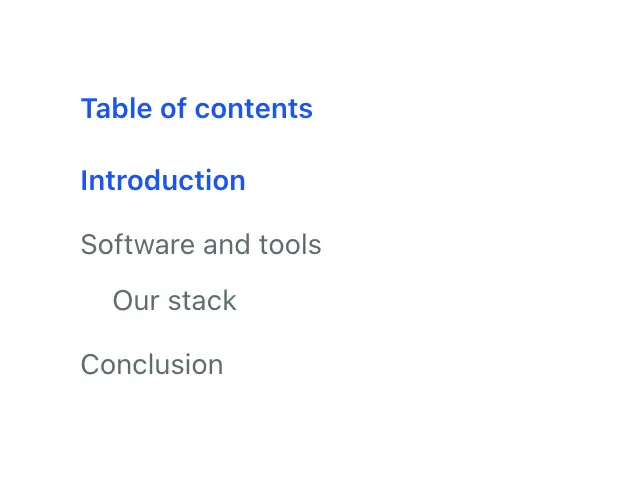
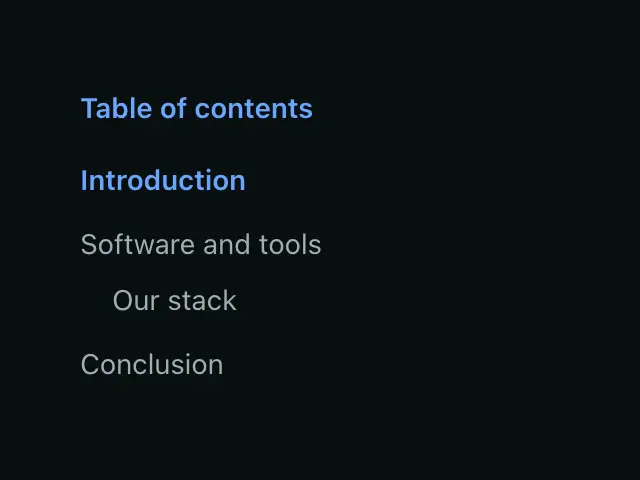
TableOfContentsThe sections of a long page as in-page links in a named nav; one level of nesting and a current marker.
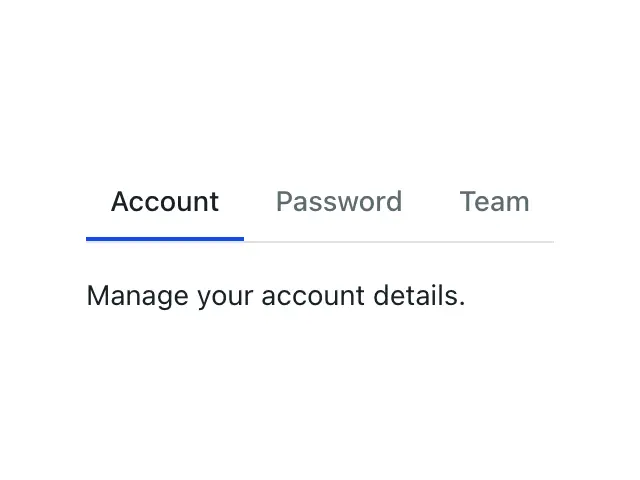
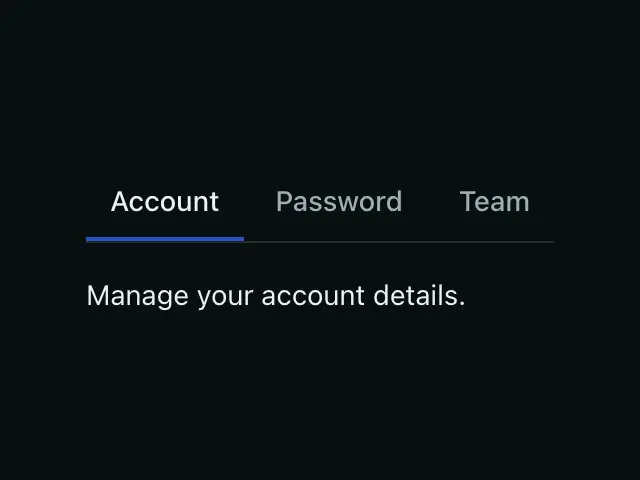
TabsSwitch between panels of related content in the same space.
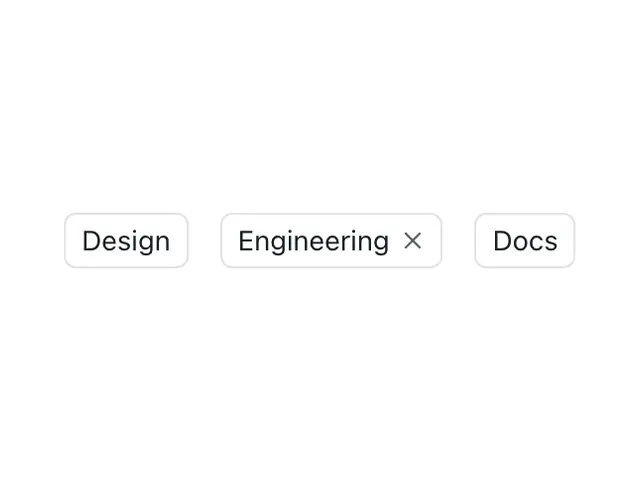
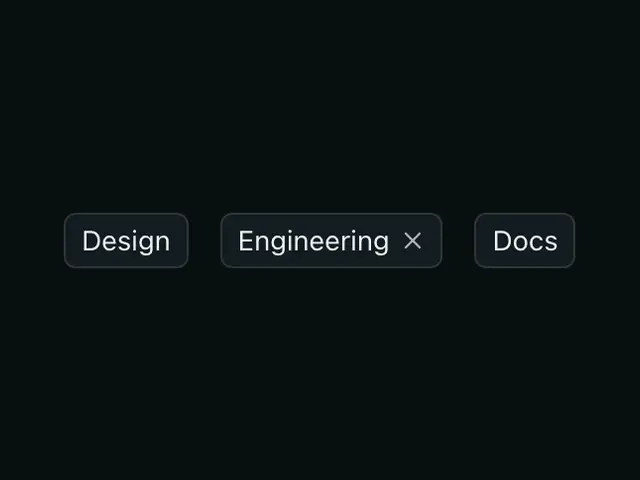
TagA chip for labels and categories. Optionally a link, optionally removable.
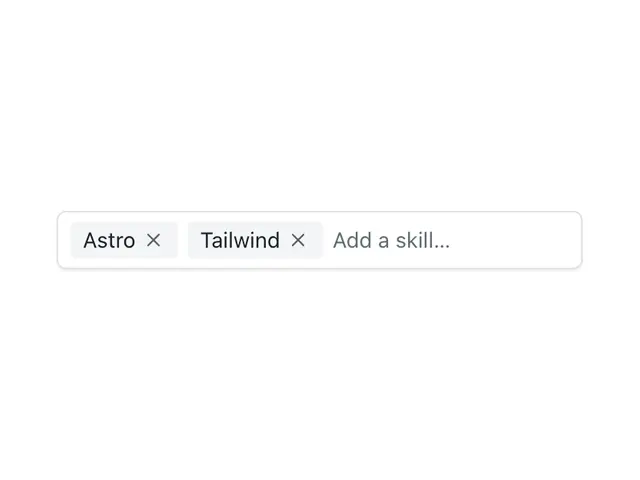
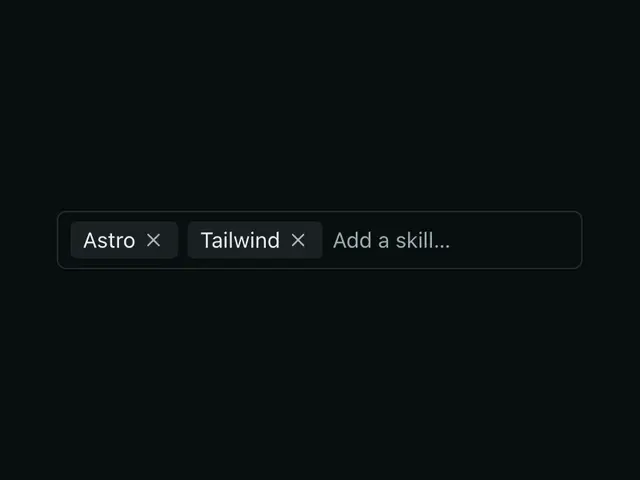
TagInputType and press Enter to add removable tags. Submits as repeated hidden inputs.
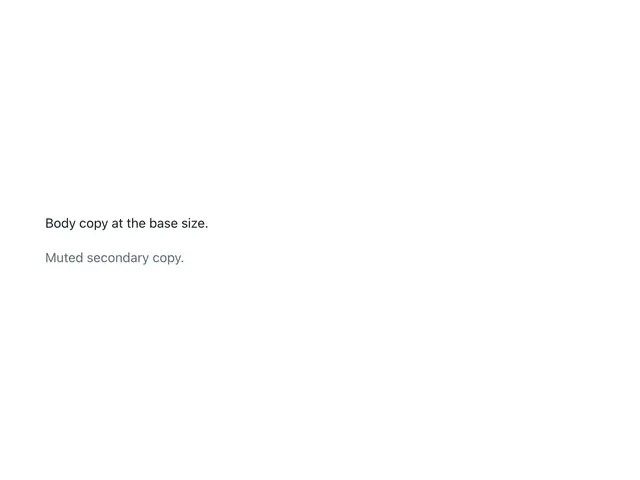
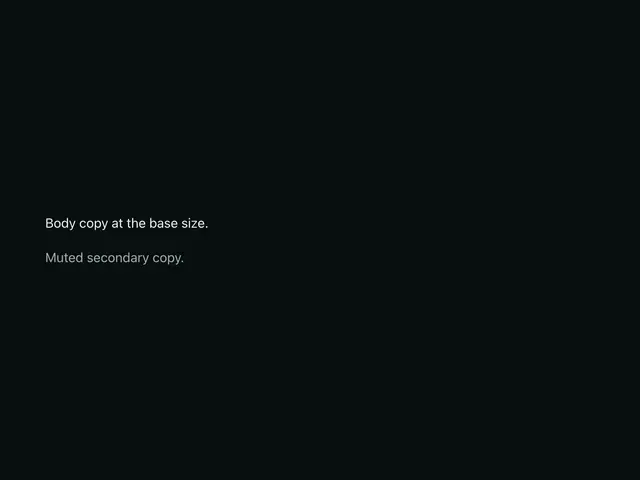
TextBody copy with a size scale and semantic colours. Renders p, span, or div.
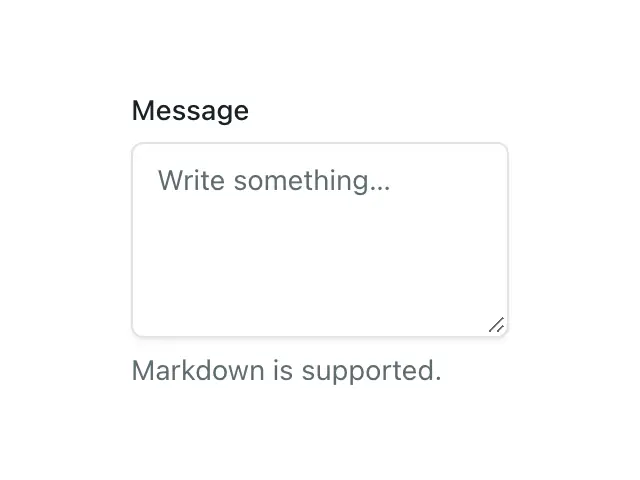
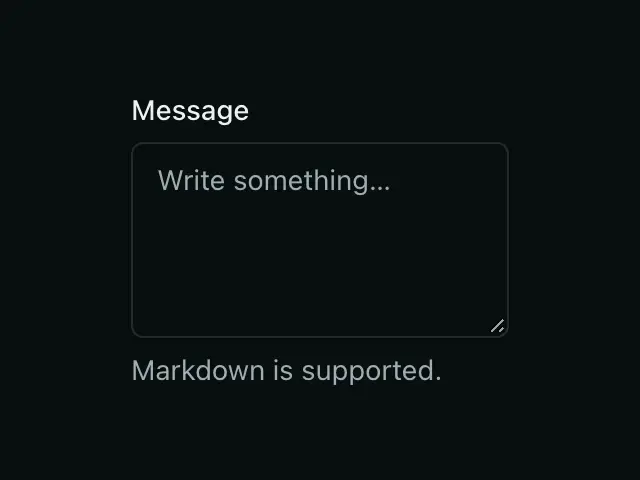
TextareaA labeled multiline input, wired the same way as Input — label, hint, and error.
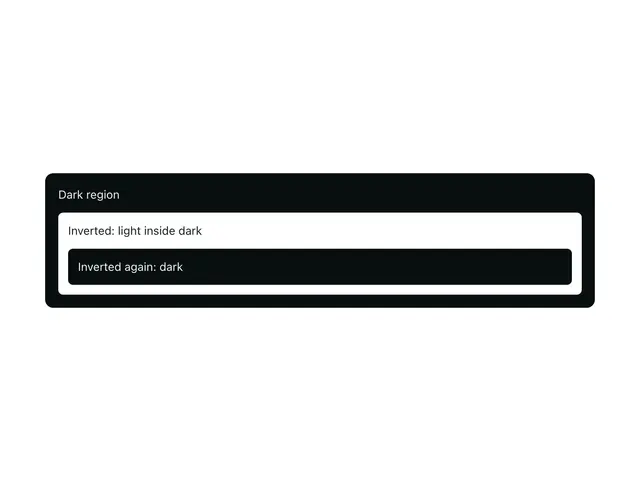
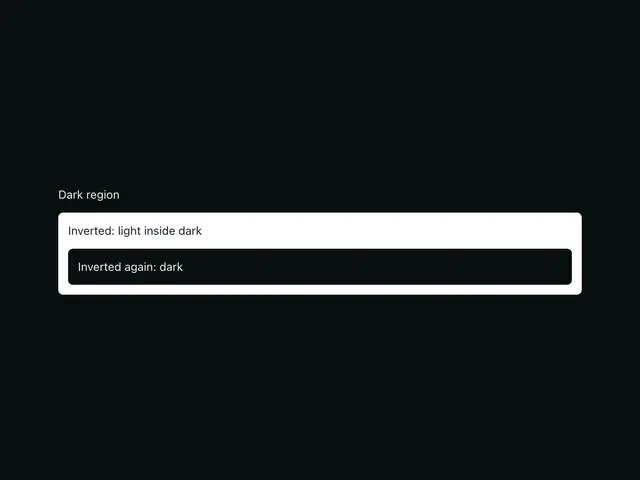
ThemeA subtree in light, dark, or the opposite of its surroundings, plus the helpers that switch the page mode.
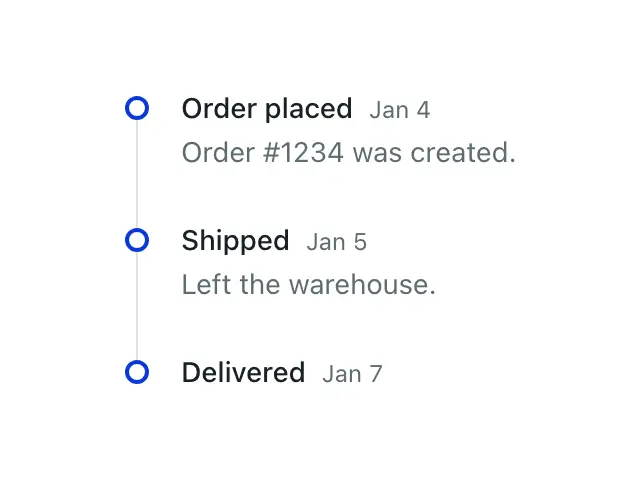
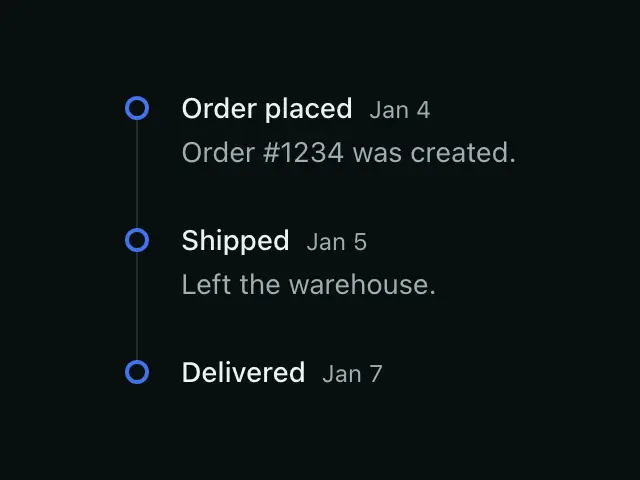
TimelineA vertical list of events with a connecting line — activity log, history, changelog.
ToastA transient notification, fired imperatively from anywhere on the page.
ToggleButtonA two-state button (aria-pressed) — icon and/or text, on or off.
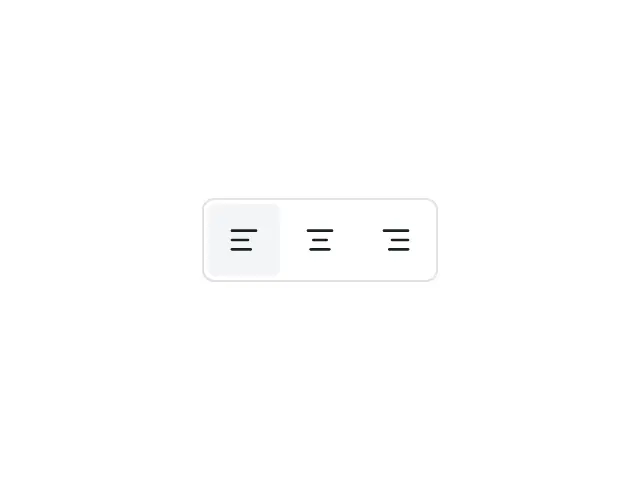
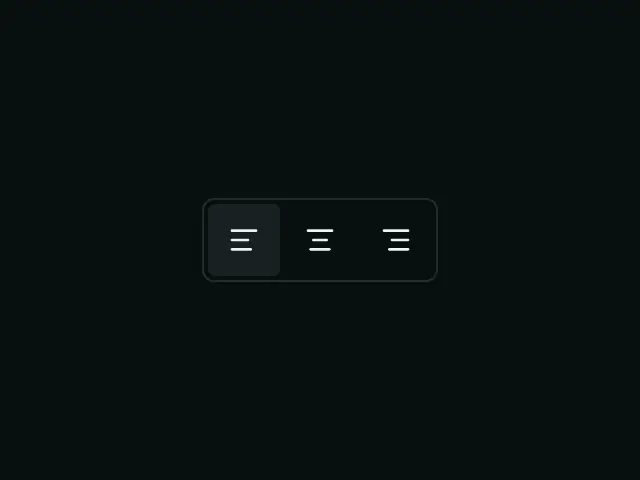
ToggleButtonGroupConnects ToggleButtons into a segmented bar — single-select or multi-select.

TooltipA short hint shown on hover and keyboard focus, anchored to its trigger in the top layer with hover intent.
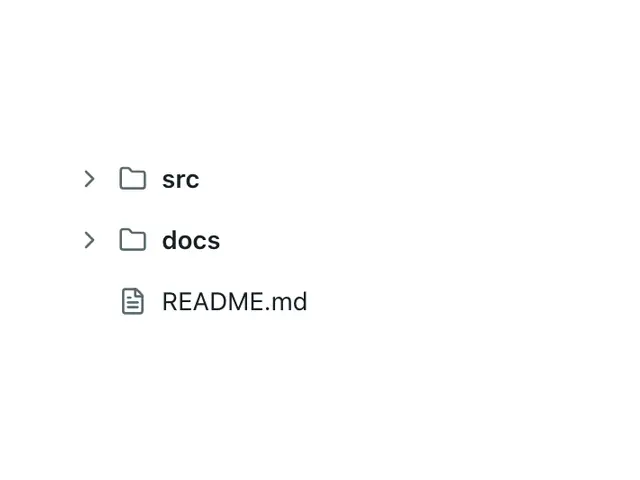
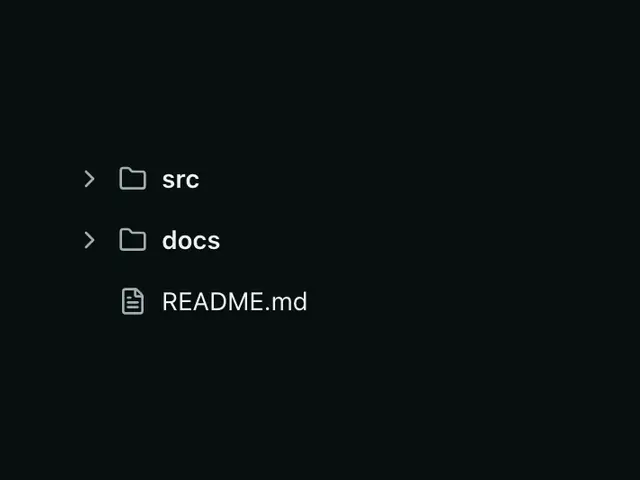
Tree viewA hierarchy of expandable rows with arrow-key navigation, typeahead and cascading checkboxes.
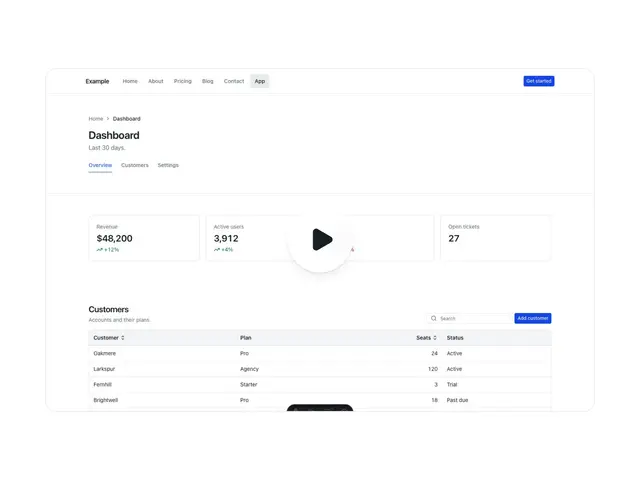
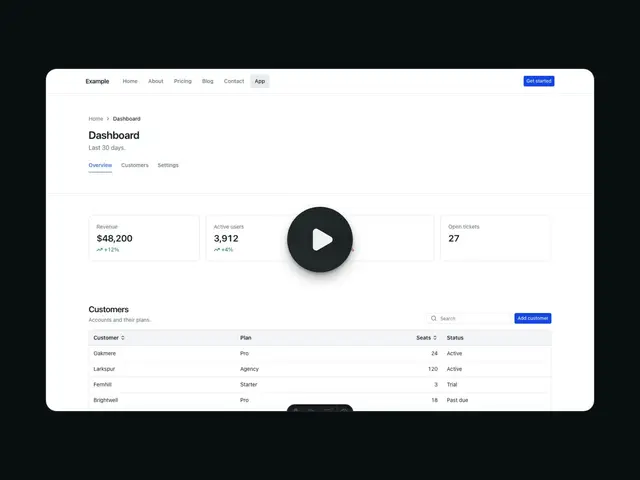
VideoPlayerA native video behind a poster and one large play button; the browser's own controls take over once it plays.
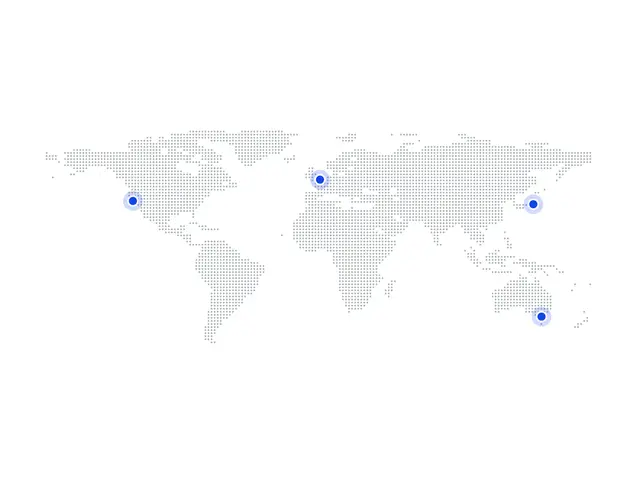

WorldMapA dotted world map with office pins; each pin names its place on hover or focus and links to it on a full map.