CTA sections
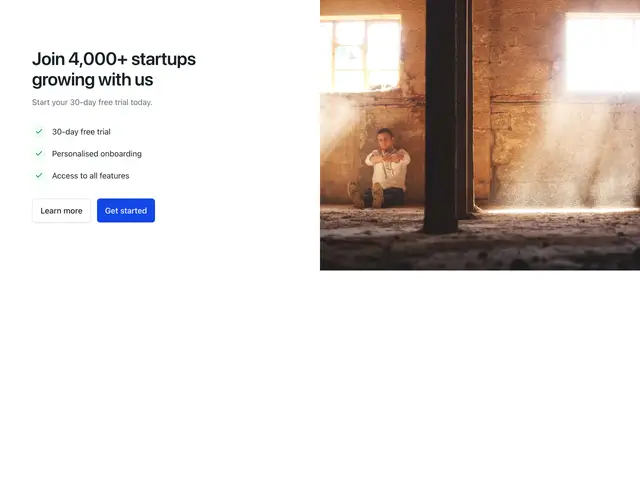
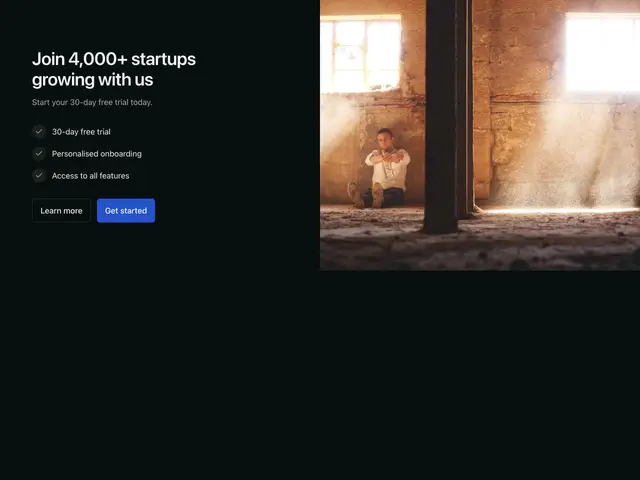
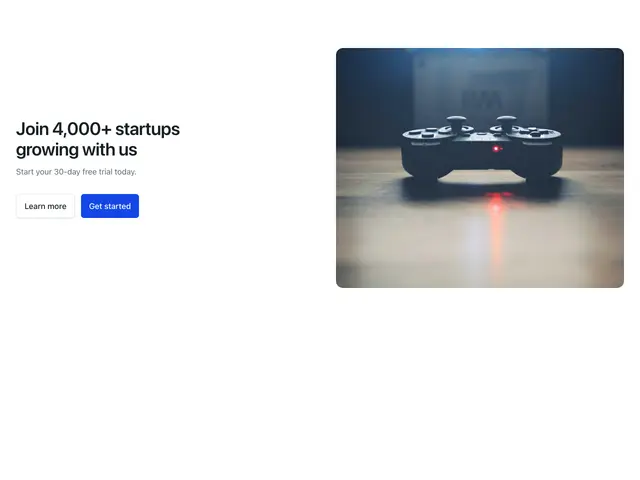
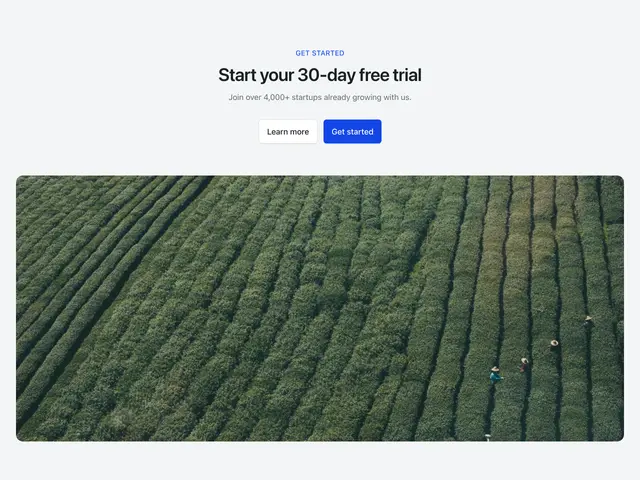
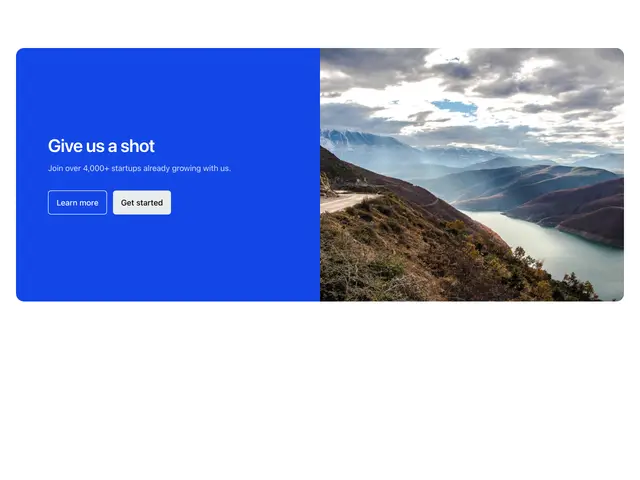
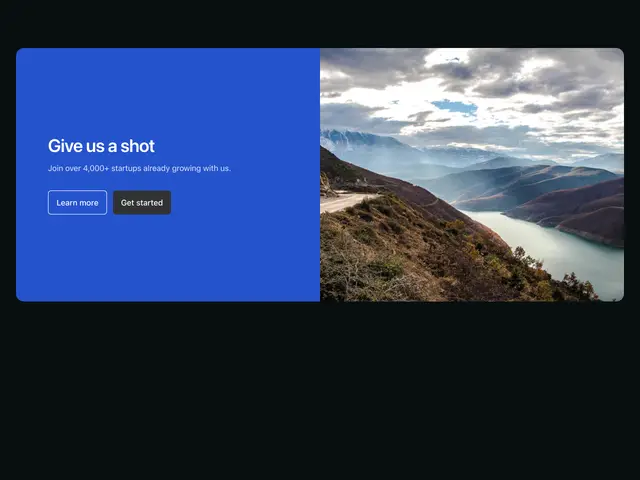
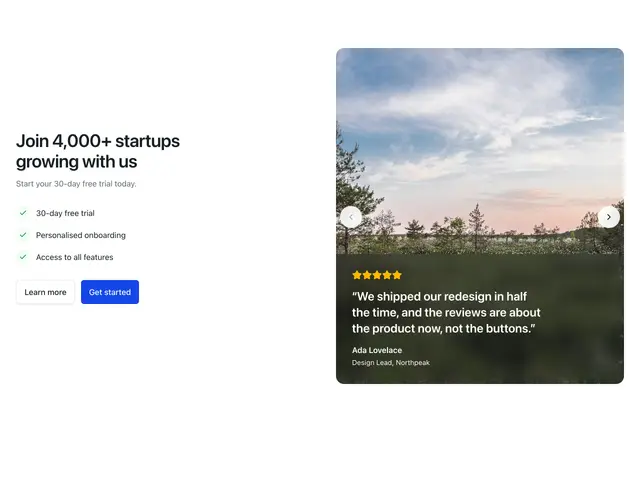
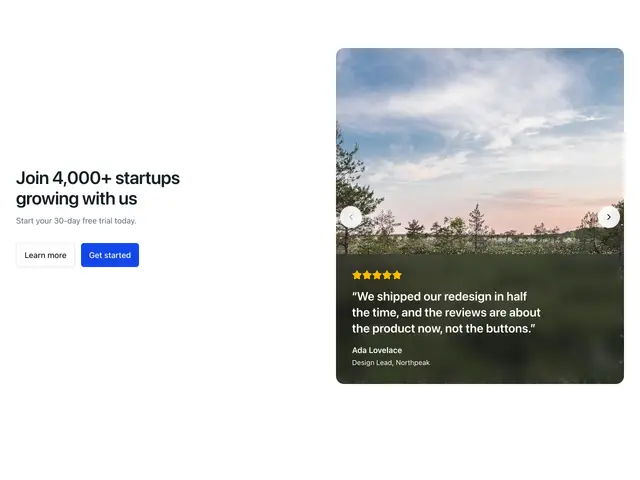
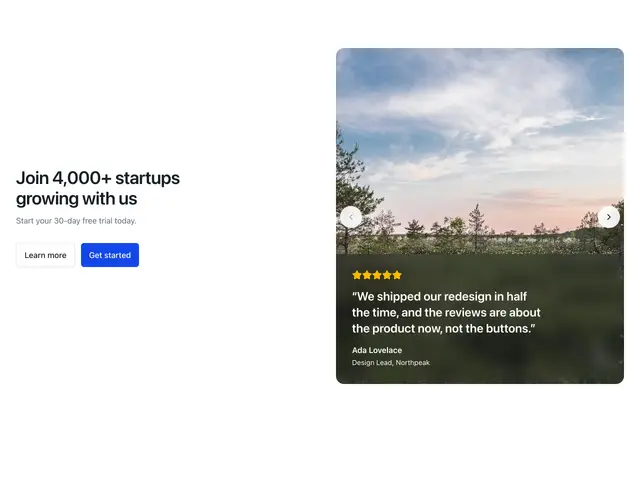
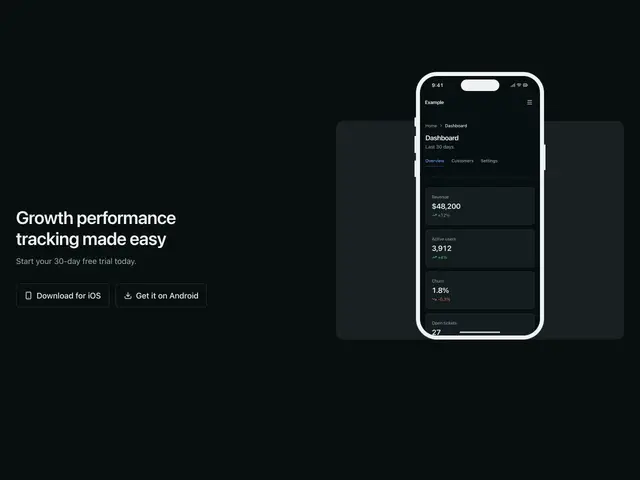
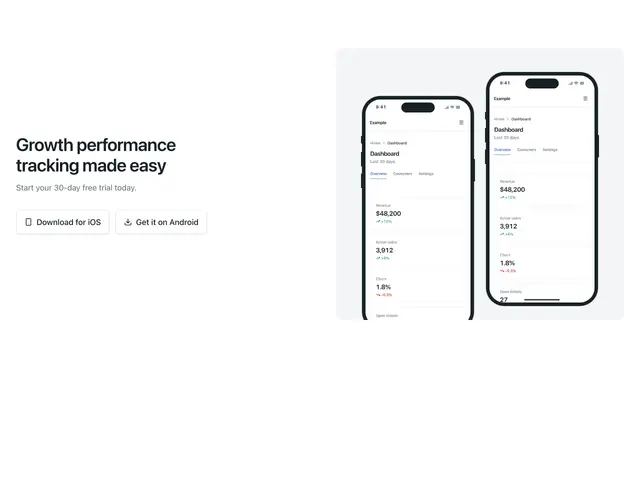
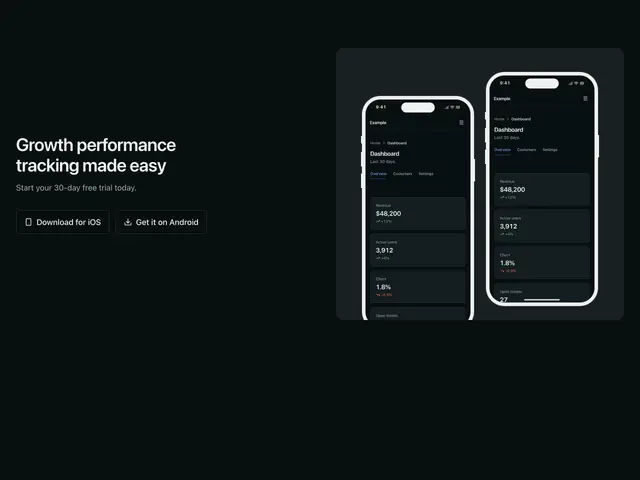
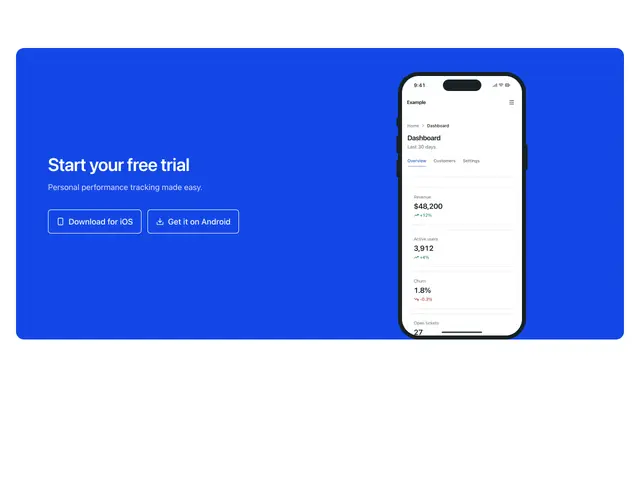
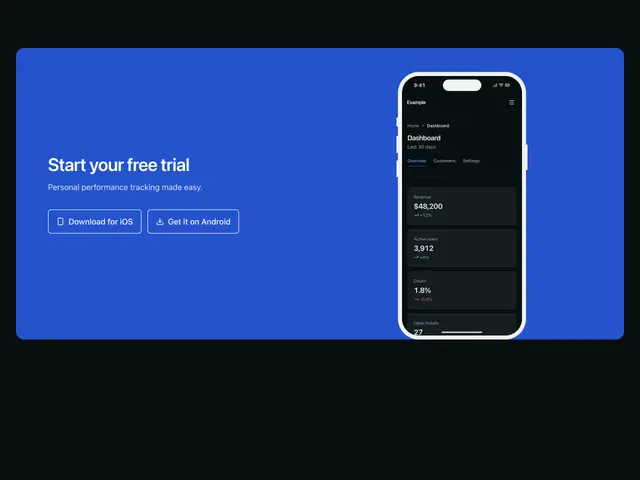
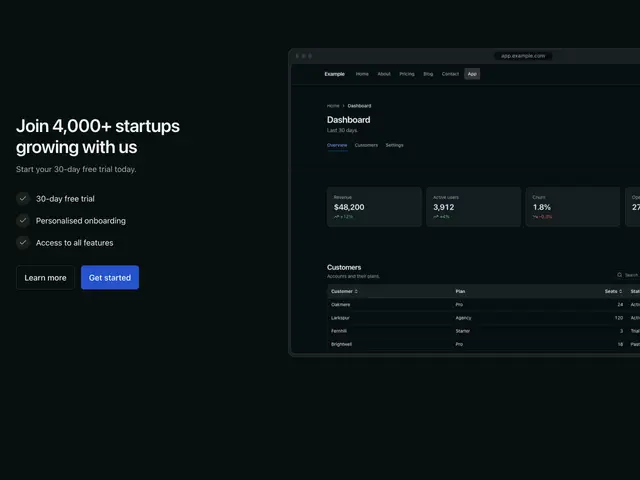
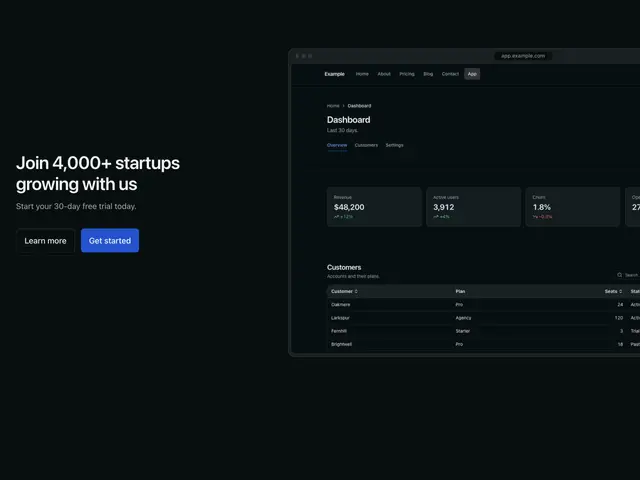
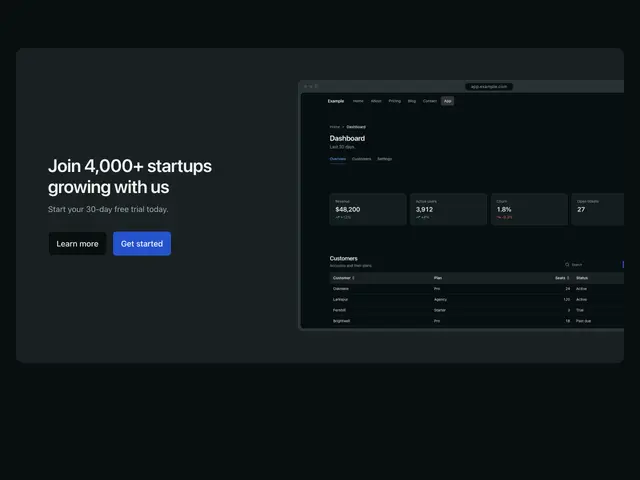
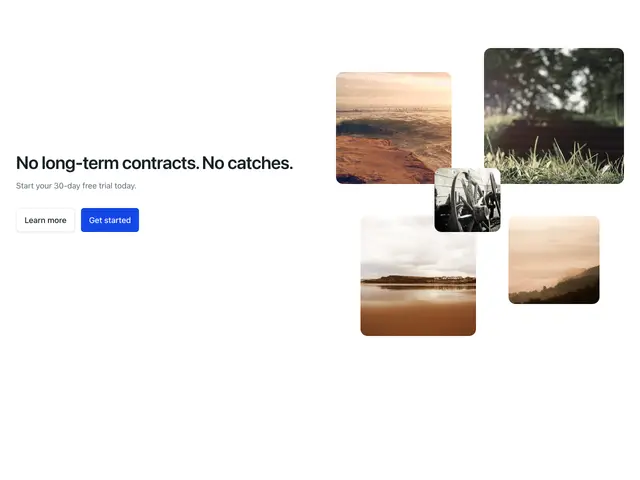
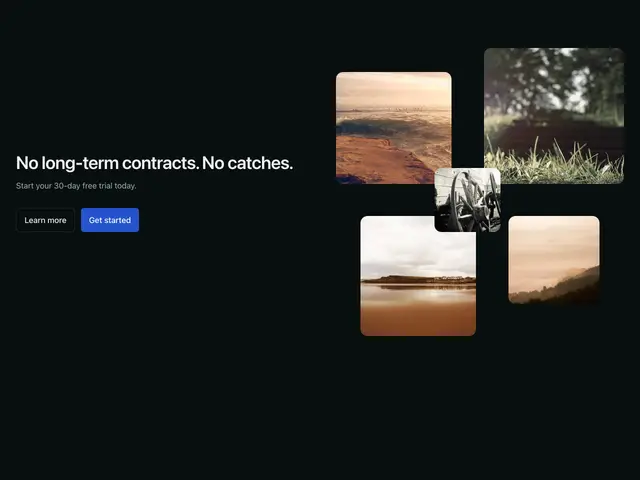
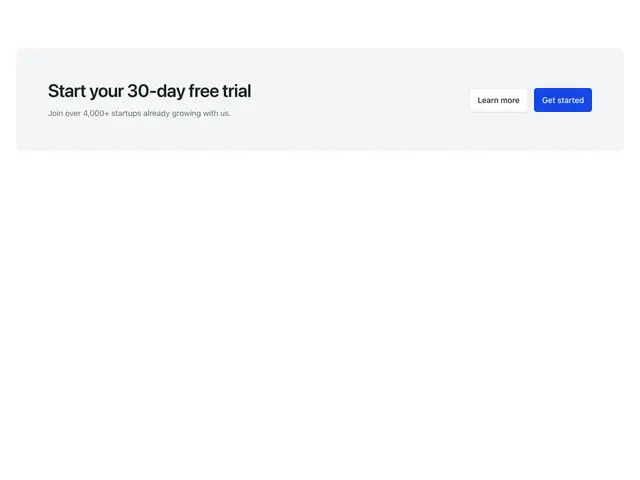
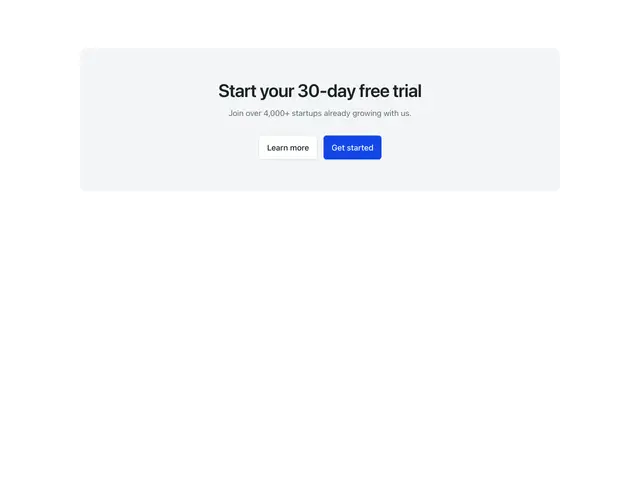
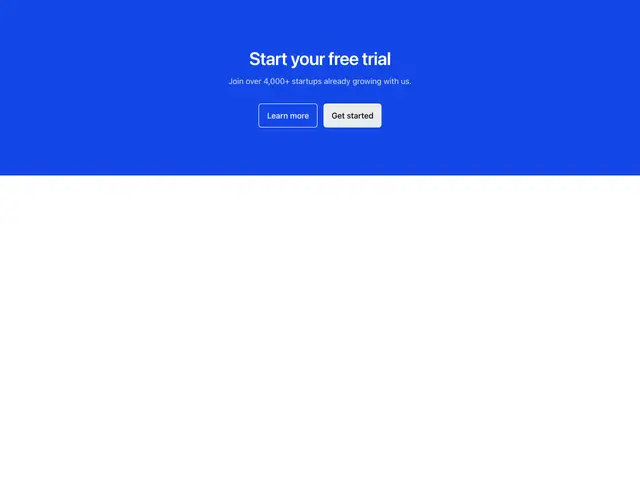
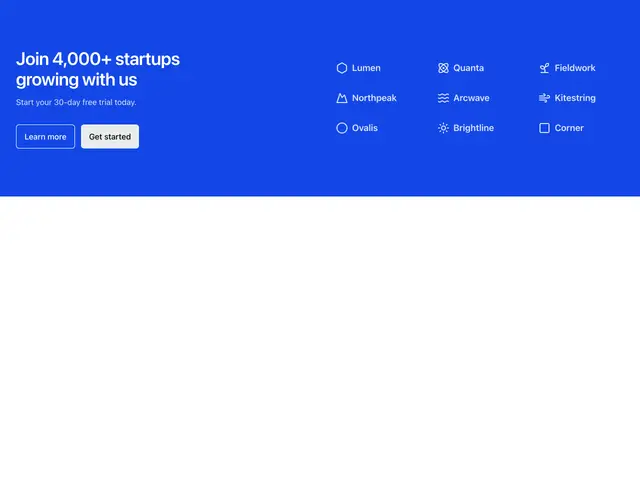
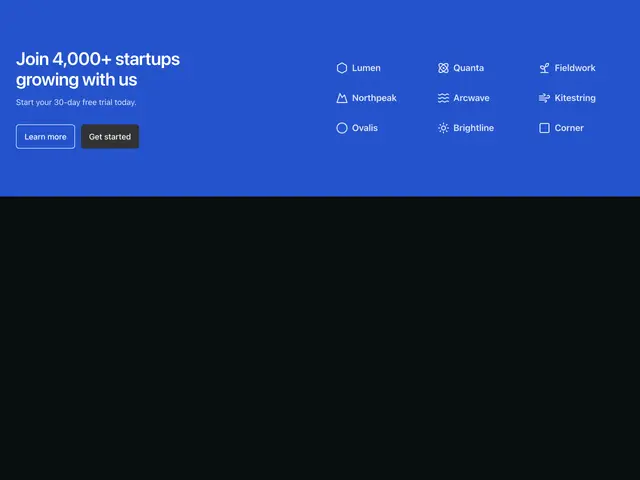
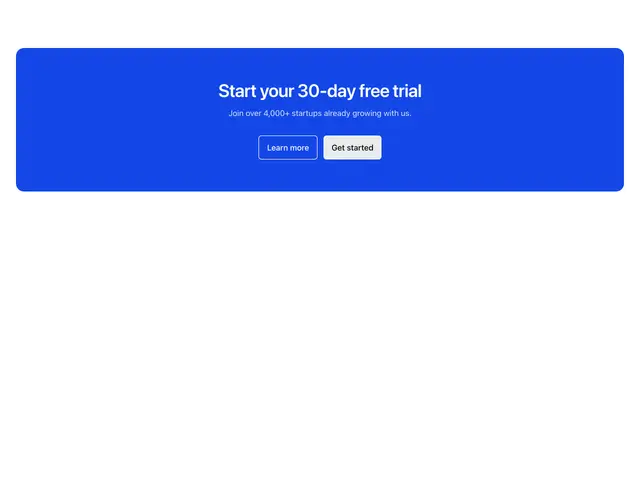
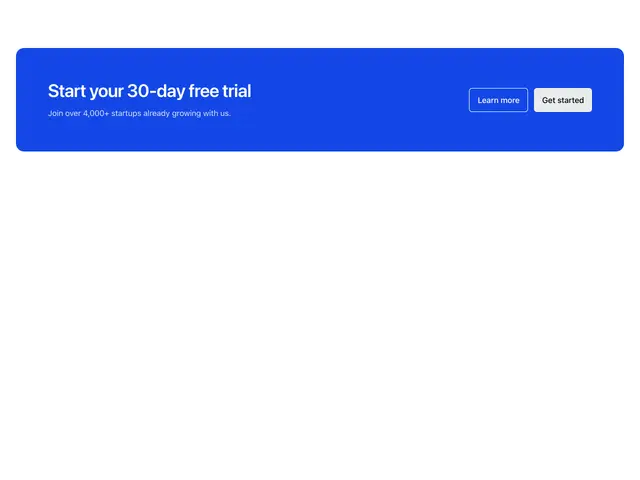
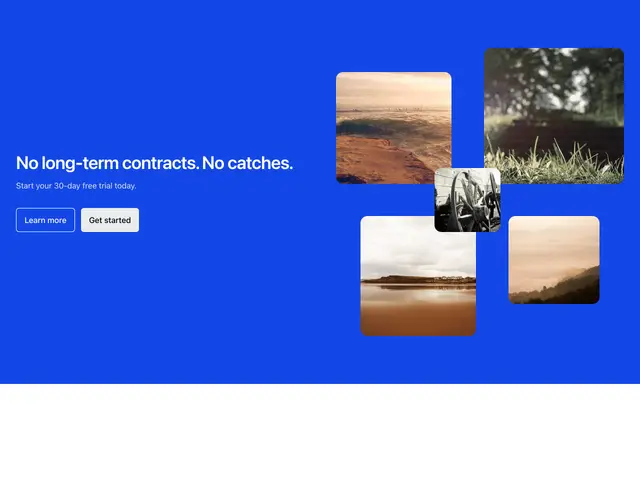
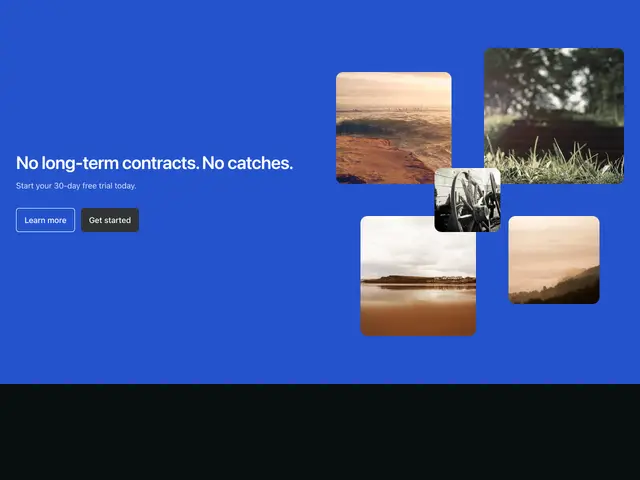
Calls to action; simple, with logos, photos, sliding testimonials, phone and browser mockups, image collages and cards, on the page or the brand colour.
Last updated
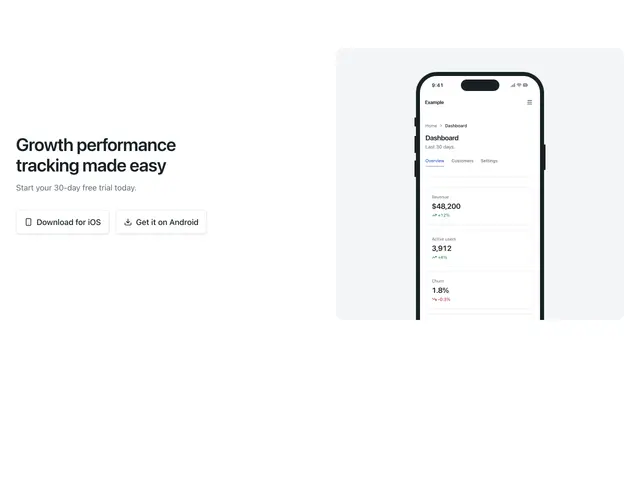
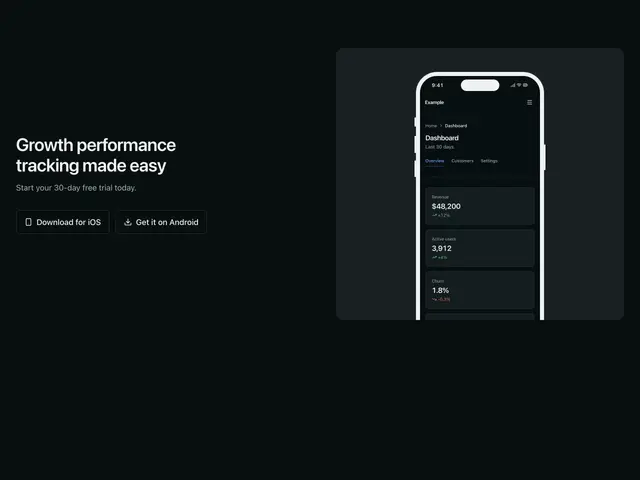
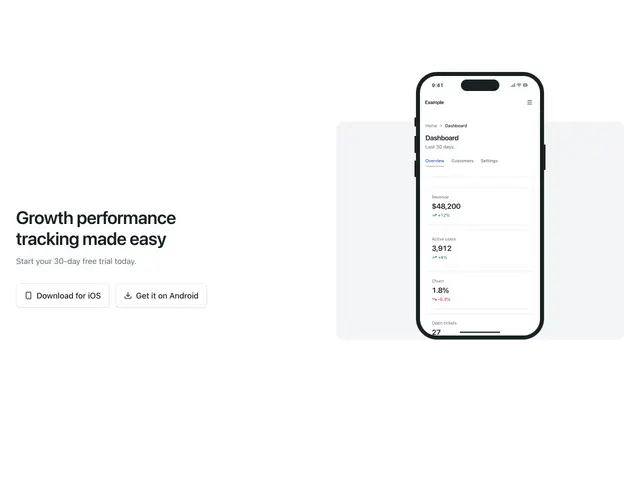
Each example is a block: a heading, a line and one or two actions, with logos, a photo, a sliding testimonial, the product in a DeviceFrame (a phone or a browser window), an image collage or a card around it.
npx @ava-ui/apogee add cta/simple-centeredThe phone and browser blocks show screenshots from /mockups/ (the
Apogee dashboard); put your own product’s screenshots there, a light and a
dark one.
Copy is props
Every block in this family takes the same content props (CTAContent in
sections/_shared/cta.ts), with its sample copy as the defaults. A block
ignores the props it has no place for, so you can swap one block for another and
keep the copy. The CTA section takes the same names for the props they share.
-
eyebrow: The small label above the heading. -
heading: The heading. -
description: The line under the heading. -
primaryAction: The solid button (the first of two equal buttons). -
secondaryAction: The outline button. -
media: The photo or screenshot beside or under the copy. -
Pass
nullto hide an optional part, such asdescription={null}. -
Some blocks add props of their own; the top of each block’s file lists them.